





























Fraud Blocker
pixPix Wedding
Australian wedding guest photo guide

QR code for wedding photos in Australia, no app needed

One code on the welcome sign and every table, one album for the whole guest list. Built for spring and autumn ceremonies outdoors, regional venues where signal comes and goes, and guests flying in from interstate.

20uploads free
A$60once, no subscription
15city guides
An outdoor wedding ceremony with white chairs facing a floral arch above vineyard rows (illustrative photo)

Australian wedding

Scan, then uploadNo app, no account
01The short answer

Guest photos at an Australian wedding, in one album

An outdoor wedding ceremony with white chairs facing a floral arch above vineyard rows (illustrative photo)

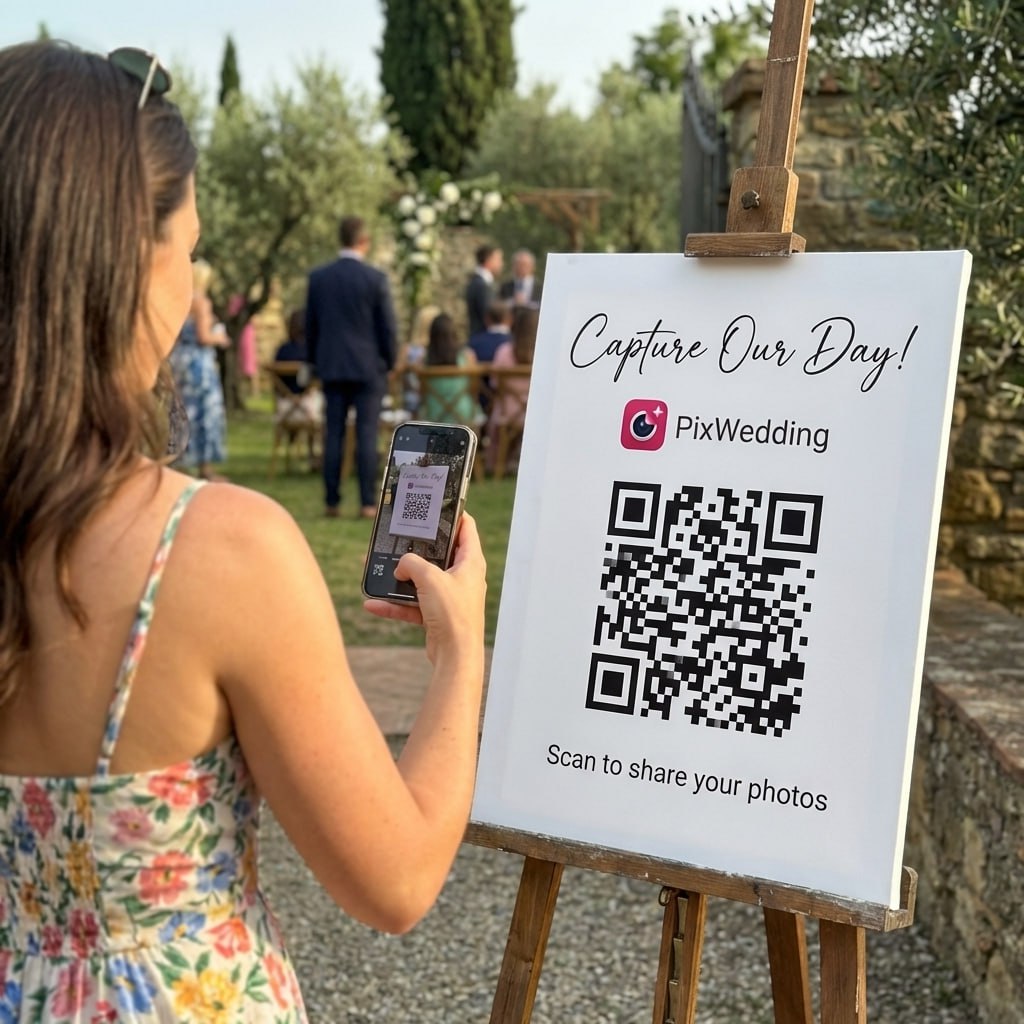
Put one QR code on your welcome sign and every table. Guests scan it with the phone camera and upload photos and videos in the browser, with no app or account. Uploads can wait until signal returns, which helps at regional venues. The first 20 uploads are free, then A$60 once covers unlimited guests.

Prices are in Australian dollars, one payment, nothing renews.

15%of couples marry in NovemberEasy Weddings 2025 report
35°Ctop of the iPhone's rated rangeApple Support
What guests need
  • A phone camera and a browser. No app, no account, no password.
  • Signal at some point, on the day or the week after.
  • Ten seconds at the table card, then they are back to the party.
HOW PIX WORKS

Scan. Upload.
Every photo from your Australian wedding.

A QR code on each table. Guests scan it, upload photos and videos in the browser, and everything lands in one shared album. No app, no account, even for Nan.

Emma & JamesScan to share your photos
9:41

SHARED GALLERY

Emma & James

Example album

AllCeremonyMine
First dance
Toast
Cake smash
Table selfie
Bouquet toss
Grandmas dancing
Confetti exit
Getting ready
Sparkler exit
Upload your photosNo app needed
02How it works

Four steps, and none ask a guest to download anything

Photos stay in the camera roll until a guest is ready, so a winery with one bar of signal or a marquee that eats reception is not a problem on the night.

  1. 1When you lodge the NOIM

    Make one album

    Sign up free and the album comes with its own QR code. Put it on the invitation, the wedding website, the welcome sign and the tables.

  2. 2On the day

    Guests shoot like normal

    Nobody stops to upload mid-ceremony. Phones keep taking photos in the camera app, signal or no signal.

  3. 3Whenever they have signal

    Upload from the browser

    A scan opens the album in the phone browser. Guests pick shots from their camera roll at the reception, at the hotel or on the drive home.

  4. 4After the wedding

    Download the lot

    Everything lands in one private album. Paid plans keep original quality and include a ZIP download of the whole thing.

Example: uploading in the browser

Coverage is counted in people, not land

Telstra99.7%
Optus98.5%
Vodafone98.4%

Share of Australians each carrier says it reaches. That is where people live, so a rural property or a valley winery can still sit in a weak spot, and a marquee or stone cellar can knock out the last bar.

Before the day, test it

  • Scan your own code at the ceremony spot and in the reception room at the walkthrough.
  • If the venue has guest wifi, print the network name next to the QR code.
  • Add "upload any time this week" under the code at regional venues.
  • On Starter, uploads stay open for 3 months after the date. Standard gives 6 months, Pro a year.

Coverage figures as quoted by WhistleOut. Check your carrier's map for your exact venue.

03Wedding season

Spring and autumn, mostly outdoors

Australian couples mostly skip the depths of winter and the hottest stretch of summer. Venues book out early in the peak months, and good outdoor light is when guests take the most photos.

Share of couples by wedding month
November15%
March13%
October12%
June4%
July3%

November leads, then March and October. June and July are the quietest months, which is also when venues have the most dates free.

Phones in the heat

Apple rates the iPhone for 0 to 35°C, and a phone that gets too warm can switch features off for a while. A January ceremony in a paddock can push past that.

  • Put the QR sign in shade, by the water or the drinks station.
  • Print on matte stock. Gloss bounces hard sunlight and scans slowly.
  • Push the upload reminder into the evening, when phones have cooled down.
  • Keep a second code inside if the reception moves indoors.

Sources: Easy Weddings, 2025 Industry Report, share of couples by wedding month; Apple Support, iPhone operating temperature.

04Ways to collect photos

QR album, shared album, group chat or disposables?

Most Australian couples weigh the same few options. Here is what each asks of your guests and where it falls short.

Our pickPix Wedding QR album

Guests scan one QR code and upload original-quality photos and videos from the browser, with no app and no account. One album, one ZIP, one payment in Australian dollars from A$60.

MethodWhat guests needAll in one place?The catchCost
Pix Wedding QR albumOur pick
The camera app and a browser tab. No download, no account.Yes, one album with a ZIP downloadGuests need signal or wifi when they upload, which can wait until after the wedding.Free for 20 uploads, then A$60 to A$115 once
Google Photos shared albumA Google account to join the album and add photos. Anyone with the link can view.Yes, for guests who joinGuests who will not sign in to Google have no way to add their shots.Free, within Google storage
iCloud Shared AlbumsAn Apple Account on an Apple device. Apple says guests can join and add photos on the web without one on its newest software.Yes, for guests who joinOn Apple software version 26 or earlier, shared photos drop to 2048 pixels on the long edge and videos to 720p.Free, within iCloud storage
Group chatThe same chat app, and someone adding every guest to the chat.No, photos sit between messagesSomeone has to scroll back and save the photos one by one.Free
Disposable camerasNothing, a camera sits on each table.Only after the film is developedA fixed number of shots per camera, no video, and a wait for developing.Cameras plus developing

Google Photos and iCloud rows checked September 2026 on Google Photos Help and Apple Support (Shared Albums, Shared Albums limits). Pix Wedding figures come from our own plan pages.

Comparing apps instead of methods? The best wedding photo sharing app for Australia guide lines them up on price, free tiers and regional coverage.

05City guides

Pick your city for local weather and clocks

Each guide has the Bureau of Meteorology averages for the wedding months, what the clock says for interstate guests and where the cards go at local venue types.

06Interstate guests

Three time zones, one album link

Queensland, Western Australia and the Northern Territory skip daylight saving, so the gap to Sydney changes with the season. Here is 4pm at a Sydney wedding, back home.

4pm in Sydney isin Novin Jun
Melbourne4:00pmsame time4:00pmsame time
Brisbane3:00pm1 hour behind4:00pmsame time
Canberra4:00pmsame time4:00pmsame time
Hobart4:00pmsame time4:00pmsame time
Adelaide3:30pm30 min behind3:30pm30 min behind
Darwin2:30pm1.5 hours behind3:30pm30 min behind
Perth1:00pm3 hours behind2:00pm2 hours behind
From the NOIM to the day after
  1. 11 to 18 months before

    Lodge the NOIM, set up the album

    The Notice of Intended Marriage goes to your authorised celebrant at least 1 month and no more than 18 months before the wedding. Setting up the free album at the same time gives you the code for the invitations.

  2. 2When invitations go out

    Print the code on the invite

    Put the code on the invitation or link it from the wedding website. Interstate and overseas guests read these closely while they book flights.

  3. 3At the final walkthrough

    Test the signal at the venue

    Scan your own test code at the ceremony spot and inside the reception room. If a bar or two drops out, plan for guests to upload later.

  4. 4The week of the wedding

    Print the cards, brief the MC

    Table cards and a bigger sign on matte stock, which scans better than gloss in full sun. One line for the MC to read after the speeches.

  5. 5The day after

    Text the link to everyone

    Guests who drove back to the city or flew home to Perth or Brisbane add their camera roll from the couch.

NOIM timing: Attorney-General's Department, getting married. Daylight saving runs from the first Sunday in October to the first Sunday in April in NSW, Victoria, the ACT, Tasmania and South Australia.

07Making the code yourself

The free route, and where it trips guests up

You can point a QR code at a shared folder for nothing. Plenty of couples try it first, so here is how it works and what to test before you print.

This walkthrough builds a QR code that points at a shared photo folder. It works. The catch shows up at the reception: a generic link opens a folder or an app sign-in, and that is where guests give up.

Static or dynamic? A free static code points at one link forever, so if the folder link changes, every printed card goes dead. A dynamic code can be pointed somewhere new later, but many generators make that a paid feature, so check the plan before you print.

Test any code on an iPhone and an Android before you print. Our free QR card designer makes print-ready table cards, and the QR code guide covers sizes and wording.

Video: "QR Code for Wedding Pictures: Share & View Guest Photos", QR Code Generator on YouTube.

Guest photos and the Privacy Act

The Australian Privacy Principles generally cover government agencies and organisations with turnover over A$3 million, and section 16 leaves out an individual's personal, family or household affairs. A couple's own album is personal, but good manners still apply: keep the album private, ask before posting guests' photos publicly, and take photos down when someone asks. OAIC, the Privacy Act. General information, not legal advice.

Every guest photo from your Australian wedding, in one album

Print the code on your table cards and welcome sign. Guests scan it and upload from the browser, and every photo and video lands in one place. The first 20 uploads are free, then A$60 once.

From Nan

From Nan

Point your camera

Scan to join the album

No app, no account

9:41

UPLOADING

Saving your moment

9:41

THE ALBUM

Emma & James

June 21, 2026

647 photos · 95 guests

AllMomentsMine
Guest photo 1
★
Guest photo 2
Guest photo 4
Guest photo 5
Guest photo 6
Guest photo 7
Guest photo 8
Guest photo 9
Guest photo 10
Add photosShare your moments

SCAN TO TRY

pix.wedding/
your-wedding

PRICING IN AUD

Pay once, keep every guest photo

The first 20 uploads are free, then one payment in Australian dollars, no subscription. A$74 adds the live slideshow and the audio guestbook.

Starter
A$100A$60one-time

For collecting every original

Unlimited photos, videos & guests

Original quality (no compression)
No app for guests, QR + browser upload
Film roll mode with shot limit & revealNEW
QR code template designs

3 months upload from event date
6 months storage + ZIP download
Multiple admins
Priority support
Pay with Apple Pay, Google Pay or card.Money back if your guests never upload.

Chosen by most couples
Standard
A$122A$74one-time

Most couples pick this

Everything in Starter
Live slideshow at the reception
Audio guestbook & guest names
Photo missions, photo bingo + leaderboardNEW
Up to 6 sub-albums (ceremony, reception)
Private upload link for your photographerNEW
Custom script and serif fonts
6 months upload, 1 year storage
Pay with Apple Pay, Google Pay or card.Money back if your guests never upload.

One-time payment, no subscription

Pro
A$183A$115one-time

For big guest lists

Everything in Standard
AI selfie search for guestsNEW
Custom domain for your album
1 year upload, 2 years storage
Approve guest photos before they show
No Pix Wedding branding on guest pages
PIN lock for the album
Up to 20 sub-albums
Pay with Apple Pay, Google Pay or card.Money back if your guests never upload.

One payment. Yours to keep. No subscription. No renewals. No surprise charges.

Secure checkout. Polar, Apple Pay, Google Pay.

Money-back guarantee: if your guests never upload a single photo, you get 100% back. See how it works

The night, by the guests

From the first look to the last dance

Wedding guests at a long harbourside table with string lights and sailboats on the water (illustrative photo)
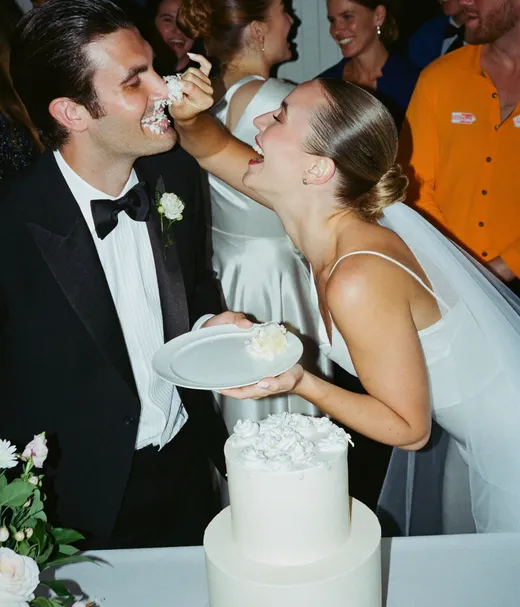
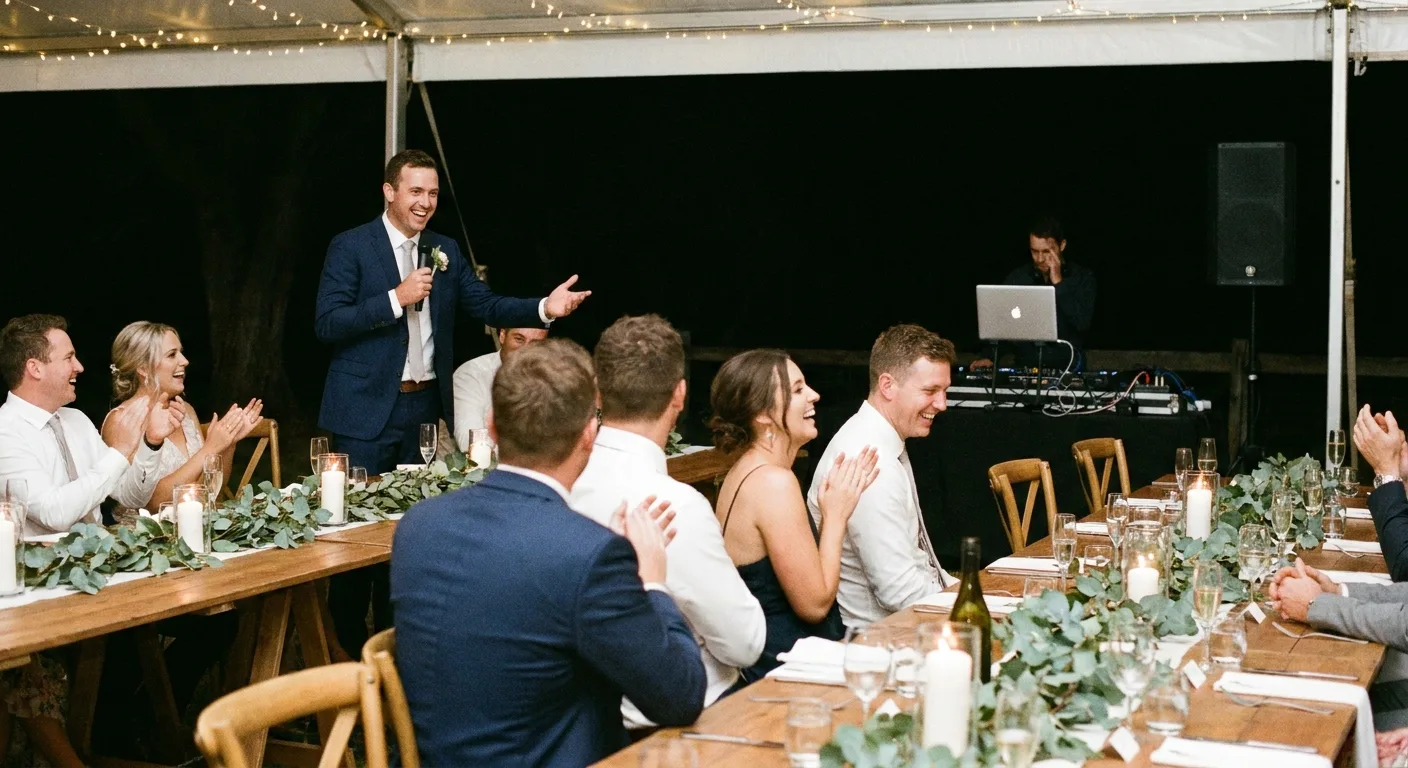
Guest photo from a wedding reception, shared to a Pix Wedding album
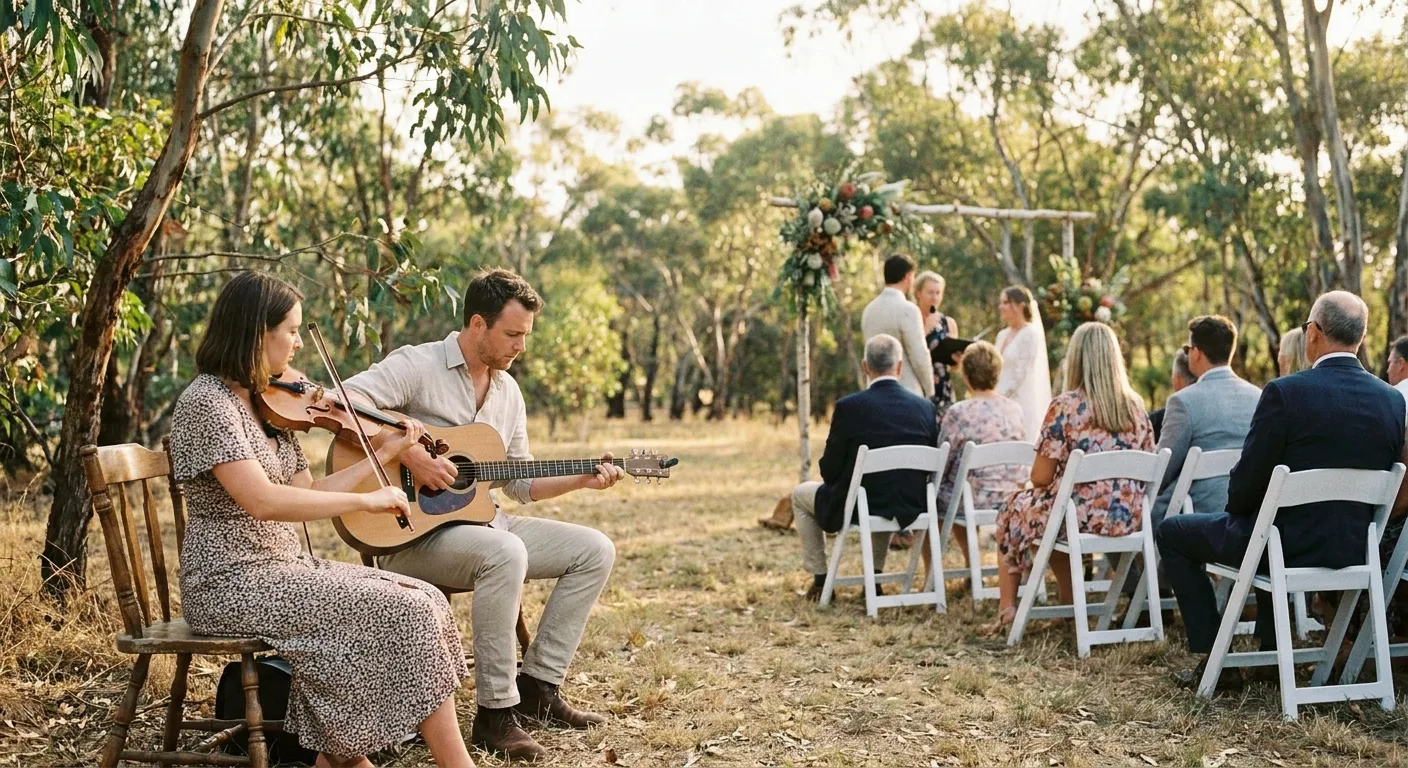
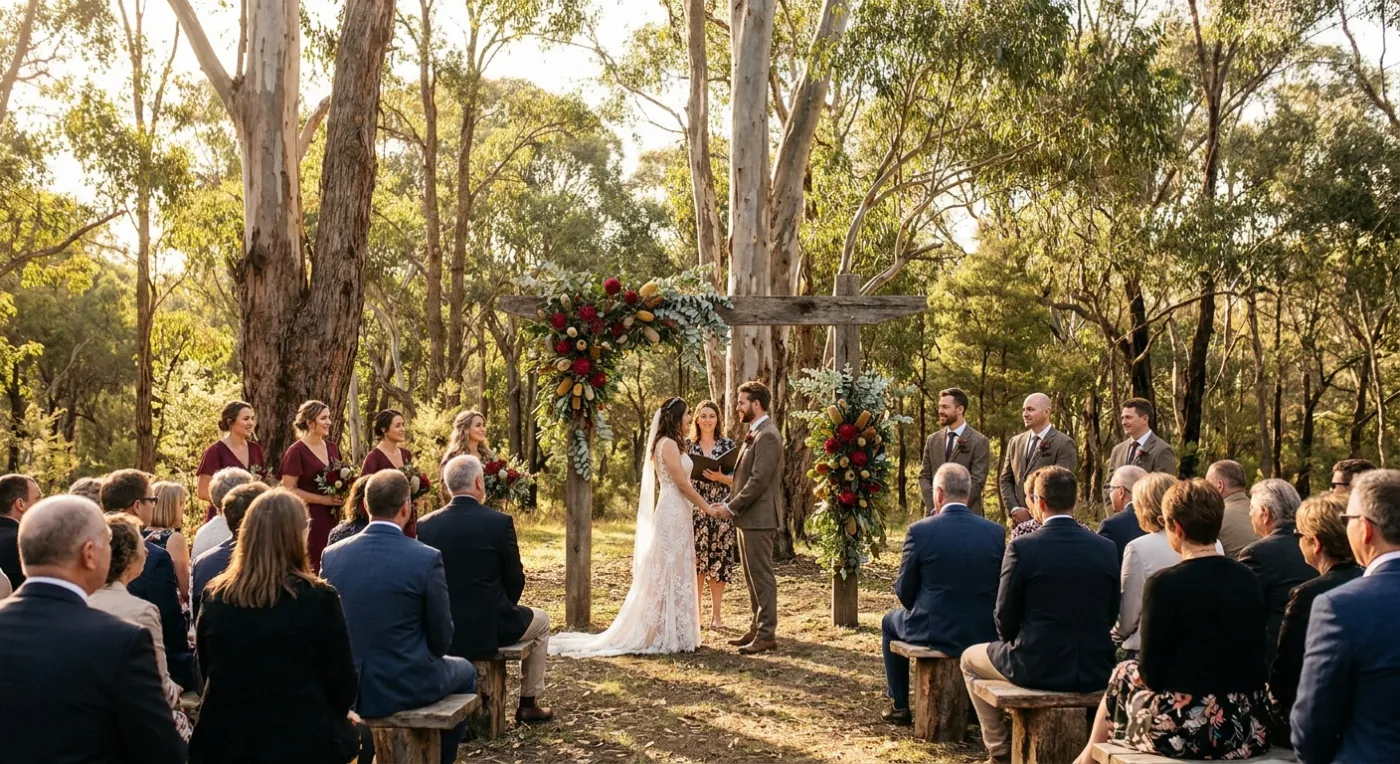
An outdoor wedding ceremony with white chairs facing a floral arch above vineyard rows (illustrative photo)
Guest photo from a wedding reception, shared to a Pix Wedding album
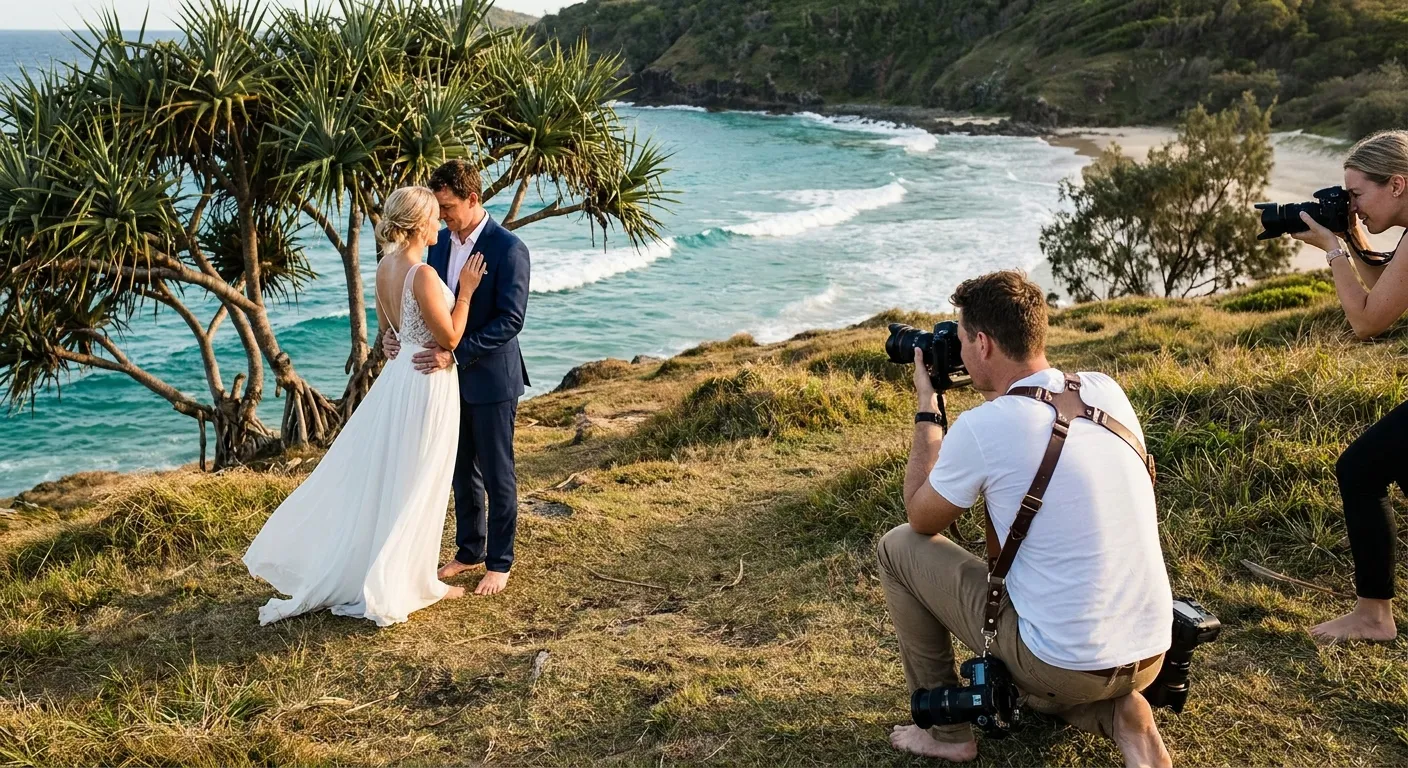
A beach wedding ceremony under palms with a white draped arch and a green headland (illustrative photo)
Guest photo from a wedding reception, shared to a Pix Wedding album
Wedding guests at a long harbourside table with string lights and sailboats on the water (illustrative photo)
Guest photo from a wedding reception, shared to a Pix Wedding album
An outdoor wedding ceremony with white chairs facing a floral arch above vineyard rows (illustrative photo)
Guest photo from a wedding reception, shared to a Pix Wedding album
A beach wedding ceremony under palms with a white draped arch and a green headland (illustrative photo)
Guest photo from a wedding reception, shared to a Pix Wedding album

Setting photos are illustrative. Mixed in: real guest photos from Pix albums.

08Keep planning

More guides for Australian weddings

Compare Pix Wedding to other apps

Still researching? Here is how Pix Wedding stacks up against the other major wedding photo sharing platforms.

Best Wedding Photo Sharing AppCompare Every AlternativeAlternative a WedShoots (FR)Best Wedding Photo Sharing App (Australia)Best Wedding Photo Sharing App (Canada)Best Wedding Photo Sharing App (UK)Camdeed AlternativeDigital Disposable Camera AppDisposable Camera AlternativeEventoly AlternativeEverlense Alternative (DE)Fotify AlternativeFree Wedding Photo Sharing AppFridaySnap Alternative (DE)GuestCam AlternativeGuestCam ReviewGuestpix AlternativeGuestpix ReviewKululu vs GuestpixGuestPix vs The GuestGuestpix vs WedUploaderJoy AlternativeKululu AlternativeKululu ReviewMeilleure App Partage Photos Mariage (FR)Once.film AlternativePix Wedding vs Celebrate PhotosPix Wedding vs DearestPix Wedding vs Dots MemoriesPix Wedding vs DropboxPix Wedding vs EventolyPix Wedding vs EverlensePix Wedding vs FotifyPix Wedding vs Google DrivePix Wedding vs Google PhotosPix Wedding vs GuestCamPix Wedding vs GuestlensePix Wedding vs GuestpixPix Wedding vs GuestSnapPix Wedding vs JoyPix Wedding vs KnipsmigPix Wedding vs KululuPix Wedding vs LensdumpPix Wedding vs OncePix Wedding vs PartyCamPix Wedding vs PixavoPix Wedding vs PixelPartyPix Wedding vs POV.cameraPix Wedding vs The Guest (The Knot)Pix Wedding vs WaldoWedPix Wedding vs WedboxPix Wedding vs Wedding Photo SwapPix Wedding vs Wedding StudioPix Wedding vs WeddingSnapPix Wedding vs WediboxPix Wedding vs WedShootsPix Wedding vs WedtrovePix Wedding vs WedUploaderPix Wedding vs WhatsAppPOV Camera AlternativeScene App AlternativeSnapeen AlternativeThe Guest App AlternativeWedibox AlternativeWedShoots AlternativeWedUploader AlternativeWedUploader Review
FAQ

Wedding photo sharing in Australia: questions

What Australian couples ask about collecting guest photos, signal at regional venues, prices and interstate guests.

Print one QR code on a welcome sign and a card for each table. Guests scan it with the phone camera, the album opens in the browser, and they pick photos and videos to upload. Nobody downloads an app or makes an account. With Pix Wedding the first 20 uploads are free, then A$60 once covers unlimited guests and uploads.

Yes, because guests do not need signal to take photos, only to upload them. They shoot normally all day, then scan the QR code once they have coverage again, at the reception, back at their accommodation or in the next town. Test your own code at the venue walkthrough so you know which situation to plan for.

Yes. Australian couples see Australian dollar pricing: Starter A$60, Standard A$74 and Pro A$115, each a single one-time payment with no subscription. The free album includes 20 guest uploads with no card required.

A practical time is when you lodge your Notice of Intended Marriage, which the Attorney-General's Department says must be given to your authorised celebrant at least 1 month and no more than 18 months before the wedding. Setting up the album then gives you time to add the code to invitations and your wedding website.

Apple says iPhones are designed for ambient temperatures between 0 and 35 degrees Celsius and may limit features when they get too warm. On a hot day, suggest guests keep phones out of direct sun between shots, and put your QR sign somewhere shaded so it is comfortable to stop and scan.

The Australian Privacy Principles generally apply to Australian Government agencies and organisations with annual turnover over A$3 million, and section 16 of the Act says they do not apply to an individual's personal, family or household affairs. A couple's own album is a personal matter, but it is still kind to keep the gallery private and ask before posting guests' photos publicly. This is general information, not legal advice.