
















































Fraud Blocker
pixPix Weddingwedding
Pix Wedding feature

Live Photo Slideshow at Your Wedding Venue

Put your guests' photos on the big screen while the party is still going. The live slideshow runs in any browser, so a TV or projector at the venue shows new uploads as they come in, and the photo mission leaderboard can appear right on screen. Guests see their shots go live and upload even more.

From $49 one-time. No app and no account for guests.

Guest uploads appear on screen liveRuns in any browser on a TV or projectorShows the photo mission leaderboard too
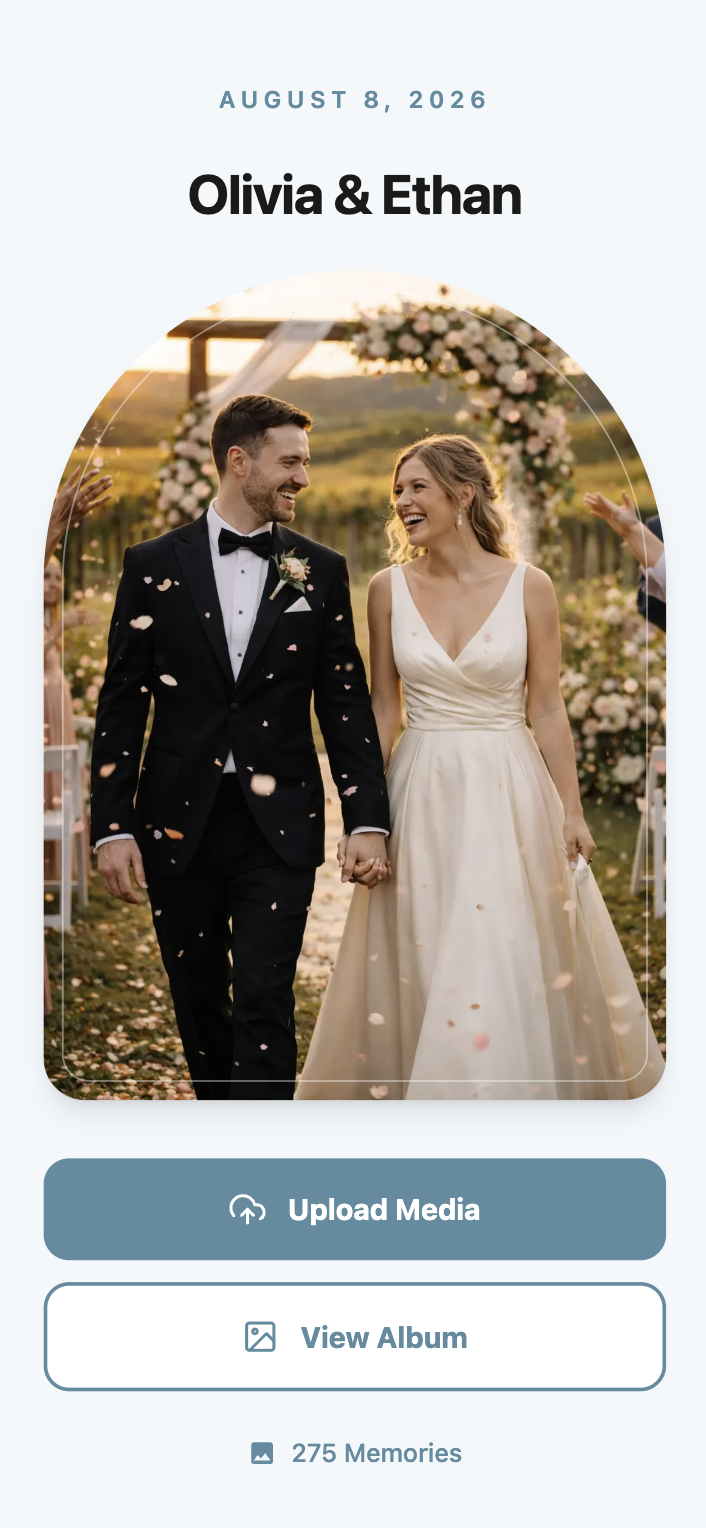
Live wedding slideshow preview
One-timefrom $49
01Overview

What the Live Slideshow Does

The live slideshow puts your guests' photos on the big screen while the wedding is still happening. Connect any TV or projector at the venue to a browser link, and new uploads show up on screen within moments of a guest hitting submit.

There's no app or hardware to install, the slideshow is just a webpage you open on whatever screen the venue has. If you're running photo missions, the live leaderboard can display right alongside the photos, so guests see both their shots and their ranking in real time.

It's included in Standard and Pro. If keeping the party's energy up by showing guest photos live matters to you, this is one of the clearer reasons to go past Starter, especially if your venue already has a TV or projector sitting unused.

02How it works

Setting Up the Live Slideshow at Your Venue

01

Open your slideshow link

From your dashboard, grab the slideshow URL for your event, no separate app or software to install.

02

Connect it to a screen

Open the link in a browser on any TV, projector, or laptop connected to a screen at your venue.

03

Guests upload as usual

Guests keep scanning your QR code and uploading from their phones exactly like normal.

04

New photos appear automatically

Uploads show up on the slideshow shortly after guests submit them, cycling through as the event goes on.

03Where it fits

Where Couples Put the Live Slideshow

The cocktail hour screen

A TV near the bar during cocktail hour showing photos from the ceremony keeps guests engaged while you're off taking portraits.

The reception backdrop

A projector behind the head table cycling through guest photos all night gives the room something to look at between toasts and dances.

The photo mission leaderboard display

Running photo missions alongside the slideshow means the leaderboard updates on the same screen guests are already watching.

The next-day brunch replay

Some couples keep the slideshow running at a post-wedding brunch, this time showing photos from the night before.

04Side by side

Live Slideshow vs Renting an AV Slideshow Service

AV or Slideshow RentalPix WeddingBottom Line
Rental companies charge per event for equipment and setupIncluded in Standard and Pro, works on a screen the venue already hasOne less line item on the vendor list
Often needs a technician on-site to run itRuns from a browser link you open yourselfNo extra person to coordinate with on the day
Usually pulls from a preset folder of photos, not what's happening livePulls directly from guest uploads as they happen in real timeThe screen reflects the party as it unfolds
Photo missions and leaderboards aren't part of a standard AV rentalCan display the photo missions leaderboard on the same screenOne screen, two features
Equipment needs to be delivered and picked upWorks on any existing TV, projector, or laptopFewer moving parts to go wrong

Live slideshow is included in Standard ($59) and Pro ($89), not Starter.

05Avoid this

Live Slideshow Mistakes to Avoid

Putting the screen somewhere nobody looks

A slideshow running in a hallway nobody walks through doesn't do much. Put it somewhere guests are already gathered, near the bar, the dance floor, or the dinner tables.

Assuming it needs a dedicated laptop

Any device with a browser and a screen output works, renting extra equipment just for this usually isn't necessary.

Not testing the venue's wifi beforehand

The slideshow needs an internet connection to pull in new uploads, so a quick test of the venue's wifi before the event saves a scramble later.

Forgetting to brief the venue staff

If someone else is responsible for the screen or projector, make sure they know to leave the slideshow link open all night instead of switching it back to a default input.

06What it costs

Live Slideshow Plan Availability

The live slideshow is part of Standard and Pro.

Starter

$49

Does not include the live slideshow. Includes unlimited photos and videos and film roll mode.

Standard

$59

Includes the live slideshow, plus sub-albums, audio guestbook, and photo missions.

Most couples pick this

Pro

$89

Includes everything in Standard plus AI selfie search and a custom domain.

One-time payment per event. No subscription, no per-guest fee.

Your album, your way

Put Your Guests' Photos on the Big Screen

Open the slideshow link on any TV or projector and watch the gallery fill up live.

See Standard Plan Pricing

Live slideshow is included in Standard ($59) and Pro ($89).

Questions

Live Slideshow Questions

What couples usually ask before putting the slideshow on a screen at their venue.

No, it's a browser link, any TV, projector, or laptop with a screen and internet access works.

Uploads typically appear on the slideshow shortly after a guest submits them, so the screen stays close to real time.

No, it's part of Standard ($59) and Pro ($89).

Yes, if you're running photo missions, the leaderboard can display alongside the photo slideshow.

No, the slideshow cycles through uploads automatically, guests just upload as usual and their photos join the rotation.

Yes, the slideshow link stays active for as long as your gallery does, so you can reopen it anytime during your storage window.

Everything included

Explore the rest of the album

Every Pix Wedding event is one QR code. These are the pieces you can switch on around it.

QR Code Templates

Built-in QR code templates you can customize and download right from your dashboard, no design tool needed.

Read more

Unlimited Photos & Videos

No limit on the number or size of photos & videos

Read more

Long-term Album Storage

Your shared album stays stored for 6 months to 2 years depending on plan, with a ZIP download of all your memories

Read more

Unlimited Guests

No need to worry about guest count. Unlimited uploads

Read more

No App Download Needed

No need to download an app. As long as you are connected to the internet, you can use Pix Wedding

Read more

No Guest Login Required

Guests don't have to log in to upload. They can simply Scan and Upload

Read more

Private QR Code for Wedding

Unique and private QR Code for Wedding. Privacy settings to disallow guest view/download

Read more

Film Roll Mode

A digital disposable camera: photos stay hidden until the reveal moment you set, with an optional shot limit per guest

Read more

Audio Guestbook

Guests record voice messages with their photos, with guest name tracking so you know who sent what

Read more

Photo Missions

Fun photo challenges for guests with a live leaderboard on the venue slideshow

Read more

AI Selfie Search

Guests take one selfie and instantly see every photo they appear in. Face data stays private to your event

Read more

Photographer Upload Link

A private link for your pro photographer, their shots land in a separate album inside the same gallery

Read more

Sub-Albums

Split your gallery into up to 6 sub-albums like ceremony and reception, all under one QR code

Read more
Live Photo Slideshow at Your Wedding Venue | Pix Wedding



