













































Fraud Blocker
pixPix Wedding
Pix Wedding feature

AI Selfie Search: Guests Find Their Photos with One Selfie

After the wedding, nobody wants to scroll through thousands of photos looking for themselves. With AI selfie search, guests take one selfie and instantly see every photo they appear in. Face data stays private to your event and is deleted together with it, so privacy is built in, not bolted on.

From $44 one-time. No app and no account for guests.

One selfie finds every photo of a guestFace data stays private to your eventDeleted automatically with your event
AI selfie search preview
One-timefrom $44
01Overview

What AI Selfie Search Does

AI selfie search lets a guest take one selfie and instantly see every photo from your event they appear in, without scrolling through the whole gallery. It works on top of whatever guests already uploaded, matching faces across the full set of photos and videos in seconds.

A guest opens your gallery, takes a quick selfie when prompted, and gets back a filtered view of just their own photos, whether taken by other guests, by you, or by your photographer through the photographer upload link. Face data stays private to your event and is deleted automatically along with it, so nothing sits around after your storage window ends.

It's a Pro-only feature. If finding your own photos without an hour of scrolling matters to you or your guests, it's the main reason to pick Pro over Standard, especially for larger weddings where the gallery ends up with thousands of uploads.

What you get back

Every angle of the day, not just the ones the photographer caught

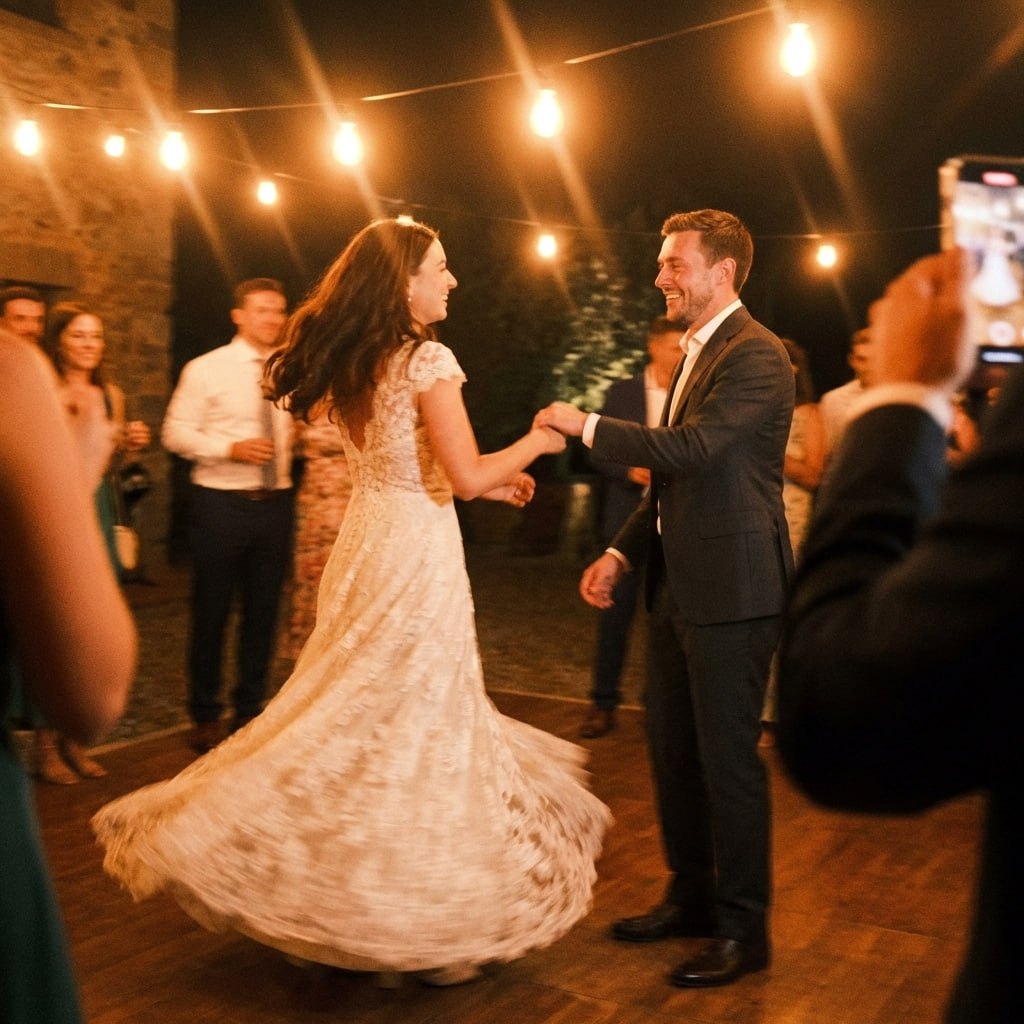
Wedding photo uploaded by a guest

Guests shoot the moments nobody is paid to watch. All of it lands in one album, in original quality.

02How it works

How a Guest Finds Their Photos

01

They open your gallery

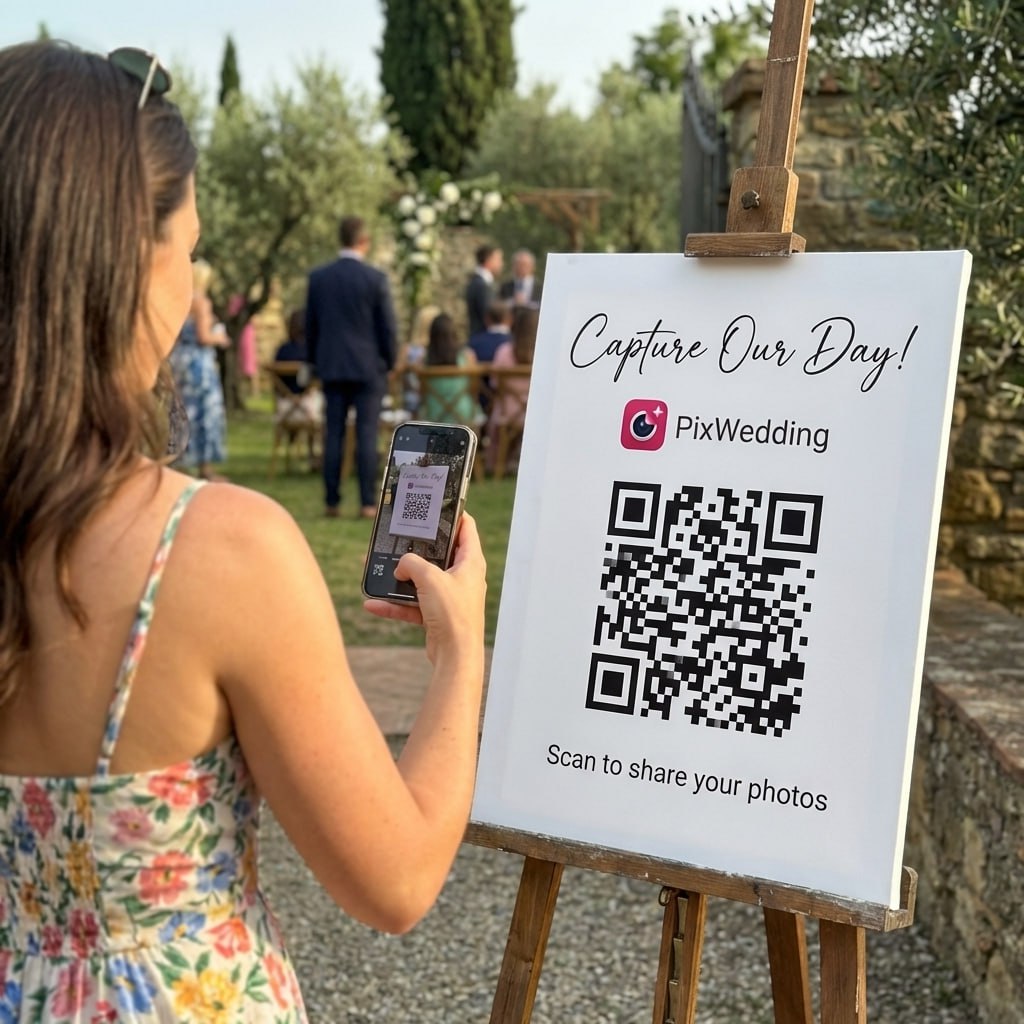
Same QR code, same link guests already used to upload their own photos.

02

They tap selfie search

A guest taps the selfie search option instead of scrolling through hundreds of uploads manually.

03

They take one selfie

The camera opens right in the browser, no app needed, and the guest takes a single quick photo of themselves.

04

They see every photo they're in

Within seconds, the gallery filters down to just the photos and videos that guest appears in, uploaded by anyone at the event.

03Why it matters

Why AI Selfie Search Matters at Larger Weddings

It scales with guest count

A 300-guest wedding can easily produce thousands of photos. Selfie search makes finding your own moments possible without an evening of scrolling.

Guests get their photos without asking you

Instead of texting you to ask if you have the photo from the bar, a guest can just find it themselves.

It works across every uploader

Photos taken by other guests, by you, or by your photographer through the upload link all get searched together.

Privacy is built in, not an afterthought

Face data is scoped to your event and removed automatically when your event's storage window ends, guests aren't opting into a permanent face database.

It's one more reason guests come back to the gallery

A guest who already found their photos once is more likely to return during the storage window to check for new ones, or to download the ones they found.

See it in action

Scan. Upload. Done in seconds.

This is the real guest flow: one scan, the upload page opens in the phone browser, photos land in your album. No app, no account, no waiting.

Works on any phone, iPhone or AndroidPhotos arrive in original qualityGuests never create an account
Scan to try itPoint your camera here
Open the live demo album
04Side by side

AI Selfie Search vs Scrolling the Whole Gallery

Scrolling the Full GalleryPix WeddingBottom Line
Guests scroll through every upload from the whole event to find themselvesGuests take one selfie and get a filtered view instantlyMinutes saved for every guest, not just the couple
Easy to miss photos taken by someone else's phoneMatches faces across everyone's uploads, not just a guest's own camera rollNobody misses the photo a stranger happened to catch them in
No privacy control beyond who can see the galleryFace data stays private to your event and is deleted with itGuests aren't left wondering where their face data ends up
Works the same regardless of guest countGets more useful as guest count and photo count growBigger weddings benefit the most
Guests often give up scrolling before finding every photo of themselvesSearch returns the full matching set at onceA more complete personal album for every guest, not a partial one

AI selfie search is included in Pro ($84) only.

Let Guests Find Their Own Photos

Upgrade to Pro and give every guest a one-selfie shortcut to their moments.

From Mom

From Mom

Point your camera

Scan to join the album

No app, no account

9:41

UPLOADING

Saving your moment

9:41

THE ALBUM

Emma & Jack

June 21, 2026

647 photos · 95 guests

AllMomentsMine
Guest photo 1
★
Guest photo 2
Guest photo 4
Guest photo 5
Guest photo 6
Guest photo 7
Guest photo 8
Guest photo 9
Guest photo 10
Add photosShare your moments

SCAN TO TRY

pix.wedding/
your-wedding

AI selfie search is included in Pro ($84) only.

05Do this

Getting the Most Out of Selfie Search

Mention it in your thank-you message

A quick note like 'find your photos with a selfie' in your post-wedding thank you drives guests back to the gallery who'd otherwise never look again.

Let it run for the whole storage window

Since Pro includes 2 years of storage, guests can come back and use selfie search well after the wedding, not just the week after.

Combine it with the photographer upload link

If your photographer uploads through their private link, selfie search still finds guests in those professional shots too.

Try it on yourself first

Test selfie search on your own face before sharing the link widely, so you know exactly what guests will see.

Signs and table cards

48 QR designs, included with every plan

Pick a design, drop in your names and date, and download a print-ready sign. No designer, no extra fee.

Design 1 QR template
Design 1Table card · A6
Design 2 QR template
Design 2Table card · A6
Minimal QR template
MinimalTable card · A6
Romantic QR template
RomanticTable card · A6
Design 5 QR template
Design 5Table card · A6
Design 6 QR template
Design 6Table card · A6
Design 7 QR template
Design 7Table card · A6
Design 8 QR template
Design 8Table card · A6
Design 9 QR template
Design 9Table card · A6
Design 10 QR template
Design 10Table card · A6
Design 11 QR template
Design 11Table card · A6
Design 12 QR template
Design 12Table card · A6
Design 13 QR template
Design 13Table card · A6
Design 14 QR template
Design 14Table card · A6
Design 15 QR template
Design 15Table card · A6
Autumn QR template
AutumnTable card · A6
Design 17 QR template
Design 17Table card · A6
Design 18 QR template
Design 18Table card · A6
Design 19 QR template
Design 19Table card · A6
Design 20 QR template
Design 20Table card · A6
Design 21 QR template
Design 21Table card · A6
Design 22 QR template
Design 22Table card · A6
Design 23 QR template
Design 23Table card · A6
Design 24 QR template
Design 24Table card · A6
Design 25 QR template
Design 25Table card · A6
Golden Sprig QR template
Golden SprigTable card · A6
Design 27 QR template
Design 27Table card · A6
Design 28 QR template
Design 28Table card · A6
Design 29 QR template
Design 29Table card · A6
Design 30 QR template
Design 30Table card · A6
Design 31 QR template
Design 31Table card · A6
Design 32 QR template
Design 32Table card · A6
Design 33 QR template
Design 33Table card · A6
Design 34 QR template
Design 34Table card · A6
Design 35 QR template
Design 35Table card · A6
Design 36 QR template
Design 36Table card · A6
Midnight Gold QR template
Midnight GoldTable card · A6
Design 38 QR template
Design 38Table card · A6
Design 1 QR template
Design 1Table card · A6
Design 2 QR template
Design 2Table card · A6
Minimal QR template
MinimalTable card · A6
Romantic QR template
RomanticTable card · A6
Design 5 QR template
Design 5Table card · A6
Design 6 QR template
Design 6Table card · A6
Design 7 QR template
Design 7Table card · A6
Design 8 QR template
Design 8Table card · A6
Design 9 QR template
Design 9Table card · A6
Design 10 QR template
Design 10Table card · A6
Design 11 QR template
Design 11Table card · A6
Design 12 QR template
Design 12Table card · A6
Design 13 QR template
Design 13Table card · A6
Design 14 QR template
Design 14Table card · A6
Design 15 QR template
Design 15Table card · A6
Autumn QR template
AutumnTable card · A6
Design 17 QR template
Design 17Table card · A6
Design 18 QR template
Design 18Table card · A6
Design 19 QR template
Design 19Table card · A6
Design 20 QR template
Design 20Table card · A6
Design 21 QR template
Design 21Table card · A6
Design 22 QR template
Design 22Table card · A6
Design 23 QR template
Design 23Table card · A6
Design 24 QR template
Design 24Table card · A6
Design 25 QR template
Design 25Table card · A6
Golden Sprig QR template
Golden SprigTable card · A6
Design 27 QR template
Design 27Table card · A6
Design 28 QR template
Design 28Table card · A6
Design 29 QR template
Design 29Table card · A6
Design 30 QR template
Design 30Table card · A6
Design 31 QR template
Design 31Table card · A6
Design 32 QR template
Design 32Table card · A6
Design 33 QR template
Design 33Table card · A6
Design 34 QR template
Design 34Table card · A6
Design 35 QR template
Design 35Table card · A6
Design 36 QR template
Design 36Table card · A6
Midnight Gold QR template
Midnight GoldTable card · A6
Design 38 QR template
Design 38Table card · A6
Design your QR sign free

Free tool, no account needed to try it.

06What it costs

AI Selfie Search Is a Pro Feature

Selfie search is not included in Starter or Standard.

Starter

Does not include AI selfie search.

Standard

Does not include AI selfie search. Includes audio guestbook, live slideshow, sub-albums, and photo missions.

Pro

Includes AI selfie search, a custom domain for your album, and 2 years of storage.

Most couples pick this
PRICING

One payment. Then the album is yours.

Three plans, one price per wedding. No subscription, no per-guest fee, no card needed to look around first.

Starter
$74$44one-time

For collecting every original

Unlimited photos, videos & guests
Original quality (no compression)
No app for guests, QR + browser upload
Film roll mode with shot limit & revealNEW
QR code template designs

3 months upload from event date
6 months storage + ZIP download
Multiple admins
Priority support
Pay with Apple Pay, Google Pay or card.Money back if your guests never upload.
Chosen by most couples
Standard
$89$54one-time

Most couples pick this

Everything in Starter
Live slideshow at the reception
Audio guestbook & guest names
Photo missions, photo bingo + leaderboardNEW
Up to 6 sub-albums (ceremony, reception)
Private upload link for your photographerNEW
Custom script and serif fonts
6 months upload, 1 year storage
Pay with Apple Pay, Google Pay or card.Money back if your guests never upload.

One-time payment, no subscription

Pro
$133$84one-time

For big guest lists

Everything in Standard
AI selfie search for guestsNEW
Custom domain for your album
1 year upload, 2 years storage
Approve guest photos before they show
No Pix Wedding branding on guest pages
PIN lock for the album
Up to 20 sub-albums
Pay with Apple Pay, Google Pay or card.Money back if your guests never upload.

One payment. Yours to keep. No subscription. No renewals. No surprise charges.

Secure checkout. Polar, Apple Pay, Google Pay.

Money-back guarantee: if your guests never upload a single photo, you get 100% back. See how it works

One payment per wedding. No subscription. No renewals.

Questions

AI Selfie Search Questions

Straight answers on how selfie search works and what happens to guest face data.

No, face data stays private to your event and is deleted automatically when your event and its storage window end. It isn't shared or reused elsewhere.

Pro ($84) only. Starter and Standard don't include it.

No, a guest just opens your gallery and takes a selfie, no login or account required.

Yes, it searches across every photo and video uploaded to your event, not just a guest's own uploads.

Yes, if your photographer uploads through the private photographer upload link, those photos are included in selfie search results too.

Selfie search matches against photos already in your gallery. The face data itself stays private to your event and is deleted along with it, so there's no separate face database kept afterward.

Everything included

Explore the rest of the album

Every Pix Wedding event is one QR code. These are the pieces you can switch on around it.

QR Code Templates

Built-in QR code templates you can customize and download right from your dashboard, no design tool needed.

Read more

Unlimited Photos & Videos

No limit on the number of photos & videos, in original quality

Read more

Long-term Album Storage

Your shared album stays stored for 6 months to 2 years depending on plan, with a ZIP download of all your memories

Read more

Unlimited Guests

No need to worry about guest count. Unlimited uploads

Read more

No App Download Needed

No need to download an app. As long as you are connected to the internet, you can use Pix Wedding

Read more

No Guest Login Required

Guests don't have to log in to upload. They can simply Scan and Upload

Read more

Private QR Code for Wedding

Unique and private QR Code for Wedding. Privacy settings to disallow guest view/download

Read more

Film Roll Mode

A digital disposable camera: photos stay hidden until the reveal moment you set, with an optional shot limit per guest

Read more

Audio Guestbook

Guests record voice messages with their photos, with guest name tracking so you know who sent what

Read more

Photo Missions

Fun photo challenges for guests with a live leaderboard on the venue slideshow

Read more

Live Slideshow

Guest uploads appear on a TV or projector at the venue in real time, right from the browser

Read more

Photographer Upload Link

A private link for your pro photographer, their shots land in a separate album inside the same gallery

Read more

Sub-Albums

Split your gallery into up to 6 sub-albums (20 on Pro) like ceremony and reception, all under one QR code

Read more