
















































Fraud Blocker
pixPix Weddingwedding
Pix Wedding feature

Private Upload Link for Your Wedding Photographer

Your pro photographer's shots deserve their own space. Share a private upload link and their photos land in a separate photographer album inside the same gallery, no account needed on their side. Guest snapshots and professional photos stay organized, and everyone finds everything in one place.

From $49 one-time. No app and no account for guests.

Separate photographer album in one galleryNo account needed for your photographerPro shots and guest photos stay organized
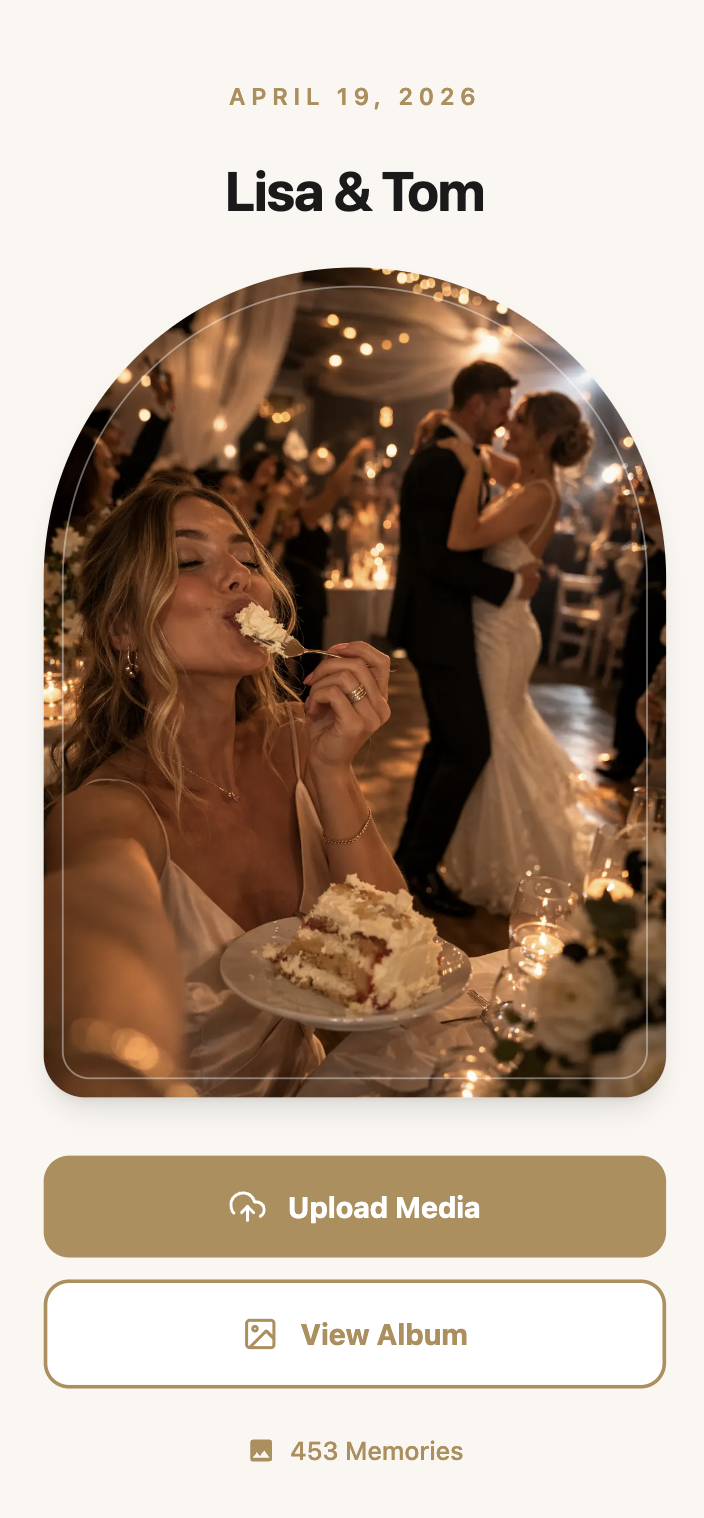
Photographer upload link preview
One-timefrom $49
01Overview

What the Photographer Upload Link Does

The photographer upload link gives your professional photographer their own private way to add photos to your gallery, without their shots getting mixed into the general guest stream. Share one link, and everything they upload lands in a separate photographer album inside the same event.

Your photographer doesn't need a Pix Wedding account, they just use the private link like a guest would use the QR code, except their uploads are tagged and kept apart from everyone else's photos. You and your guests can browse the photographer's album separately from the candid shots guests took themselves.

It's included in Standard and Pro. If you're paying for a photographer and want their work organized instead of buried in a pile of guest phone photos, this is one of the clearer reasons to skip Starter.

02How it works

Setting Up the Photographer Upload Link

01

Generate the private link

From your dashboard, create the photographer upload link for your event, separate from your main QR code.

02

Send it to your photographer

Share the link directly, by text or email, no account setup required on their end.

03

They upload their shots

Your photographer uploads photos and videos through the link the same way a guest would, from a browser.

04

Their album stays separate

Everything they upload lands in its own photographer album inside your gallery, distinct from guest uploads.

03Why it matters

Why the Photographer Link Is Worth Having

Your photographer's work doesn't get lost in the noise

With hundreds of guest phone photos landing in the same event, a photographer's carefully composed shots can get buried. A separate album keeps their work easy to find.

No account friction on shoot day

Photographers work with a lot of couples in a season. A link they can open and upload to immediately, without creating another login, is one less thing standing between them and getting your photos to you.

You get one shareable gallery, not two

Guests, your photographer, and any second shooter all feed into the same event, so you're not managing separate shares and separate download links.

It's backed up the same way as everything else

Photographer uploads inherit the same storage window and ZIP download as the rest of your gallery, so their shots get backed up right alongside everyone else's.

It works no matter what tools your photographer normally uses

Since it's just a link and a browser, it doesn't matter what editing software or delivery platform your photographer normally uses for the rest of their workflow.

04Where it fits

Where This Comes in Handy

The same-day preview

Some photographers use the link to drop a handful of same-day edited shots into your gallery so guests get a preview before the full album is delivered.

The second shooter's photos

If your photographer brings a second shooter, both can use the same link so all professional photos end up in one place.

Keeping ceremony shots distinct from candids

Formal ceremony photos from your photographer stay in their own album, separate from the reception photos guests were snapping on their phones.

The videographer's clips too

If you use the photographer upload link for a videographer as well, their video files land in the same separate album, keeping everything professional in one spot.

05Do this

Making the Most of the Photographer Link

Share the link before the wedding day

Send it to your photographer ahead of time so they have it ready, not scrambling for a link during the ceremony.

Let your photographer know it needs no account

Some photographers assume they'll need to sign up for something. A quick note that it's just a link saves back and forth.

Check in on the photographer album after the event

Confirm their uploads landed before your photographer wraps up their post-wedding workflow, so nothing gets missed.

Combine it with sub-albums for extra structure

On Standard or Pro, pair the photographer album with sub-albums for ceremony and reception to keep everything organized by moment and by uploader.

06What it costs

Photographer Upload Link Plan Availability

The photographer upload link is part of Standard and Pro.

Starter

$49

Does not include the photographer upload link. Includes unlimited photos and videos and film roll mode.

Standard

$59

Includes the private photographer upload link, plus sub-albums, live slideshow, and audio guestbook.

Most couples pick this

Pro

$89

Includes everything in Standard plus AI selfie search and a custom domain.

One-time payment per event. No subscription, no per-guest fee.

Your album, your way

Give Your Photographer Their Own Album

Keep professional shots and guest candids organized in the same gallery.

See Standard Plan Pricing

Included in Standard ($59) and Pro ($89).

Questions

Photographer Upload Link Questions

What couples and photographers usually want to know about the private upload link.

No, they just use the private link you send them, no sign-up required.

No, uploads through the link land in a separate photographer album inside your gallery, kept apart from guest uploads.

No, the photographer upload link is part of Standard ($59) and Pro ($89).

Yes, a second shooter or a videographer can use the same link, and their uploads join the same photographer album.

Yes, it's part of the same gallery guests can browse, just organized as its own section instead of mixed with candid shots.

The link works in any browser, so your photographer can upload from a laptop or desktop the same way they would from a phone.

Everything included

Explore the rest of the album

Every Pix Wedding event is one QR code. These are the pieces you can switch on around it.

QR Code Templates

Built-in QR code templates you can customize and download right from your dashboard, no design tool needed.

Read more

Unlimited Photos & Videos

No limit on the number or size of photos & videos

Read more

Long-term Album Storage

Your shared album stays stored for 6 months to 2 years depending on plan, with a ZIP download of all your memories

Read more

Unlimited Guests

No need to worry about guest count. Unlimited uploads

Read more

No App Download Needed

No need to download an app. As long as you are connected to the internet, you can use Pix Wedding

Read more

No Guest Login Required

Guests don't have to log in to upload. They can simply Scan and Upload

Read more

Private QR Code for Wedding

Unique and private QR Code for Wedding. Privacy settings to disallow guest view/download

Read more

Film Roll Mode

A digital disposable camera: photos stay hidden until the reveal moment you set, with an optional shot limit per guest

Read more

Audio Guestbook

Guests record voice messages with their photos, with guest name tracking so you know who sent what

Read more

Photo Missions

Fun photo challenges for guests with a live leaderboard on the venue slideshow

Read more

AI Selfie Search

Guests take one selfie and instantly see every photo they appear in. Face data stays private to your event

Read more

Live Slideshow

Guest uploads appear on a TV or projector at the venue in real time, right from the browser

Read more

Sub-Albums

Split your gallery into up to 6 sub-albums like ceremony and reception, all under one QR code

Read more
Private Upload Link for Your Wedding Photographer | Pix Wedding



