




























Design beautiful custom QR code stickers for your wedding. Choose your template, customize the design, and download print-ready files.
Create a Pix Wedding album, paste its guest link here, then print table cards that collect photos all night.
Create albumClean lines with elegant typography
Perfect for reception tables
Classic QR code look
Add a logo or image to display in the center of your QR code
Scan to upload photos
Table Tent - Rose Pink - Ready to print
A well-designed code gets scanned. A poorly printed one gets ignored. Get the size, contrast, and placement right and the rest takes care of itself.

First dance
You guys!!
Drop QR stickers on tables. Every photo lands in one shared album, instantly.

From Mom
Scan to join the album
No app, no account
UPLOADING
THE ALBUM
June 21, 2026
647 photos · 95 guests


SCAN TO TRY
pix.wedding/
your-wedding
The sticker is the doorway. Here is everything waiting for guests, and for you, on the other side of that scan.
Guests scan one code and the upload page opens in their phone browser. No app to install, no account to create, any phone and any OS.
Files land at full resolution with no compression, so the album is usable for printing later.
The price never changes with headcount, whether 40 people show up or 400.
Give each guest a set number of shots, from 1 to 100, and keep the album hidden until your reveal time. The disposable camera feeling, without the plastic cameras.
Download every original file in one archive and keep your own backup.
Ready-made QR designs for table cards and signs, so the code does not look like a parking ticket.
Guest photos appear on the projector or TV during the reception, as a single photo or a collage.
Guests leave a voice message next to their photo, which beats a book of rushed handwriting.
Set shot challenges for guests and show the leaderboard on the slideshow, so people actually keep shooting.
Split the ceremony, reception and after-party, and give your photographer their own upload link into a dedicated sub-album.
A guest takes a selfie and gets every photo they appear in, including the ones other guests took.
Hand moderation to a sibling or the planner instead of doing it all yourself.
Faster answers before the day, plus your own domain on the album link.
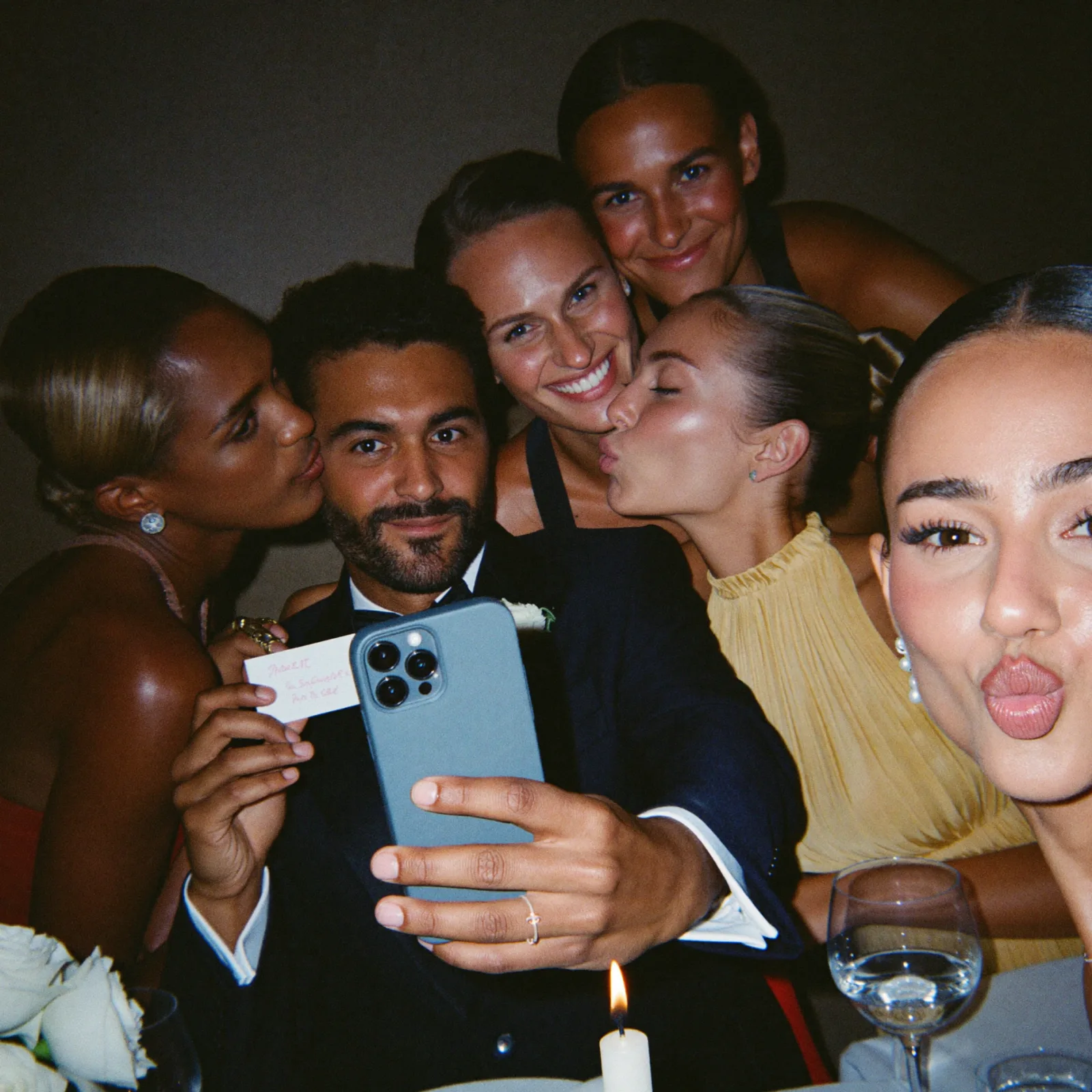
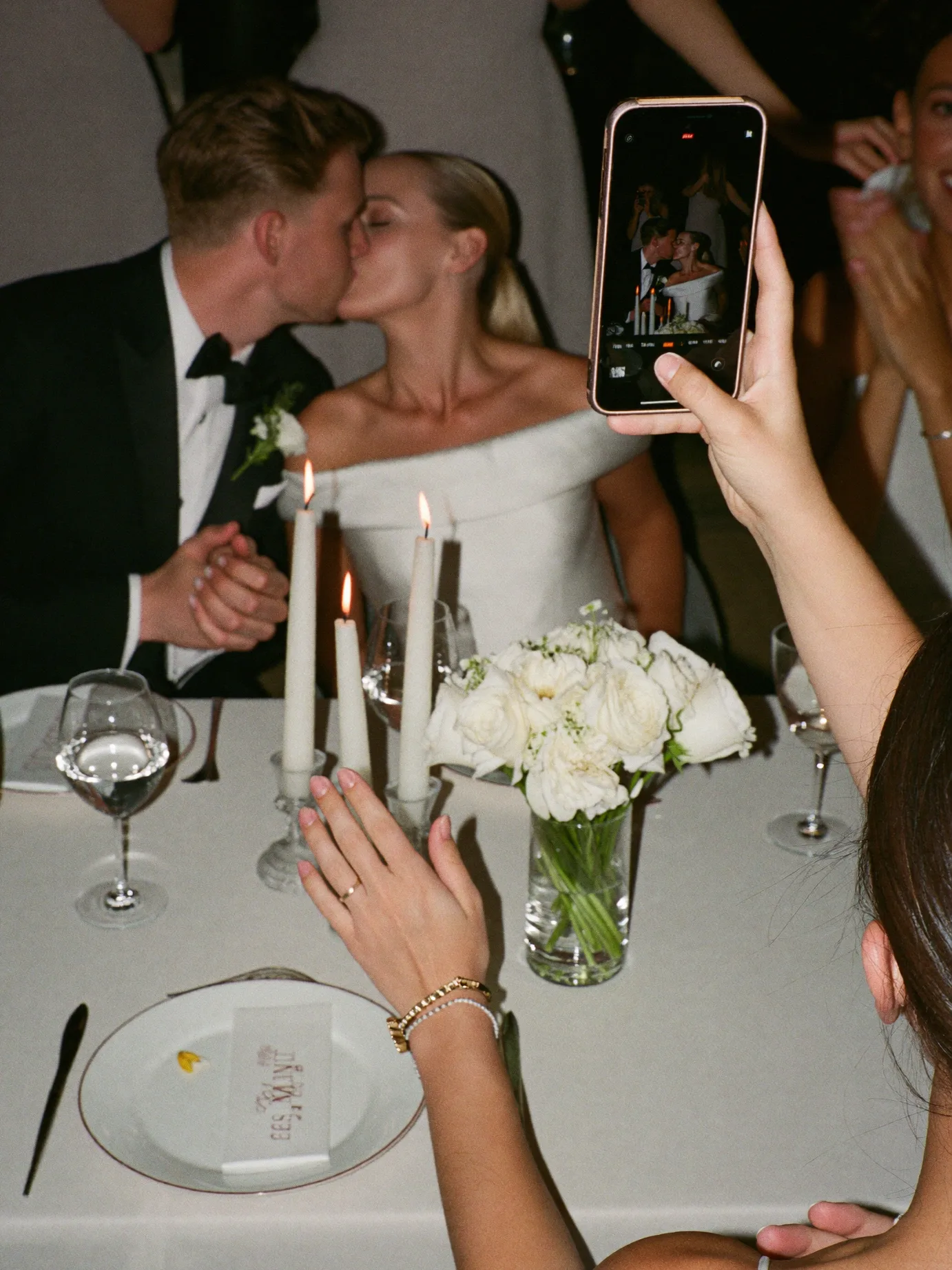
Gathering photos from your wedding guests used to be a nightmare of disposable cameras or group chats that lose quality. Today, wedding QR codes have revolutionized how couples collect every candid moment. By placing custom QR stickers on your reception tables, you invite guests to contribute to a live, collaborative album instantly.
A well-designed QR sign doesn't just look professional, it drives participation. When guests see a beautiful table tent with clear instructions, far more of them scan and upload their photos than when the link is hidden on a wedding website.
When using our QR Sticker Designer, consider your printing material. High-contrast designs (Black on White or Cream) work best for scanning in low-light reception settings. If you are using stickers, ensure the size is at least 2 inches wide so older smartphone cameras can easily recognize the pattern.
Our tool provides print-ready exports that look great on everything from textured linen cardstock to glossy round stickers. Coordinate the fonts and colors with your existing wedding stationery to create a cohesive aesthetic that feels like a natural part of your table decor.
Strategic placement of your QR codes makes the difference between low guest participation and near-full participation. The best locations are spots where guests naturally pause and have their phones accessible. Think about the flow of your event and place QR codes at natural touchpoints throughout the venue.
Testing your QR codes before the wedding day is critical. Print a sample, scan it from different distances and angles, and check that it loads quickly on both iPhone and Android devices. A QR code that does not scan is worse than no QR code at all.
The whole process takes a few minutes, most of it is picking colors. The part worth slowing down for is the test scan at the end.
Drop in your Pix Wedding album link or any other URL you want guests to land on after scanning.
Table tent, round sticker, business card insert, or poster, each format is built for a different spot in the venue.
Keep the QR modules dark on a light background. Use your wedding palette for the surrounding text and border instead.
Zoom to 100 percent and imagine it on the table. If the code looks small on screen, it will look smaller in a dim reception.
Export the high-resolution PNG and send it straight to a home printer or a print shop, no extra editing needed.
Before printing the full batch, scan the first physical copy with two different phones to confirm it reads instantly.
Use this as a starting point when you send your design to a print shop or load your own printer. When in doubt, size up rather than down, a QR code can always be smaller than the frame around it, but it cannot shrink below what a phone camera can resolve.
| Format | Minimum size | Material | Notes |
|---|---|---|---|
| Round table sticker | 2 x 2 in minimum | Adhesive vinyl or paper sticker stock | Smallest safe size for reliable scanning from arm's length |
| Table tent (folded card) | 4 x 6 in | 80-100lb cardstock | Standard reception size, stands on its own |
| Business card insert | 3.5 x 2 in | 14-16pt cardstock | Fits in a welcome bag or place setting envelope |
| Entrance or bar poster | 11 x 17 in or larger | Matte poster paper or foam board | Scale the QR module size up, not just the frame around it |
| Favor tag sticker | 1.5 x 1.5 in | Adhesive label stock | Smallest usable size, test scanning before printing the full batch |
The right material depends on where the code lives and how long it needs to survive the night.
| Material | Best for | Durability |
|---|---|---|
| Adhesive vinyl sticker | Round stickers on glass, favor boxes, or signage | Weather resistant, good for outdoor tables |
| Matte cardstock | Table tents and business card inserts | Sturdy enough to stand upright, indoor use |
| Glossy photo paper | Framed entrance signs | Sharp print quality, watch for glare under lights |
| Foam board mount | Large entrance or welcome posters | Rigid and freestanding, best for one large display |
Shrinking a design that was only tested at full size. A QR code that scans perfectly on a poster can fail completely once shrunk to a 1.5 inch favor tag. Always test-scan at the exact final print size, not the size on your screen.
Choosing a cute color combo over a scannable one. Pastel-on-pastel looks lovely in a mockup and fails in dim reception lighting. High contrast, dark modules on a light background, scans reliably in almost any lighting condition.
Printing one batch and never testing it in the venue. Home printer output and venue lighting can both shift how a code reads. If you can, do a test scan under the actual reception lighting before the big print run.
Only putting a code at the entrance. A single sign at the entrance gets a burst of scans early and is forgotten by dessert. Spreading codes across tables, the bar, and the photo booth keeps uploads coming all night.
One of the small black or colored squares that make up the QR code pattern itself.
The blank margin around a QR code that scanners need in order to detect its edges reliably.
A built-in redundancy in QR codes that lets them still scan even if part of the design is covered or damaged.
How different the code color is from its background. Higher contrast means faster, more reliable scans.
An exported design at full resolution, sized correctly for the format you plan to print.
Budget or time only lets you print a handful of stickers. These three spots consistently get the most scans because they match where guests already have their phones out.
One per table beats one big sign, since guests rarely walk across the room just to scan a code.
Guests already have their phones out while waiting for a drink, making it a natural scan moment.
Catches guests early, before phones get put away for dinner and speeches.
Yes, as long as the destination URL stays the same. If you create a new album for a different event, you will need a fresh code pointed at the new link.
The code itself never expires, but the link it points to follows your plan's upload and storage windows. Check those dates before reprinting stickers close to the end of an event.
Stick to dark-on-light color combinations and avoid glossy lamination, which can create glare under low light. Most phones also use flash-assisted scanning automatically in dark rooms.
Everything you need to make your wedding day stress-free and unforgettable.
The best way to collect guest photos.
Create unique wedding hashtags.
5 methods ranked by participation rate and ease.
Message templates to gather guest photos post-wedding.
Compare every sharing platform by ease and participation.
The single method with the highest participation rate.
Step-by-step setup for every platform.
Better, cheaper options than disposable cameras.
Everything you need to know about our free tools and how they help your wedding day.
For table tents, 4x6 inches is standard. For small round stickers, we recommend at least 2x2 inches to ensure the QR code remains easily scannable by all phone cameras.
Yes! Our designer allows you to change the background, accent colors, and text to match your specific palette. Just make sure there is enough contrast for the QR code to be readable.
You can use standard cardstock for table tents or adhesive sticker paper for rounds. Our tool provides a high-resolution PDF that works perfectly with home printers or professional shops like Staples or Vistaprint.
We recommend one per table for the reception, and 2-3 larger signs at the entrance or bar area. This ensures every guest has an easy way to upload their photos throughout the night.
The QR code links to your Pix Wedding event. As long as your event is active, the QR code will work for all your guests. Upload windows run 3, 6, or 12 months depending on your plan, and storage runs 6, 12, or 24 months.
Yes. Our designer lets you enter any URL, so you can use your Pix Wedding album link, a Google Photos link, or any other URL you want guests to visit when they scan.
Our tool exports high-resolution PNG files that are ready for both home printing and professional print shops. The resolution is optimized so the QR code stays crisp even on larger formats like posters.
Currently our tool provides the digital design file for you to print yourself or through a service like Vistaprint, Sticker Mule, or your local print shop. Download the file, upload it to your preferred printer, and you are good to go.
Yes, as long as you use a high-contrast design. We recommend dark QR codes on light backgrounds. Most modern smartphones have flash-assisted scanning that works well even in dim reception lighting.
After designing your sticker, scan it directly from your screen using your phone camera. Test on both iPhone and Android if possible. Also try scanning from different distances (6 inches, 12 inches, and arm's length) to make sure it works reliably.
No. Scanning opens a normal mobile browser page. Guests upload straight from there, no app install and no account needed on any Pix Wedding plan, including the free tier.
QR codes have built-in error correction, so a small tear, stain, or fold usually still scans fine. For anything covering more than a corner of the code, swap in one of your backup printed copies instead.





