
















































Fraud Blocker
pixPix Weddingwedding
Pix Wedding feature

Film Roll Mode: A Digital Disposable Camera for Your Wedding

Film roll mode turns every guest's phone into a disposable camera. Guests snap away all event, but photos stay hidden until the reveal moment you set, so you get the same delayed-reveal magic without buying, collecting, or developing a single camera. You can even limit shots per guest, just like a real film roll. Included in every plan.

From $49 one-time. No app and no account for guests.

Photos stay hidden until your reveal momentOptional shot limit per guestIncluded in every plan, no cameras to buy
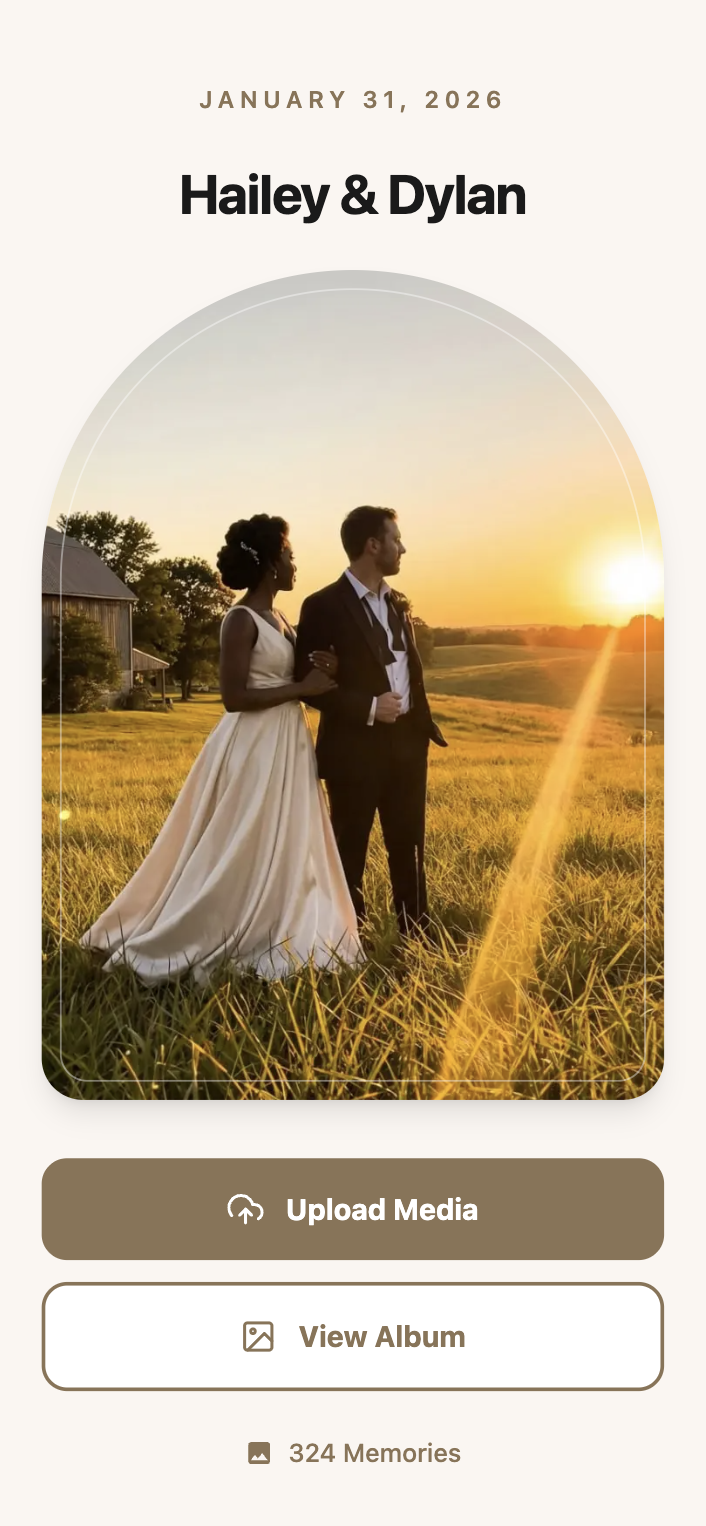
Film roll mode reveal preview
One-timefrom $49
01Overview

What Film Roll Mode Is and How It Works

Film roll mode is Pix Wedding's answer to the disposable camera table, minus the cameras, the film runs, and the trip to get it developed. Guests keep shooting all night, but every photo stays hidden the moment it uploads, so nobody sees a single shot until you decide to reveal them.

You set the reveal moment, for example the morning after the wedding or right before you leave for the honeymoon, and the whole gallery unlocks at once for every guest who took part. You can also cap the number of shots each guest gets, mirroring the 24 or 36 exposures on a real roll of film, so people think before they snap instead of uploading fifty blurry shots of the dance floor.

It ships in every plan, Starter, Standard, and Pro, because it's one of the features couples ask for by name before they've even looked at pricing. There's no separate toggle to buy or unlock, it's part of the upload flow guests already use.

02How it works

Setting Up Film Roll Mode for Your Event

01

Turn it on when you create your gallery

In your Pix Wedding dashboard, switch film roll mode on for your event before you print or share the QR code. It applies to every photo and video guests upload from that point on.

02

Choose a shot limit (optional)

Set a maximum number of uploads per guest if you want the disposable camera feel, or leave it unlimited and just use the hidden gallery effect on its own.

03

Guests shoot and upload as normal

Guests scan your QR code and upload from their phone browser exactly like any other Pix Wedding event, no app, no login. They just don't see anyone's photos, including their own, while the roll is still running.

04

You trigger the reveal

When the moment you picked arrives, you unlock the gallery from your dashboard and every guest who uploaded gets to see the full set at once, like opening an envelope of prints for the first time.

03Where it fits

When Couples Use Film Roll Mode

A few common reveal moments couples set up, based on how Pix Wedding's film roll mode is designed to work.

The reception reveal

Say your reception runs from 6pm to midnight. You set the reveal for the next morning, so nobody peeks at their own bad angles mid-party, and the whole thing unlocks over breakfast.

The honeymoon surprise

Some couples wait until they land at their honeymoon destination to unlock the gallery, turning a long flight into something to look forward to on the other side.

The one-year anniversary drop

A few couples hold the reveal for a full year and unlock the gallery on their first anniversary, effectively mailing themselves a time capsule of the wedding.

The rehearsal dinner roll

If you're also using Pix Wedding for the rehearsal dinner, a shorter film roll with a same-week reveal keeps that smaller event feeling like its own contained memory.

The engagement party warm-up

Some couples test film roll mode at the engagement party first, with a reveal the same week, just to see how guests respond before deciding how long to run it at the wedding itself.

04Side by side

Film Roll Mode vs a Real Disposable Camera

A disposable camera table is the classic version of this idea. Here's how the two compare in practice.

Disposable Camera TablePix WeddingBottom Line
Buy physical cameras for every tableFilm roll mode is built into every planNo shopping trip, no leftover cameras to toss
Drop film off and wait days to see photosYou choose the exact reveal moment yourselfSame delayed surprise, without a photo lab
Fixed 24 or 36 exposures per cameraOptional shot limit you set yourselfYou decide how much film each guest gets
Risk of a camera getting lost or film ruined by light exposurePhotos upload straight to your gallery as they're takenNothing to lose, nothing to overexpose
Guests need a working camera in handGuests just use the phone already in their pocketOne less thing for guests to carry or forget
No easy way to back up the film6 months to 2 years of storage plus ZIP download depending on planYour photos don't depend on one roll of film surviving the night

Every Pix Wedding plan includes film roll mode. Storage window varies by plan, see plan availability below.

05Do this

Getting the Most Out of Film Roll Mode

Tell guests it's hidden, not broken

Add a line to your QR code sign or table cards explaining photos are hidden until the reveal. Guests who don't know this sometimes assume the upload failed and stop trying.

Pick a shot limit that matches your group

A 300-guest reception can handle a lower per-guest limit than an intimate 40-person dinner, where you might want people to shoot more freely.

Pair it with a QR poster that sets expectations

Use one of the 24 ready-made QR poster templates and add a short reveal-date note, so the surprise itself becomes part of the fun before it even happens.

Combine it with sub-albums on Standard or Pro

If you're on a plan with sub-albums, you can run film roll mode on the reception photos while keeping ceremony photos visible right away.

Set a realistic reveal date, not just a romantic one

A reveal date that's meaningful to you is great, but make sure it's one you'll remember to trigger. Put a reminder on your own calendar, not just in the back of your mind.

06Avoid this

Film Roll Mode Mistakes to Avoid

Changing the reveal date after telling guests

If you move the reveal date after announcing it, some guests will check back expecting photos and assume something's wrong. Lock the date early and communicate it once.

Forgetting you can't preview it yourself either

Film roll mode hides photos from everyone, including you as the host, until reveal. If you want to check upload activity mid-event, use your dashboard's upload count instead of trying to open the gallery.

Setting the shot limit too low for a long event

A 5-shot limit might feel right for a 2-hour brunch but leaves guests locked out three hours into an 8-hour wedding. Match the limit to how long people will really be shooting.

Skipping the QR poster explanation

Without a short note about the reveal, some guests upload once, see nothing happen, and give up before the reception even gets going.

07What it costs

Film Roll Mode Is Included in Every Plan

You don't need to upgrade for this one. Film roll mode ships with Starter, Standard, and Pro, so it's there from the first QR code you print.

Starter

$49

Film roll mode included, plus unlimited photos and videos, unlimited guests, and 24 QR poster templates.

Standard

$59

Everything in Starter plus film roll mode, live slideshow, sub-albums, and audio guestbook.

Most couples pick this

Pro

$89

Everything in Standard plus film roll mode, AI selfie search, and a custom domain for your album.

One-time payment per event. No subscription, no per-guest fee.

Your album, your way

Give Your Wedding a Film Roll of Its Own

Set your reveal moment, share your QR code, and let the surprise build itself.

Start Free with 20 Uploads

Film roll mode is included on every plan, Starter, Standard, and Pro.

Questions

Film Roll Mode Questions

Here's what couples usually ask before turning film roll mode on for their event.

No, film roll mode hides uploads from everyone, including you as the host, until you trigger the reveal. That's what keeps the surprise real instead of just delayed for guests.

No, it's included in Starter, Standard, and Pro, so there's nothing extra to buy or unlock.

Yes, you can adjust it from your dashboard any time before the reveal happens. Try to lock it in early so you're not resetting guest expectations mid-event.

Guests can upload as many photos and videos as they want. The shot limit is a separate, optional setting from the hidden gallery itself.

If you're on Standard or Pro with sub-albums, you can apply film roll mode to one album, like the reception, while keeping another, like the ceremony, visible right away.

No, guests scan the QR code and upload from their phone browser exactly like usual. Film roll mode changes what they see, not how they upload.

Everything included

Explore the rest of the album

Every Pix Wedding event is one QR code. These are the pieces you can switch on around it.

QR Code Templates

Built-in QR code templates you can customize and download right from your dashboard, no design tool needed.

Read more

Unlimited Photos & Videos

No limit on the number or size of photos & videos

Read more

Long-term Album Storage

Your shared album stays stored for 6 months to 2 years depending on plan, with a ZIP download of all your memories

Read more

Unlimited Guests

No need to worry about guest count. Unlimited uploads

Read more

No App Download Needed

No need to download an app. As long as you are connected to the internet, you can use Pix Wedding

Read more

No Guest Login Required

Guests don't have to log in to upload. They can simply Scan and Upload

Read more

Private QR Code for Wedding

Unique and private QR Code for Wedding. Privacy settings to disallow guest view/download

Read more

Audio Guestbook

Guests record voice messages with their photos, with guest name tracking so you know who sent what

Read more

Photo Missions

Fun photo challenges for guests with a live leaderboard on the venue slideshow

Read more

AI Selfie Search

Guests take one selfie and instantly see every photo they appear in. Face data stays private to your event

Read more

Live Slideshow

Guest uploads appear on a TV or projector at the venue in real time, right from the browser

Read more

Photographer Upload Link

A private link for your pro photographer, their shots land in a separate album inside the same gallery

Read more

Sub-Albums

Split your gallery into up to 6 sub-albums like ceremony and reception, all under one QR code

Read more
Film Roll Mode: A Digital Disposable Camera for Your Wedding | Pix Wedding



