STEP 01 · 60 SECONDS
Create Your Album
Enter your names. Your unique QR code is generated instantly. No setup wizard, no integrations to configure.
Create a custom QR code for birthday pictures in minutes. Let your guests easily share their photos & videos directly to your personal photo album.
No credit card required. Guests need no app and no account.
No app for you or your guests. From sign-up to printed QR card in under ten minutes.
STEP 01 · 60 SECONDS
Enter your names. Your unique QR code is generated instantly. No setup wizard, no integrations to configure.
STEP 02 · 5 MINUTES
Download a ready-to-print QR template, customized right in your dashboard. Place one on every table, or print one big sign for the entrance.
STEP 03 · ZERO EFFORT
Guests scan, upload, go back to dancing. Download everything the morning after in full resolution, yours forever.
Get the memoryCreate a Timeless Birthday Photo book to Treasure Forever
No limit on the number of photos & videos, in original quality
Generate a unique QR code specifically for your birthday celebration
Start freeYour album stays stored for 6 months to 2 years depending on plan, with ZIP download
Start freeInvite as many friends and family as you want
Start freeGuests can upload directly through their browser
Start freeSimple and hassle-free for all your guests
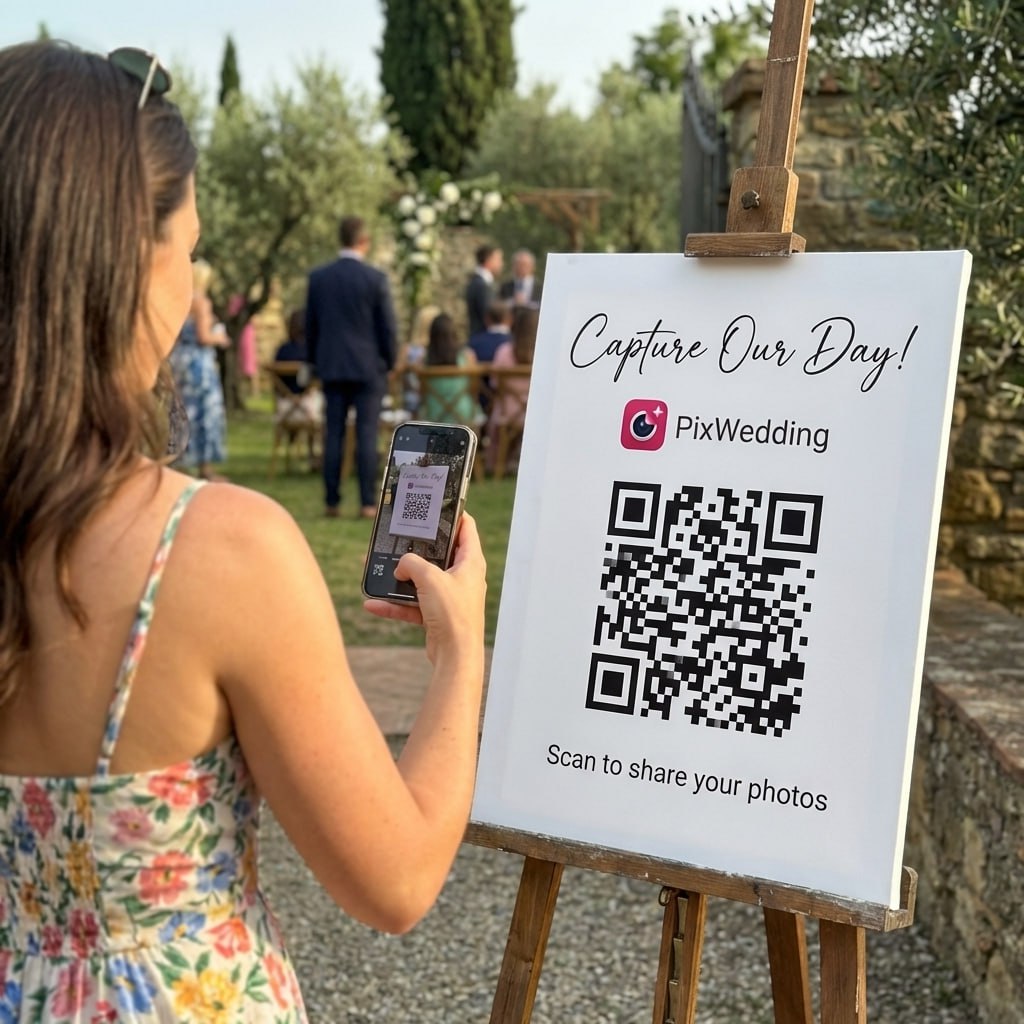
Start freeYou set up a Pix Wedding event before the party, print a QR poster or a stack of table cards, and put them where guests will see them: the entry table, the cake table, each dinner table. A guest scans with their phone camera, no app to download, and lands straight on an upload page in their browser. They pick photos and videos from their camera roll or shoot new ones on the spot, and everything lands in one shared gallery you control.
There is no login for guests and no account for you to set up ahead of time beyond creating the event. That matters at a birthday party because your guest list spans every age and comfort level with tech, from a ten year old cousin to a grandparent who has never installed an app in their life. If they can open a camera and tap a link, they can add photos.
For milestone birthdays especially, the photos guests grab are different from the ones the photographer gets. Someone at the bar catches a genuinely funny reaction shot, someone else gets a video of the toast from an angle you never would have thought to point a camera at. Pix Wedding just gives all of that a place to land instead of scattering across forty phones that never get synced or shared.
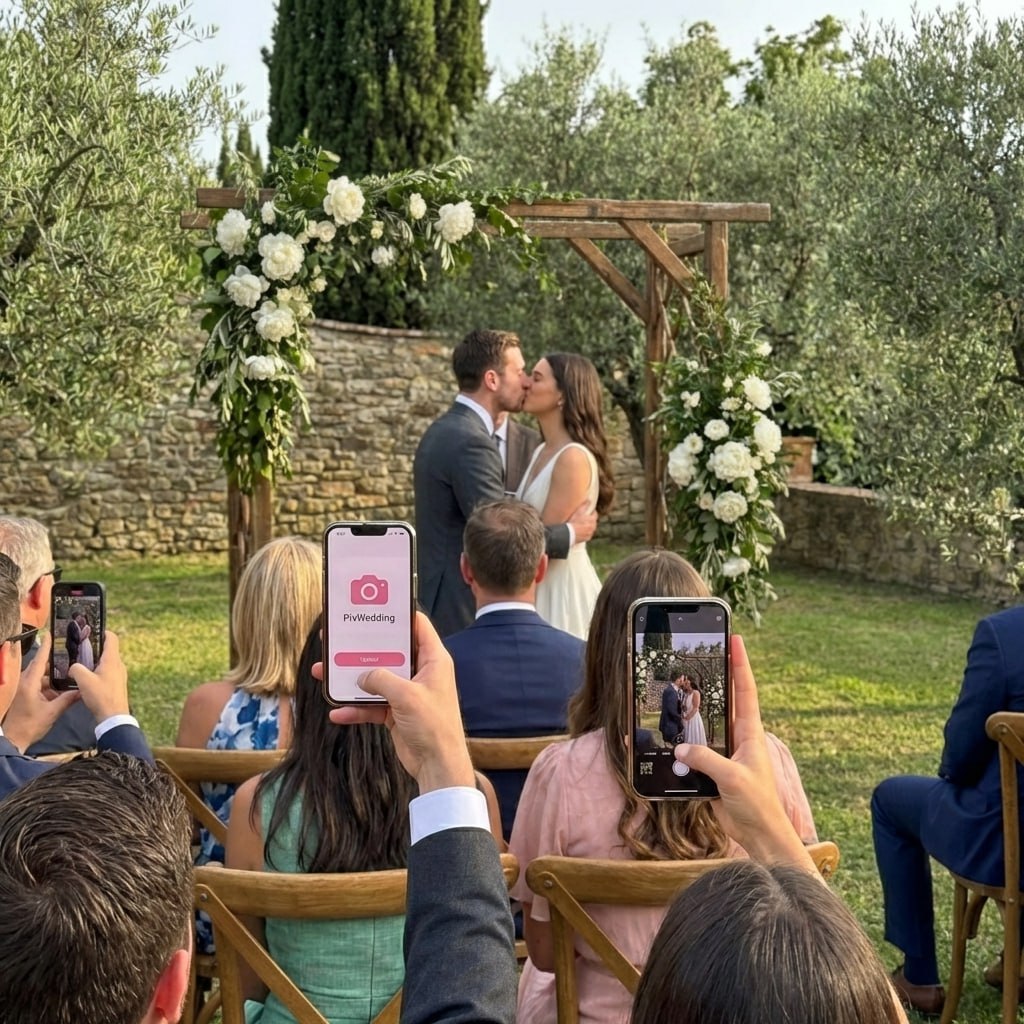
This is the real guest flow: one scan, the upload page opens in the phone browser, photos land in your birthday album. No app, no account, no waiting.
Say the guest list runs from an eight year old grandkid to great aunts in their eighties. Nobody in that range needs to download anything or make an account, they scan and upload from whatever phone they already have in hand.
Parents standing around the edges of a kids' party end up taking most of the good photos. A QR card by the drinks table means those photos land in your gallery instead of sitting in twenty different camera rolls.
Guests arrive before the birthday person and start capturing reactions the moment they walk in. With the QR code already posted at the door, those first candid shots get uploaded before anyone even thinks to ask for them later.
Uploads happen through the guest's own browser and connection, so as long as their phone has any signal or wifi, the photo goes up. You are not depending on a house wifi password making it around the yard.
A handful of ways past hosts have set this up, pick the ones that fit your party size and vibe.
Print the QR poster small and set a card at each table alongside the place settings. Guests scan while they are seated, before the cake and dancing pull attention elsewhere.
Standard plan and up lets you set photo missions with a live leaderboard. Give the kids a silly scavenger list (find the birthday hat, get a photo mid dance move) and let the adults free-shoot the rest of the party.
Turn on film roll mode so photos stay hidden until you trigger the reveal. Guests keep shooting all party long, then everyone sees the gallery light up together right as the cake comes out.
Standard and Pro plans include a private upload link just for your photographer, so their shots land in the same gallery as your guests' phone photos instead of arriving separately by email weeks later.
Standard plan and up streams a live slideshow at the venue, so photos guests just uploaded show up on screen minutes later. It gives people a reason to keep shooting and uploading through the whole party.
Standard and Pro let guests leave a short audio guestbook message in the browser next to their photos, so you end up with actual voices wishing happy birthday, not just a stack of images.
If the birthday spans a dinner the night before and the party itself, one event with unlimited upload window on your plan covers both, so everything lives in a single gallery instead of two separate links.

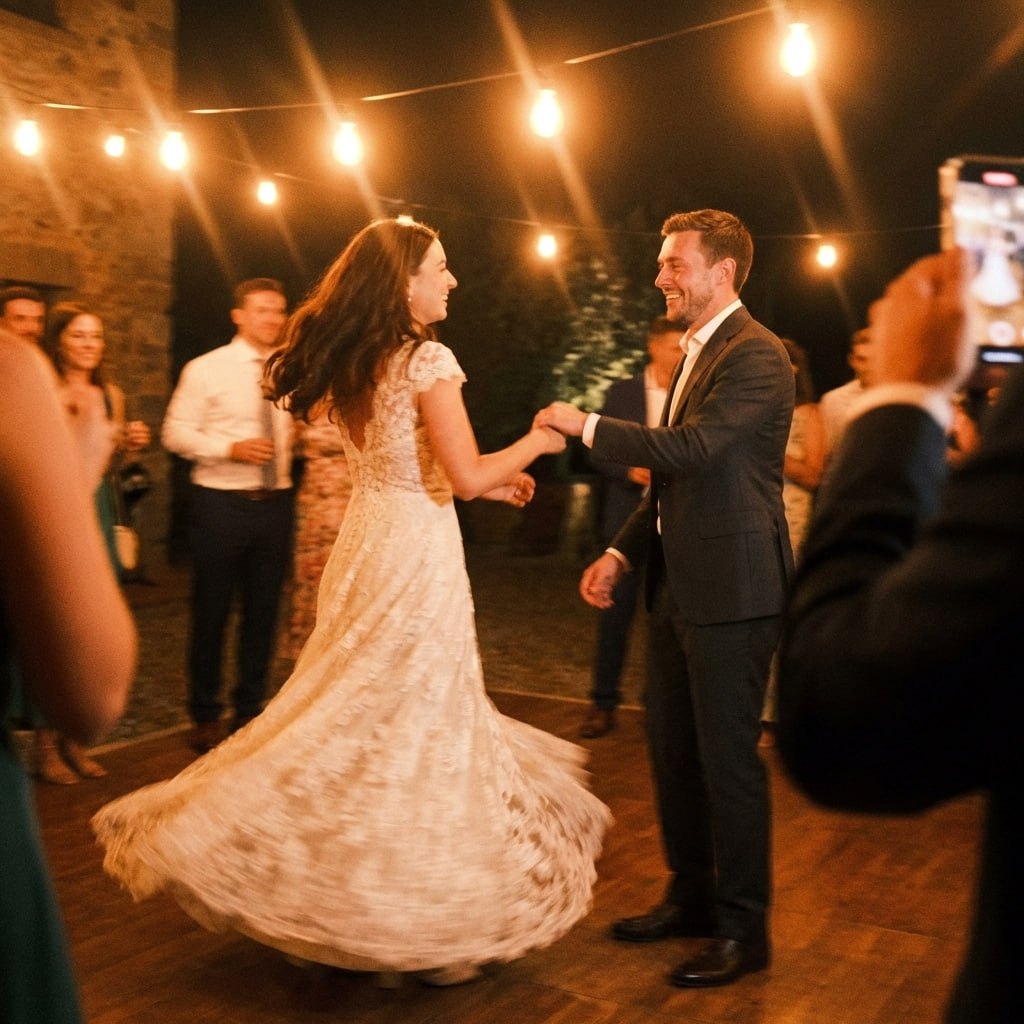
First dance
You guys!!
Set up your event in a few minutes, print the QR code, and let every guest add their photos straight from their phone.
From Mom
Scan to join the album
No app, no account
UPLOADING
THE ALBUM
June 21, 2026
647 photos · 95 guests




SCAN TO TRY
pix.wedding/
your-wedding
No credit card. One time payment per event if you upgrade, never a subscription.
One poster at the entrance gets missed by half your guests. Small table cards at every seat get scanned far more often because people see them while they are sitting still.
A quick mention from whoever has the mic (scan the code on your table to add your photos) does more than any sign. People forget signs, they remember being told directly.
Film roll mode lets you cap how many shots each guest can upload before the reveal, which nudges people toward their best photo instead of dumping fifty blurry ones.
Standard plan supports up to six sub-albums, useful if the birthday includes a separate kids' activity, the main party, and a family-only dinner you want to keep visually distinct inside one event.
Pick a design, drop in your names and date, and download a print-ready sign. No designer, no extra fee.






































Free tool, no account needed to try it.
All three plans are a one time payment per event, not a subscription, and every plan includes unlimited photos, unlimited guests, and film roll mode. Start free with 20 uploads and no credit card, and if guests never upload a single photo you get the full amount back.
3 month upload window, 6 months storage and ZIP export. Good for a smaller, single day party.
Most popular. Adds live slideshow, photo missions with a leaderboard, sub-albums, and audio guestbook, 6 month upload window.
Most couples pick thisAdds AI selfie search so guests find their own photos instantly, custom domain, and a full year of uploads.
Three plans, one price per wedding. No subscription, no per-guest fee, no card needed to look around first.
For collecting every original
Most couples pick this
One-time payment, no subscription
For big guest lists
One payment. Yours to keep. No subscription. No renewals. No surprise charges.
Secure checkout. Polar, Apple Pay, Google Pay.
Money-back guarantee: if your guests never upload a single photo, you get 100% back. See how it works
One payment per wedding. No subscription. No renewals.
With a QR Code for Birthday Parties, guests can easily upload pictures and videos to a shared gallery, no app required. Create a personalized Photo Gallery for Your Birthday and capture every special moment effortlessly. Want to add more excitement? Try our Live Digital Photo Wall and watch your memories come to life in real-time.

Common questions from people planning a birthday party with QR guest photo sharing.
No. Guests scan the QR code with their phone camera and upload through their browser. There is nothing to install and no account for them to create, which matters at a birthday party where the guest list spans a wide range of ages and comfort with apps.
Yes, that is film roll mode, included on every plan. Guests keep shooting and uploading throughout the party but nobody sees the gallery until you trigger the reveal, so the big moment stays a surprise even though photos have been coming in the whole time.
It depends on plan: Starter gives a 3 month upload window, Standard gives 6 months, and Pro gives a full year. That covers people who took photos on their phone during the party but do not get around to uploading until a few days or weeks later.
Standard supports up to six sub-albums inside one event and Pro up to twenty, so you can keep the kids' scavenger hunt photos and the main party photos organized separately without setting up two different QR codes.
If your guests never upload a single photo, Pix Wedding refunds the full amount. Most hosts see the numbers pick up once someone announces the QR code out loud or the live slideshow starts showing photos on screen, which nudges more people to add their own.
No, Pix Wedding works the same way for any event. Birthdays use the exact same QR upload flow, film roll mode, and gallery as a wedding, just pointed at a different celebration.