



















Pix Wedding Logo

Byron Bay Wedding Photo Collection: One QR, Every Guest

Collect every guest photo from your Byron Bay wedding with one simple QR code. No apps, no hassle, just beautiful memories gathered in one place.

About Byron Bay Weddings

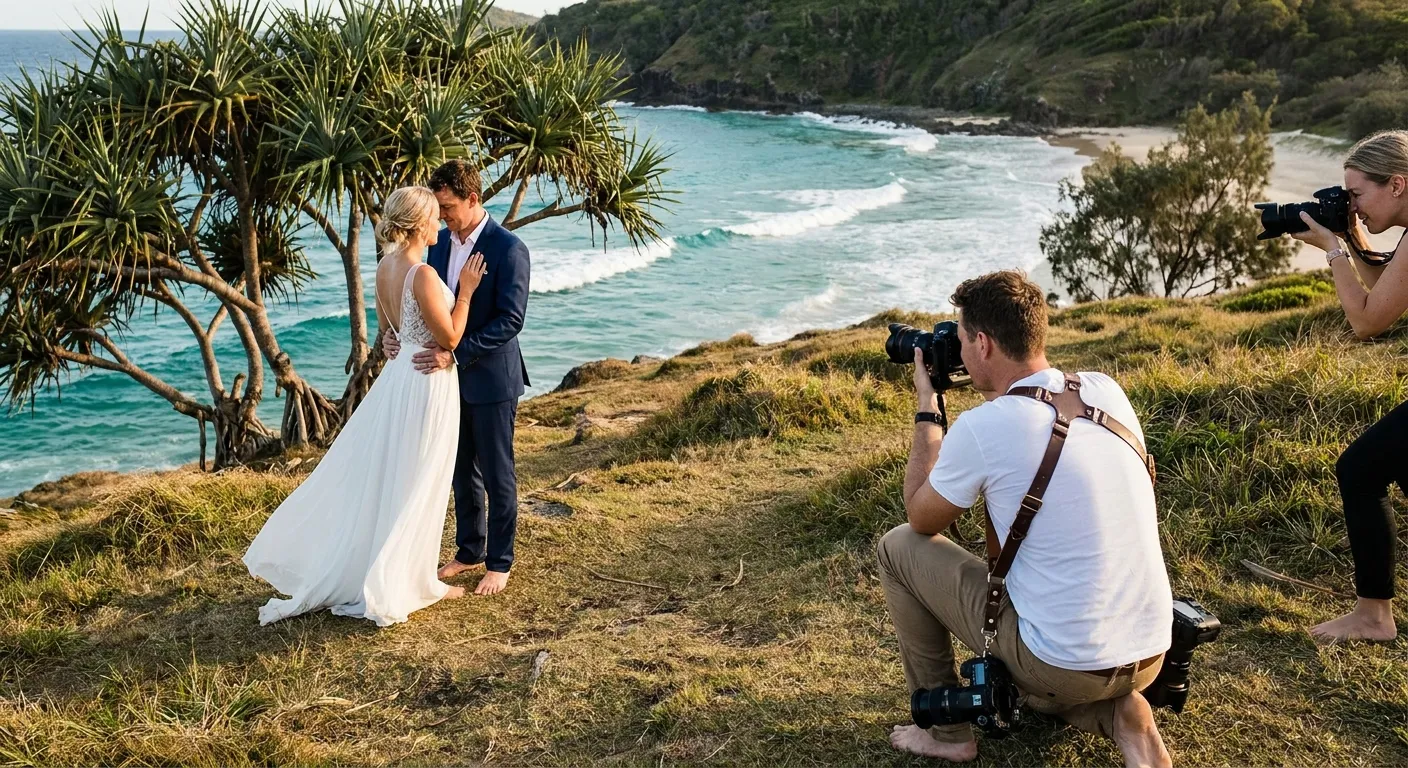
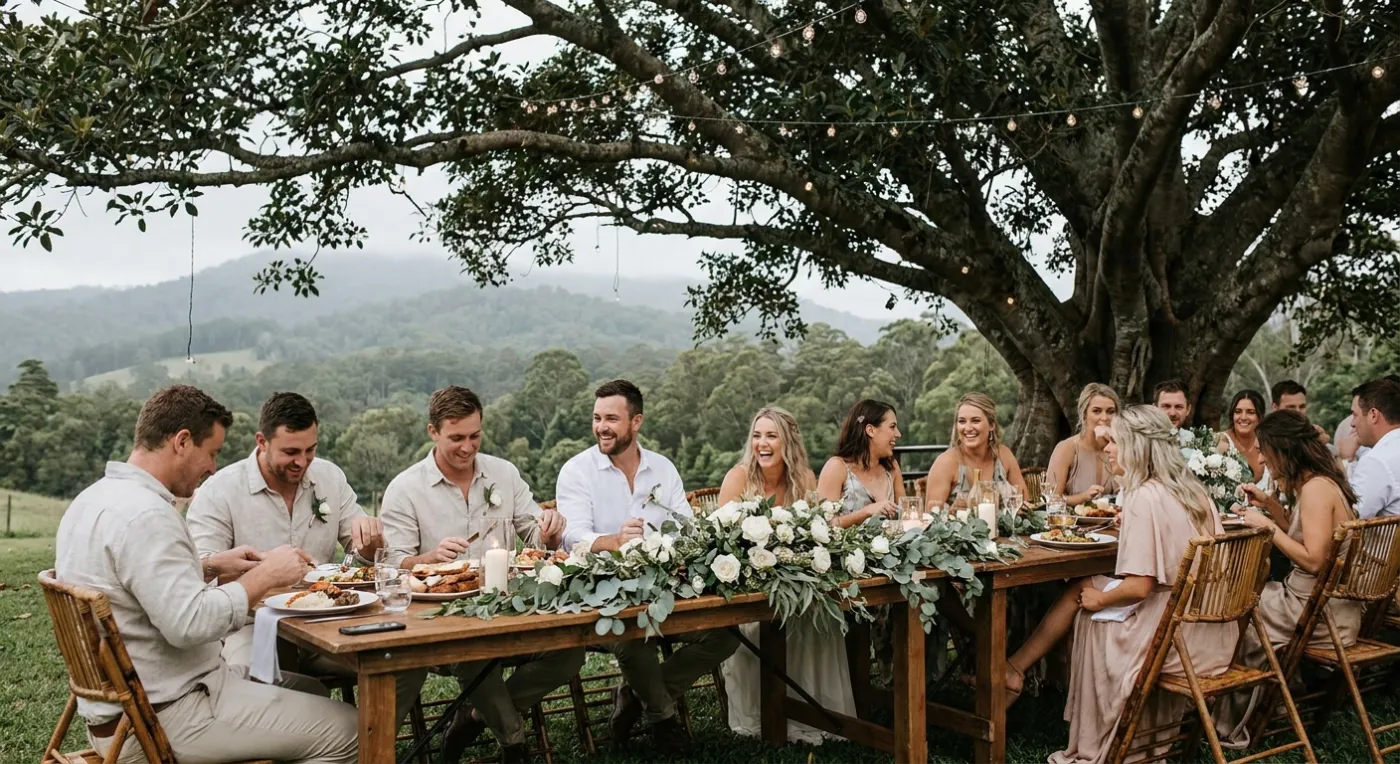
Byron Bay weddings lean bohemian outdoor: Wategos Beach ceremonies, hinterland farm receptions at The Barn or Ewingsdale Hall, and brunch-style celebrations under ancient fig trees. Guests range from local creatives with vintage film cameras to Sydney and Melbourne visitors with iPhone Pro setups. Photo sharing via QR codes works better than app-based solutions at Byron hinterland venues because patchy WiFi on private rural properties makes upload-to-app flows unreliable, while mobile data upload through a browser link is far more resilient.

Location

Byron Bay, New South Wales

Average Cost

A$50,000

Popular Seasons

Autumn, Spring

Top Venues

5 venues

Why Byron Bay Beach Couples Choose QR Sharing

Byron Bay is Australia's most sought-after bohemian wedding destination. Barefoot ceremonies on Wategos Beach, reception feasts under fig trees, and the magical hinterland light make every Byron Bay wedding feel like a dream you never want to wake from.

With the average Byron Bay wedding costing A$50,000, every dollar counts. Pix Wedding lets you collect hundreds of candid guest photos without adding to your photography budget. It is the smartest way to ensure no moment goes uncaptured at your New South Wales celebration.

Perfect for Byron Bay Wedding Venues

Fig Tree Restaurant
Byron Bay Surf Club
The Barn Byron Bay
Ewingsdale Hall
Victorias at Ewingsdale

Our QR code system works perfectly at indoor and outdoor venues across New South Wales. Whether your venue is a beach, bohemian, hinterland setting or something completely unique, Pix Wedding has you covered.

What Makes Byron Bay Weddings Unique

Byron Bay occupies a mythic place in Australian wedding culture that is disproportionate to its small population. The combination of the most easterly point of the Australian mainland, the white sand of Wategos Beach, and the hinterland farms and fig tree canopies of Ewingsdale and Federal has made it the country's most replicated bohemian aesthetic. What makes it genuine rather than generic is the community of local makers, musicians, and creatives who supply the weddings with food grown on nearby farms, florals foraged from the surrounding countryside, and live music from artists who actually live in the hinterland. Byron's patchy rural WiFi is a known logistical consideration for hinterland farm venues, and couples who plan around it by using mobile-data-based photo sharing avoid the disruption that WiFi-dependent tools cause.

Wategos Beach ceremony with Cape Byron Lighthouse backdropHinterland farm receptions in Ewingsdale and FederalAncient Moreton Bay fig tree canopy ceremony sitesLocal creative vendor community and foraged floral aestheticsFilm camera culture alongside digital and phone photographyPatchy rural WiFi making mobile-data upload essential

Byron Bay Wedding Season Guide

Autumn (March to May) and Spring (September to November) are Byron Bay's peak wedding seasons, delivering mild, dry days and the golden afternoon light that the Wategos Beach and hinterland settings are celebrated for. Summer brings humidity and occasional heavy rain that can interrupt outdoor ceremonies on private farm properties, though many Byron venues have beautiful covered structures that handle rain gracefully. Winter is mild enough for outdoor weddings with fire pits, and the quieter July and August calendar means some venue and vendor availability opens up at lower rates.

AutumnSpring

How It Works for Byron Bay Weddings

Step 1

Create Your Album

Set up your wedding photo collection in minutes. Add your names, wedding date, and Byron Bay venue details to personalise the experience for your guests.

Step 2

Print QR Codes

Place QR code cards on tables, welcome boards, and around your Byron Bay venue. Use our free QR Sticker Designer for beautiful print-ready designs.

Step 3

Guests Scan and Upload

Your guests simply scan the code with their phone camera and instantly upload photos. No app downloads, no sign-ups, no fuss.

Step 4

Enjoy Your Memories

Download all photos in high quality. Relive every special moment from your Byron Bay wedding and share them with family and friends.

"
We had a bohemian gathering under the fig trees and Pix Wedding helped us collect over 400 photos from our guests. The QR codes were incredibly easy for everyone to use. Our nan even figured it out in seconds! We got so many amazing candid shots we never would have seen otherwise. It truly completed our wedding album.

Willow & Jasper, Byron Bay Wedding 2025

Byron Bay-Specific Questions

Why is mobile-data photo sharing specifically better than WiFi-based sharing at Byron Bay hinterland venues?

Private farm properties in the Ewingsdale, Federal, and Possum Creek hinterland often have consumer-grade internet connections that struggle when 80 or 100 guests simultaneously try to upload high-resolution photos. Mobile data connections share the load across multiple phone towers rather than routing everything through one property's internet plan, making QR-based browser uploads significantly more reliable than platform apps that depend on sustained WiFi for large file transfers.

How does the bohemian Byron Bay aesthetic show up in guest photos compared to city weddings?

Byron hinterland guests tend to be visually engaged and bring diverse camera equipment, from vintage film cameras to dedicated mirrorless systems alongside phone cameras. The variety of equipment and the intimate scale of most Byron weddings means guest photos often include beautiful candid shots taken with genuinely good cameras, not just phone snapshots. A QR album that accepts any file type and resolution captures this range without compressing the quality that film or mirrorless shots deliver.

What is the best time of day for photos at a Byron Bay Wategos Beach ceremony?

Late afternoon ceremonies at Wategos, starting around 4 to 4:30 pm in autumn, position the sun at the ideal angle to light the ceremony from behind and to the left, which is the classic backlit beach portrait direction. The Cape Byron Lighthouse appears on the headland behind the celebrant in that orientation, and the Coral Sea turns a deep navy blue in the low light. The resulting guest photos, even from phone cameras, are among the most naturally flattering of any Australian ceremony setting.

Ready to Collect Every Photo?

Join hundreds of New South Wales couples who never missed a memory from their Byron Bay wedding

Start Your Free Album

No credit card required. Setup in under 2 minutes.

Wedding Photo Tips for Byron Bay Weddings

Planning a wedding in Byron Bay means you will want to capture every moment, from the ceremony to the last dance. With guests spread across different tables and locations at your New South Wales venue, it is easy for candid moments to slip away unnoticed. QR code photo sharing solves this by turning every guest into a contributor to your wedding album.

Professional photographers do an incredible job, but they cannot be everywhere at once. The behind-the-scenes moments, the laughter at the bar, the dance floor antics, and the quiet conversations between old friends are often captured only on guest phones. With Pix Wedding, those photos all end up in one organised collection.

  • Place QR codes on every table at your Byron Bay reception for maximum guest participation
  • Include a QR code on your welcome sign so guests can start uploading from the moment they arrive
  • Add a QR code to your ceremony program or order of service
  • Brief your MC to remind guests about the QR codes during your Byron Bay reception
  • Set up a dedicated photo station near the dance floor with a large QR code display
  • Include the QR code in your digital invitations so guests know what to expect

Byron Bay Wedding Seasons, Costs, and What to Expect

Byron Bay weddings are most popular during Autumn and Spring, when the weather creates ideal conditions for both indoor and outdoor celebrations. Bohemian coastal and hinterland rustic settings are the hallmark of the Byron Bay wedding scene, and the light around Wategos Beach and Cape Byron Lighthouse is especially sought-after.

With an average wedding cost of A$50,000 in Byron Bay, couples are always looking for smart ways to maximise their budget. Professional photography is essential, but supplementing it with guest photos through QR code sharing means you get hundreds of extra candid shots at no additional cost. That is a brilliant way to stretch your New South Wales wedding budget further.

  • Autumn weddings in Byron Bay offer beautiful golden light and mild temperatures
  • Popular Byron Bay venue types include Beach, Bohemian, Hinterland, Restaurant, Farm
  • The average Byron Bay wedding photography package costs A$5,000
  • Guest photo sharing complements professional photography perfectly at New South Wales venues
  • QR code photo sharing works brilliantly at both indoor and outdoor Australian venues

Photo Sharing at Byron Bay Venues: What Makes It Different

Patchy hinterland WiFi makes app-based photo sharing unreliable at Byron farm venues. QR codes uploading via mobile data are significantly more robust for Byron couples. Byron Bay weddings lean bohemian outdoor: Wategos Beach ceremonies, hinterland farm receptions at The Barn or Ewingsdale Hall, and brunch-style celebrations under ancient fig trees. Guests range from local creatives with vintage film cameras to Sydney and Melbourne visitors with iPhone Pro setups. Photo sharing via QR codes works better than app-based solutions at Byron hinterland venues because patchy WiFi on private rural properties makes upload-to-app flows unreliable, while mobile data upload through a browser link is far more resilient.

Whether your Byron Bay wedding is an intimate gathering of 30 or a grand celebration of 300, Pix Wedding scales effortlessly. Every guest becomes a photographer, capturing bohemian coastal and hinterland rustic moments that even the best professional might miss. The result is a comprehensive collection of memories that tells the complete story of your special day.

  • No app downloads required, works instantly through any phone browser
  • Guests of all ages find it simple to use, from tech-savvy millennials to grandparents
  • Photos are uploaded in full resolution for crisp, print-worthy quality
  • Works perfectly with Australian mobile networks, including in regional and rural venues
  • All photos are organised in one beautiful online gallery you can access anytime
  • Share the gallery link with guests who could not attend your wedding in person

Explore more free wedding tools

Everything you need to make your wedding day stress-free and unforgettable.

Common Questions

Wedding Photo Sharing in Byron Bay FAQ

Everything you need to know about our free tools and how they help your wedding day.

It is incredibly simple. You create a free album on Pix Wedding, print the QR codes, and place them around your Byron Bay venue. Guests scan the code with their phone camera, which opens a browser page where they can instantly upload photos. No app downloads, no sign-ups. It works on both iPhone and Android devices and is perfect for any New South Wales venue, including Fig Tree Restaurant.

Yes! Pix Wedding offers a free plan that is perfect for getting started. You can create your album, generate QR codes, and start collecting guest photos at no cost. Premium features are available if you want extras like unlimited storage, custom branding, and advanced gallery options for your Byron Bay wedding.

Absolutely. QR code scanning works anywhere your guests have mobile reception. Whether you are celebrating at Fig Tree Restaurant, Byron Bay Surf Club, or any other Byron Bay venue, guests just need their smartphone camera and a mobile signal to upload photos. Most New South Wales venues have excellent coverage. For Byron hinterland properties with patchy WiFi, uploads go via mobile data through the browser link, which is far more reliable than app-based solutions.

There is no limit on the number of photos guests can upload. Byron Bay is Australia's most sought-after bohemian wedding destination. Whether your Byron Bay wedding has 50 or 500 guests, everyone can share as many photos as they like. Couples typically collect between 200 and 800 guest photos, giving you a wonderfully comprehensive record of your celebration.

Byron Bay is most popular for weddings during Autumn and Spring. The bohemian coastal and hinterland rustic settings around Wategos Beach and Cape Byron Lighthouse look their best during these seasons. The average wedding photography package in Byron Bay costs around A$5,000, so booking early in your preferred season is recommended.

Yes, all photos uploaded by your guests are stored in their original resolution. You can download individual photos or the entire collection as a zip file. The photos are print-ready quality, perfect for creating albums, prints, or canvases of your favourite Byron Bay wedding moments.

Not at all. That is one of the best things about Pix Wedding. Guests simply scan the QR code with their phone camera and it opens directly in their browser. No app store visits, no account creation, no passwords. It takes about 5 seconds from scan to upload, which means even your least tech-savvy guests will find it easy.

We recommend creating your album at least a week before your wedding so you have time to print and place the QR codes. Many Byron Bay couples set up their album as soon as they book their venue and include the QR code on their invitations or wedding website. You can also use our free QR Sticker Designer to create beautiful, on-brand printable stickers that suit the style of Fig Tree Restaurant and similar venues.

Popular Wedding Photo Services in Byron Bay

wedding photo sharing Byron BayByron Bay wedding photographerByron Bay wedding albumguest photos Byron Bay weddingQR code wedding Byron Bayboho wedding photos Byron Baywedding photo app Byron Baycollect wedding photos Byron Bay
Wedding Photo Sharing Byron Bay | QR Code Guest Upload, No App