STEP 01 · 60 SECONDS
Create Your Album
Enter your names. Your unique QR code is generated instantly. No setup wizard, no integrations to configure.
 wedding
Put one code on the tables. Guests open it with their camera and add photos and videos from the browser, no app, no account. It all lands in one private album in original quality.
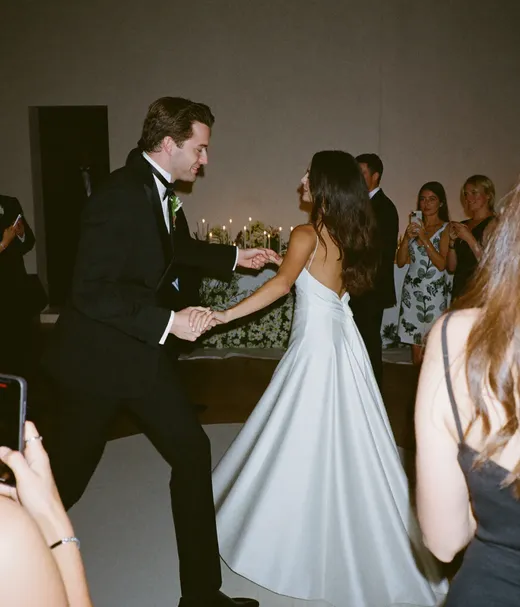
You look so beautiful in this one
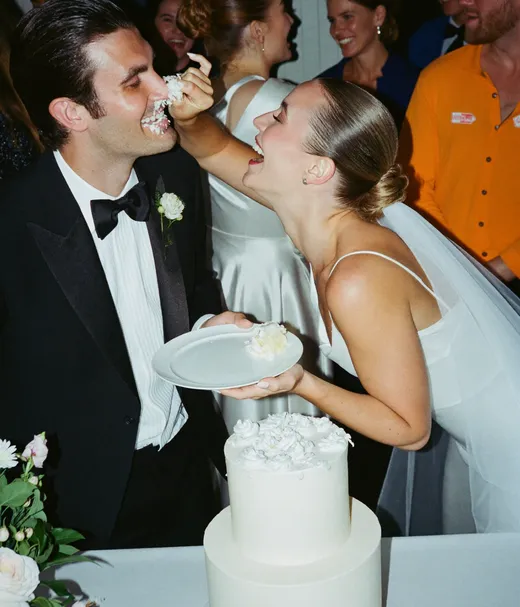

Never deleting this one


My little girl, all grown up
 0:18
0:18
 On the big screen now
 12 MP · full size
Proudest day of my life
 0:12
0:12
Champagne before 10, as promised

 Added to the Dinner album

Look at you two up there
 Shot 9 of 24
 0:47
0:47

Best brunch crew ever


Our bathroom selfie tradition lives on
 On the big screen now
You look so beautiful in this one
Never deleting this one
My little girl, all grown up
0:18On the big screen now12 MP · full sizeProudest day of my life
0:12Champagne before 10, as promised
Added to the Dinner albumLook at you two up there
Shot 9 of 240:47Best brunch crew ever
Our bathroom selfie tradition lives on
On the big screen nowNo app for you or your guests. From sign-up to printed QR card in under ten minutes.
STEP 01 · 60 SECONDS
Enter your names. Your unique QR code is generated instantly. No setup wizard, no integrations to configure.
STEP 02 · 5 MINUTES
Download a ready-to-print QR template, customized right in your dashboard. Place one on every table, or print one big sign for the entrance.
STEP 03 · ZERO EFFORT
Guests scan, upload, go back to dancing. Download everything the morning after in full resolution, yours forever.
Get the memoryA guest scans, picks photos and uploads in under 10 seconds.
Scan with your phone camera and upload a photo as a guest. It takes ten seconds.
Reviews from real couples who used Pix at their wedding.
You pay once per wedding, never monthly. Every photo, video and voice message your guests share stays yours, in original quality.
For intimate weddings & single-day events
Most couples pick this
One-time payment, no subscription
For big weddings & multi-day events
Money-back guarantee
If your guests never upload a single photo, you get 100% back. See how it works
One payment. Yours to keep. No subscription. No renewals. No surprise charges.
Secure checkout. Polar, Apple Pay, Google Pay.
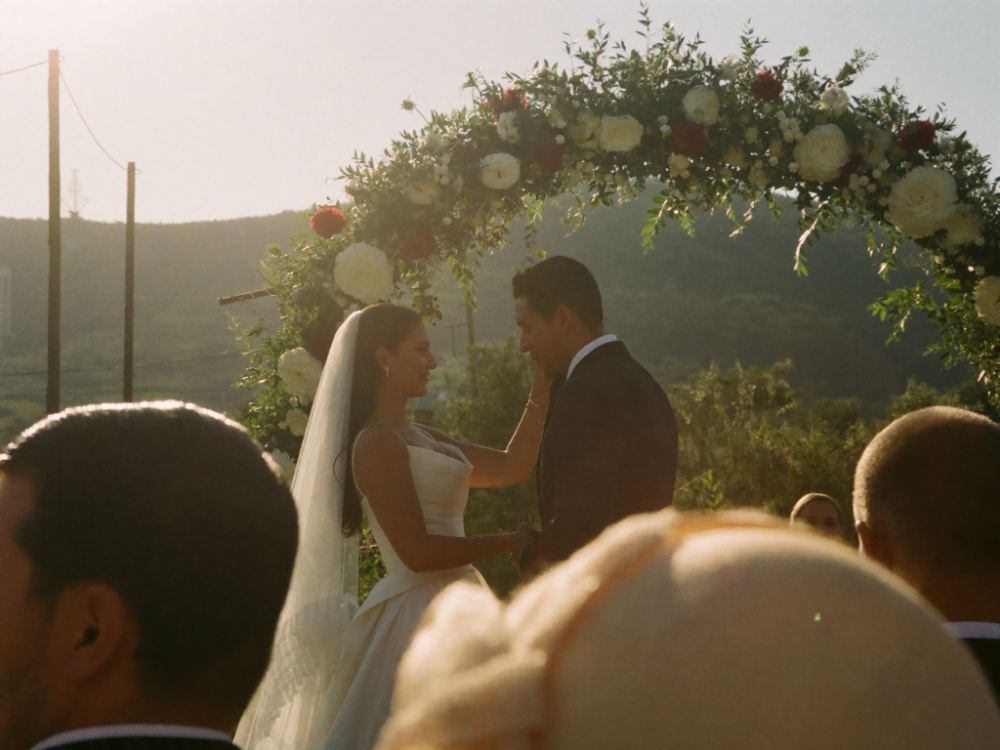
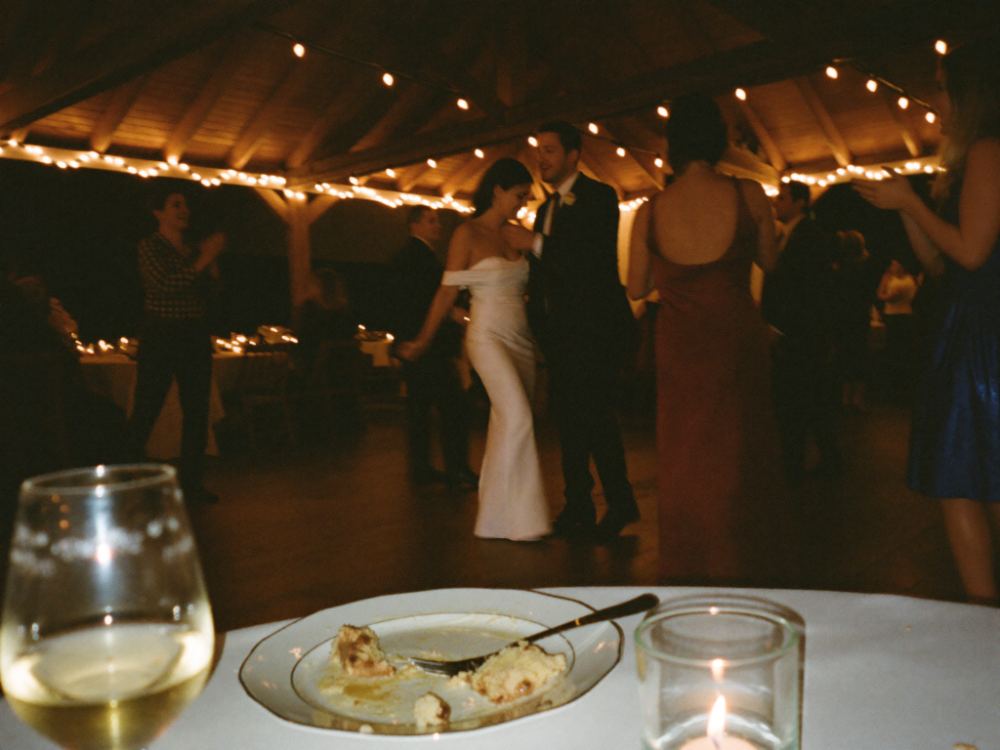
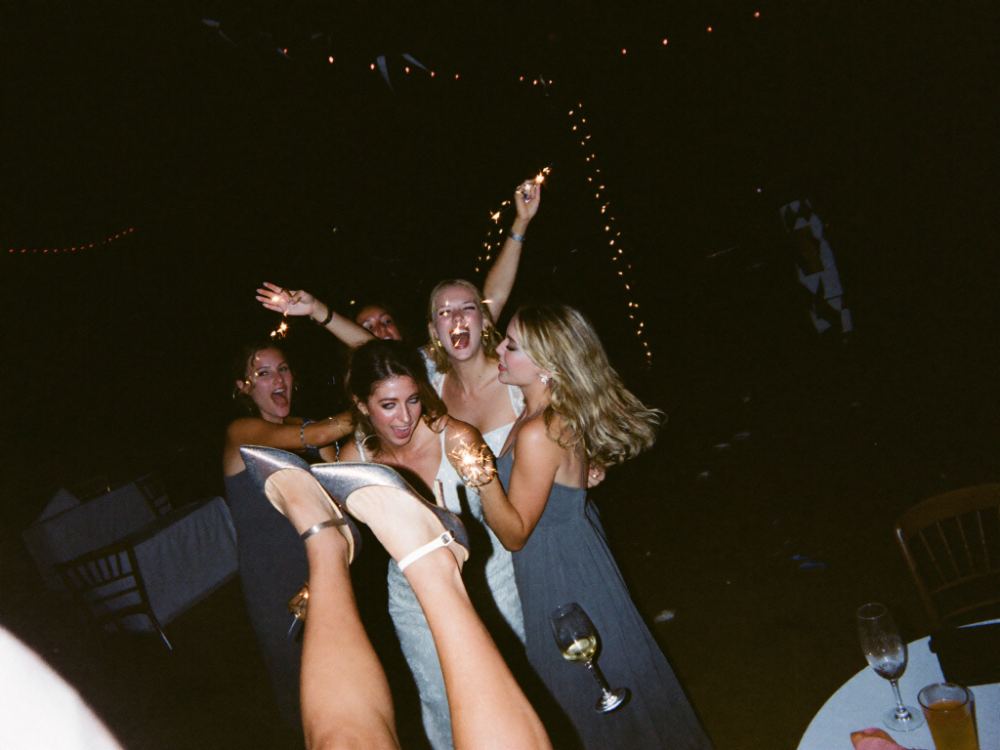
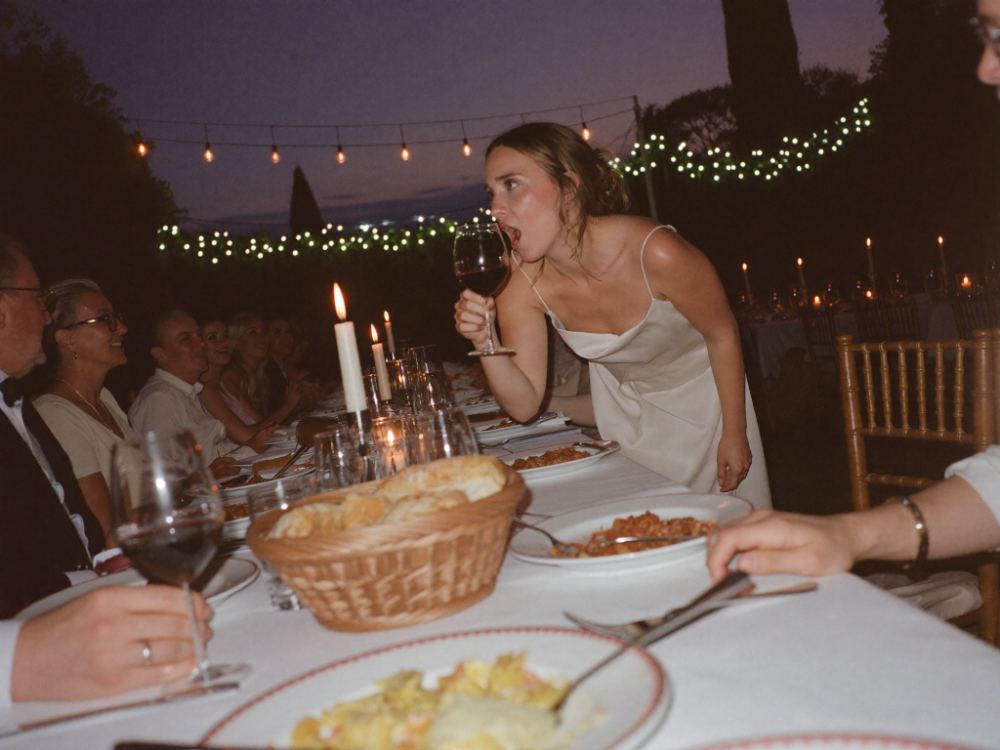
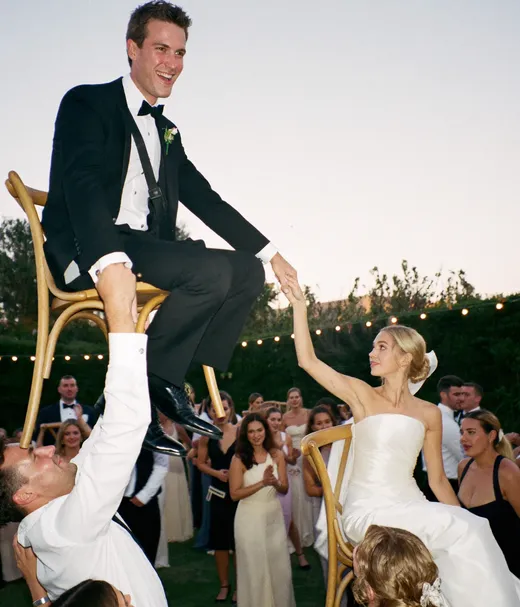
Grandma on the dance floor, the tears in the back row, the toast you only half heard. Your guests caught it all: wedding photos, videos and an audio guest book of voice messages, in one album.
Guests leave voice messages with their photos. Play them back any time
Guest photos show up on a screen at the venue the moment they're taken
Like a disposable camera. Photos stay hidden until the time you pick
Take one selfie and see every photo you're in
Guests get photo tasks or their own bingo card, like a selfie with the couple
Up to 6 albums, so nothing gets mixed up
Customize in your dashboard in 5 minutes, download, print. No account required for browsing.






































Fully customizable in your dashboard. Works with any pix.wedding plan.
How Pix Wedding stacks up against the big names, on the things that decide your album.
| What matters | Pix Wedding | GuestPix | POV Camera | Eventoly | Kululu |
|---|---|---|---|---|---|
| Price for unlimited photos, video, and guests | $49 one-time, every paid plan is unlimited | $119 to $177 per event for the full experience | Per event, tiered plans, each party adds to the bill | $49 to $89 too, but for a generic party tool, weddings are a side use case | $99 one-time per event for unlimited, the $39 plan stops at 500 uploads |
| Free tier before you pay | 20 real guest uploads, no card required | 50-photo preview that expires in 30 days | Not verified on their live pages | A free trial with unpublished limits, you find out how far it goes after signing up | 50 uploads, the album is live for 24 hours and uploads are kept 7 days |
| What guests must install | Nothing, the QR opens the browser | No app either, but you pay for it per event | Typically requires its app, where older guests drop off | No app either, a lookalike of the Pix flow without the wedding focus | No app either, but uploads close 1 to 3 months after the event |
| Storage and export | Up to 2 years plus a full-quality ZIP that is yours forever | Album duration scales with the tier you buy | Longer access windows cost more | Matches the storage windows but adds nothing Pix does not already include | Kept 3 months or 1 year by plan, bulk download on paid plans |
Swipe to compare all five
Checked against each vendor's live pricing pages. Where we could not verify a claim, we say so instead of guessing.
See all 20 head-to-head comparisonsOne album, every phase of the day. Same QR code from the rehearsal dinner through the brunch.
Can't find the answer? Email [email protected]. A human, not a bot, replies within 4 hours.
Not a thing. Guests scan the QR code with their phone camera, tap the link, and upload photos and videos straight from their browser. No app, no account, no password. We have had guests in their 80s do it without any help.
The free plan gives you 20 uploads to try it with real guests, no credit card needed. Every paid plan unlocks unlimited photos, videos and guests, the full ZIP download, film roll mode and the printable QR designs. Starter ($49) fits a single-day event: 3 months of uploads from the event date, 6 months of storage. Standard ($59) is what most couples pick. It adds the live slideshow at the venue, up to 6 sub-albums, the audio guestbook, photo missions (a checklist or a photo bingo card for every guest), a private link for your photographer, custom fonts and longer windows (6 months of uploads, 1 year of storage). Pro ($89) is for big weddings and multi-day events: AI selfie search, multiple admins, a custom domain, priority support, 1 year of uploads and 2 years of storage. On every plan, each photo can be up to 30 MB and each video up to 100 MB.
No. Every plan is a one-time payment. No renewals, no monthly fee, no surprise charges. You pay once and the album is yours for the whole storage window of your plan.
Yes, any time before or during your wedding. If you are already on a paid plan, moving up costs only the price difference, and your events, photos and guests stay exactly where they are.
Yes. On every paid plan guests can upload as many photos and videos as they like, and everything is kept in original quality with no compression. You get the full-resolution files, not the squashed copies a group chat sends.
It works like a disposable camera. Guests shoot all day, but their photos stay hidden until the reveal moment you pick, and you can cap how many shots each guest gets. It is included in every paid plan.
Yes, on Standard and Pro. Share a private upload link with your photographer and their shots land in a separate photographer album inside the same gallery. They do not need an account either.
On Pro, guests take one selfie and instantly see every photo they appear in. They agree before taking it, the selfie itself is never stored, and all face data is deleted when a photo is removed, the feature is turned off or the event is deleted.
Put a QR card on every table so guests see it the moment they sit down. Most guests scan at some point during the night, and the ones who love taking photos tend to upload a lot. On Standard and Pro, photo missions give guests fun challenges like the first dance or the best selfie, with a live leaderboard on the slideshow. And if your guests never upload a single photo, our money-back guarantee refunds you in full. Just ask within 30 days after your wedding.
Completely. Only your QR code grants access. Only you can download. We never use or share your photos.
That depends on your plan: 6 months of storage on Starter, 1 year on Standard and 2 years on Pro. You can download the whole album as a ZIP any time in that window. We email you 14 days before it ends so there is time to save everything, then the gallery is permanently deleted. Want more time? Upgrade to a plan with a longer window.
Ideally 4 to 8 weeks before the wedding so you have time to print the QR cards. The setup itself takes about 5 minutes, then it is one less thing to think about.
Guests scan one QR code and upload from their phones. No app, no account. You keep every photo and video in full quality.
One payment from $49, no subscription. Or start free.