













































For collecting every original
Audio Guestbook: Voice Messages from Your Wedding Guests
Words disappear, voices don't. With the Pix Wedding audio guestbook, guests add their name and record a voice message right alongside their photos, straight from the browser. No phone booth to rent, no hardware to return, and you can replay every wish for years. Guest name tracking shows you exactly who sent what.
From $44 one-time. No app and no account for guests.

What the Pix Wedding Audio Guestbook Is
The audio guestbook lets your guests record a voice message straight from their phone browser, right alongside the photos they're already uploading. No app, no login, no separate device to find at the venue, it's the same QR code your guests are already scanning for photos.
Guests add their name before they record, so every message is tagged and you always know who said what. Messages sit in your gallery next to the photos, ready to replay whenever you want to hear that toast again.
It's part of Standard and Pro, alongside features like sub-albums and the live slideshow. If you're deciding between plans, this is one of the features worth comparing before you pick, especially if you already know you want more than just photos out of your gallery.
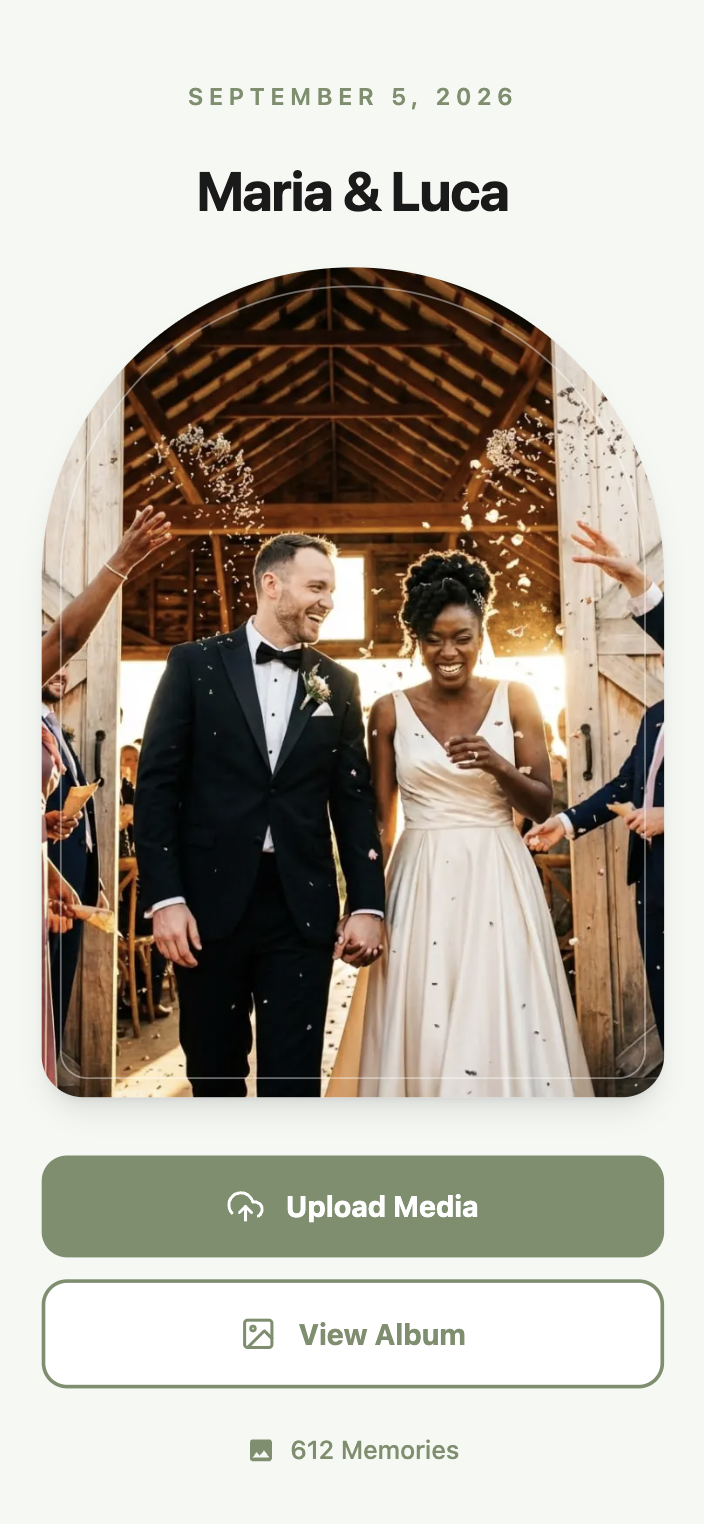
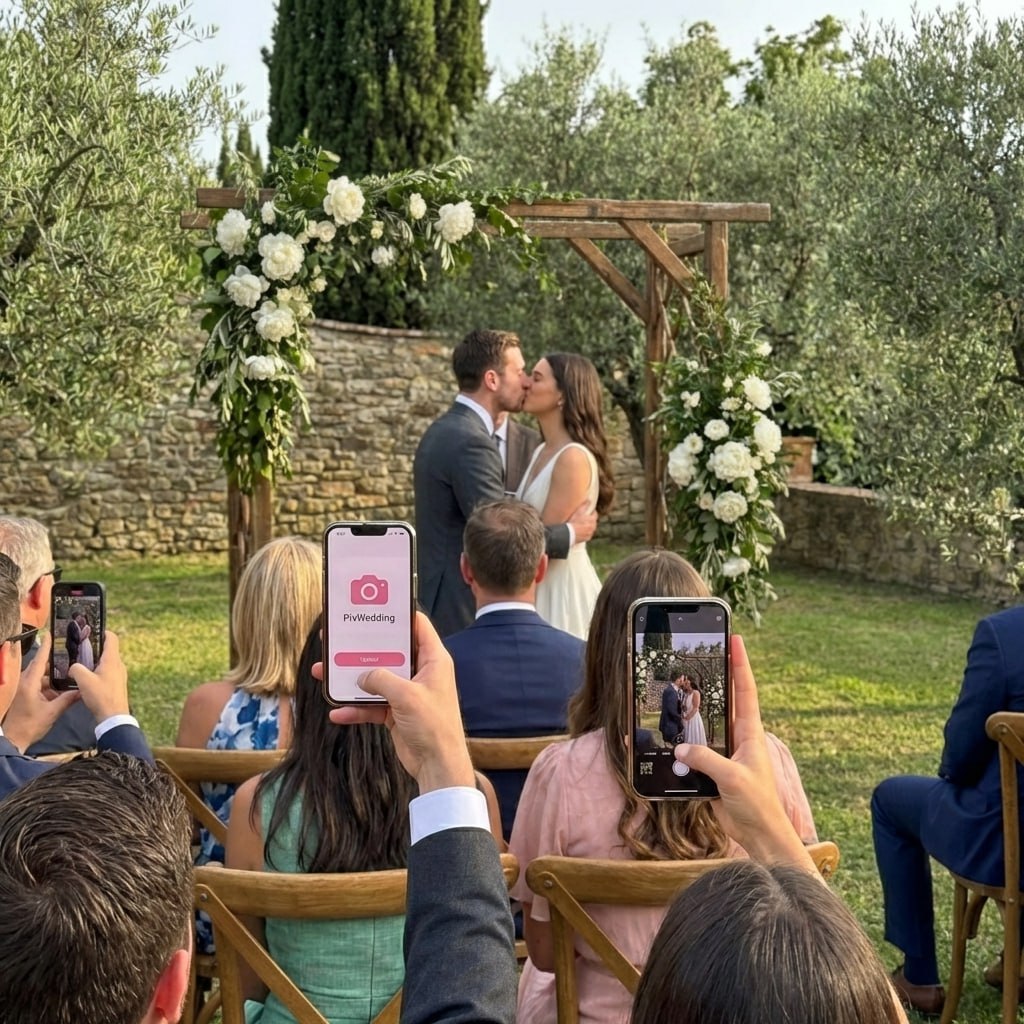
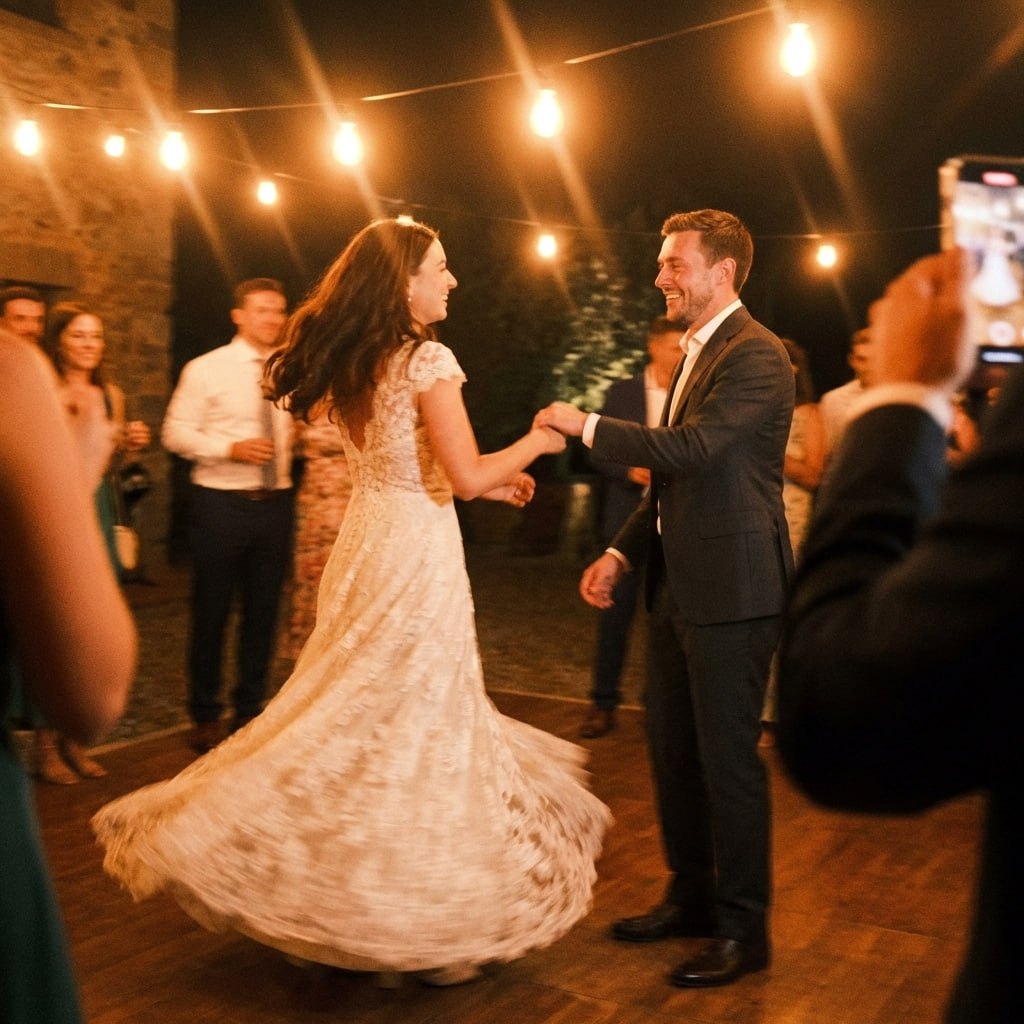
Every angle of the day, not just the ones the photographer caught


Guests shoot the moments nobody is paid to watch. All of it lands in one album, in original quality.
How Guests Leave a Voice Message
They scan your QR code
The same code guests use for photos also opens the option to record a message, no separate link or sign-up to find.
They type their name
Before recording, guests enter their name so the message is attributed to them in your gallery, not left as an anonymous clip.
They record right in the browser
No app download, no microphone permissions buried in settings, guests just tap record, say their piece, and tap stop.
You replay it anytime
Every message lands in your gallery alongside the photos from that guest, so you can browse, replay, and download the ones that get you every time.
Why Couples Add an Audio Guestbook
Voices hold up better than handwriting
A guestbook page can fade or get lost in a drawer. A recording of your grandmother's toast is something you can hear again on your tenth anniversary.
Shy guests still get heard
Some people freeze up with a microphone in front of a crowd but talk naturally into their own phone. The browser recording removes the audience.
Guest name tracking removes the guesswork
You'll never end up with a mystery voice message and no idea which table it came from.
It travels with the rest of your gallery
Messages live in the same album as your photos and videos, so there's one place to check instead of a separate app or device to manage after the wedding.
It fits into a moment guests already understand
Recording a message next to a photo upload feels natural, guests already know the drill from the QR code, the voice option is just one more tap.
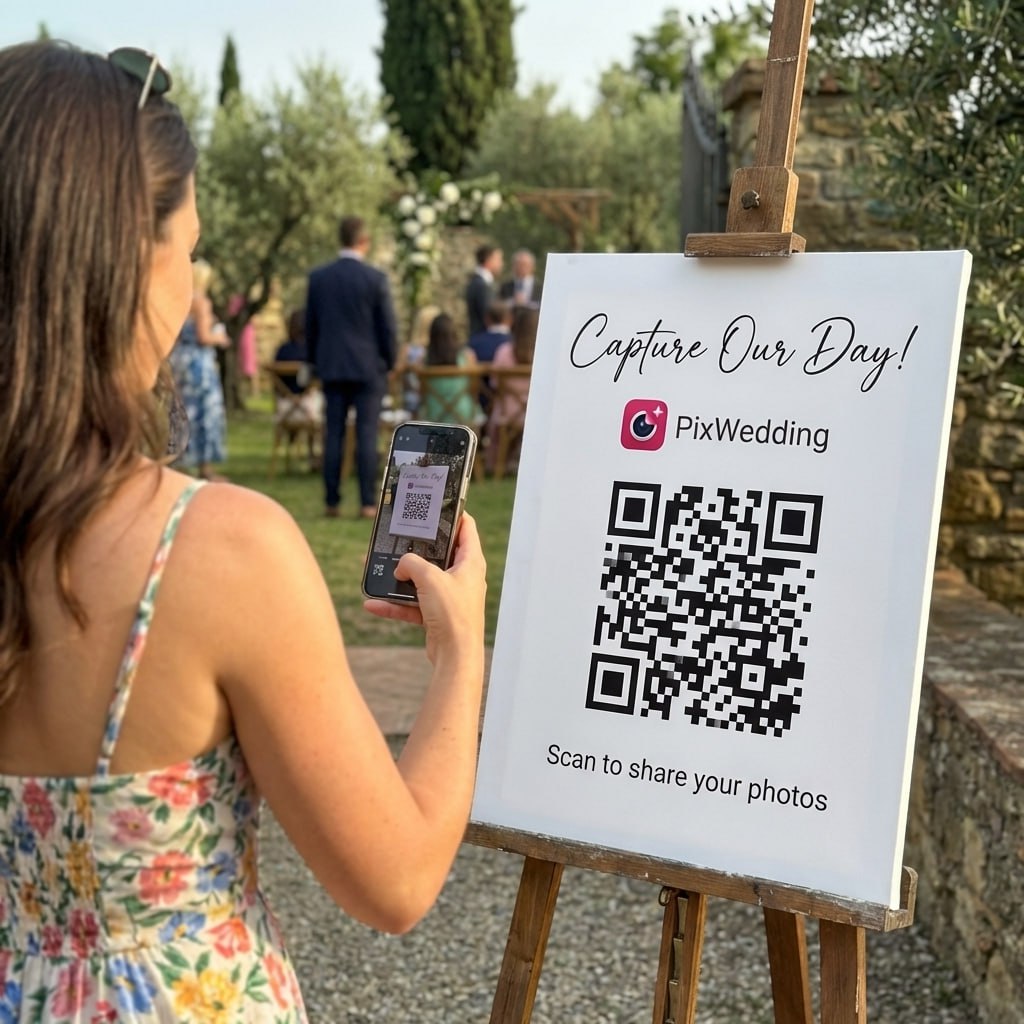
Scan. Upload. Done in seconds.
This is the real guest flow: one scan, the upload page opens in the phone browser, photos land in your album. No app, no account, no waiting.
Where Couples Use the Audio Guestbook
The parent toast nobody wants to lose
Say your dad gives a short toast during dinner. Instead of hoping someone filmed it, guests at his table can record a quick voice message with his best lines right after.
The out-of-town guest who couldn't make it
A friend who couldn't attend but sends a video can still leave an audio message through the same link if you share it with them ahead of time.
The quiet cousin who won't touch a microphone
Someone who'd never grab the mic at the reception will often record a private, honest message straight into their phone.
The anniversary listen-back
A year later, replaying twenty short voice messages from the wedding often lands harder than rereading a stack of guestbook pages.
The grandparent who skips the dance floor
Older relatives who don't want to be on camera all night are often happy to leave a short recorded message instead, it takes thirty seconds and doesn't require them to perform for a video.
Audio Guestbook vs Renting a Phone Booth
Audio guestbook phone rentals have been the traditional option for this. Here's how the Pix Wedding version compares.
| Rental Phone Booth | Pix Wedding | Bottom Line |
|---|---|---|
| Rental companies charge per event and need setup and pickup | Included in Standard and Pro, no extra hardware | One less vendor to coordinate on the day |
| A physical booth takes up space at the venue | Guests record from the phone already in their hand | No booth to place, light, or take down |
| Recordings often need to be downloaded from the rental company after the event | Messages appear in your Pix Wedding gallery right away | You're not waiting on a third party to send your files |
| Messages are typically anonymous unless a guest says their name out loud | Guests type their name before recording | You know who left every message without guessing at a voice |
| Booth availability depends on the venue having space and power for it | Works anywhere your QR code works | Same experience at a backyard wedding or a ballroom |
| A rental booth is a one-time appearance that leaves with the vendor | Recordings stay in your gallery for your full storage window | You can still play the messages back long after the wedding |
Rental companies charge per event and need setup and pickup
A physical booth takes up space at the venue
Recordings often need to be downloaded from the rental company after the event
Messages are typically anonymous unless a guest says their name out loud
Booth availability depends on the venue having space and power for it
A rental booth is a one-time appearance that leaves with the vendor
Audio guestbook is included in Standard ($54) and Pro ($84), not Starter.

First dance
You guys!!
Give Your Guests a Voice, Not Just a Camera
Add the audio guestbook to your gallery and start collecting messages next to the photos.

From Mom
Scan to join the album
No app, no account
UPLOADING
Saving your moment
THE ALBUM
Emma & Jack
June 21, 2026
647 photos · 95 guests


SCAN TO TRY
pix.wedding/
your-wedding
Included in Standard ($54) and Pro ($84).
48 QR designs, included with every plan
Pick a design, drop in your names and date, and download a print-ready sign. No designer, no extra fee.
Free tool, no account needed to try it.
Which Plan Includes the Audio Guestbook
Audio guestbook and guest name tracking are Standard and Pro features.
Starter
Does not include the audio guestbook. Covers unlimited photos and videos, unlimited guests, and film roll mode.
Standard
Includes the audio guestbook with guest name tracking, plus live slideshow, sub-albums, and photo missions.
Most couples pick thisPro
Includes everything in Standard, plus AI selfie search and a custom domain.
One payment. Then the album is yours.
Three plans, one price per wedding. No subscription, no per-guest fee, no card needed to look around first.
Most couples pick this
One-time payment, no subscription
For big guest lists
One payment. Yours to keep. No subscription. No renewals. No surprise charges.
Secure checkout. Polar, Apple Pay, Google Pay.
Money-back guarantee: if your guests never upload a single photo, you get 100% back. See how it works
One payment per wedding. No subscription. No renewals.
Audio Guestbook Questions
Common questions couples ask before adding the audio guestbook to their event.
No, recording happens in the same phone browser guests already use to upload photos, nothing to install.
Yes, guest name tracking has guests type their name before recording, so every message is attributed in your gallery.
No, it's part of Standard ($54) and Pro ($84). Starter covers unlimited photos, videos, and film roll mode.
Guests can record a short voice message right in the browser, closer to a quick toast than a full speech.
Yes, messages are part of your gallery and included in the ZIP download along with your photos and videos.
Yes, if you share your gallery link with them, they can upload a photo or record a message the same way an in-person guest would.
Explore the rest of the album
Every Pix Wedding event is one QR code. These are the pieces you can switch on around it.
QR Code Templates
Built-in QR code templates you can customize and download right from your dashboard, no design tool needed.
Read moreUnlimited Photos & Videos
No limit on the number of photos & videos, in original quality
Read moreLong-term Album Storage
Your shared album stays stored for 6 months to 2 years depending on plan, with a ZIP download of all your memories
Read moreUnlimited Guests
No need to worry about guest count. Unlimited uploads
Read moreNo App Download Needed
No need to download an app. As long as you are connected to the internet, you can use Pix Wedding
Read moreNo Guest Login Required
Guests don't have to log in to upload. They can simply Scan and Upload
Read morePrivate QR Code for Wedding
Unique and private QR Code for Wedding. Privacy settings to disallow guest view/download
Read moreFilm Roll Mode
A digital disposable camera: photos stay hidden until the reveal moment you set, with an optional shot limit per guest
Read morePhoto Missions
Fun photo challenges for guests with a live leaderboard on the venue slideshow
Read moreAI Selfie Search
Guests take one selfie and instantly see every photo they appear in. Face data stays private to your event
Read moreLive Slideshow
Guest uploads appear on a TV or projector at the venue in real time, right from the browser
Read morePhotographer Upload Link
A private link for your pro photographer, their shots land in a separate album inside the same gallery
Read moreSub-Albums
Split your gallery into up to 6 sub-albums (20 on Pro) like ceremony and reception, all under one QR code
Read more