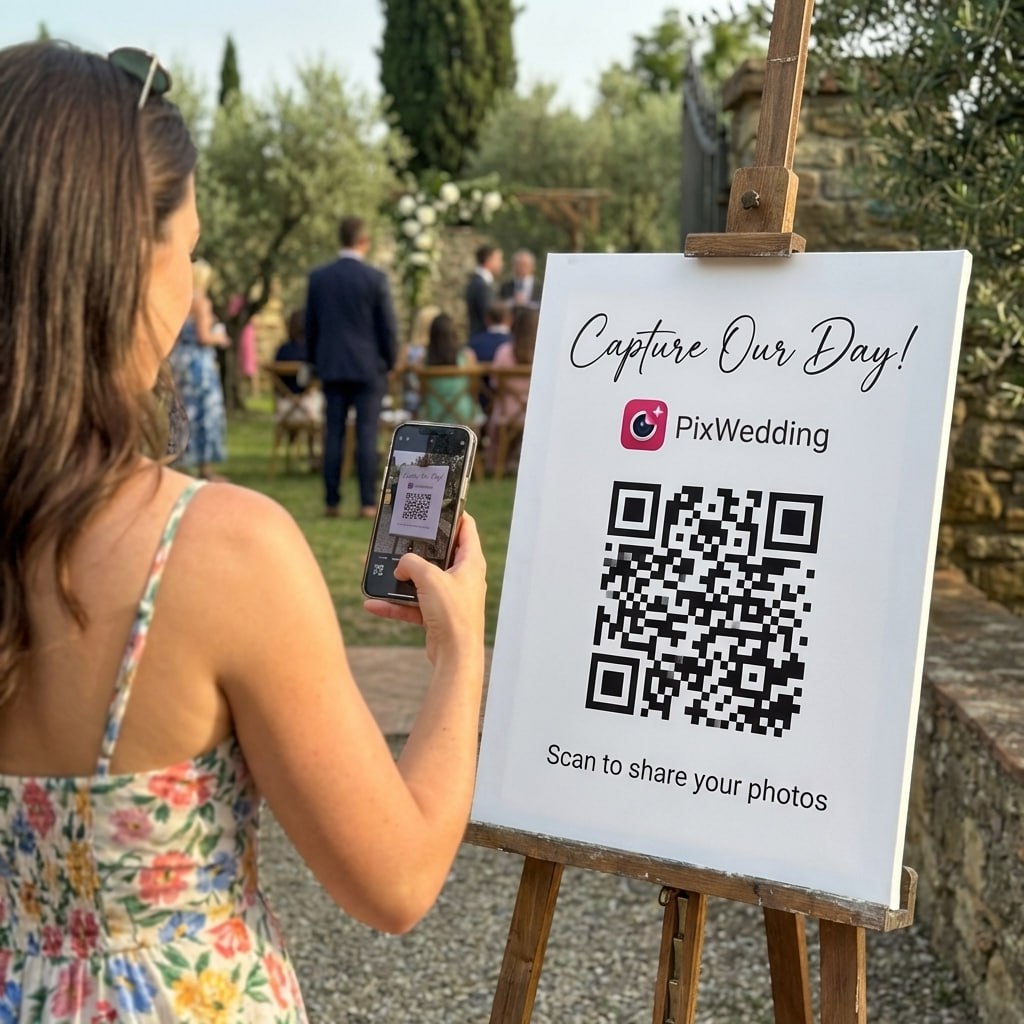
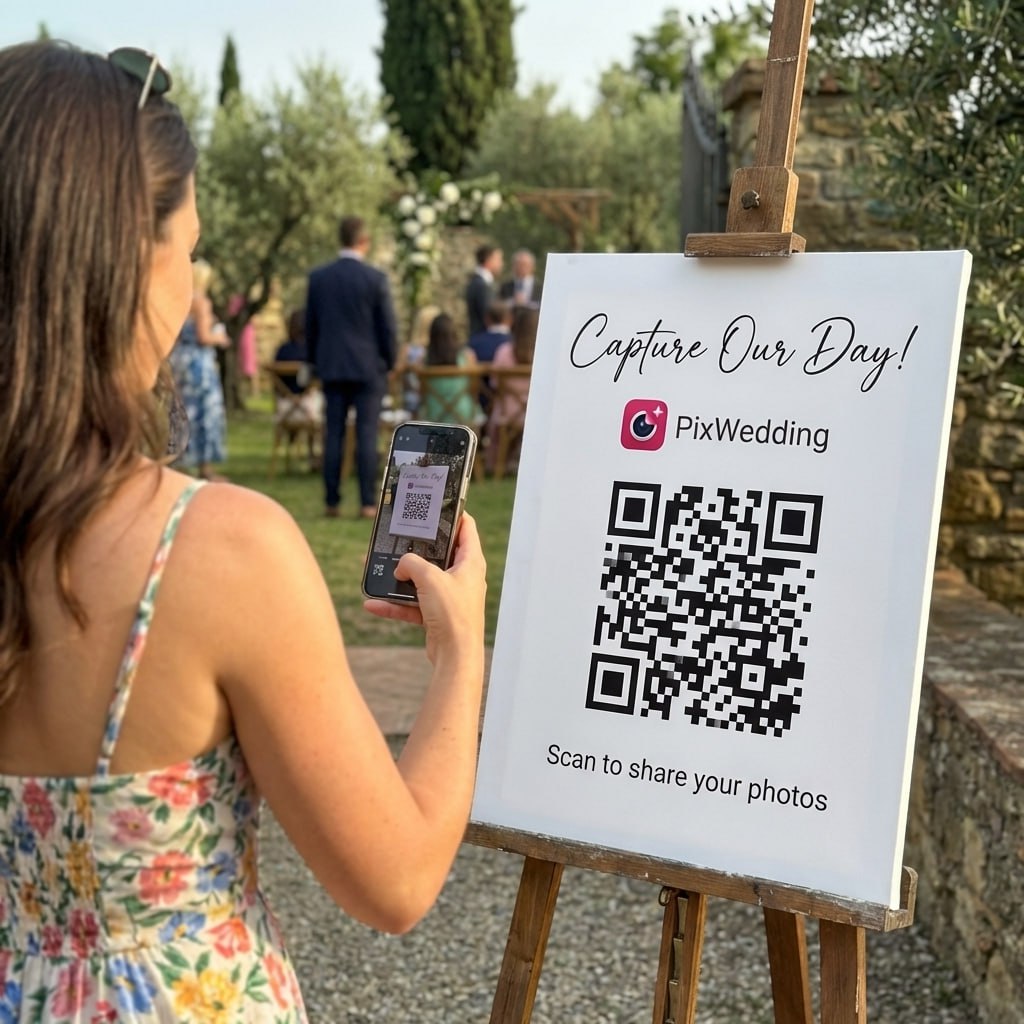
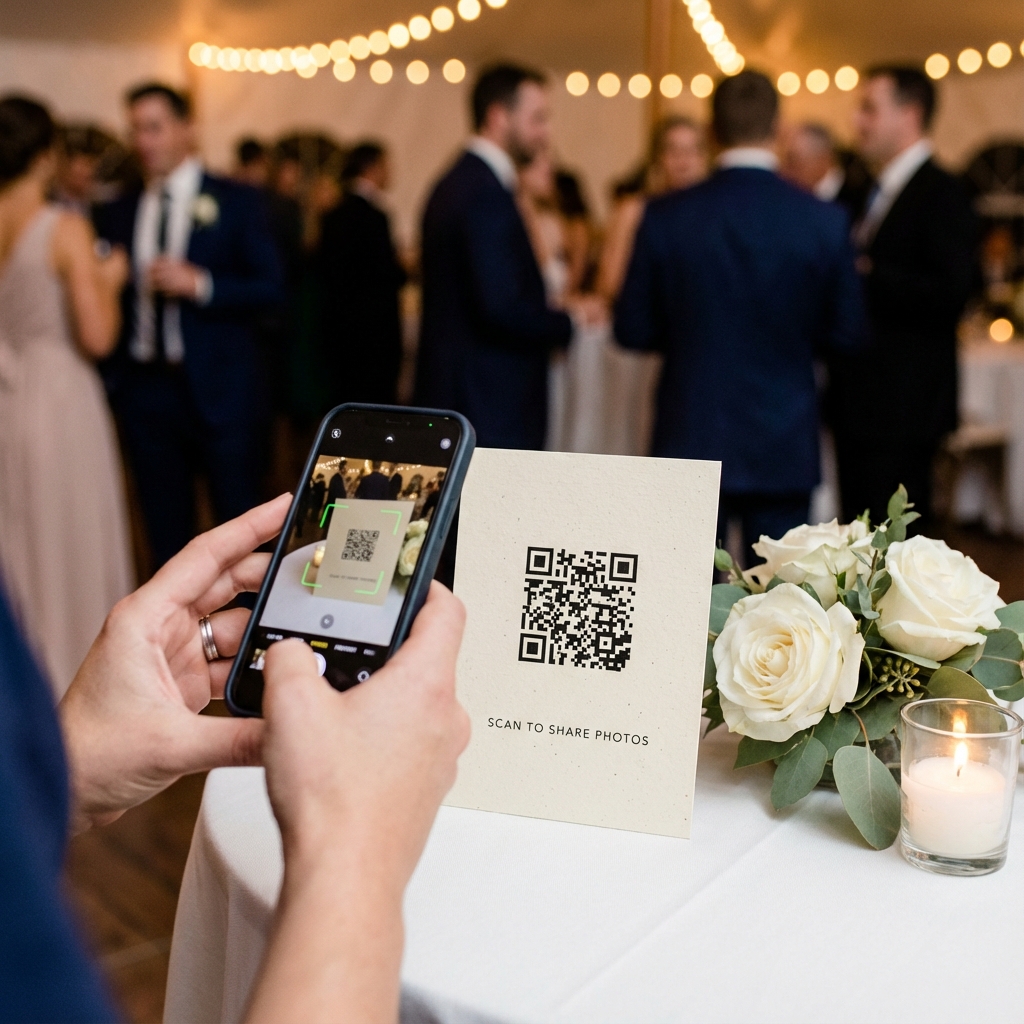
Print one code, and everyone at the party opens the same album on their phone. Here is how it works, which free options let guests add photos, and how to put a code in a printed photo book.
One printed code, one album, any eventGuests add photos and videos from the phone browserFree options compared, plus QR codes in printed photo books
A QR code photo album is a shared online album that opens when someone scans a printed code with a phone camera. The code holds only a link. Depending on the service, people either view the photos or add their own from the browser, so one code can collect every phone's pictures from a wedding, birthday or reunion.
The phrase covers two products. Most people mean a live album guests add to during the event. Some mean a printed photo book with codes on its pages that open videos or extra photos. Both are covered below, the printed book part is section 07.
Open album
Step 1
Guests scan the code
The phone camera reads the printed code and offers a link. Nothing to install, the album opens in the browser.
Shared albumMaya turns 40Add your photos and videos from tonight Add photosNo app, no account
Step 2
They add what they shot
On an album that accepts uploads, guests pick photos and videos from their camera roll and send them in one go.
Maya turns 40Live
Everyone's photos
Step 3
Everyone sees one album
Every phone lands in the same place, so the host downloads one set instead of chasing forty group chats.
SEE THE ALBUM FILL UP
One scan. Every phone in one album.
Watch a guest scan the code and add photos to the shared album from the phone browser. No app, no account, about thirty seconds.
Maya turns 40Scan to add your photos
9:41
SHARED ALBUM
Maya turns 40
AllPartyMine
Add your photosNo app needed
02Same code, different crowd
Where a QR photo album earns its place
Any event where many people take photos and nobody wants to collect them by text. The setup is identical every time, only the sign changes.
Weddings
One code on the welcome sign and every table. Standard and Pro split the album into sub-albums, so ceremony and reception photos stay apart.
Relatives bring old prints on their phones as well as new shots. A family album QR code on the invite lets them add scans of old photos before the day.
Google Photos has a QR code built into album sharing, so it is the quickest free route. The steps come first, then the same job for iCloud, Dropbox and any other album link.
01
Open the album in Google Photos
Sign in to the Google Photos app and open the album you want guests to reach. The QR code works for albums, not for single photos.
02
Turn on Collaborate if guests should add photos
Open the album menu, go to Options and switch on Collaborate. Anyone with the link can then add photos after signing in to a Google account. Leave it off for a view-only album.
03
Tap Share, then Show QR code
Google’s help page gives this path for the Android app. To print the code, take a screenshot of it and crop it down to the square.
04
No QR option? Create a link instead
If your share sheet shows no QR code, on an iPhone or a computer for example, tap Share, then Create link. Copy the link and paste it into any QR code generator.
05
Test it like a guest, then print
Scan the code on a phone that is not signed in to your account, on mobile data. Try one upload, so you see the Google sign-in step your guests will see.
Shared albumRivera reunion
Share Create link Show QR code
Step 03 in the share sheet
The 2 minute walkthrough opens Google Photos, goes to Albums and creates the QR code from the album's share options.
Note what it says at the start: the QR option is there for albums, not for single photos.
On iOS 27, open Sharing Options, share the album with a link and copy it. On iOS 26 and earlier, turn on Public Website for a view-only link. Paste the link into a QR code generator.
Create a file request for a folder and turn its link into a QR code. Guests can upload without a Dropbox account, but they never see what anyone else sent.
Pix Wedding makes the album and the printable code together, with 48 poster designs in PNG or PDF, so there is no link to copy and guests upload with no account.
06Before you print anything
How long does the code keep working?
A QR code never expires on its own. It stops working when the link inside it does, so the real question is how long the album behind it stays online.
What the printed code points to
Static code
Album link
Delete the album and every printed copy goes dead
Dynamic code
Redirect
Swap the album later without reprinting
Static code
The album link is printed straight into the pattern. Free, and it works as long as that exact link works. Delete the album or change its link and every printed copy goes dead.
Dynamic code
The pattern holds a short redirect you can edit later, so you can swap the album without reprinting. The redirect lives with the QR service, so check what happens to it if you stop paying that service.
Pix Wedding album windows, from the event date
Guests can upload Online to view and download
Starter$44 once
3 months upload, 6 months online
3 mo
6 mo
Standard$54 once
6 months upload, 12 months online
6 mo
12 mo
Pro$84 once
12 months upload, 24 months online
12 mo
24 mo
Every paid plan includes a ZIP download of all originals. Pull it before storage ends, and if the code is going into a printed book, link the book to something you will keep, not to an album with an end date.
File types and quality
Pix Wedding
Takes any photo or video a phone saves (JPEG, PNG, HEIC, MP4, MOV), up to 30 MB per photo and 100 MB per video, and stores the files without recompressing them.
iPhone HEIC
On Pix Wedding, HEIC photos are saved as full-size JPEGs so every phone can open them.
Google Photos
Keeps full quality only on Original quality; Storage saver shrinks photos above 16 MP and video above 1080p.
iCloud Shared Album
Albums made on iOS 26 or earlier cut photos to 2048 pixels on the long edge and video to 720p.
Start with 20 guest uploads free, no card. Every plan takes unlimited guests, photos and videos; the tiers differ in how long the album runs and what shows at the venue.
Starter
$74$44one-time
For one event on one day
Unlimited photos, videos and guests
Original quality (no compression)
Film roll mode with a timed revealNEW
48 QR poster designs (PNG or PDF)
3 months upload from the event date
6 months storage + ZIP download
Multiple admins
Pay with Apple Pay, Google Pay or card.Money back if your guests never upload.
Picked most often
Standard
$89$54one-time
For a crowd and a screen
Everything in Starter
Live slideshow at the venue
6 months upload, 1 year storage + ZIP
Up to 6 sub-albums
Audio guestbook and guest names
Private upload link for a photographerNEW
Photo missions, leaderboard and bingoNEW
Pay with Apple Pay, Google Pay or card.Money back if your guests never upload.
One-time payment, no subscription
Pro
$133$84one-time
For big guest lists and long albums
Everything in Standard
AI selfie search for guestsNEW
Custom domain for the album
1 year upload, 2 years storage + ZIP
Approve guest photos before they show
PIN lock for the album
No Pix Wedding branding, up to 20 sub-albums
Pay with Apple Pay, Google Pay or card.Money back if your guests never upload.
One payment. Yours to keep.No subscription. No renewals. No surprise charges.
Secure checkout. Polar, Apple Pay, Google Pay.
Money-back guarantee:if your guests never upload a single photo, you get 100% back.See how it works
07The printed kind
QR codes in a printed photo book
A photo book cannot play a first dance or a birthday song, but a code on the page can. It also opens the hundreds of photos that never made the cut.
Page 4
Scan to play
Page 12
The ceremony
Scan to play the videoand see every guest photo
Example layout, the code opens the full album
Link a page to its video
Some photo book makers place the code for you. CEWE says its Creator software integrates the QR code into your design and links readers to your video online.
Or link the back cover to the full album
A book holds the best forty pictures. One code on the last page can open the other few hundred that did not fit.
Scan every code in the print preview
Test each code from the proof on screen before you order. A typo in a link costs a reprint once the book exists.
Point it at something that will outlive the book
A printed code is permanent and the album behind it is not. Link to a video host or album you will keep paying for, or to a link you can redirect later.
Pix Wedding does not print books. The usual route is to download the album ZIP, pick the best shots and upload them to the book maker you like. Our photo album maker guide compares layouts and print costs.
Put it where phones are already out and people are waiting. More than one spot always beats one perfect sign, and a quick mention from the host or DJ reminds the room the code is there.
The camera reads the code offline, but opening and uploading need data. In a basement venue, print the Wi-Fi password on the same card.
Size it for the distance. Scanova's guide suggests at least 2 inches on a table card and 4 to 6 inches on a venue sign.
Welcome sign or easel
The first thing people pass. Large enough to scan from a step away.
Table cards
Where guests sit with their phones out. One card per table beats one sign by the door.
Invitations and programs
Lets people add old photos before the day, which suits reunions and memorials.
Thank-you cards
A second nudge for the guests who forgot. Many photos arrive in the week after.
Back of a print or frame
A small code on a framed photo opens the whole album behind it.
On the big screen
With a live slideshow (Pix Standard and Pro), guests see their photos appear and scan the code shown beside them.
Anyone holding the code can open whatever the link allows. Decide the setting before printing, because the code travels further than the guest list.
Private albumRivera reunionEnter the PIN to openOpen album
Setting
What people can do
Where you find it
Open album
Anyone with the code views and adds photos
Pix Wedding on every plan; Google Photos with Collaborate on
View only
People look but cannot add
Google Photos with Collaborate off; iCloud public link on iOS 26 and earlier
Upload only
People add, but cannot browse what others sent
Dropbox File Request; Pix film roll mode keeps photos hidden until the reveal
Approve first
Photos show only after the host approves them
Pix Pro
PIN lock
The album asks for a PIN before it opens
Pix Pro
Open album
What people can doAnyone with the code views and adds photos
Where you find itPix Wedding on every plan; Google Photos with Collaborate on
View only
What people can doPeople look but cannot add
Where you find itGoogle Photos with Collaborate off; iCloud public link on iOS 26 and earlier
Upload only
What people can doPeople add, but cannot browse what others sent
Where you find itDropbox File Request; Pix film roll mode keeps photos hidden until the reveal
Approve first
What people can doPhotos show only after the host approves them
Where you find itPix Pro
PIN lock
What people can doThe album asks for a PIN before it opens
Where you find itPix Pro
Keep the code off public social posts unless strangers are welcome in the album.
Give a second person admin access, so someone can remove a photo while you are busy hosting.
Download the full album, then delete it or let it expire once everyone has their copy.
Couple reviews
Rated 4.9 by couples who used Pix Wedding
4.9
out of 5 · Based on 395 reviews
Winter wedding in Vail, snow falling during the ceremony, absolutely magical. The photos our guests got of the snow are the ones I frame, not the professional ones. There is something about an iphone photo taken by someone who loves you that a hired photographer just cannot replicate no matter how talented they are. Pix gave us all of those
Evelyn S. · Vail, COVerified couple · December 2025
Cherry blossom season wedding at a traditional venue. The QR codes were very convenient for our guests and the album is beautifully organized. We received 620 photos and many lovely voice messages. The one-time payment was very reasonable. I appreciated that nothing felt pushy or complicated
Yuki T. · Kyoto, JPVerified couple · April 2026
We had 140 guests and ended up with just over 900 photos. The QR table cards were super easy to set up and literally everyone figured it out. My mom keeps sharing the album link with her book club and honestly I love that for her
Sophie L. · Toronto, ONVerified couple · April 2026
A QR code photo album is two things joined together: an online album and a printed code that opens it.
The code stores a web address and nothing else. Scan it and the phone opens the album in the browser.
What guests can do once they are in depends on the service behind the code. Some albums only show photos. Others accept uploads from anyone with the link.
That difference matters more than the design of the code.
Two things joined together
A printed codeStores a web address and nothing else
An online albumOpens in the phone browser after one scan
What guests can do depends on the service
Only view View and add photos
Picking the album behind the code
If everyone already uses Google Photos or iCloud, a free shared album with a QR code can be enough for a small family event.
For a mixed crowd of guests who will not sign in to anything, a browser-based album like Pix Wedding collects more photos because the upload takes one scan and one tap.
Check who can add photos without an account
Check how long the album stays online and how you download it
Check whether the code needs reprinting if anything changes
Test the code on two phones before printing
One scan and one tap per guest
Keeping the photos after the event
Every online album ends at some point, whether a plan runs out or an account gets closed. Download a full copy while the album is still live.
On Pix Wedding that is the ZIP download included with every paid plan, which you can then send to any photo book or print service.
FAQ
QR code photo album questions
Straight answers to what people ask before they print a code.
Share the album by link first, then turn that link into a code. Google Photos shows a QR code in an album’s share options. For iCloud or Dropbox, paste the link into any QR code generator. Apps like Pix Wedding create the album and the printable code together, with 48 poster designs.
Open the album in the Google Photos app. If guests should add photos, open Options and turn on Collaborate; leave it off for a view-only album. Then tap Share and Show QR code, the path Google’s help page gives for Android, and screenshot the code to print it. No QR option? Tap Create link and paste the link into any QR code generator. It works for albums, not single photos.
That depends on the album. Pix Wedding albums take uploads from anyone who scans. Google Photos needs Collaborate turned on and contributors signed in to Google. A Dropbox file request takes uploads but shows no gallery, and a WeTransfer album needs a free account to upload.
Not with a browser-based album. Pix Wedding guests scan and upload from the phone browser with no app and no account. Google Photos asks contributors to sign in, WeTransfer asks uploaders for a free account, and a Dropbox file request may ask for a name and email.
You can always add or remove photos in the album itself. Pointing the code at a different album only works with a dynamic code, which goes through a redirect you can edit. A static code holds the link directly, so if the link changes or the album is deleted, the printed code stops working.
As long as the album behind the link exists. A static code itself never expires. Pix Wedding keeps albums online for 6, 12 or 24 months depending on the plan, with a ZIP download of every original. Free cloud albums last as long as the owner keeps the account and the storage.
Yes. Book makers like CEWE place the code into the design and link it to a video online. Test every code in the print preview before ordering, and link to a host you will keep, since a printed code cannot be updated once the book exists.
Ready for the next party
Print the code, start the album
Pix Wedding starts with 20 guest uploads free and no card. A bigger album is $44, $54 or $84 once, and guests still upload from the phone browser with no app or account.