

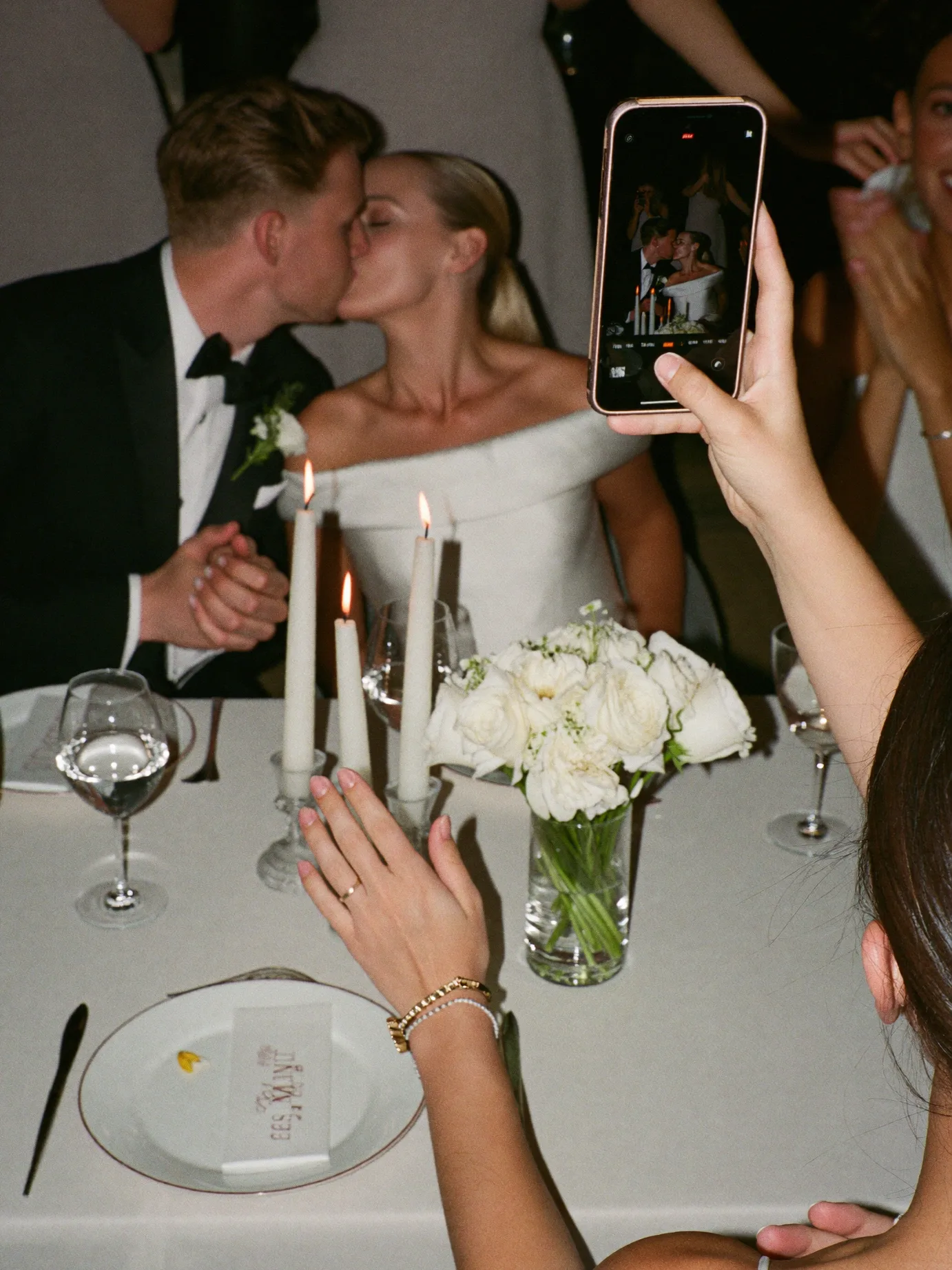









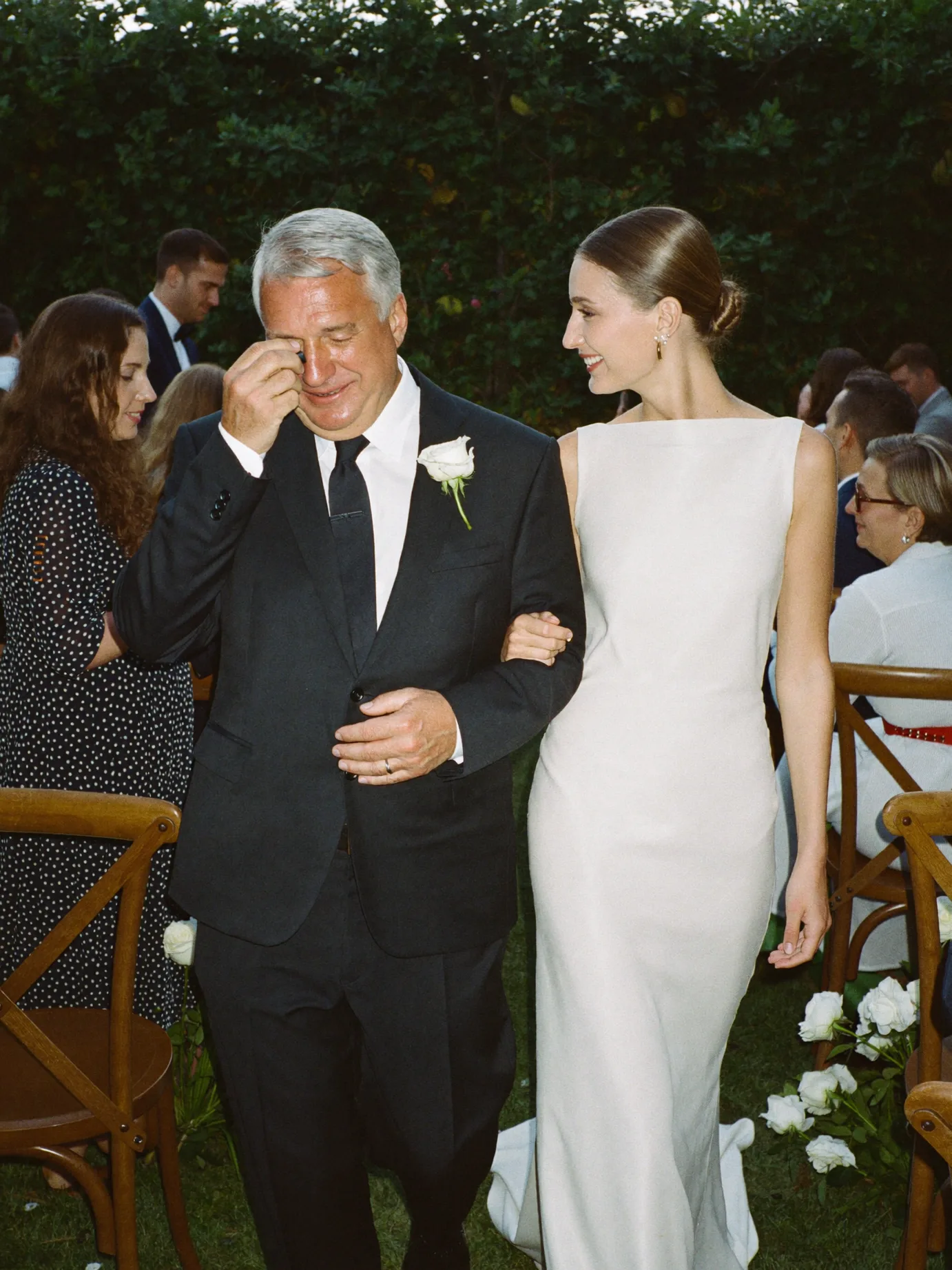

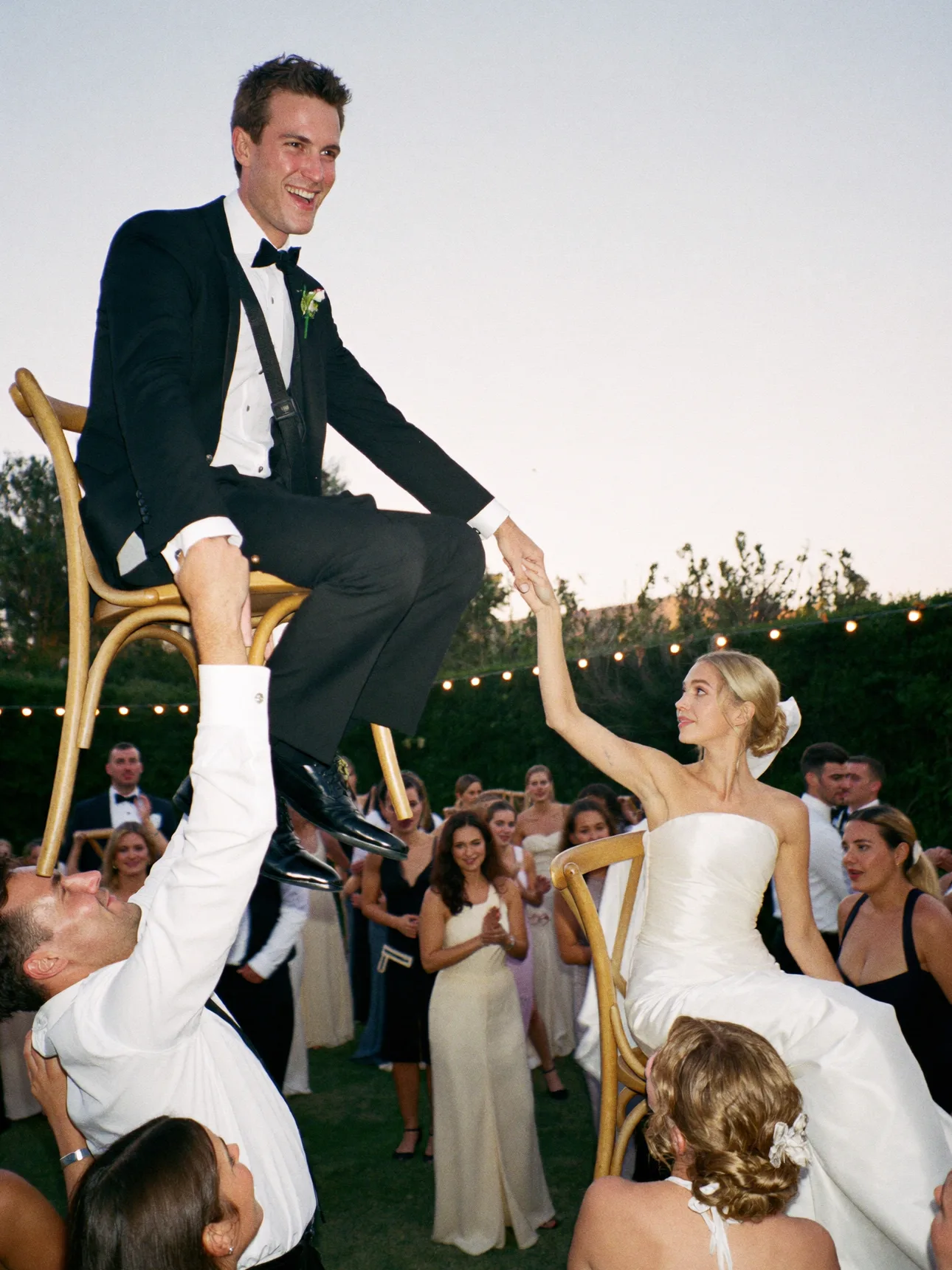

Wedding Photo Album Maker: Free Online Shared Album & Collage Maker
Upload your photos, choose a layout, add a title and date, then download a print-ready wedding album page. No sign-up, no watermark, done in minutes.
Click or drag photos here
Upload as many engagement, ceremony, or reception photos as you want. Nothing leaves your browser.
Our Wedding Album
Upload photos on the left to see your album come together here.
Downloaded file is a high-resolution PNG (1080 x 1350px), ready to print or share.
This album is a snapshot of the photos already on your phone
Pix Wedding turns that same QR code into a private, real-time album that every guest can add to during the wedding, so the photos you never took end up in your collection too.
See how shared albums workScan to see a live album
How to Make a Wedding Photo Album Online
Five steps from a folder of camera roll photos to a finished, downloadable album page.
1. Upload Photos
Add as many wedding photos as you want directly from your device. Nothing is uploaded to a server.
2. Arrange & Caption
Reorder with the move up and down controls, then add your album title and wedding date.
3. Choose a Layout
Pick Grid, Magazine, Polaroid Scatter, or Filmstrip to match your wedding's style.
4. Download the Page
Export a high-resolution PNG ready to print, text to family, or drop into a photo book.
A Solo Album vs. a Shared Album Guests Contribute To
This tool builds a single, finished album page from photos you already have. That is different from a live album your guests add to during the wedding. Most couples end up wanting both.
A Solo Album (This Tool)
You choose the photos, you choose the layout, and you get one finished image. It is built for photos you already have in hand: professional deliverables, engagement shoot favorites, or a curated highlight reel.
- Finished in minutes, no waiting on other people
- You control every photo and the final composition
- Only includes photos that are already on your device
A Shared Album Guests Contribute To
A QR code at your venue lets every guest upload photos and videos in real time, including the ones you will never see because you were dancing, not holding a phone. Pix Wedding turns that into a private, growing gallery you and your guests can both view.
- Collects photos from every guest's phone, not just yours
- Fills in candid moments a hired photographer would miss
- No app download for guests, just scan and upload
A practical approach many couples use: run a shared album during the wedding to collect everything from guests, then come back to this tool afterward to build a polished album page from the best of what was collected.
Album Layout & Design Tips
Small choices that make a homemade album look intentional instead of thrown together.
Keep a color thread
Photos with similar lighting or a consistent color tone (all warm, all golden hour, all black and white) read as a set instead of a random pile.
Lead with your strongest shot
In Magazine layout, the first photo carries the whole page. Pick the sharpest, best-lit image, not necessarily your favorite memory.
Tell a loose story
Order photos roughly in the sequence they happened: getting ready, ceremony, reception. Guests and family read albums left to right the same way.
Mix wide and close shots
A grid of all close-up faces feels flat. Alternate a wide venue or group shot with close portraits so the eye has somewhere to rest.
Preview before you print
Download the PNG and view it full-size on a laptop before sending it to a print shop. Small text and thin polaroid borders can look different at print size.
Save the original files too
This tool exports one flattened image. Keep your original photo files somewhere safe in case you want to rebuild a different layout later.
Wedding Album Ideas by Style
A quick pairing guide if you are not sure which layout fits the wedding you actually had.
Classic & Formal
Best with MagazineBallroom receptions, black-tie dress codes, and traditional ceremonies read best with one strong hero portrait and a small, symmetrical set of supporting shots rather than a busy grid.
Boho & Backyard
Best with Polaroid ScatterOutdoor, DIY, and backyard weddings usually already lean into a relaxed, handmade feel, so a scattered polaroid page matches the decor instead of fighting it.
Destination
Best with Grid CollageWhen the location itself is part of the story, a grid gives equal weight to the venue, the landscape, and the couple instead of burying the scenery behind one dominant portrait.
Modern & Minimalist
Best with FilmstripClean typefaces, neutral palettes, and simple decor pair well with the graphic, reel-style look of the filmstrip layout, especially if a few photos are converted to black and white first.
What to Do With Your Album After the Wedding
A downloaded album page is a finished piece, but there is usually a next step depending on who you are sharing it with.
Most local and online photo labs accept a standard PNG upload for prints, canvas wraps, or a single poster-style page. For a bound, multi-page photo book instead of a single collage page, a dedicated photo book service will give you more page layouts and paper options than a single downloaded image can.
Text or airdrop the PNG directly to parents and wedding party members who were not on social media that day. It also works well as a single attachment in a thank-you email to guests who traveled in for the wedding.
A Magazine or Filmstrip layout works well as a single Instagram or Facebook post that recaps the day, instead of posting ten separate photos in a row.
If you have not gathered guest photos yet, do that before you finalize an album. A shared album collects everything guests captured, so your final album page can include the best shots from the whole room, not just the photos on your own camera roll.
Helpful Resources on Wedding Photo Albums
A few outside resources if you want to go further than a single downloaded album page, including a professional wedding album company's YouTube channel.
A US wedding album company's channel covering flush-mount albums, photo book differences, and album buying advice.
The Knot: Steps to the Perfect Wedding Photo AlbumA shopping and planning guide covering timing, budget, and how to choose an album style.
Zola: How to Design the Ultimate Wedding Photo BookPractical advice on organizing photos chronologically and choosing layouts for a bound photo book.
Zola: How to Store Your Wedding PhotosBackup and storage guidance so your originals survive long after the album page is downloaded.
Common Wedding Album Mistakes to Avoid
A few small errors that separate an album that looks planned from one that looks rushed.
Using low-resolution photos
A screenshot or a photo saved from a group chat is usually too compressed to hold up at print size. Use the original camera or phone file whenever possible.
Repeating near-duplicate shots
Three almost-identical smiling photos in a row waste space that could go to a different moment. Pick the single best frame from each burst.
Making the title too long
A title band has limited space. Keep it to a short phrase like a name pairing or a single word (Wedding, Celebration) plus the date, not a full sentence.
Mixing warm and cool white balance
One photo shot in daylight next to one shot under yellow reception lighting can look mismatched side by side. Where possible, group photos with similar lighting together.
Skipping the crop check
Grid and Filmstrip layouts crop photos to fill each cell. If a photo has someone at the very edge of the frame, they may get cut off. Preview before downloading.
Forgetting non-couple moments
An album made entirely of couple portraits can feel one-note. Include a few detail shots (rings, flowers, venue) and candid guest moments for variety.
A Short Wedding Album Glossary
Terms you will run into if you move from this free page maker to a printed, bound album.
A bound album where photos are printed on rigid panel pages that sit flush against each other, common for professional photographer-delivered albums.
A softer-bound, magazine-style printed book, usually more affordable than a flush-mount album and ordered directly through a print service.
Pages that open completely flat instead of curving into the spine, so a photo spread across two pages does not lose detail in the crease.
Two facing pages viewed together as one design, often used for a single wide photo or a themed pair of images.
When a photo runs all the way to the edge of the page with no white border, requiring the print file to extend slightly past the trim line.
The outer covering of a bound album, commonly leather, linen, or a printed photo cover, chosen separately from the interior page style.

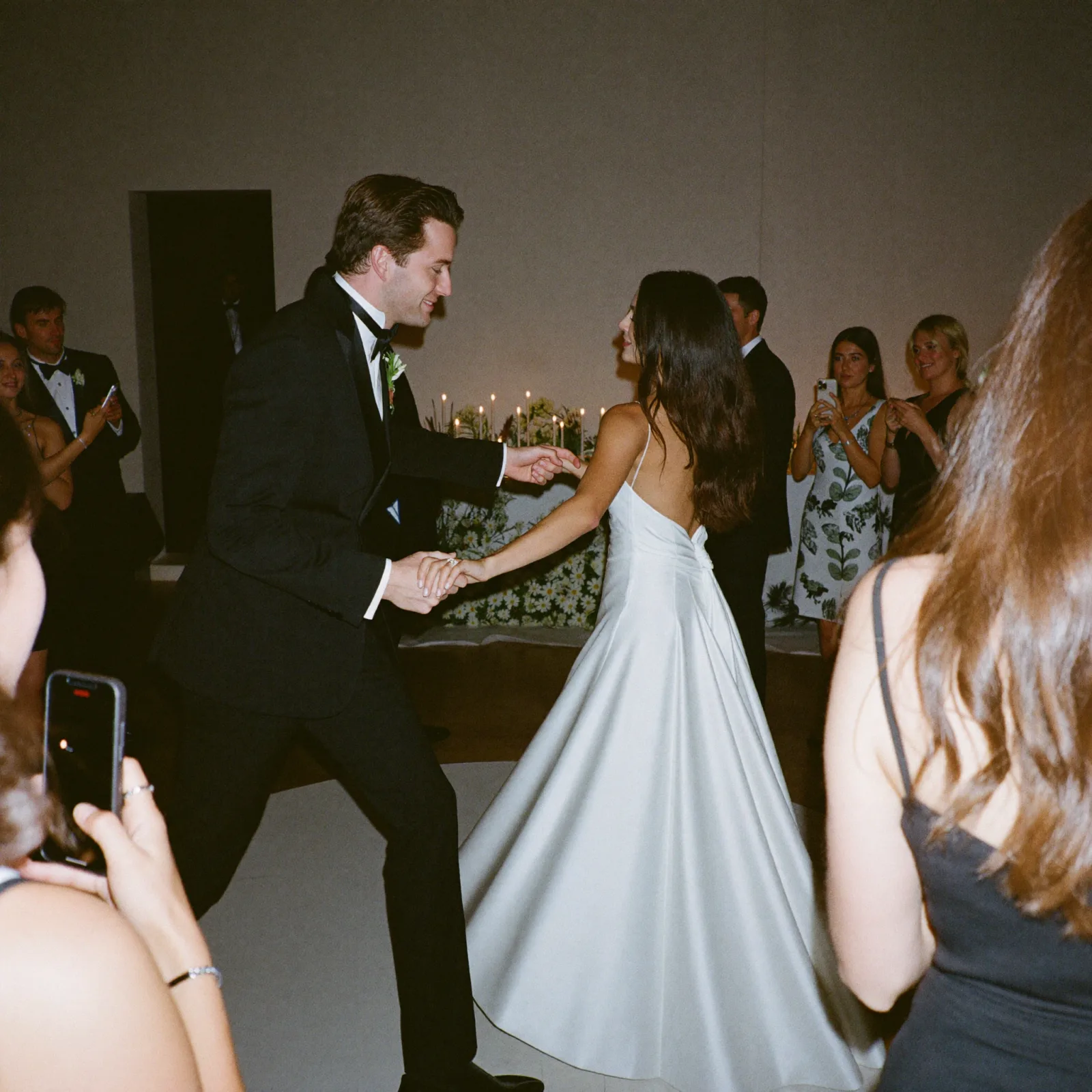
First dance
You guys!!
Album downloaded. Now go collect the photos you missed.
This tool works with what's already on your phone. Pix Wedding's QR code collects everything your guests captured too, private, full-resolution, no app required.

From Mom
Scan to join the album
No app, no account
UPLOADING
Saving your moment
THE ALBUM
Emma & Jack
June 21, 2026
647 photos · 95 guests


SCAN TO TRY
pix.wedding/
your-wedding
Why Couples Still Want a Physical or Downloadable Wedding Album
Even in a world of cloud galleries and Instagram, most couples still want at least one version of their wedding photos they can hold, print, or send to family who are not on social media. A downloadable album page solves the gap between raw camera roll photos and a finished, shareable keepsake, without waiting weeks for a professional photographer's album to arrive.
This tool is meant for the photos you already have on your phone right now: engagement shoot images, photos your photographer already delivered, or favorites pulled from a shared album. Upload them, choose a layout that fits your wedding's personality, and walk away with a single composed image you can print at a photo lab, drop into a group chat, or use as a save-the-date or thank-you card background.
- •Works entirely in your browser, no account or upload to a server required
- •Four layout styles so siblings, parents, and wedding parties can each get a different version
- •Exports a high-resolution PNG sized for both screen sharing and print
- •No watermark, no login wall, free to use as many times as you like
Choosing the Right Layout for Your Wedding Style
The Grid Collage layout works best when you have a wide mix of photo types and want everything to carry equal visual weight, which suits casual weddings, engagement parties, or a rehearsal dinner recap. The Magazine layout puts your single best shot front and center with supporting images beside it, which reads more editorial and works well for a formal or black-tie wedding.
Polaroid Scatter leans into a scrapbook or backyard-wedding aesthetic, especially if your actual decor used instant cameras or a photo booth. Filmstrip is the most graphic option, a dark reel-style strip that suits a modern, minimalist, or cinema-themed wedding and looks strong printed in black and white.
DIY Album Page vs. a Professional Photo Book
A downloaded album page from a free tool and a professionally bound photo book solve different problems, and most couples end up using both rather than choosing one over the other. A single downloaded page is finished in minutes, costs nothing, and is ideal for sharing digitally, printing as a poster, or using as social media or invitation artwork.
A bound photo book or flush-mount album takes longer to design and typically costs more, but it holds many more photos across multiple pages, uses archival-quality paper and covers, and is built to be handled and displayed for decades. If you want a lasting keepsake with dozens of photos organized page by page, start with a dedicated photo book service. If you want one polished image today, this tool is the faster path.
- •Downloaded album page: free, instant, one image, best for sharing and printing at a photo lab
- •Photo book or flush-mount album: paid, takes days to weeks, many pages, best as a lasting keepsake
- •Many couples use this tool for a quick recap now and order a full photo book later once all guest photos are collected
Related Wedding Photo Tools & Guides
Explore more free wedding tools
Everything you need to make your wedding day stress-free and unforgettable.
QR Sticker Designer
Design custom print-ready stickers.
Hashtag Generator
Create unique wedding hashtags.
How to Collect Guest Photos
5 methods ranked by participation rate and ease.
Get Photos After the Wedding
Message templates to gather guest photos post-wedding.
Share Wedding Photos with Guests
Compare every sharing platform by ease and participation.
Best Way to Get Guest Photos
The single method with the highest participation rate.
How to Make a Shared Wedding Album
Step-by-step setup for every platform.
Alternative to Disposable Cameras
Better, cheaper options than disposable cameras.
Wedding Photo Album Maker FAQ
Everything you need to know about our free tools and how they help your wedding day.
Upload your photos into the tool above, arrange them in the order you want using the move up, move down, and remove buttons, pick a layout (Grid, Magazine, Polaroid Scatter, or Filmstrip), add a title and date, then click download. You get a high-resolution PNG with no sign-up and no watermark.
Yes, it's 100% free with no account, no watermark, and no limit on how many times you use it. Our main product is private QR code photo sharing for weddings, and this album maker is a free standalone tool.
No. Photos are read directly in your browser using your device's file reader and drawn onto a canvas locally. They are never sent to Pix Wedding or any third-party server through this tool.
For a quick, single-page collage, a browser-based tool like this one is the fastest option since there's no software to install. For a full multi-page bound photo book, a dedicated photo book printing service gives you more pages and paper choices.
The exported PNG is 1080 x 1350 pixels (a 4:5 portrait ratio), which works for both screen sharing and standard print sizes at a photo lab.
Yes. Every uploaded photo shows up in a list with move up, move down, and remove controls, so you can put your favorite shots first or drop any photo that doesn't fit.
This tool builds one finished album page from photos already on your device. A shared album, like Pix Wedding's QR code gallery, is a live album that every guest can upload to during the wedding itself, which usually captures far more photos than any single phone.
Grid Collage suits a wide mix of casual photos. Magazine works well when you have one standout hero shot. Polaroid Scatter fits a scrapbook or backyard wedding look. Filmstrip is the most graphic option and prints well in black and white for a modern theme.
Yes, many couples download a Magazine or Grid layout with a short title and use the exported PNG as the background image for a save-the-date, thank-you card, or Instagram wedding recap post.
There's no hard limit on Grid or Polaroid layouts, though pages with more photos will show each one smaller. Magazine layout is designed for one hero photo plus up to four supporting shots, and Filmstrip is designed for up to six photos in a single row.





