
Kept it simple, QR on the table cards, done. No app download, no faffing about. Even our overseas whanau could view the album in real time from back home. That part really got to me
Sophie L. · Auckland, NZVerified couple · April 2026
The Knot puts the average wedding videographer at $2,300. Here are seven ways to get your wedding on film for less, what each one costs, what you give up, and the limits of the cheapest options, Pix Wedding included.
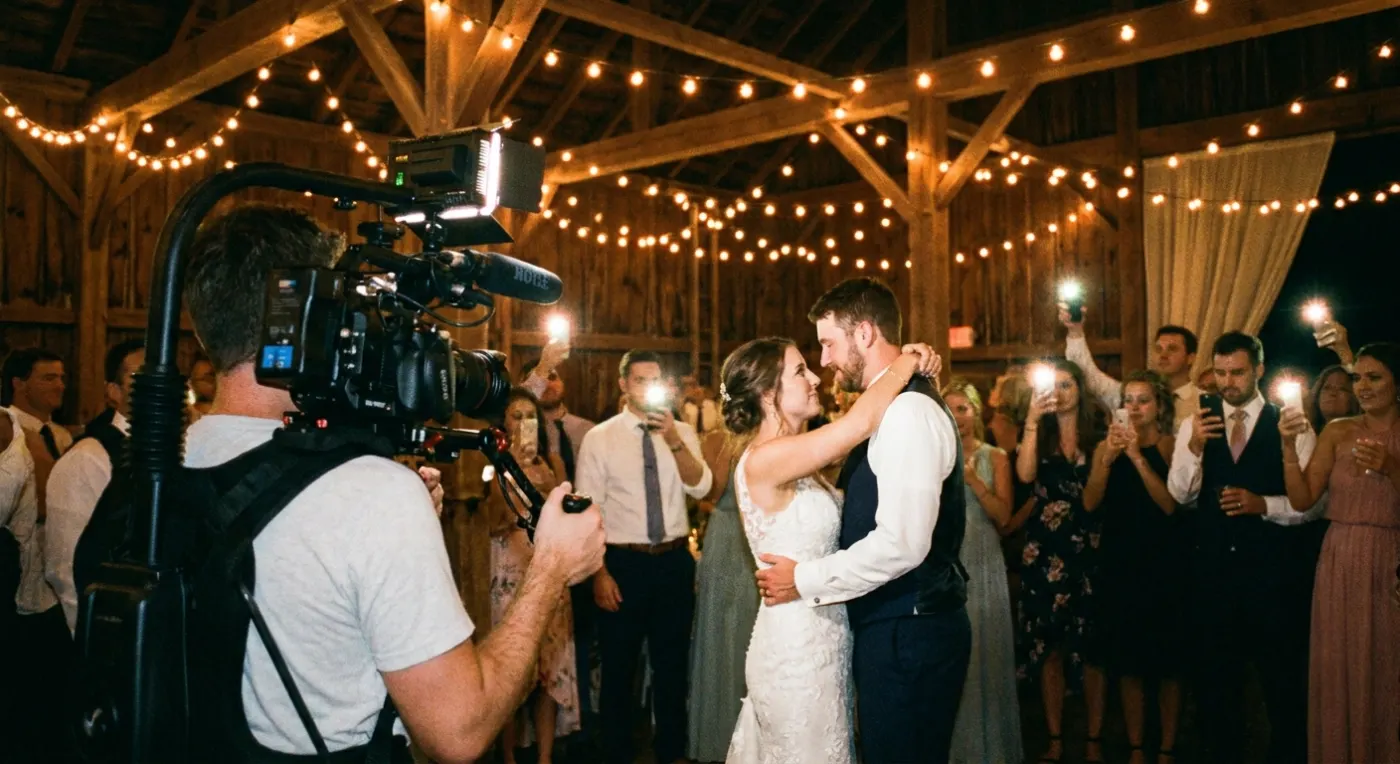
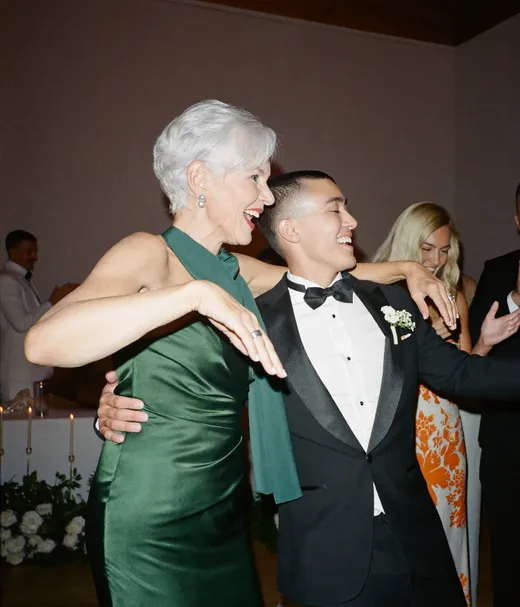
FIRST DANCE
Book a pro for the ceremony only, hire a film student, or pay a wedding content creator ($500 to $999, per Zola). Under $100, film on a phone with a gimbal and a tripod and collect guest clips with a QR album. An edited film needs someone to edit it. Raw clips do not.
Pix Wedding is the guest album in option seven. It is the cheapest option here and the one that replaces the least, and the page says where.
Two big surveys, two different averages. The Knot asked 10,474 US couples married in 2025 and found $2,300. Zola reports $3,993, with San Francisco around $6,091 and Salt Lake City around $3,005 for a 150-guest wedding.
The Knot 2026 Real Weddings Study, 10,474 US couples married in 2025.
Half of couples paid less. A quarter paid $1,000 or less (The Knot).
So most weddings already go without a hired videographer (The Knot).
Zola puts most couples between $3,200 and $4,800, updated March 2026.
Sources: The Knot, "How Much Does a Wedding Videographer Cost?", updated May 11, 2026. Zola, wedding videographer cost guide, updated March 4, 2026. Both read October 2026.
These wedding videographer alternatives are ordered from the most finished film to the least. Costs marked "est." are rough guides that vary by city, so get quotes.
| Option | Typical cost | Edited film? | You give up | Best for |
|---|---|---|---|---|
| A trimmed pro package | About $1,000 and up | Yes, a short highlight reel | Getting ready, after-party, second shooter | Couples who still want a real film |
| A ceremony-only professional | Est. $500 to $1,000 | Yes, the ceremony edited | Reception, speeches, dancing | Couples who care most about the vows |
| A film student or newer videographer | Est. $300 to $800 | Usually, check their samples | Experience, backup gear, sometimes audio | Couples who can judge a portfolio |
| A wedding content creator | $500 to $999 (Zola) | Short social clips, fast | Cinema cameras, lav mics, a long film | Couples who want reels the next day |
| Raw footage plus a hired editor | Est. $200 to $600 for the edit | Yes, by the editor you hire | Control over how it was filmed | Couples with a steady friend on camera |
| A DIY phone kit | About $55 gimbal, free editing | Only if you edit it | Clean audio without a mic, polish | Small weddings with a confident friend |
| A QR guest video album | Free (20 uploads) or $49 once | No, raw clips only | An edited film, pro audio, guaranteed coverage | Candid clips from every table |
Book a full professional for fewer hours: start at the ceremony and stop after the first dances. Ask for digital delivery only and an off-season or weekday date. A quarter of couples in The Knot study spent $1,000 or less, so quotes at this level exist.
Many videographers will quote two or three hours for the ceremony and family moments. You get the part people rewatch most, with clean vow audio, and you fill the reception with phones and guest clips.
This is the classic budget wedding videographer. Zola suggests newer professionals with one or two years of experience as a way to save. Ask film schools, local filmmaking groups and Vimeo for people building a reel, and ask to see a full event they shot, not only a trailer.
Content creators shoot on phones and gimbals and send edited clips within about 24 hours, per Zola. Good for Instagram and TikTok. Weaker on long ceremony audio, so pair one with a tripod and a mic on the vows.
A friend or relative films, then you pay an editor to cut a highlight reel from the raw clips. The edit is only as good as the footage, so give the person filming a shot list and a gimbal.
A DJI Osmo Mobile SE gimbal is $55 on the DJI US store and iMovie is free on iPhone. Add a phone on a tripod for the vows and a clip-on mic, and one person you trust stays sober and films.
Guests scan a QR code and upload the videos they already shot to one album, no app needed. You get angles nobody was paid to film. You do not get a film: someone still has to edit the clips if you want one.
Sources: The Knot and Zola (pro and content creator prices), store.dji.com US ($55 Osmo Mobile SE, read October 2026), Apple App Store (iMovie, free), Pix Wedding pricing.
This is the guest video album from the table above: a QR code on the tables, and guests add the photos and videos they already took, straight from the browser.
SHARED GALLERY
Emma & James
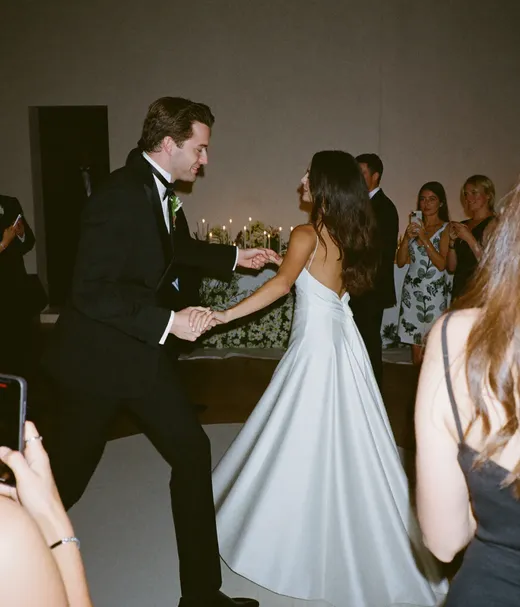
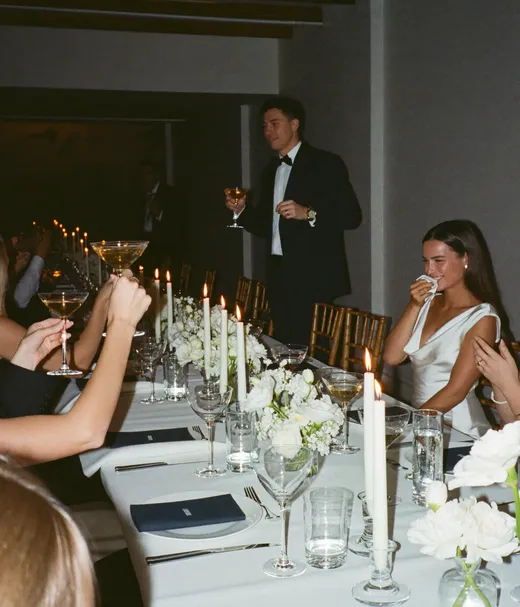
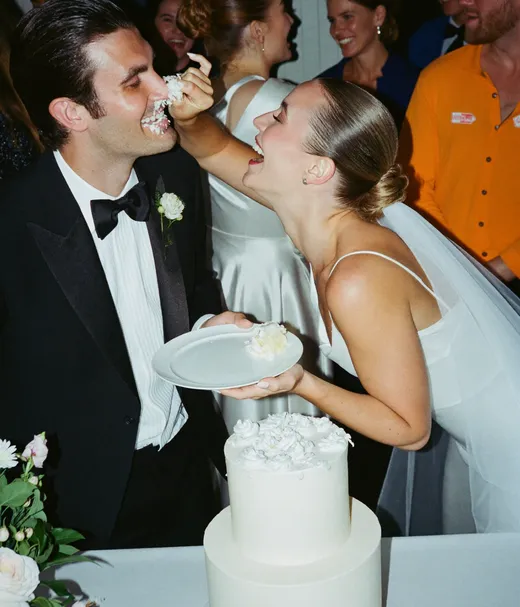
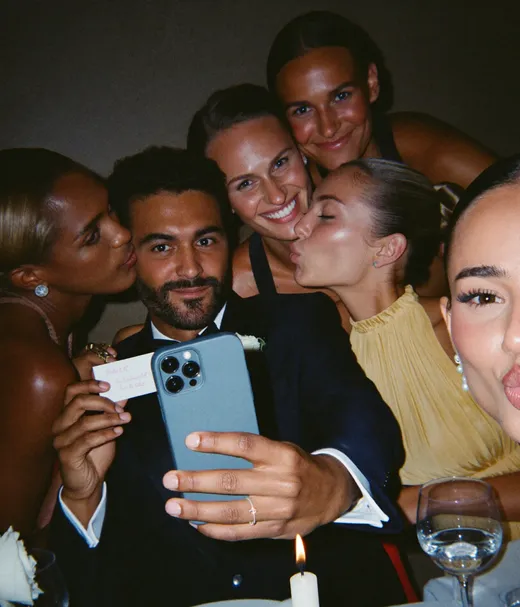
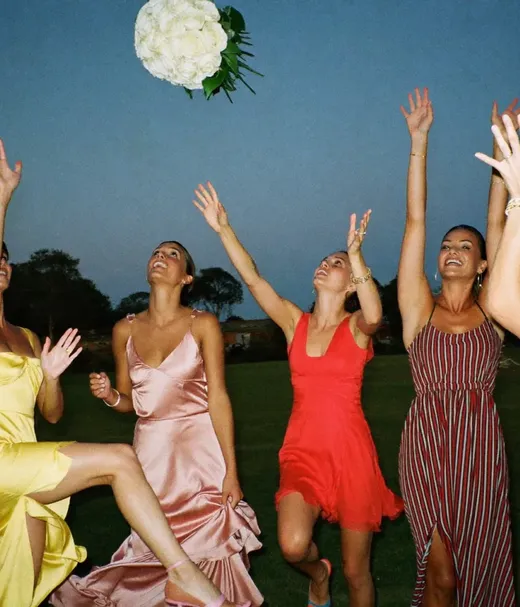
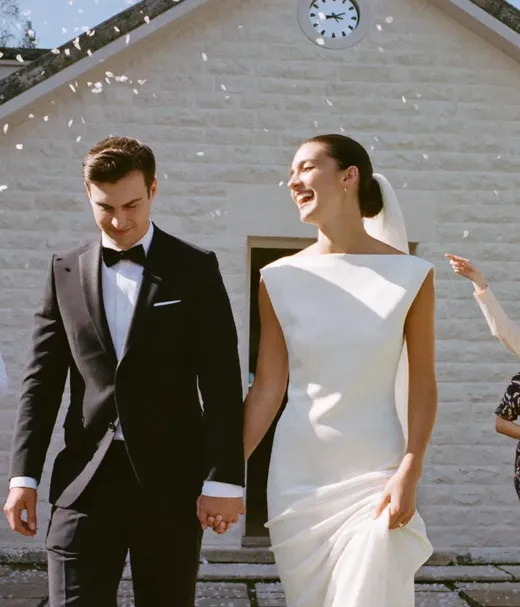
Wedding videography on a budget usually means combining two options: something that films the ceremony on purpose, and something that catches the rest.
A QR album is the cheapest way to collect wedding video, and the one that replaces the least. Use it next to someone filming the ceremony, not instead of them. The same table code can also stand in for the paper guest book, see our wedding guest book alternatives guide.
Pix Wedding is free for 20 guest uploads with no card. The Starter plan is $49 once for unlimited photos, videos and guests. To see how other apps handle video, our guide on whether guests can upload videos compares the limits.

First dance
Filmed from table 4
Put a QR code on the tables and guests add their clips from the browser. Free for 20 uploads, no card. Pair it with whoever films your vows.

From the best man
Scan to join the album
No app, no account
UPLOADING
THE ALBUM
June 21, 2026
647 photos · 95 guests








SCAN TO TRY
pix.wedding/
your-wedding
If you go the DIY route, three pieces of gear and one written list do most of the work. Everything else is a friend you trust.
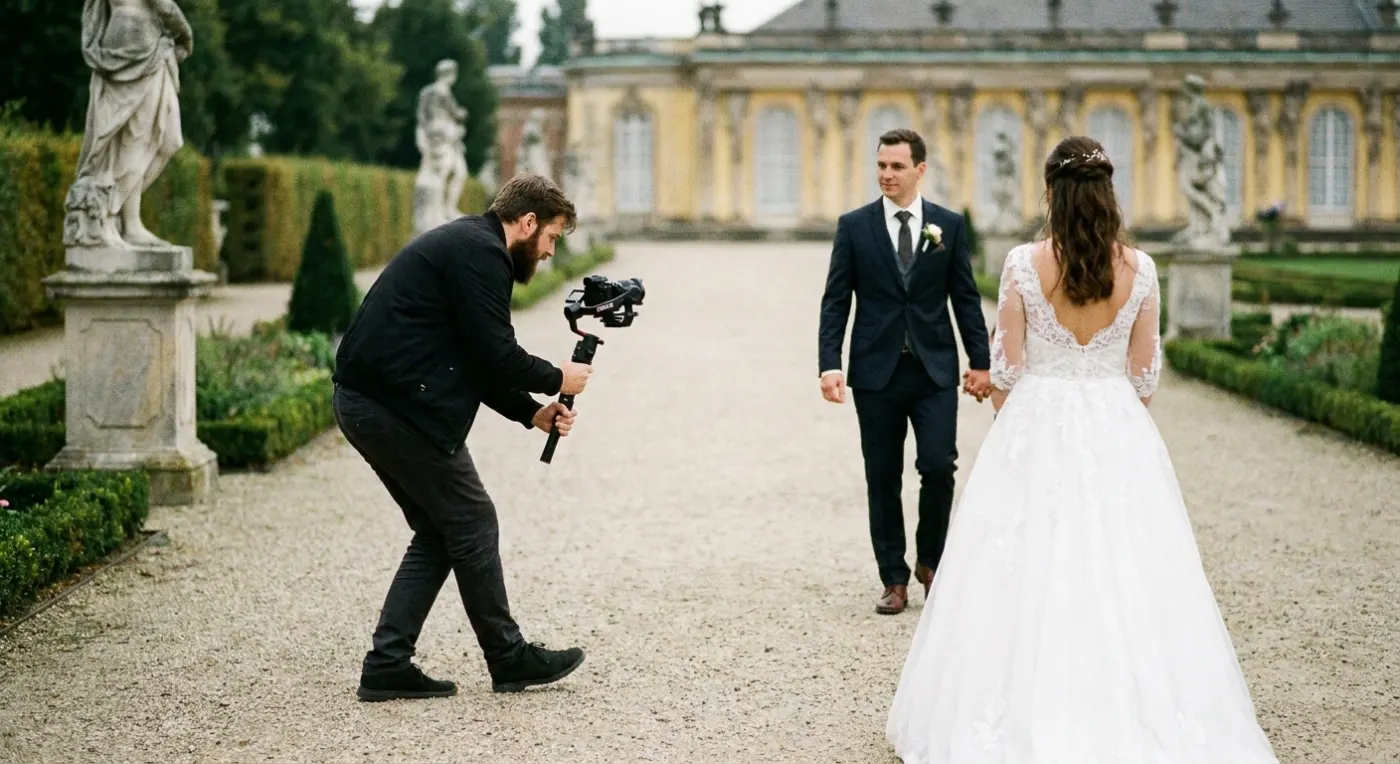
Smooths out walking shots for the processional, the recessional and the first dance. Practice with it once before the day.
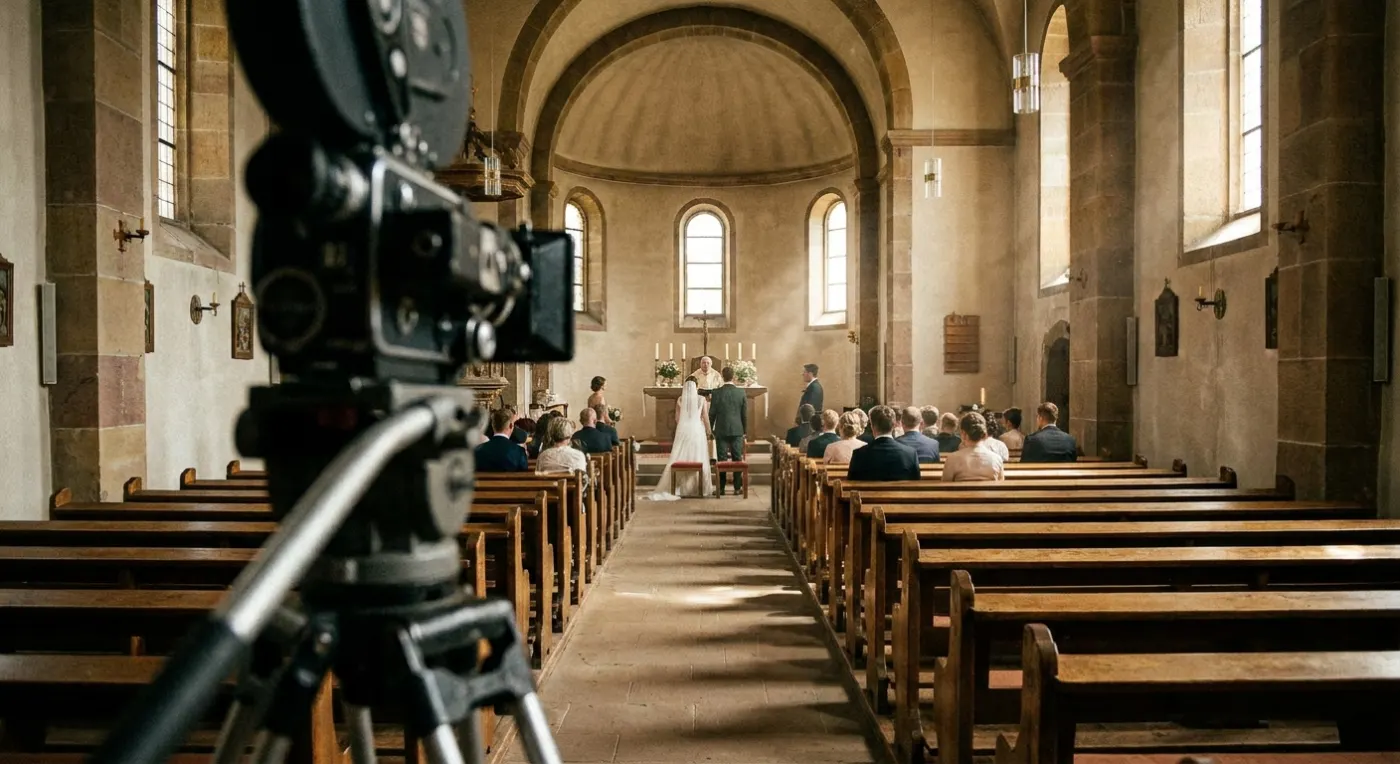
Set one phone at the front, framed wide, recording from before the processional to after the kiss. Nobody needs to touch it.
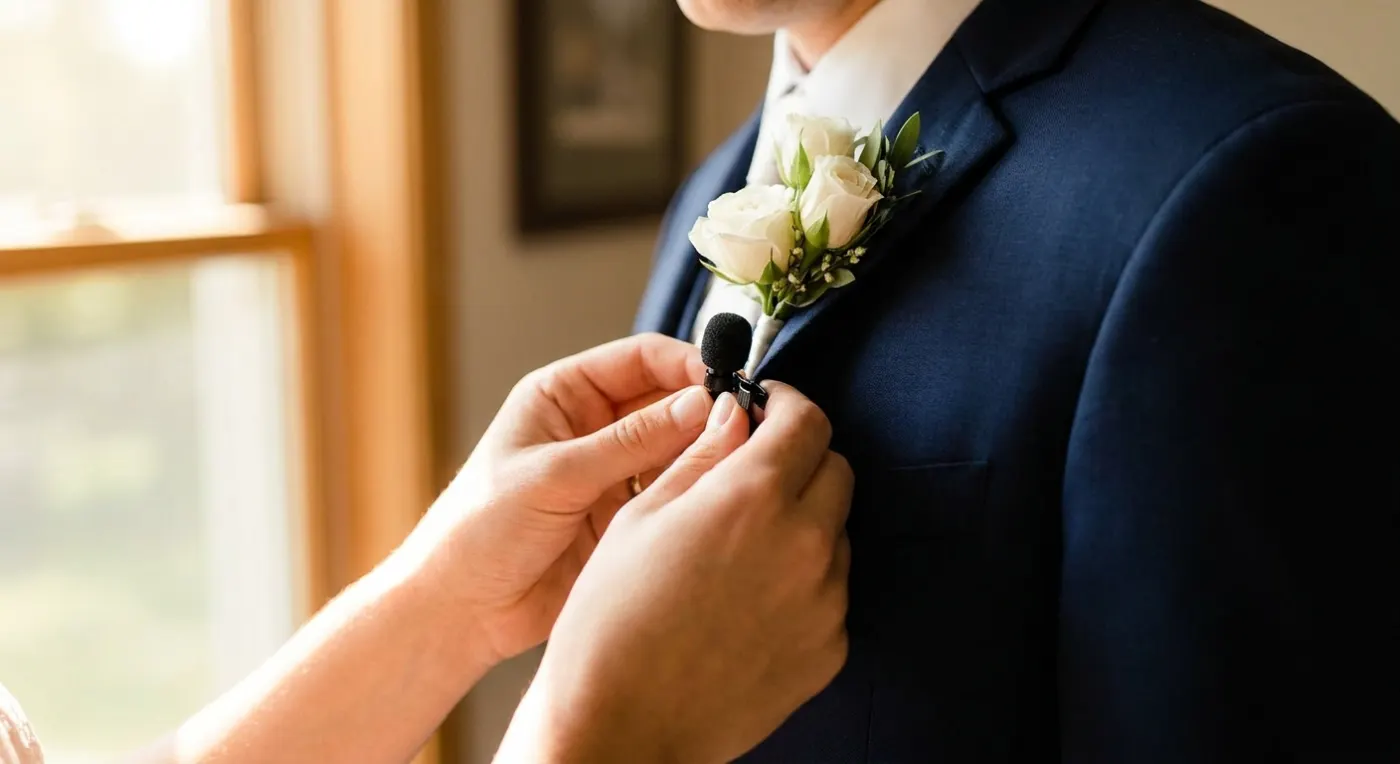
Clip it on the officiant or the groom. With it you hear the vows. Without it you hear the room.
For editing, iMovie is free on iPhone, iPad and Mac. If the photos need a budget plan too, see our alternatives to hiring a wedding photographer.
A fifteen-minute walkthrough of the DIY route from a wedding planner.
Watch it with the shot list above open. Anything the video suggests filming that is not on the list yet, add it before you hand the list over.
A fixed phone on the ceremony is the cheapest insurance you can buy. Add a friend on a gimbal and a QR album for guest clips, and the vows, the toasts and the dance floor are covered for well under $100 in gear.
Source: Jamie Wolfer, "How to DIY Your Wedding Videography", YouTube, 15:17.
An affordable videographer is mostly a matter of booking smart. These are the levers The Knot and Zola name, and each one trims the quote and keeps the vows on film.
Zola points to November through March, outside major holidays, as the cheaper months to book.
Start at the ceremony and finish after the first dances. Overtime runs $200 to $400 an hour (Zola).
Skip the USB and keepsake box. Zola puts physical delivery at an extra $50 to $200.
A second videographer is one of the cost factors The Knot lists. One person can cover a small wedding.
Zola suggests asking a studio that shoots both photo and video for a package price on the pair.
Some packages include the raw files, per The Knot. With them you can pay for a longer edit later if you want one.
For the full price breakdown by package and add-on, read our wedding videographer cost guide.

Can only afford one of photo or video? Our guide to photographer vs videographer on a budget helps you pick.
Pick a person who agrees to stay sober until after the first dance, and thank them properly.
From the second row it records the room, the air conditioning and a crying baby. Clip a mic on someone at the front.
Clear space the night before and record in 1080p unless you need 4K. A minute of 4K takes roughly three times the space.
Charge every phone and the gimbal, and keep a power bank with the person filming.
Without one, you get twenty minutes of the dance floor and no ring exchange. Share the list a week before.
Ask the same night with a QR card on every table. A month later the clips are buried in camera rolls.
Most do not, or charge for it separately. Ask before you plan around it.
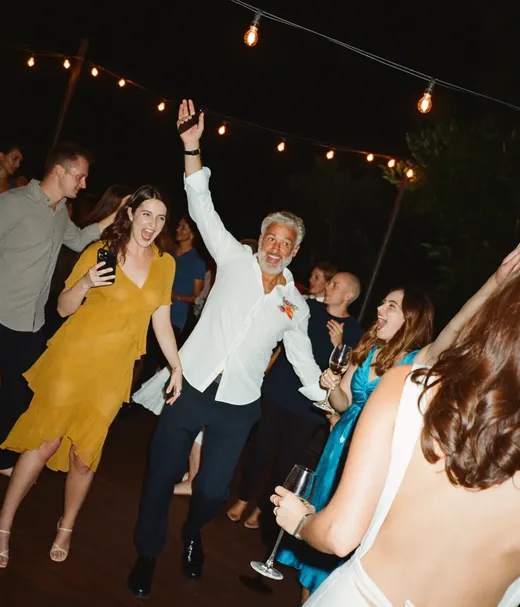
A paid videographer stands in one place at a time. Guests are at every table, which is why their clips are worth collecting whatever else you book.
Kept it simple, QR on the table cards, done. No app download, no faffing about. Even our overseas whanau could view the album in real time from back home. That part really got to me
Organised the whole thing in about ten minutes the week before. Printed the QR table cards at Ryman for a couple of quid. Guests just scanned and uploaded, zero faff. Some of these photos are now framed in our hallway
Used disposable cameras at my sisters wedding two years ago. Half the photos were thumbs and ceilings and it cost $200 to develop them all. Pix gave us 500+ usable photos for less money. No contest
Most of what you pay a videographer for is time: the hours on the day and the hours editing afterwards. Cheaper options cut one or the other. A ceremony-only booking cuts the hours on the day. A content creator cuts the editing down to short clips. A DIY kit cuts both, and moves the work to you and your friends.
That is why the cheapest options save the most money and ask the most of you. Decide which part you care about, the footage or the finished film, and spend there.
Guest clips work best as an extra layer next to the main plan. One videographer, paid or not, can only stand in one place. Guests are at every table, on the dance floor and at the exit after the paid crew has packed up.
Collecting those clips in one album gives your editor, or you, more to work with. It does not replace someone filming the vows on purpose.
Couples who skip video entirely sometimes wish later they had the vows on film, and couples who pay for a long film sometimes never watch it. The best wedding video alternative is usually two options from this page together, which covers both worries: make sure the ceremony is recorded with good audio, then keep the rest as cheap as you like.
The questions couples ask most when a full videographer is out of budget.
The Knot puts the average at $2,300, with a quarter of couples paying $1,000 or less. Zola lists wedding content creators at $500 to $999. An inexpensive wedding videographer, such as a film student or a ceremony-only booking, often quotes around $300 to $1,000, depending on your city and the hours. Under $600 is realistic for a student, a short ceremony booking or an edit of footage you shot yourself.
Only 37% of couples book one (The Knot), so skipping a full package is common. If the vows matter most to you, pay for the ceremony only and cover the reception with phones and guest clips. If you mainly want short clips to share, a content creator or a guest video album costs less.
For the footage, mostly yes: recent phones film sharp 1080p and 4K video. For the finished result, no: a videographer brings planning, clean audio and editing. A phone on a tripod, a $55 gimbal, a clip-on mic and a free editor like iMovie get you close for a small wedding.
Ask film departments at local colleges, local filmmaking groups on Facebook, and search Vimeo for your city. Ask for a full event they filmed, an unedited clip in low light, and the delivery date in writing before you pay a deposit.
Yes. With Pix Wedding, guests scan a QR code and upload photos and videos from their browser, no app needed. Each video can be up to 100 MB. The free plan covers 20 guest uploads and the $49 Starter plan is one payment for unlimited photos and videos. You get raw clips, not an edited film.
Freelance editors price by length and turnaround. As a rough guide, expect something like $200 to $600 for a short highlight reel cut from your own footage. Get two or three quotes and send a sample of your clips first, since shaky or quiet footage takes longer to edit.
Still booking a pro? The full price breakdown by package and region.
Read the guideBudget for only one? How to choose between photos and video.
Read the guideThe same question for stills: cheaper ways to cover the photos.
Read the guideWhich guest apps take video, and the file limits for each.
Read the guideEverything you need to make your wedding day stress-free and unforgettable.
Design custom print-ready stickers.
The best way to collect guest photos.
Create unique wedding hashtags.
5 methods ranked by participation rate and ease.
Compare every sharing platform by ease and participation.
The single method with the highest participation rate.
Step-by-step setup for every platform.
Better, cheaper options than disposable cameras.