For collecting every original
Wedding video guest book: formats, real costs and 40 prompts
A paper book gets signatures. A video guest book gets your grandmother's voice, your best friend's terrible joke and the room behind them. Here is every way to run one, what each costs, and what to ask guests so they do not freeze.

FROM A GUEST

What a video guest book is, and which one to pick
A video guest book collects short video messages from your wedding guests instead of signatures. Guests record on a rented booth, an iPad on a stand, or their own phones from a QR code, and the clips are cut into a short keepsake film afterwards.

QR app on guests’ phones
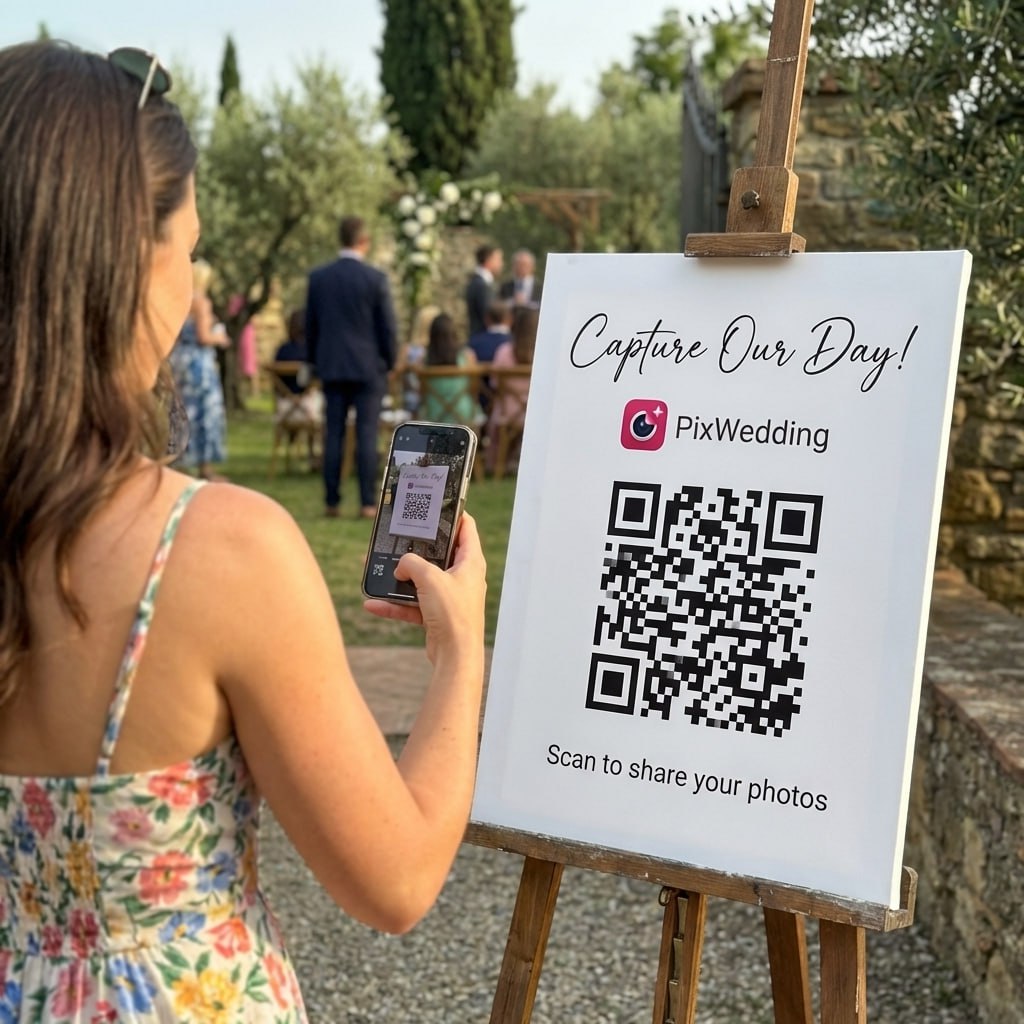
Pix Wedding: free for 20 uploads, then $44 one-timeEvery guest records from their own seat, so nobody lines up at one device. Pix Wedding opens a camera with a Photo / Video switch in the phone browser and caps each recording at 60 seconds.
Rented interview booth
Voast: shipped booth, quote on requestA booth with on-screen prompts arrives in a case, sets up in about five minutes and goes back with a prepaid label. Voast cuts a roughly three-minute Story Edit and hands over the raw clips.
DIY iPad station
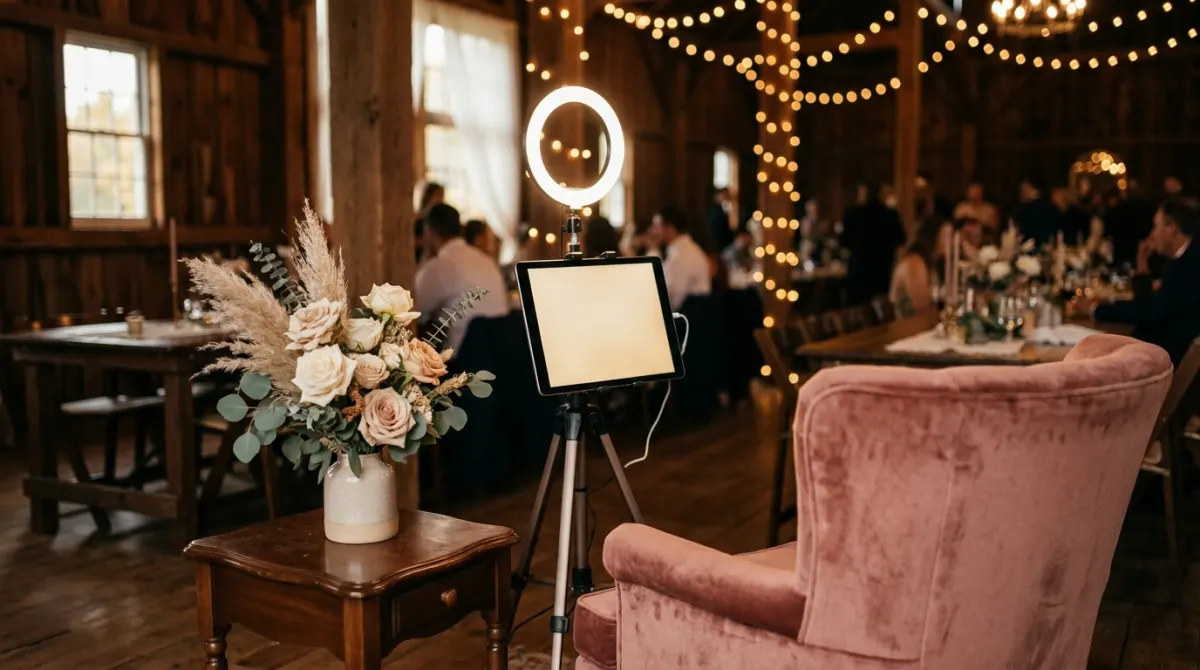
Guestbook Go free to try, LumaBooth $19.99 a monthAn iPad on a stand with a guest book app records one guest at a time. It costs little, but somebody has to watch the battery, the storage and the queue.
Link montage service
VidDay: free to build, $5 to $75 to publishGuests film at home and upload to one link before or after the day. VidDay strings the clips into a single video and charges by the finished length.
Seven ways to run a video guest book, side by side
Every format records the same thing, a guest talking to the couple. What changes is where they stand, how many can record at once, and who deals with the files afterwards.


| Format | How guests record | Typical cost | Best for | Watch out for |
|---|---|---|---|---|
| QR app on guests’ phones | Scan a code on the table, record or upload in the phone browser (some apps need a download) | $44 to $50 one-time (Pix Wedding $44, GuestPix from $49, Waldo $49.99) | 80+ guests, no queue, guests who cannot travel | Easy to miss without an MC mention; sound depends on where they stand |
| DIY iPad station | One iPad on a stand running a guest book app, guests take turns | An iPad you own, plus an app (Guestbook Go free with watermark, LumaBooth $19.99 a month) | Small weddings, couples who like to tinker | Battery, storage, a queue at peak times, files to copy off by hand |
| Rented tablet or kiosk | A vendor brings or ships a tablet on a stand with prompts on screen | $350 to $550 for a 2-hour tablet rental (Light and Well, Temecula, CA); Voast quotes on request | Couples who want prompts and a gallery handled for them | One guest at a time; late returns cost extra ($275 a day at Voast) |
| Photo booth in video mode | Your photo booth vendor switches the booth software to video messages for part of the night | Quoted as an add-on by booth vendors | Couples already booking a photo booth | Guests come for photos and props, so messages get short |
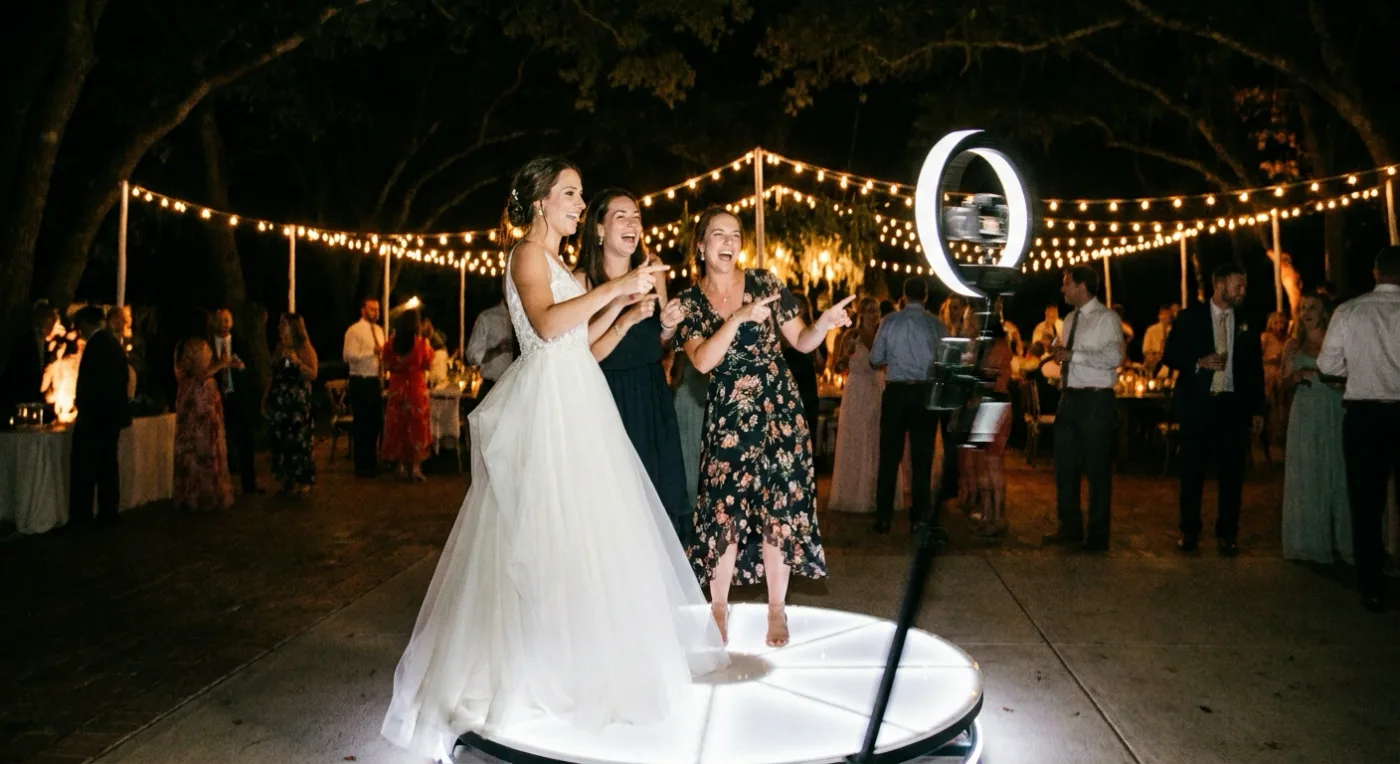
| 360 video booth | Guests stand on a platform while a camera arm spins around them | $995 to $1,800+, 3-hour packages from $1,195 (Austin’s Best DJs & Photo Booths) | Dance-floor energy and social clips | Slow-motion spins, not spoken messages; loud and short |
| Videographer interviews | Your videographer walks the room and asks guests a question on camera | Added to your videography package, quoted by your videographer | The most polished clips, woven into the wedding film | Takes the videographer away from the main moments |
| Link montage service | Guests film at home and upload to a shared link before or after the day | VidDay: free to build, $5 to $75 to publish by finished length | Guests abroad, a surprise reel for the couple | Not live at the venue; someone has to chase uploads |
Prices read off each vendor's own site on November 4, 2026. Booth companies price by city and hours, so treat rental figures as one real quote, not a national average.

One scan.
Messages in the album.
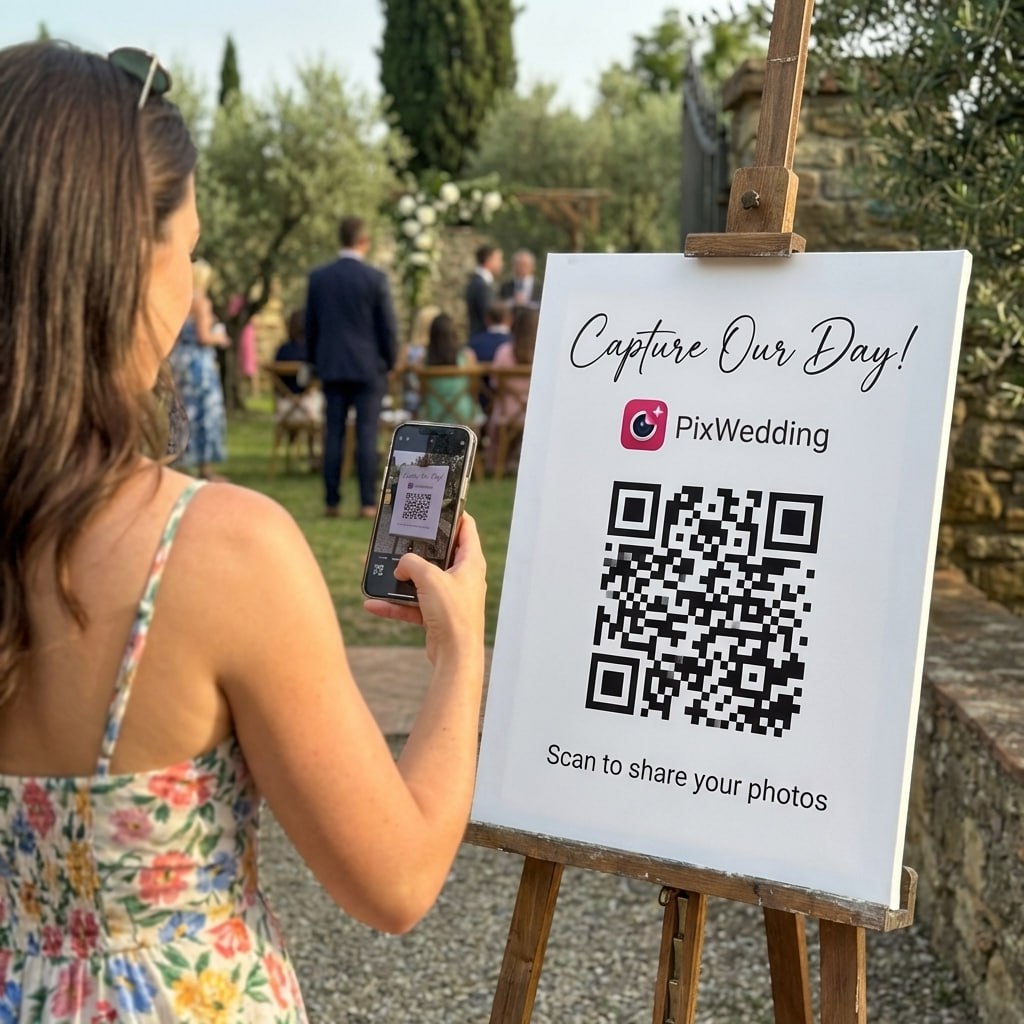
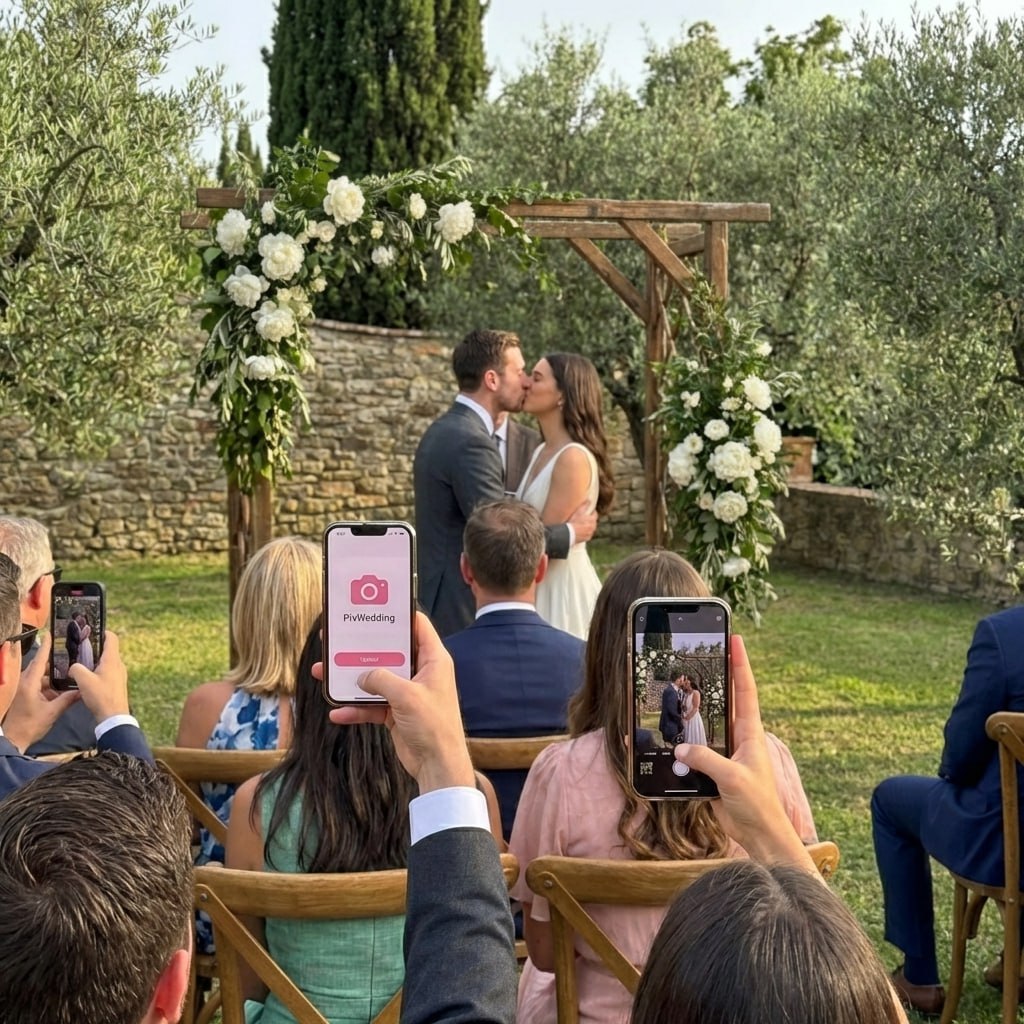
The first row of the table above in action: a guest scans the code on the table and adds to the shared album from the phone browser. The same upload page has a Video switch on its camera for messages.
SHARED GALLERY
Emma & James


What a video guest book costs, from free to $1,800
Eight real price points, each from the vendor’s own page. The bars show the price against the most expensive option, so the gap between an app and a booth is visible at a glance.


Hidden costs of a DIY iPad
A stand, an external microphone, a ring light and somebody to watch it. The app is the cheap part.
What a rental includes
Usually the device, a stand, prompts on screen and an online gallery. Ask about hours, delivery and late-return fees before you book.

Why a 360 booth is not a guest book
It films a slow-motion spin with music, great for social clips. Guests rarely say a word to the couple in it.
Video guest book apps and rentals, compared on the details
Clip length and the finished film are where these services differ most. Some hand you a montage, some hand you a folder of clips and leave the edit to you.


Guests scan one QR code and record in the phone browser with no app, or upload clips from the camera roll. Unlimited videos on every paid plan, paid once.
| Service | How guests record | Clip length | Finished film | Price |
|---|---|---|---|---|
Pix WeddingTop pick | QR code, camera in the phone browser with a Photo / Video switch, or camera-roll uploads | 60 s in the page camera; uploads up to 100 MB each | Every clip downloads in one ZIP for your own edit (Pix Wedding does not cut the film for you) | Free for 20 uploads; $44, $54 or $84 one-time |
| Waldo Video Guestbook | QR signage at the venue, guests record a message | 30-second messages | Clips joined into one slideshow video automatically | $49.99 |
| VidDay | Guests upload clips to one link or QR card, often before the day | Not published per clip; priced by total length | One montage video of all the clips | Free to build; $5 to $75 to publish by length |
| Voast | Shipped booth with stand, screen, light and on-screen prompts | Not published | Story Edit of about 3 minutes within 30 days, plus raw clips | Not published, quote on request; $275 a day for late returns |
| GuestPix | QR code album with a written and video guestbook | Not published | Not listed | From $49 one-time |
| LumaBooth for Apple | Your own iPad, iPhone or Mac as a booth, prompts optional, external mic supported | Not listed | Not listed; clips stay on the device | $19.99 a month, or $18 a month billed yearly |
| Light and Well rental | Tablet on a white stand guiding guests, up to 2 hours (arrival and cocktail hour) | Not published | Curated online gallery after the event | $350 to $550 (Temecula, CA) |
Swipe to compare
Every figure read off the vendor's own site on November 4, 2026: waldophotos.com/video-guestbook, vidday.com/pricing, voast.co and its rental terms, guestpix.com/weddings-pricing, dslrbooth.com/pricing and lightandwell.com/video-guest-book. Not published means the vendor does not state it. No affiliate links, nobody paid to be listed.
How Pix Wedding handles video messages
What the guest upload page does with video, taken from how it works today, and the parts it leaves to you.

0:41
0:18
0:55
0:32
0:12
0:27Free to test, one payment for the wedding
The free album takes 20 guest uploads, no card. Every paid plan takes unlimited guest videos, paid once, no subscription.
Most couples pick this
One-time payment, no subscription
For big guest lists
One payment. Yours to keep. No subscription. No renewals. No surprise charges.
Secure checkout. Polar, Apple Pay, Google Pay.
Money-back guarantee: if your guests never upload a single photo, you get 100% back. See how it works

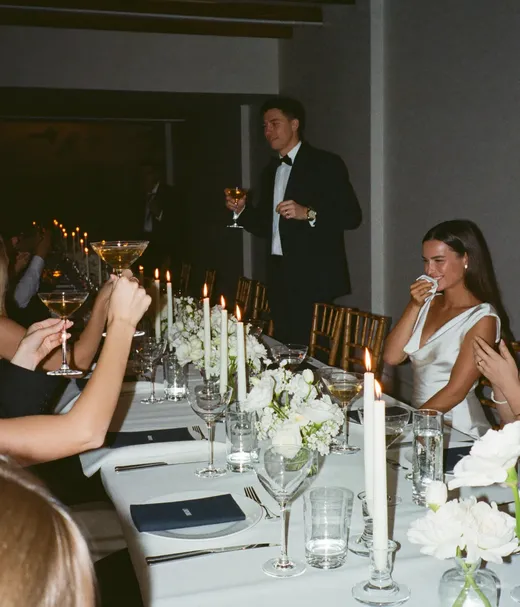
The toast
Best message ever!
Record your own test message tonight
Make a free album, scan your QR code and film a 60-second message to see what guests will see. 20 guest uploads free, no card.

From the best man
Scan to join the album
No app, no account
UPLOADING
Saving your moment
THE ALBUM
Emma & Jack
June 21, 2026
647 photos · 95 guests


SCAN TO TRY
pix.wedding/
your-wedding
How to do a video guest book in 7 steps
- 01
Pick the format by guest count
Under 50 guests, one iPad or a rented tablet keeps up. Past 80, a single device turns into a queue, so give every table a QR code and let guests record from their seats.
- 02
Set a clip length and three prompts
Thirty to sixty seconds is enough for a real message and short enough that guests say yes. Choose three prompts, not ten.
- 03
Test it at the venue
Record a message yourself where the station or table cards will sit. Play it back with sound: noise from the bar or the speakers is the problem you want to find early.
- 04
Print a card for every table
Put the QR code, one line of instructions and the prompts on a card per table. The free QR sticker designer makes the card in a few minutes.
QR sticker designer - 05
Place the station with light in front
Set it where guests already wait, like cocktail hour or the drinks line, not the dance floor. Keep it away from speakers, the bar and the kitchen door, face it away from windows so faces are lit from the front, and check there is a power outlet in reach.
- 06
Have the MC say it twice
Once at cocktail hour and once after dinner: "Scan the card on your table and record a message for the couple." Send the same link to guests who could not come.
- 07
Download and back up in week one
Every service has a storage window. Download all clips the week after the wedding, keep two copies, then edit.


40 prompts guests can answer in under a minute
Print three on each table card and rotate them between tables, so the film does not end up as forty answers to the same question.
None of them assume a guest is married, has children or owns a home.

Easy openers
For guests who freeze on camera- 1Say your name and how you know the couple.
- 2Describe the couple in three words.
- 3What was your first thought when you heard they were getting married?
- 4What is your favorite moment of the day so far?
- 5Which song should get everyone on the dance floor tonight?
- 6Finish the sentence: these two are perfect together because...
- 7What did you notice about them today that made you smile?
- 8Say hello to the couple watching this in ten years.
Advice and wishes
Works for any guest, no life story assumed- 1What is one thing you hope they never stop doing together?
- 2What is the best advice you have ever been given about love or friendship?
- 3What should they always make time for?
- 4What do you wish for them on their first anniversary?
- 5What should they do the next time they disagree?
- 6Which tradition should they start this year?
- 7What is a small thing that keeps people close?
- 8If you could give them one gift that is not a thing, what would it be?
Memories and stories
Stories only a guest can tell- 1Tell a story about one of them that the other may not know.
- 2When did you first meet one of them, and what happened?
- 3What is a trip, night out or moment with them you still talk about?
- 4When did you know they were the one for each other?
- 5What is something one of them taught you?
- 6What is the funniest thing you have seen them do together?
- 7Describe them before they met each other.
- 8What memory from today do you want them to keep?
Quick and funny
Ten-second answers for the dance-floor crowd- 1Who is the better cook, and who does the dishes?
- 2Who will be late to their own anniversary dinner?
- 3Predict where they will be in five years.
- 4Who said "I love you" first? Guess.
- 5Give them a celebrity couple name.
- 6Which one of them will cry first watching this?
- 7Rate the dance floor out of ten.
- 8What should their first pet be called?
Family and the closest friends
Send these a week ahead so they can think- 1What do you remember about them as a child or a teenager?
- 2What family story should they pass on?
- 3What did you feel watching them walk down the aisle?
- 4What do you want their future children to know about them?
- 5What did the family think the first time they met the partner?
- 6Which family recipe or habit should they keep?
- 7What are you proudest of about them?
- 8Record a message for them to open on their tenth anniversary.
- 1Describe the couple in three words.
- 2What should they always make time for?
- 3What memory from today do you want them to keep?
Will guests use a video guest book? Only if it is easy
On wedding forums the reports are mixed, and some guests say outright that being filmed feels awkward. The tips below are about lowering the effort, not adding a nicer camera.
Ask one question, not "say something"
A blank camera is what makes people walk past. A single printed question gives them a first sentence.
Let groups record together
Tables and couples happily film as a group. One clip with six friends beats six guests who skipped it.
Get the wedding party to go first
Ask two bridesmaids or groomsmen to record early in cocktail hour. Others follow once they see it is quick.
Offer audio or written as a fallback
Some guests will never talk to a camera. A voice note or a written line still lands in the same album.


DIY video guest book: an iPad station
If you already own an iPad, a free app turns it into a recording station. This walkthrough covers the whole setup in under eight minutes.

The video sets up Guestbook Go on an iPad: video messages, starting the event, locking the iPad with Guided Access so guests cannot leave the app, and plugging in an external microphone.
Source: Pale Blue Idealist, "Photo / Video booth & Guestbook for weddings - guide to Guestbook Go 5 for iPad" (7:36).
Lock it with Guided Access
Watch this step closely. An unlocked iPad on a table is how clips get deleted.
Free to start, watermark included
Guestbook Go is free to download and works without paying. A subscription or one-week access removes the watermark.
Add a QR code for the queue
Pair the iPad with a QR code on the tables so guests who skip the queue can still record from their seats.
Light and power
Face the iPad away from windows and plug it in. A dead battery at 9 pm ends the guest book.
How to turn the clips into a three-minute film
Raw clips are an archive. The film is what you will watch on anniversaries. Waldo and VidDay build a montage for you; with any other route, this is the edit.


Download everything
Pull every clip in one go (Pix Wedding gives a ZIP) and keep the untouched originals as your full archive.
Sort by person, then by group
Family, friends, colleagues. Watch each clip once and mark the best ten to twenty seconds.
Cut to about three minutes
A highlight of around three minutes keeps the best moments and stays easy to share; Voast’s Story Edit runs about three minutes too. Keep the uncut messages as a second file.
Add soft music under the voices
Music sits low under the speech and rises only between clips. Free editors such as iMovie, CapCut and DaVinci Resolve all handle this.
Decide where it lives
A private link, a USB stick in the album box, or a screen video book: a hardcover book with a built-in screen that plays the finished film.
The full walkthrough, from export to free editor to music, is in the guide to making a wedding recap video from guest photos. For file sizes and phone settings before the day, see can guests upload videos to a wedding photo app.
Rated 4.9 by couples who used Pix Wedding
The live slideshow was the main character of our reception tbh. We had it running on a big screen and every time a new photo popped up people would cheer. My uncle figured out he could upload videos too and then it was over, everyone was recording everything 🔥
My cousin found a crab on the beach during the reception and the photo series of everyone reacting to it is the best thing in our album by far. You cant choreograph that. That is pure unscripted wedding chaos and Pix is the only reason we have it documented 🦀😂
Simple, clean, worked perfectly. Our photographer handled the formal shots but the candids from guests are what we look at the most. The photo of my mother's face during the jaimala, taken by my cousin from the second row, that one photo made the entire thing worth it
Which guest book format fits your guests
Plenty of couples run two side by side, a video option for the confident and a voice or written option for everyone else, all landing in one album.


Video guest book
Faces, voices and the room around them. The strongest keepsake, and the format shy guests skip most often.
Audio guest book
Voice only, usually through a retro phone or a voice note. Easier for shy guests and older relatives.
Audio guestbook rental vs appWritten or digital book
Signatures and notes, on paper or on a screen. Every guest will do it, and it says the least.
Digital wedding guest book optionsSearching for a "video guest book" on Amazon mostly turns up screen video books: hardcover books with a built-in screen that play a finished film. They are a way to give the edited film as a gift, not a way to record guests.
Messages, photos and the moments between them
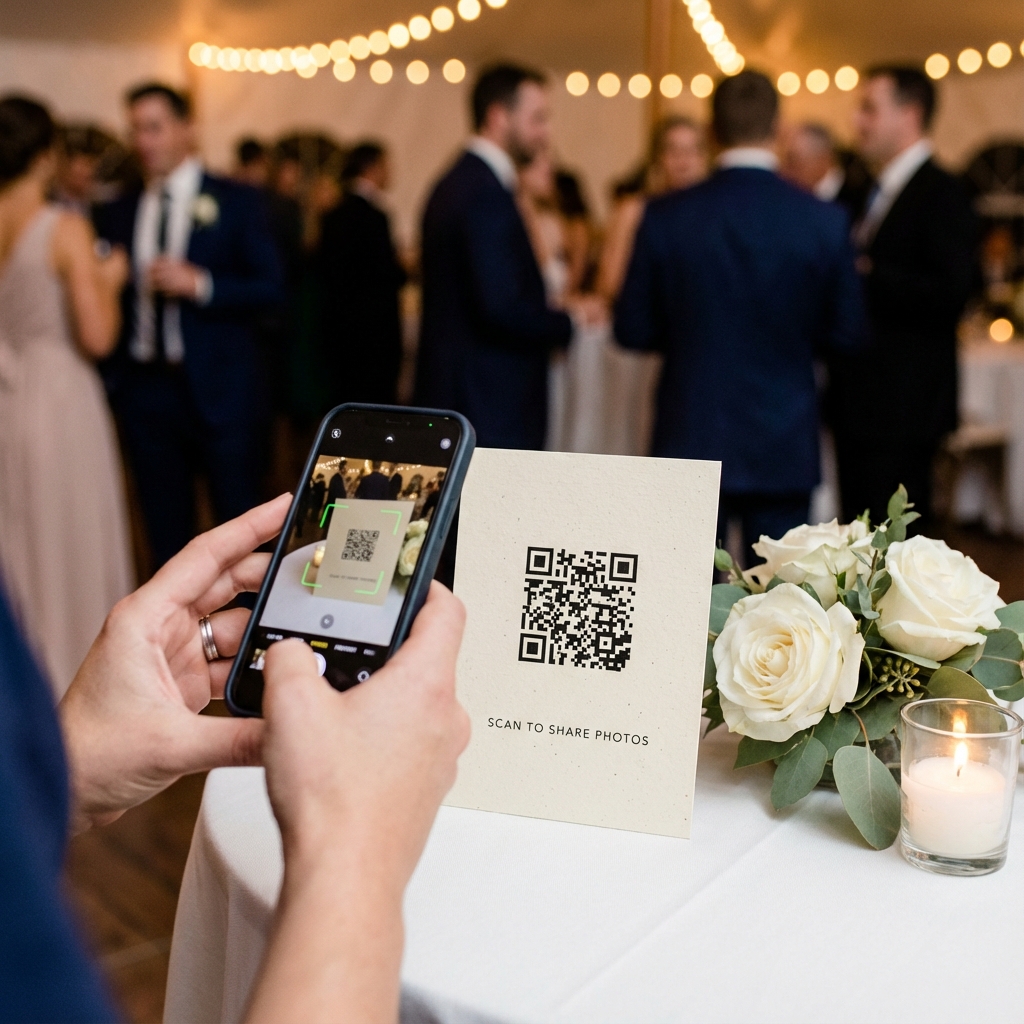
A QR code on the table collects more than the messages: the same guests add the photos and clips they took all night.
Scan to join the album
No app, no account
UPLOADING
Saving your moment
THE ALBUM
Emma & Jack
June 21, 2026
647 photos · 95 guests


Video guest book or a videographer interview?
A videographer asking guests a question on camera and a video guest book trade polish against reach. Many couples do both: a short interview round during cocktail hour, and a QR code on every table for the rest of the night.


Videographer interview
Most polishedProfessional lighting, framing and sound, and the answers drop straight into your wedding film.
Time: every minute spent interviewing guests is a minute away from the ceremony, the toasts and the dance floor. Most videographers quote it as an extra.
Video guest book
Everyone can joinEvery guest can take part on their own schedule, and nothing pulls your videographer away from the main moments.
The clips are rougher than a videographer’s.
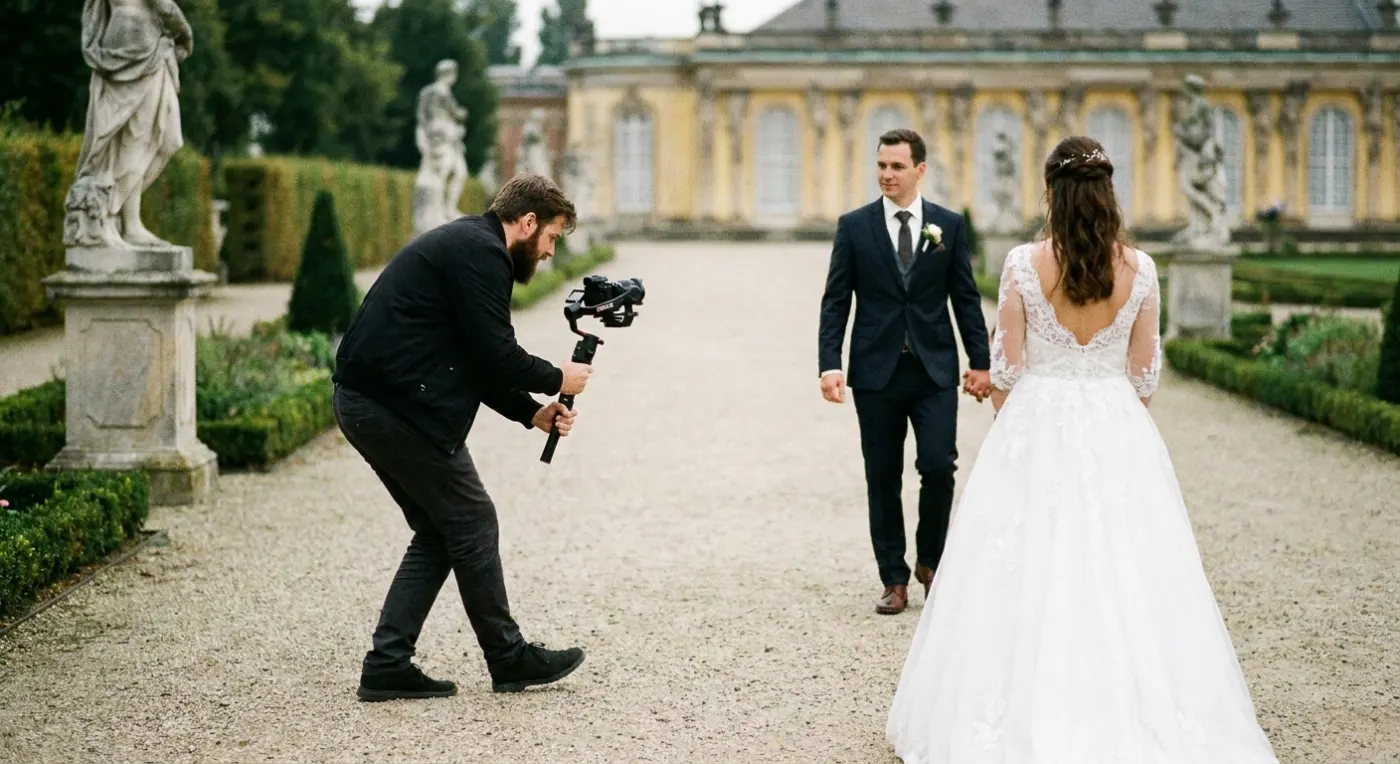
Who can see the video messages, and how long they are kept
Privacy depends on the service. Some albums are open to anyone with the link, some add a code or let the couple approve clips before they show, and a rented tablet usually ends with a gallery link the vendor sends you.
Ask before you book
A toast filmed after a few drinks is not always one the whole guest list should replay.
Who sees the clips on Pix Wedding
The couple can switch off guest viewing and guest downloading for the event on every plan, so clips go to the couple only. Pro adds approval before an upload shows and a PIN lock for the album.
How long they stay online
Six months, one year or two years depending on the plan. A one-time $9 add-on keeps an album for an extra year.
Back up in week one
Download everything in the first week, keep one copy on a drive and one in cloud storage, and only then start cutting the highlight film.
Video guest book questions, answered
The questions couples ask most about wedding video guest books, with prices checked on vendor sites in November 2026.
A video guest book replaces signatures with short video messages from your wedding guests. Guests record on a rented booth or tablet, an iPad on a stand, or their own phones after scanning a QR code. After the wedding the clips are kept as an archive and usually cut into a short keepsake film.
It depends on the format. QR apps on guests’ phones cost $44 to $50 one-time (Pix Wedding $44, GuestPix from $49, Waldo $49.99). LumaBooth on your own iPad is $19.99 a month. A 2-hour tablet rental runs $350 to $550, and a 3-hour 360 booth starts around $1,195. Prices checked November 2026.
Rental prices depend on your city and the hours you book. As one real quote, Light and Well in Temecula, California charges $350 to $550 for a 2-hour tablet rental with a stand and an online gallery. Voast ships a booth and quotes on request, with late returns at $275 a day. A 3-hour 360 booth in Austin starts around $1,195. Prices checked November 2026.
Pick the format for your guest count, choose three prompts and a 30 to 60 second clip length, then test it at the venue with sound. Print the QR code and prompts on a card for every table, place any booth in a quiet, front-lit corner near cocktail hour, and ask the MC to mention it twice.
Give them one question instead of a blank camera. Easy openers work best: how they know the couple, three words that describe them, a favorite moment of the day, or one wish for their first anniversary. Send deeper prompts to close family a week ahead so they can think about their answer.
Thirty to sixty seconds. Waldo caps messages at 30 seconds and the Pix Wedding page camera stops at 60, which is enough for a name, a story and a wish. Shorter clips also make the final edit easier: a three-minute highlight film holds about ten to fifteen messages.
It is if guests can record without queuing or feeling watched. Reports from couples on wedding forums are mixed, and some guests say being filmed feels awkward. A QR code on every table and one printed question keep the effort low, and an audio or written option gives shy guests another way in.
Put a QR code on every table
Pix Wedding is free for 20 guest uploads, then $44, $54 or $84 one-time, and guests record messages of up to 60 seconds in the phone browser with no app.


Explore more free wedding tools
Everything you need to make your wedding day stress-free and unforgettable.
QR Sticker Designer
Design custom print-ready stickers.
Hashtag Generator
Create unique wedding hashtags.
How to Collect Guest Photos
5 methods ranked by participation rate and ease.
Best Way to Share Wedding Photos
Eight ways to send the photos to guests and family, compared.
Best Way to Get Guest Photos
The single method with the highest participation rate.
How to Make a Shared Wedding Album
Step-by-step setup for every platform.
Alternative to Disposable Cameras
Better, cheaper options than disposable cameras.
Alternative to Wedding Photo Booth
5 cheaper alternatives to a $1,000+ photo booth rental.