
QR code photo sharing for any event
One QR code, one shared album and no app for guests. Pick your occasion below for the setup, wording and tips written for that event.
20 guest uploads free, no card required.

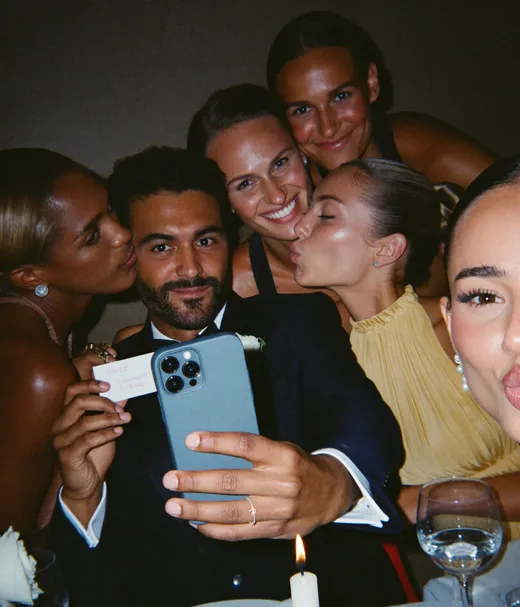
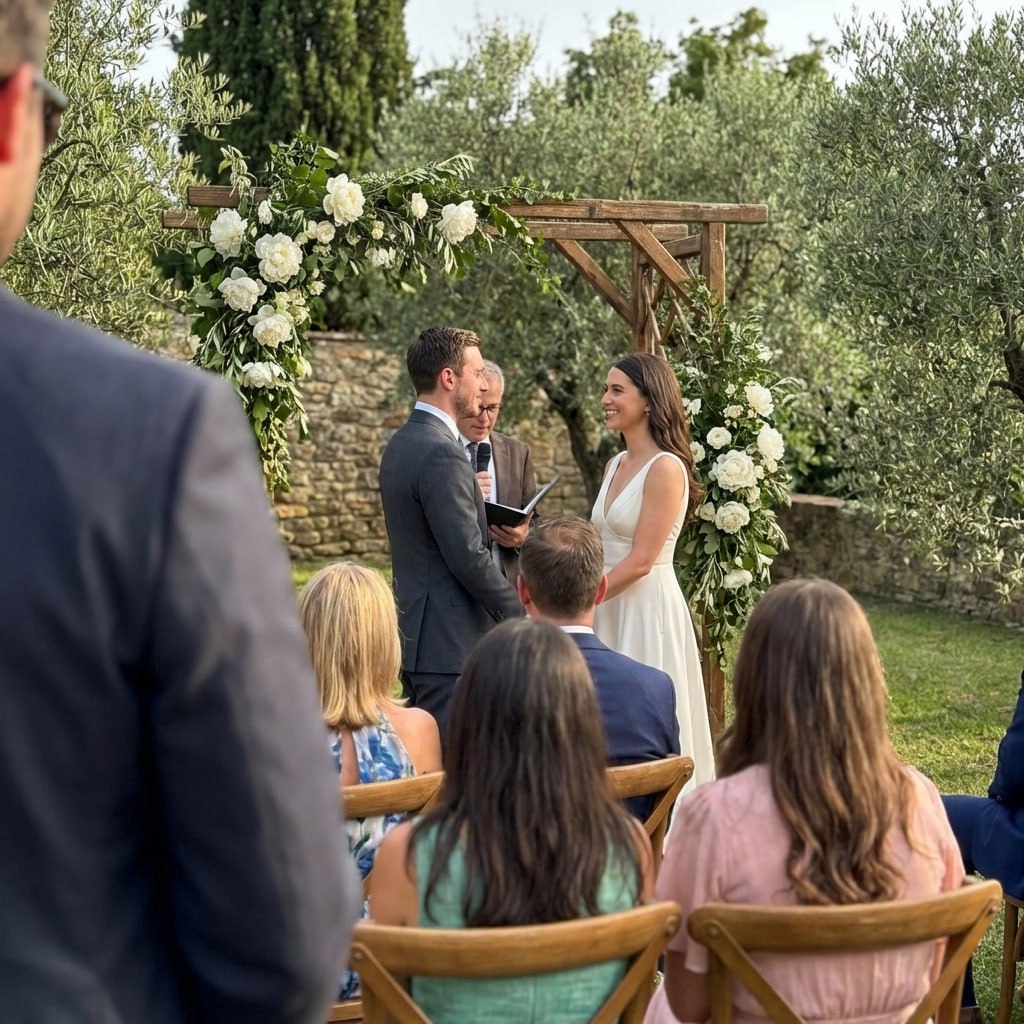
FROM A GUEST
Every occasion works the same way
The host creates an album and gets one QR code. Guests scan it and upload photos and videos from their phone browser, with no app and no account. Everything lands in one album the host can download as a ZIP. Only the wording, timing and setup change from one event to the next.
Create the album
Name it, set the event date and pick a QR poster design.
Put the QR code where guests are
Table cards, the invite, a slide on the big screen or the group chat.
Collect it all in one place
Photos and videos land in one album, ready to view and download as a ZIP.
Birthdays, showers and family moments
The days relatives travel for, with guests of every age and every kind of phone.
Birthdays
A custom QR code for birthday pictures, so guests add their photos and videos to one album.
Baby showers
A QR code for baby shower pictures, made in minutes and shared with every guest.
Private baby shower albums
Keep shower photos off social media, with etiquette scripts and grandparent sharing.
Graduations
One QR code for graduation pictures from the ceremony and the party after it.
Quinceañeras
From the misa to the party, guests scan once and upload in the phone browser.
Bar and bat mitzvahs
Every guest photo and video in one album, ready for the montage.
Christenings
From nan on her old iPhone to godparents abroad, in full resolution and private.
Naming ceremonies
One private album for naming day photos that works on any phone.
Memorials
A gentle private album for tribute photos and videos from family and guests.
Family reunions
Every relative's photos and videos from the reunion, with one QR code.
Class reunions
One QR code for the whole class, with no accounts to set up.
The wedding and everything around it
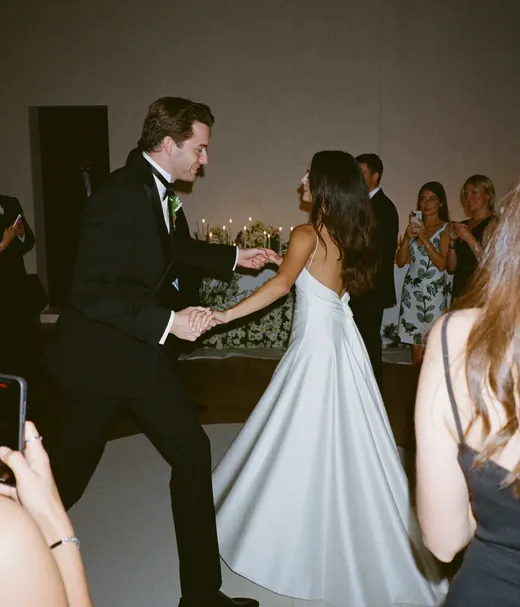
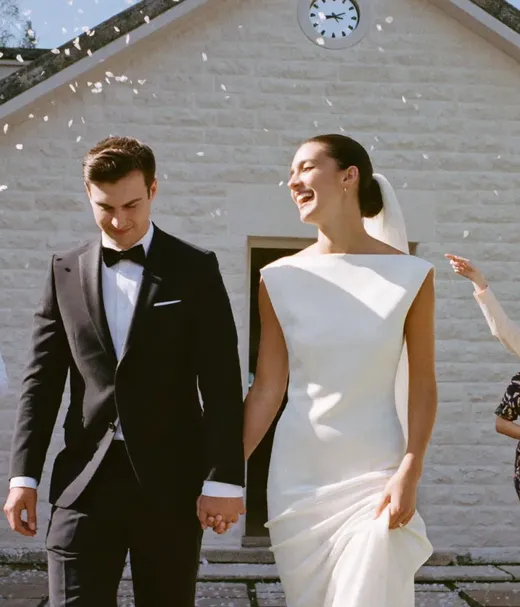
The big day, plus the parties on either side of it, each with its own wording and setup.


Weddings
The product page: guests scan a QR code and upload from their browser, no app to install.
Wedding guest uploads
Scripts, prompts and a setup checklist that get guests uploading.
Engagement parties
Set up in under 15 minutes, with invite wording and the same-or-separate album decision.
Bridal showers
Theme ideas, game cues and a gift-opening flow so every guest contributes.
Rehearsal dinners
QR tips, multi-event albums and the moments worth capturing the night before.
Hen dos
Every hen's snaps in one album, with the main options compared.
Stag dos
Every photo and video from the trip in one album, with no account needed.
Hens nights
For Australia and NZ: every hen's phone shots in one album for the bride.
Bucks nights
Photos scattered across a dozen mates' phones, collected into one album.
Stag and does
Hundreds of guests means hundreds of phones, from the toonie toss to the dance floor.
Jack and Jill parties
Guest photos from the games, the raffle and the dance floor in one album.
Wedding socials
The Manitoba guide: candids from the prize table, the 50/50 and the dance floor.
Second line weddings
Every angle of the New Orleans parade, from umbrellas to the brass band.
Las Vegas elopements
Share every photo with family back home, with the options compared.
Las Vegas wedding chapels
Chapel photos cover the ceremony. A QR album picks up the rest of the day.
Parties, trips and nights out
Casual events where the best shots stay on one person's phone unless someone collects them.
Birthday party QR codes
A setup checklist and tips by party type, from kids to milestone birthdays.
Best party photo sharing apps
Six apps compared on free plans, guest limits and price.
Garden parties
One summer album with no sign-up for guests, on any phone.
Street parties
A QR code on the tables for mixed ages, jubilees and street get-togethers.
Knees-ups
One album so every mate's photos and videos from the do land in one place.
Work Christmas dos
One office album instead of four WhatsApp groups.
Festivals
Everyone's festival photos and clips in one album, with no dead hashtags.
Group trips
Everyone's vacation photos and videos in one album for the whole trip.
Teams, races and work events
Groups that meet more than once, and events where a business needs the photos afterwards.
Sports teams
One season album with every game photo from parents and fans.
Running clubs
A no-account gallery the group uploads to after every run and social.
Race days
Runner and spectator photos from a marathon or race in one gallery.
Conferences
Attendee photos and videos from conferences and corporate events in one gallery.
Business events
An IT security checklist, GDPR notes, branding controls and cost breakdowns.
QR codes for any event
How the QR code works when your event is not on this list.
One scan, one album,
any event.
Watch a guest scan the QR code and add photos to the shared gallery in the phone browser, with no app to install.
SHARED GALLERY
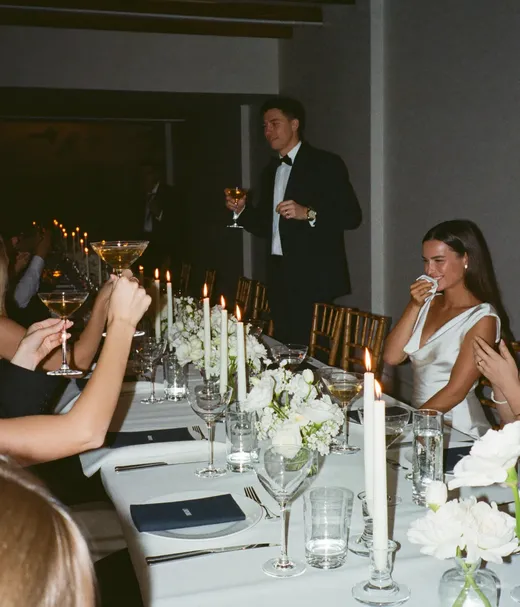
Maya's 30th


What to set up for your kind of event
The album is the same. Where the code goes and which setting helps most depends on the room.
| Kind of event | Where the QR code goes | Setting worth using |
|---|---|---|
| Seated party or dinner | Table cards or place cards | Live slideshow on a TV or projector (Standard and Pro) |
| Stag do, hen do or night out | The group chat | Film roll mode, so photos stay hidden until the reveal you set |
| Memorial or private family event | A printed card or the order of service | Private QR code, with control over who can view and download |
| Reunion or multi-day trip | The invite and the group chat | Up to 6 sub-albums on Standard or up to 20 on Pro, one for each day or part of the event |
| Conference or work event | A slide, signage or badges | Photo missions with a live leaderboard on the slideshow (Standard and Pro) |
| Team or club season | The team chat or a clubhouse poster | A longer upload window: 6 months on Standard, 1 year on Pro |
New to QR photo sharing?
This two and a half minute walkthrough from KnowledgeBase shows the basic idea: one code that opens a set of shared photos.
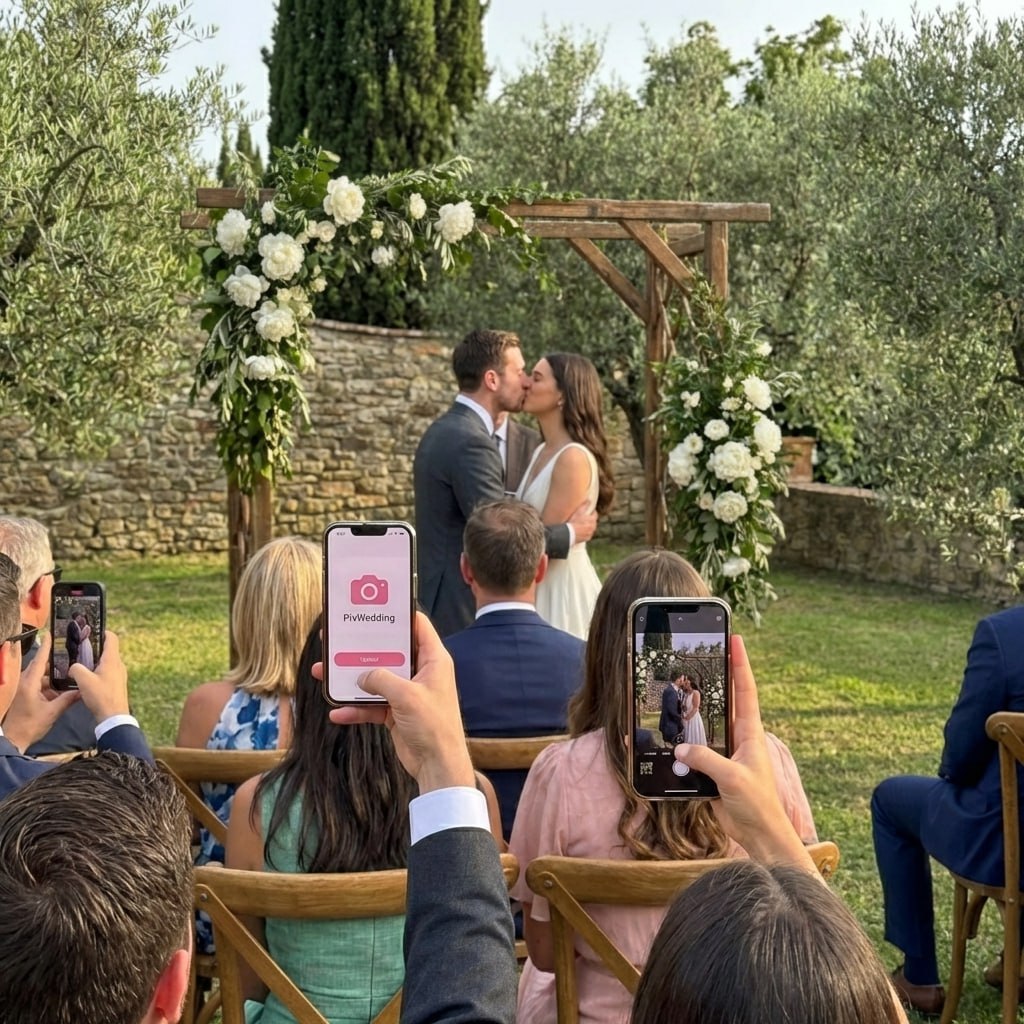
Pix Wedding uses the same scan step, then lets guests add their own photos and videos to the album too.

Best table
You guys!!
From Mom
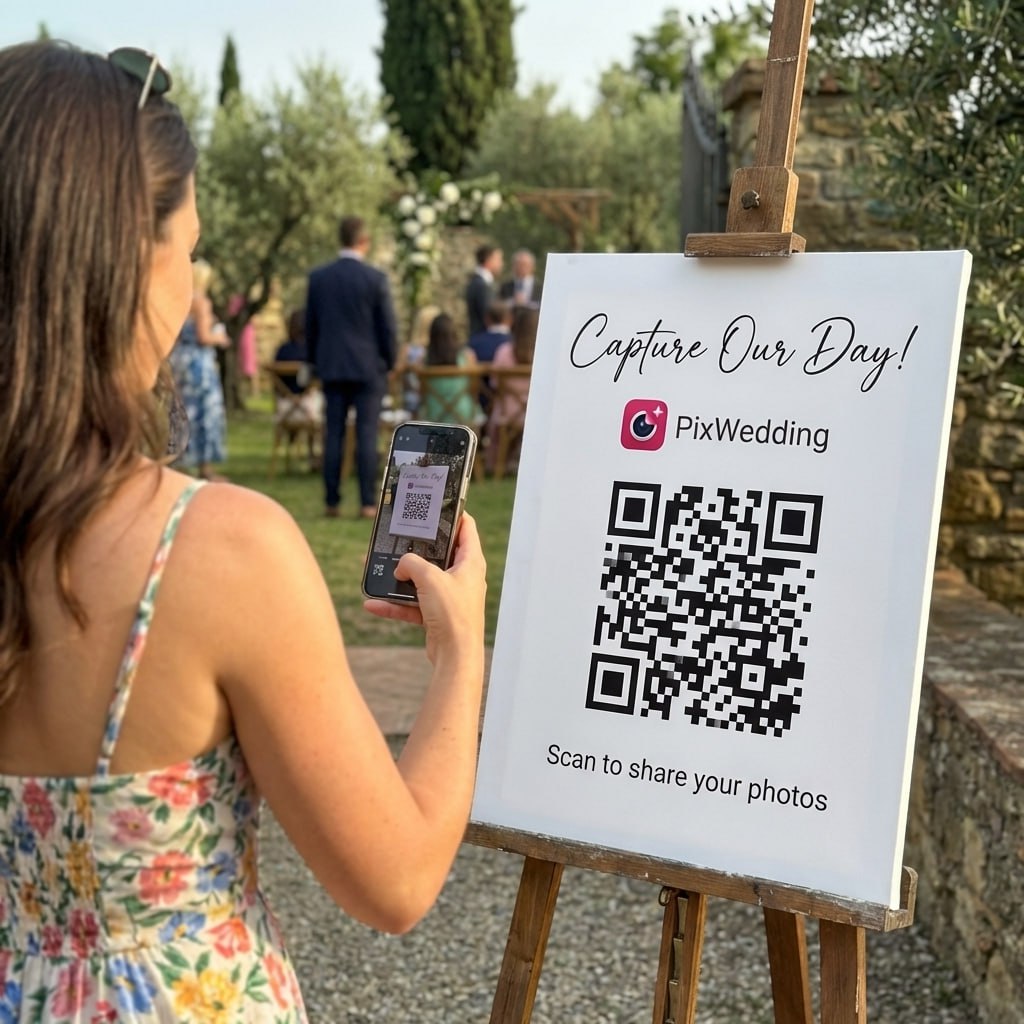
Scan to join the album
No app, no account
UPLOADING
Saving your moment
THE ALBUM
Emma & Jack
June 21, 2026
647 photos · 95 guests


SCAN TO TRY
pix.wedding/
your-wedding
Event photo sharing questions
Straight answers to the questions people ask most about this topic.
Any event where guests carry phones. That covers birthdays, showers, reunions, memorials, team seasons, conferences, festivals and group trips. The album works the same way each time, and the pages above cover the wording and setup that differ from one event to the next.
No. Guests scan the QR code, the album opens in their phone browser, and they upload from there. There is nothing to install and no login, which matters most at events with mixed ages.
No. The name says weddings, but the same album works for any event. You can set an event date, pick a QR design and collect photos the same way for a birthday or a conference.
You can start free with 20 guest uploads and no card. Paid plans are one payment, with no subscription: Starter $44, Standard $54 and Pro $84. Regional prices apply automatically at checkout.
Starter gives 3 months of uploads from the event date and 6 months of storage. Standard gives 6 months and 1 year. Pro gives 1 year and 2 years. Every paid plan includes a ZIP download of the whole album.
Yes. Each album has its own unique QR code, and the host controls whether guests can view and download photos. That suits memorials, family events and work events where the photos should not be open to everyone who uploads.
More help with group photos
Explore more free wedding tools
Everything you need to make your wedding day stress-free and unforgettable.
QR Sticker Designer
Design custom print-ready stickers.
Hashtag Generator
Create unique wedding hashtags.
How to Collect Guest Photos
5 methods ranked by participation rate and ease.
Best Way to Share Wedding Photos
Eight ways to send the photos to guests and family, compared.
Best Way to Get Guest Photos
The single method with the highest participation rate.
How to Make a Shared Wedding Album
Step-by-step setup for every platform.
Alternative to Disposable Cameras
Better, cheaper options than disposable cameras.
Alternative to Wedding Photo Booth
5 cheaper alternatives to a $1,000+ photo booth rental.