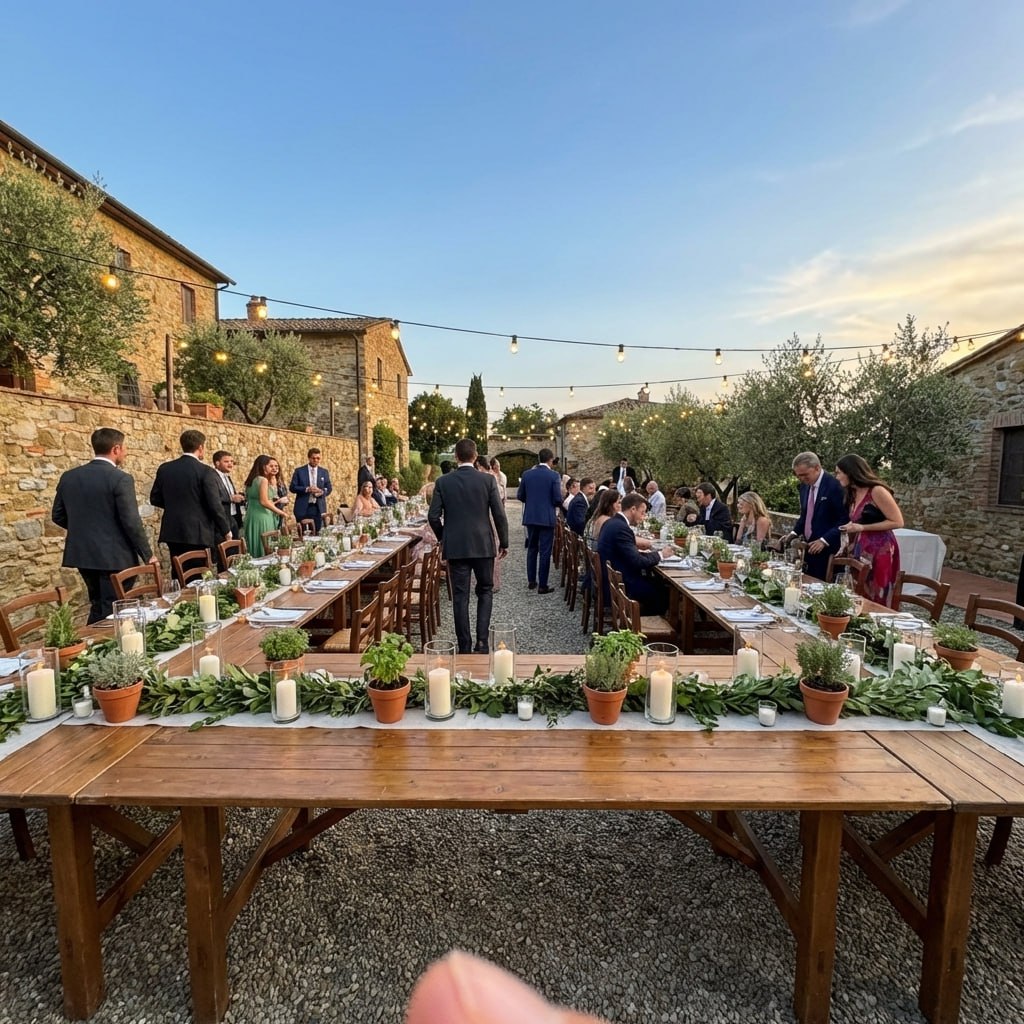
perfetto ❤️
Valentina M. · Florence, ITVerified couple · October 2025
A social runs for hours in a community hall, and most of the crowd never meets a photographer. Here is where the code goes and which moments to catch.
Put one QR code on the tickets you sell ahead, then on the bar, the prize table and the DJ booth. Guests scan it with the phone camera and upload from the browser, no app and no account. The dance, the draws and the late lunch all land in one album the couple can download.

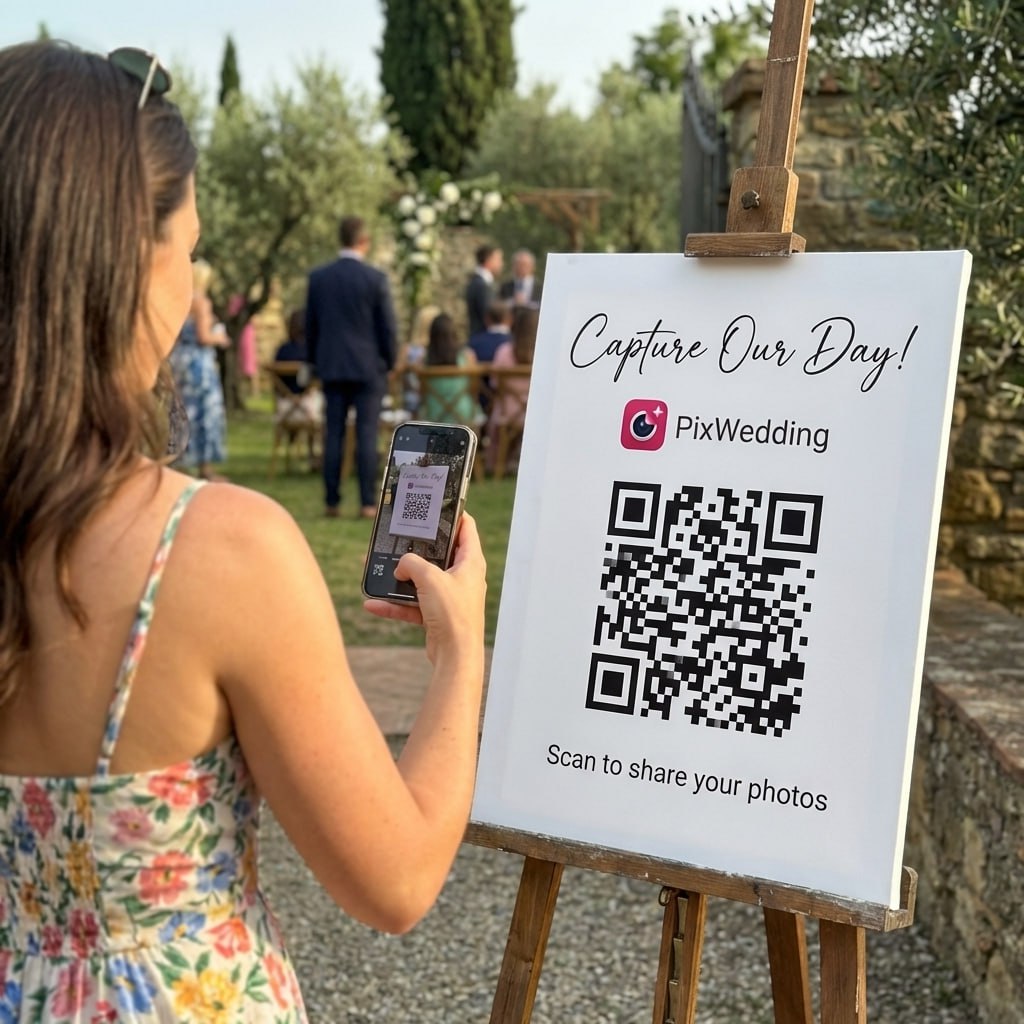
A guest at the social points the phone camera at the code, picks photos from the night and uploads them from the browser. No app, no account.
SHARED GALLERY
Kayla & Brett’s Social
Example album
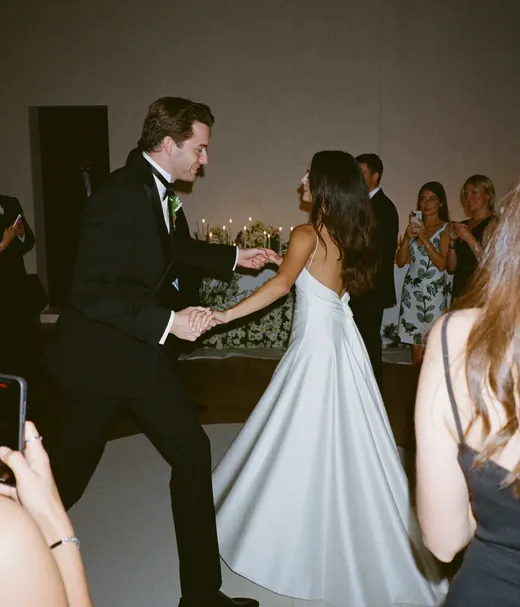
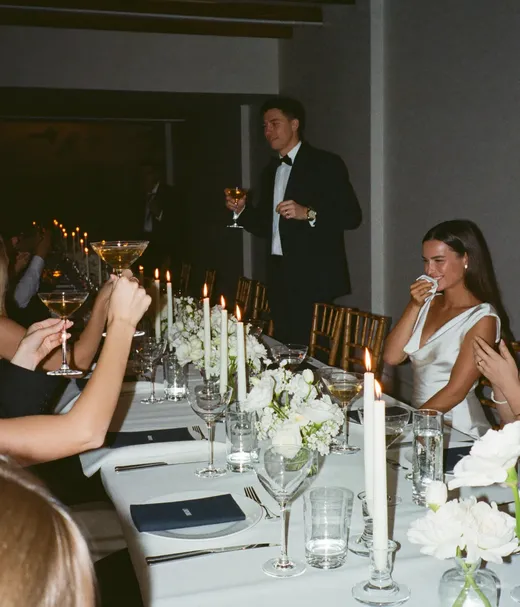
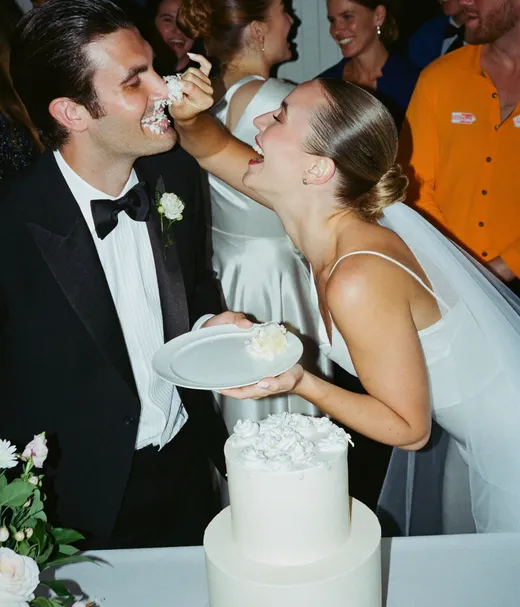
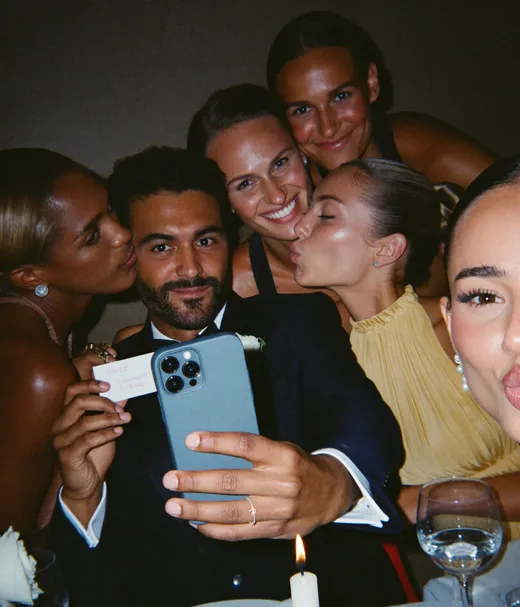
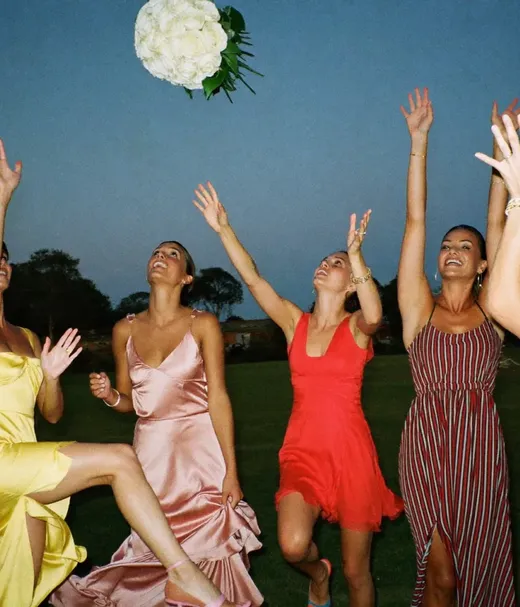
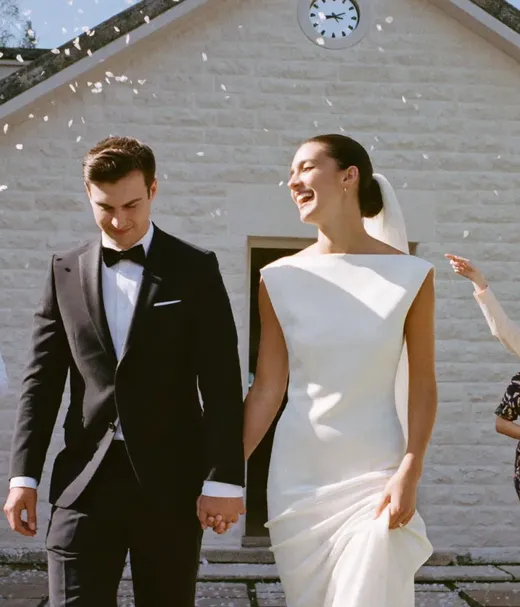

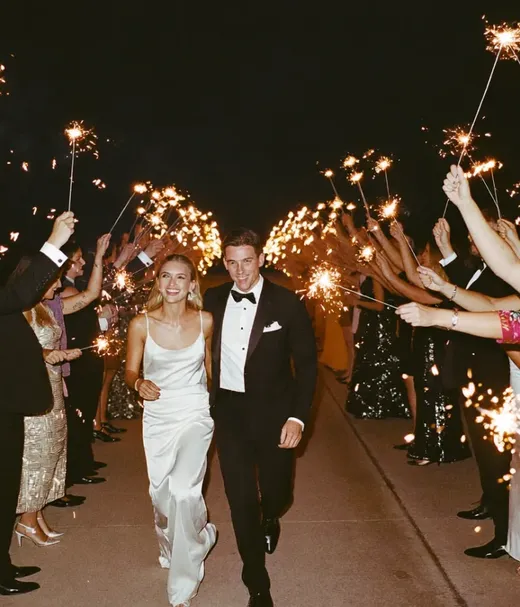
Draws usually happen between 11 pm and midnight and lunch comes out around midnight, according to the Manitoba Socials Guide. The rest of the night moves at the DJ’s pace, so read the times as a typical order, not a schedule.
A guest who had never been to a social films the night with coworkers who became family. Skip to 8:12 for the hall in full swing, the kind of crowd your QR code has to reach.
Video by Anmol Insights on YouTube, October 2026.
Six spots cover a community hall or a Legion. Put the code where people wait or stand still, not only where they walk in.
The 6x4 table tent and the 8x6 poster are two of the print formats in the free QR sticker designer, which exports a print-ready PNG or PDF.
The draws are the loudest part of the night and the easiest to miss on camera. The order below follows how the Manitoba Socials Guide describes prize tables, signs and draws.
On the Big Party and Party Series plans, photo missions put a checklist like this on every guest’s phone, with a live leaderboard. Out-of-province guests also get a quick read on what the prizes are.

Prize table
We won the perfume!
Print the code on the tickets, start free with 20 guest uploads, and pay once only if the social needs more.
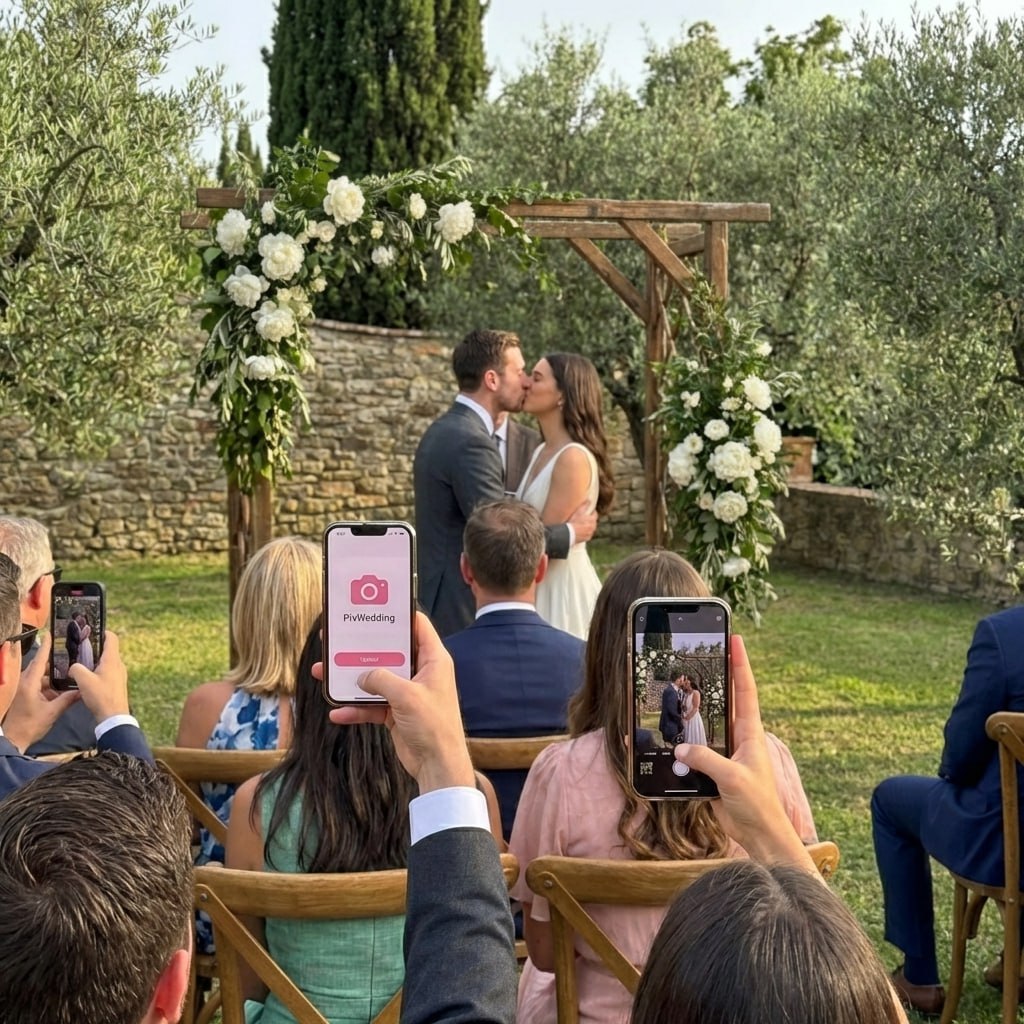
From the DJ booth
Scan to join the album
No app, no account
UPLOADING
THE ALBUM
June 21, 2026
647 photos · 95 guests



SCAN TO TRY
pix.wedding/
your-wedding
Most socials already have a Facebook event for tickets. It works for announcements. It is a poor place to keep the photos.
A booth and a QR album do different jobs, and plenty of socials use both. The booth gives posed shots and prints. The album catches everything else.
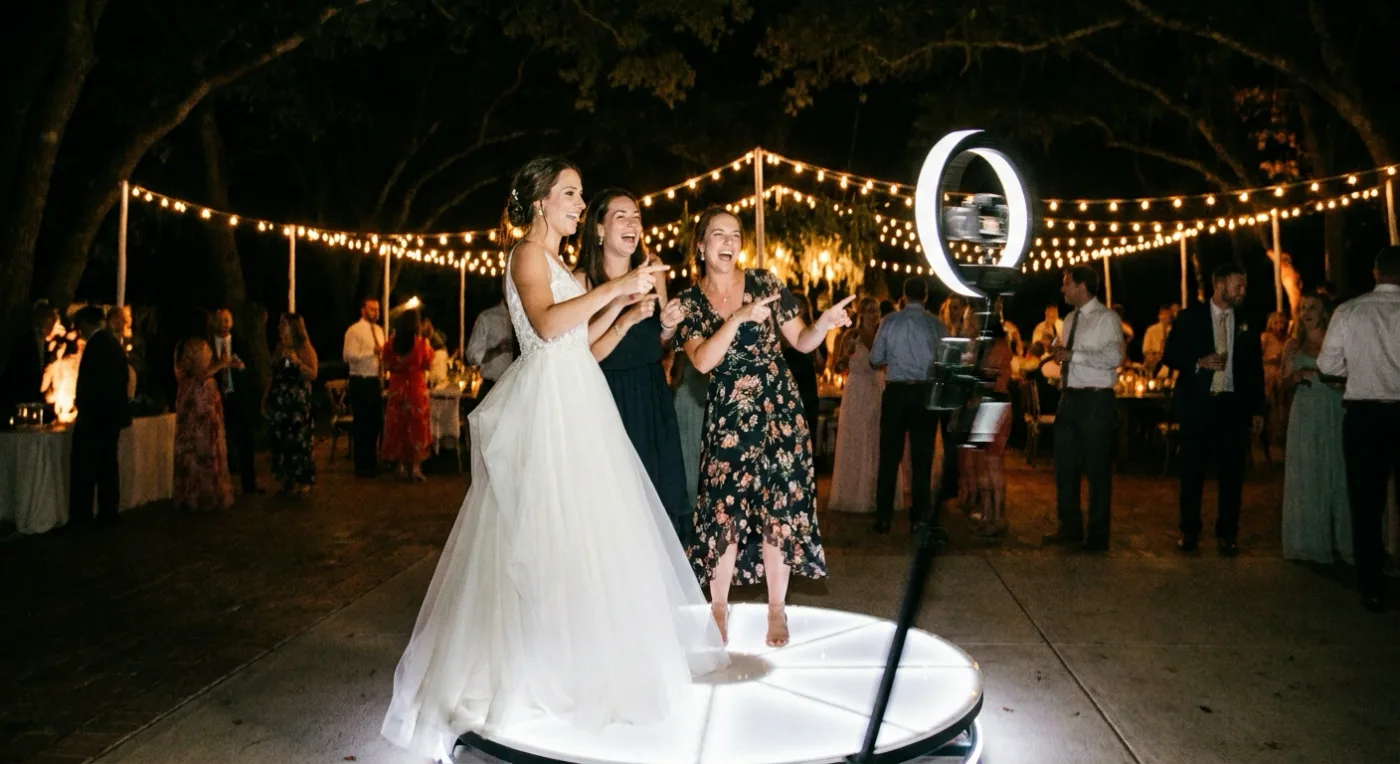
Put a QR table tent next to the booth. Guests who get their booth copy by text can add it to the same album in a few taps, so the couple ends up with booth shots and phone shots in one place.
Will we get every booth photo after the night, and in what format? How long does the online gallery stay up? Can guests get digital copies, or only prints?
| Option | What you get | Guests’ own phone photos | Cost | Best for |
|---|---|---|---|---|
| Photo booth vendor | Posed shots with props and a backdrop. Some Winnipeg booths list socials as an event type and send digital copies by text, email or an online gallery. | No, only what the booth takes | Quoted per event by the vendor | A fun corner and prints to take home |
| QR album | One album for every guest photo and video, in full resolution, downloadable as a ZIP. | Yes, from any phone browser | Free for 20 guest uploads, then C$60 / C$74 / C$115 once (US$44 / $54 / $84) | The whole night: the dance, the draws, the lunch |
| Facebook event or group | Posts and comments from guests who use Facebook and remember to post. | Some, mixed in with everything else | Free | Announcements before the social |
| Disposable cameras on tables | Film shots, developed after the night. | No, film only | About $16.99 a camera plus about $17 developing (US prices, October 2026) | A retro look on a few tables |
| Friend with a good camera | Sharp photos of the draws and the couple. | No | A favour, or a quote from a photographer | The draws and the couple’s song |
Disposable camera prices from the disposable cameras vs QR code comparison. Pix Wedding prices from its pricing page, November 2026.
Social tickets go to invited guests and are sold ahead, with no sales at the door, under the LGCA permit terms. That is why the ticket says advance only. Swap in your own names, date and hall.
Kayla & Brett’s Social Saturday, [date] · [hall name] Doors 8 pm · Door prize entry included Tickets sold in advance only Scan for the photo album, no app needed
Printed on every ticketGot a photo of a prize or a winner? Scan and add it to Kayla & Brett’s album. No app, no account. Your photos stay full size.
Prize tables and the raffle tableQuick one before the draws. See the QR code on your ticket and at the bar? Scan it with your camera and drop your photos from tonight into Kayla and Brett’s album. The draws are next, so phones up.
Read out before the drawsThanks to everyone who came out to the social! Every photo from the night goes in one album, not this thread. Scan the code on your ticket or use this link: [album link]. Upload anytime this month.
The event thread, the next morningThank you for donating [prize] to our social. [Winner] took it home in the draw, here is the photo. We are so grateful. Kayla & Brett
A text or email with the prize photoFive steps, and the first three are done before the tickets go on sale.
Start free, the first 20 guest uploads cost nothing. Call it something guests recognise, like “Kayla & Brett’s Social”.
On the Big Party and Party Series plans you can add sub-albums (up to 6 or 20) such as Draws, Dance floor and Lunch.
Tickets go out weeks ahead, so they get printed before anything else. Then make table tents and posters in the free QR sticker designer.
Give the DJ the announcement above. Ask one person from the wedding party to shoot the draws and nudge tables to scan.
Post the album link in the event thread, send donors their prize photos and download the full album as a ZIP.
Some Manitoba DJs already run slides with drink prices, raffle prices and prize sponsors. On the Big Party and Party Series plans the live slideshow can sit in that rotation, so guests see their photos come up during the night.
A social crowd is wide. Switch guest viewing off so only the couple sees the album, or add a PIN lock on Party Series.
Guests pass the door once. Put the code where people stand still: the bar, the prize tables and the lunch table.
The ticket is the one thing every guest holds all night. Adding the code costs nothing at print time.
Old halls and rural rinks can have weak reception. Test it at the walkthrough and have the DJ say “upload tonight or tomorrow morning”.
The wedding party is running the draws, so they are busy. Name one photo captain before the night starts.
Not every winner wants a public post. Keep the album private and ask before a face goes on Facebook.
Post the album link the next morning while people still have the photos on their phones.
perfetto ❤️
Organised the whole thing in about ten minutes the week before. Printed the QR table cards at Ryman for a couple of quid. Guests just scanned and uploaded, zero faff. Some of these photos are now framed in our hallway
150 guests, 1,100 photos. My tia who cant figure out wifi uploaded 30 photos and a video. If shes using it, trust me, anyone can use it. No app no download just scan 🙌
Guests upload from the phone browser with no app and no account. The first 20 guest uploads are free, and each plan is a one-time payment.
For a single celebration
For a crowd, a screen and a dance floor
One-time payment, no subscription
For big guest lists and repeat events
One payment. Yours to keep. No subscription. No renewals. No surprise charges.
Secure checkout. Polar, Apple Pay, Google Pay.
Money-back guarantee: if your guests never upload a single photo, you get 100% back. See how it works
A social happens weeks or months before the wedding, and the guest list is wider: coworkers, neighbours, friends of friends who bought a ticket. Many of them will not be at the wedding.
If both events go in one album, use sub-albums so the social photos sit apart. If the social crowd is mostly people the couple barely knows, a separate album keeps the wedding album private.
If you only want a handful of posed shots, a photo booth with prints does that job. If most of the crowd will not use phones, a friend with a camera covers the draws better than any sign.
And if the couple just wants a few photos for a thank-you post, a Facebook event thread is enough.
Halls are dark once the DJ lights come on. A few habits help guests get photos worth keeping.
Straight answers to the questions people ask most about this topic.
No. Guests scan the QR code with the phone camera and upload from the browser. There is no app to download and no account to make, which matters at a social where plenty of the crowd barely knows the couple.
Yes, and it is the best spot. Social tickets go to invited guests and are sold ahead, with no door sales, so every guest arrives holding the code. Print it small on the stub with one line: scan for the photo album, no app needed.
Pix Wedding starts free for the first 20 guest uploads. Paid plans are one-time payments with unlimited photos and videos: C$60, C$74 or C$115 in Canada (US$44, $54 or $84). There is no subscription.
Yes. The Big Party and Party Series plans include a live slideshow. Open it on a laptop connected to the DJ’s screen or a projector and new guest photos appear during the night.
You can do either. One album with sub-albums (Social, Wedding) keeps everything together, and Big Party gives 6 months to upload, which covers a social held a few months before the wedding. Two separate albums keep the social photos away from wedding day guests who were not there.
Most couples skip one. A social is a fundraiser, so a friend with a good camera for the draws plus a QR album for everyone else covers the night without adding a big bill.
Permits, raffle rules, ticket prices and the lunch menu are all in the wedding social guide. Throwing the Ontario version instead? See stag and doe photo sharing below.
QR signs, guest lists and checklists that work for a social too.
Design custom print-ready stickers.
The best way to collect guest photos.
Create unique wedding hashtags.
5 methods ranked by participation rate and ease.
Eight ways to send the photos to guests and family, compared.
The single method with the highest participation rate.
Step-by-step setup for every platform.
Better, cheaper options than disposable cameras.