

























Fraud Blocker
pixPix Weddingwedding
Free wedding QR code generator

Wedding QR Code Sign & Sticker Designer

Paste your link, pick a table tent, round sticker, card insert or poster, and style it in your wedding colors. Download a print-ready PNG or PDF. Free, no account.

4Templates
4Print formats
15Color themes
10QR dot styles

QR Code Sticker Designer

Design beautiful custom QR code stickers for your wedding. Choose your template, customize the design, and download print-ready files.

Need a real wedding upload link?

Create a Pix Wedding album, paste its guest link here, then print table cards that collect photos all night.

Create album

Clean lines with elegant typography

Perfect for reception tables

Classic QR code look

Add a logo or image to display in the center of your QR code

15px

Preview

Scan to upload photos

Table Tent - Rose Pink - Ready to print

01The short answer

How to make a wedding QR code sign that guests scan

Answer

Point the code at one page guests can use right away, like a shared photo album. Keep the code dark on a light background with a clear margin around it, size it at a tenth of the scan distance, add one short line of text, then print a single proof and scan it before printing the batch.

The sign is the easy part. What makes it work is the page behind it: if a guest scans and lands on a login screen or an app store, most will stop there.

With this designer, in four steps
  1. 1Paste the link guests should open, like your shared photo album.
  2. 2Pick a template and a format: table tent, round sticker, card insert or poster.
  3. 3Choose a color theme, a dot style, an optional center logo and one short line of text.
  4. 4Download a PNG or a PDF, print one proof and scan it before the full batch.
Back to the designer
Design rules that keep it scannable

Three rules for a sign that scans on the first try

Pretty and scannable can live on the same sticker. These three rules decide whether a guest's camera picks the code up in a second or gives up.

Ink on cream
Blush on pink

Dark code on a light background

Phone cameras read contrast, not color. Use your palette for the code only if it stays dark, like navy, burgundy or teal, and keep the sticker background white or cream.

Clear margin
SCAN ME FOR PHOTOS
Text crowding it

Leave the quiet zone empty

Keep text, borders and florals off the margin around the code. The Spacing slider in the designer moves your text away from the code, so push it up if the line feels tight.

Small center mark
Logo over the code

Small logo, not a big one

A monogram or heart in the center is fine because downloads use the highest error correction. Keep it small and test it, since every covered module eats into that spare 30%.

LevelRestores up toIn practice
L7%Smallest code, no room for damage
M15%The designer uses it for the live preview
Q25%Common for codes with a small logo
H30%The designer uses it for every download, so a center logo still scans
From the QR code standard
"QR Code requires a four-module wide margin at all sides of a symbol."
Denso Wave, inventor of the QR code
ModuleOne of the small squares or dots that make up the code pattern.
Quiet zoneThe blank margin around the code that tells the camera where it starts and ends.
Error correctionSpare data inside the code, so it still scans with a scratch, stain or small logo.
Finder patternsThe three big squares in the corners. Keep them sharp and never cover them.

Error correction percentages from Wikipedia's QR code entry; contrast advice from Scanova. Checked 6 October 2026.

02Sizes and scan distance

What size should a wedding QR code sticker be?

Size the code for how far away the guest will be, not for how the sign looks on your screen. Three numbers cover almost every wedding sign.

10:1scan distance to code width

Scanning from 1 meter away, the code should be at least 10 cm wide. Double the distance, double the code.

Source: Scanova, minimum QR code size
1 insmallest size for print

Do not go below 1 x 1 inch (2.5 x 2.5 cm) on paper, even for a favor sticker someone holds in their hand.

Source: Scanova, minimum QR code size
4modules of blank margin

A QR code needs a quiet zone four modules wide on every side, so nothing in the design can touch the code.

Source: Denso Wave, QR code standard
The four formats, drawn to scaleSame code, four print sizes
The dark square is the code, at the size the designer prints it
FormatPrint sizeCode sizeScans fromPNG fileBest spot
Table tent6 x 4 inabout 2.6 in (6.6 cm)about 26 in (66 cm)2700 x 1800 pxReception and dinner tables, guest book table
Round sticker2 x 2 inabout 1.1 in (2.8 cm)about 11 in (28 cm)1200 x 1200 pxFavor boxes, bottles, jars, napkin bands
Business card3.4 x 2.1 inabout 1.4 in (3.5 cm)about 14 in (35 cm)1836 x 1296 pxWelcome bags, place settings, thank-you notes
Poster8 x 6 inabout 3.9 in (9.9 cm)about 39 in (1 m)4530 x 3396 pxEntrance easel, bar, photo booth, dance floor

Need a bigger entrance sign? Print the poster PNG larger. At 16 x 12 inches its 4530 x 3396 pixels still give about 280 pixels per inch, and the code grows to about 7.8 inches, readable from roughly 2 m (6.5 ft). For table cards, WeddingSnap suggests a code of at least 2 inches; the 6 x 4 table tent clears that.

Code sizes are worked out from the designer's layout (the code fills 65% of the short side, 55% on the round sticker) at the print sizes listed in the tool. Scan distances use the 10:1 rule from Scanova; table card advice from WeddingSnap. Checked 6 October 2026.

03Where the signs go

Where to put QR codes at a wedding

Put a code wherever guests stand still with a phone in hand. One sign at the entrance gets a burst of scans and is forgotten by dessert, so spread them out.

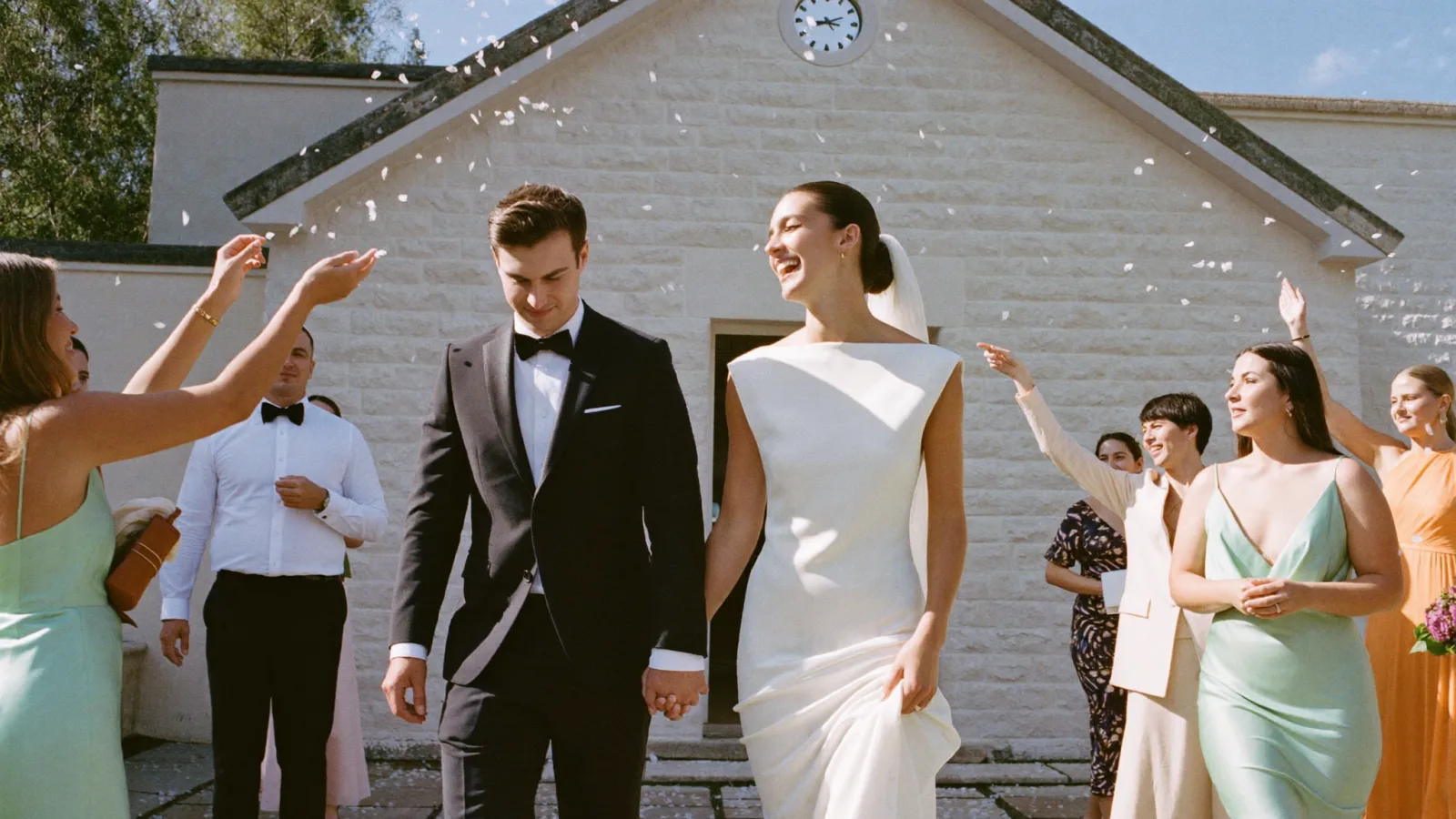
Couple walking out through a shower of confetti after the ceremonyPoster

Ceremony exit

Guests have their phones out for the exit and the confetti. A poster on an easel where they spill out catches that moment while the photos are fresh.

WeddingSnap ranks the ceremony exit first in its QR sign placement list, ahead of tables, the bar, the photo booth and the entrance.

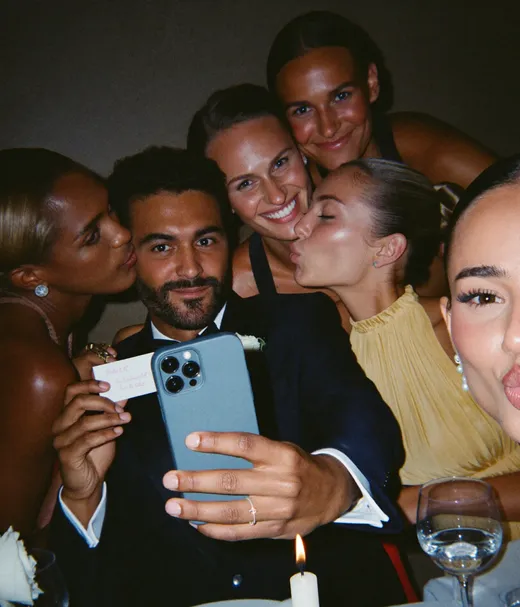
Guests at a reception table taking a selfie togetherTable tent

Reception tables

One table QR code sticker or tent per table, facing the seats. People look at it all through dinner, so it keeps reminding them long after the entrance sign is behind them.

Wedding guests raising glasses in a toastPoster or table tent

The bar

Everyone waits at the bar with a free hand. Use a waterproof sticker or a framed sign, since the counter gets wet.

Crowded dance floor at night with guests dancingPoster

Dance floor and photo booth

Light is low here, so go bigger and use a matte finish. Mount it at chest height next to the booth or the DJ table, not on the floor.

Guests taking a mirror selfie in the venue bathroomBusiness card or round sticker

Bathroom mirror

An optional one, but guests do take mirror selfies. A small card in the corner of the mirror gets those photos into the album too.

Wedding guests laughing together on a shuttle busBusiness card

Shuttle bus

The ride back is when people scroll through the night. A card on each seat or by the door gives them something to do with all those photos.

Guests sharing late-night fries at the end of the weddingRound sticker

Favors and late-night snacks

Round stickers on favor boxes, cookie bags or fry cones go home with guests. They are the reminder that still works the morning after.

SEE IT IN ACTION

Scan. Upload.
Every table sign, one album.

Watch a guest scan the QR code and add photos from the browser, no app and no account. The same code works on every table tent, sticker and poster you print.

Emma & DanielScan to share your photos
9:41

WEDDING ALBUM

Emma & Daniel

Example album

AllReceptionMine
First dance
Toast
Cake smash
Table selfie
Bouquet toss
Grandmas dancing
Confetti exit
Getting ready
Sparkler exit
Add your photos from the tableNo app needed
04Copy ready to paste

Wedding QR code sign wording that gets scanned

The custom text field takes one line, so make it count: say what happens after the scan. Paste any of these into the designer and pick a script or serif font to match.

Scan to upload photos
ElegantThe default line in the designer. Short and clear.
Help us capture the day. Scan, snap, share.
FloralWarm, and it tells guests what to do in order.
No app needed. Scan and add your photos.
ModernAnswers the first question guests ask.
Saw something sweet? Add it to our album.
RusticWorks well on a table tent next to the centerpiece.
Your view, our memories. Scan to share.
ElegantA good fit for a poster at the ceremony exit.
Ceremony unplugged. Photos welcome after.
ModernFor an entrance sign if your ceremony is phone-free.
DoStart with a verb: scan, add, share.Say there is no app if that is true.Use your names on the poster, a short line on stickers.
AvoidLong sentences that shrink the font on a 2 inch sticker.Writing the URL out in full instead of letting the code do the work.Promises the page cannot keep, like a live slideshow you have not set up.
05Paper, vinyl or acrylic

What to print wedding QR stickers and signs on

The material matters as much as the design. A code that scans on your desk can fail on a glossy, wet bar top under spotlights.

MaterialBest forHolds up toWatch out for
CardstockTable tents, card inserts, place cardsDry indoor tablesUse 130 lb or heavier so tents stand up straight (WeddingSnap)
Paper sticker stockRound stickers on favor boxes and bagsDry indoor usePick a matte face so lights do not bounce off the code (QRLynx)
VinylGlasses, jars, bottles, outdoor signsOutdoor use and curved surfacesOn a tight curve, keep the code small enough to sit flat (QRLynx)
Polypropylene or polyester filmBar tops, ice buckets, drink stationsMoisture and spillsAsk the print shop for a matte or controlled-gloss finish (QRLynx)
Acrylic signEntrance, bar and photo booth signsReusable, easy to wipeAbout $25 to $60 a piece; glare is the risk, so test it under lights (WeddingSnap)
Glossy laminateSkip it for QR codesWater, but not reception lightingReflects lights and can make the code very hard to scan (WeddingSnap)

Matte beats glossy

"Choose a matte or controlled-gloss finish when reflections interfere with the camera, then test under the actual lighting."
QRLynx, QR code sticker guide (2026)

WeddingSnap gives the same advice for signs: skip glossy laminate and go matte or unlaminated, because reception lights bounce off a shiny surface right where the camera needs to read.

Wedding guests on a lit balcony at nightNight light, string lights and spotlights are where glossy finishes fail. Test the proof in the dark.
06Making your own vinyl QR stickers

Cut a scannable QR sticker at home

Elizabeth Sparkles on YouTube

Scannable QR code vinyl sticker, step by step

If you own a Cricut, this short tutorial shows how to upload a QR code image to Design Space, size it, cut it in vinyl and apply it with transfer tape. Download the PNG from the designer above and use it as your image, then test-scan the cut sticker before you make a full set.

Watch on YouTube (6 min)
07From link to printed batch

How to design and print wedding QR code signs

Seven steps, in this order. Steps 2 to 5 happen in the designer; the rest take one evening and a test print.

  1. Step 1

    Get the link guests should land on

    Make the destination first: a shared photo album, your wedding website or an RSVP page. For photos, a Pix Wedding album gives you one guest link that works in any phone browser. Paste it into the QR Code URL field.

  2. Step 2

    Pick a format for each spot

    Table tent for tables, poster for the entrance and the bar, round sticker for favors, business card for welcome bags. You can design one, download it, switch the format and download again.

  3. Step 3

    Set colors for contrast

    Choose a color theme and a dot style, then keep the background light. If you add a center image, use a small logo or monogram rather than a photo.

  4. Step 4

    Write one short line

    Turn on custom text and write one line that says what happens after the scan. Pick a font, a size and the spacing between the code and the text.

  5. Step 5

    Download a PNG or a PDF

    The PNG is a high-resolution image for print shops and sticker sites. The PDF is one page cut to the shape of the sticker, handy for home printing. If the sample link is still in the URL field, the designer checks with you before it downloads.

  6. Step 6

    Print one proof on the real material

    Print a single copy on the paper, vinyl or film you plan to use and scan it with two different phones, at the distance guests will be from it, in light like the venue's.

  7. Step 7

    Print the batch, plus spares

    Once the proof scans fast, print the full set and add one or two spares for each format in case a drink spills or a card goes missing.

08Before the big print run

How to test a wedding QR code before you print 20 of them

Your monitor is not the venue. A code that scans from the screen can still fail on cardstock in candlelight, so test the printed proof where it will live.

Proof checklist
  • Scan the printed proof, not the file on your screen.
  • Try an iPhone and an Android phone, both with the built-in camera app.
  • Stand where guests will be: seated at a table, or 1 to 2 m from a poster.
  • Test in dim light like the reception, and under a lamp to catch glare.
  • Open the link it lands on and upload one test photo yourself.
  • If you added a center logo, scan from a slight angle too.
"Approve the finished sticker, not only the artwork."
QRLynx, QR code sticker guide (2026)
TestDistanceLightPass if
Table tent, seated50 to 70 cmCandles and room lightOpens in one or two seconds
Round sticker, in hand15 to 25 cmNormal indoor lightOpens without zooming
Poster, standingAbout 1 mEvening, spotlightsNo glare spot on the code
Bar sticker, wet surface30 to 50 cmBar lightingStill scans after a wipe
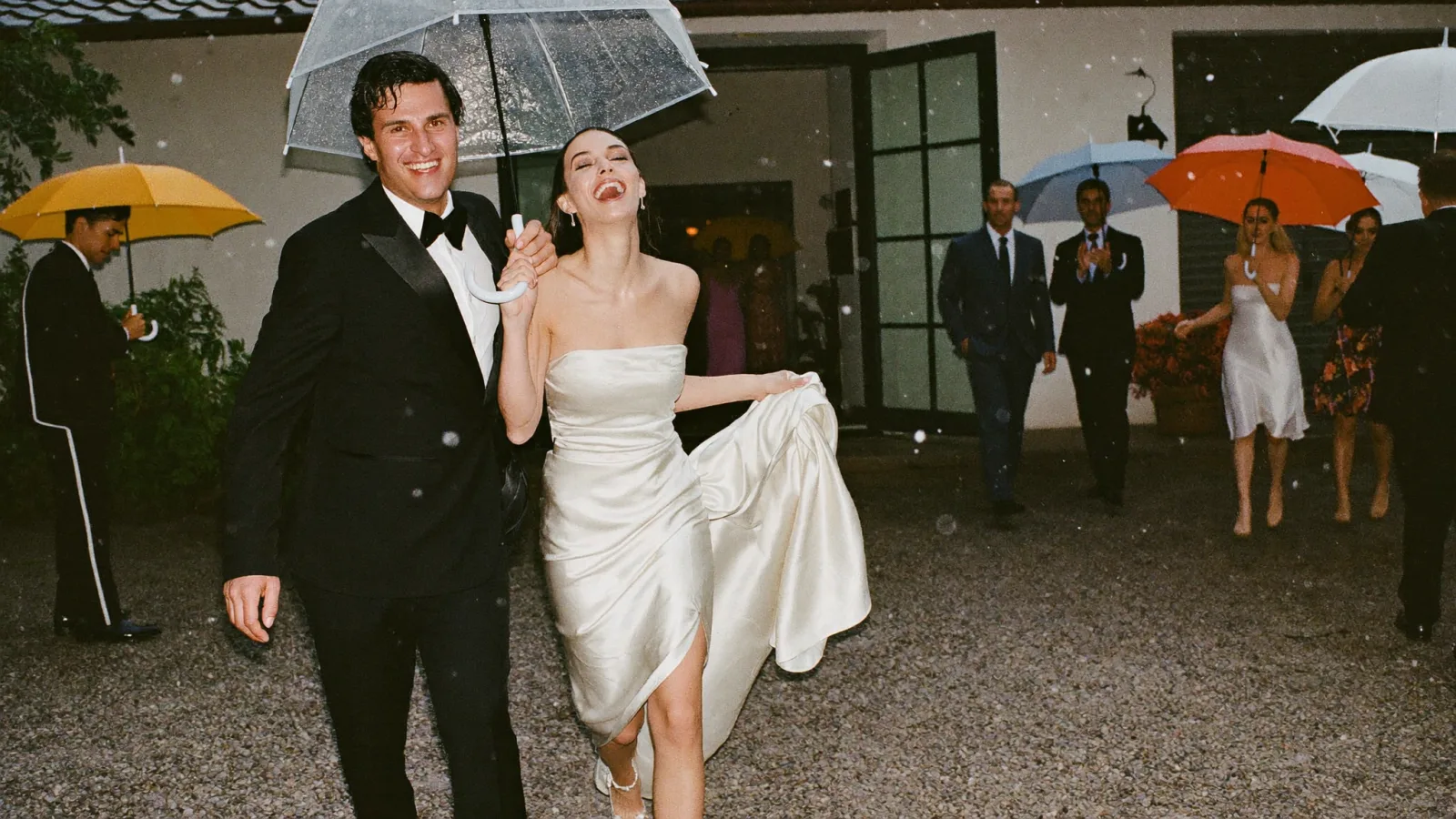
Couple leaving the venue under umbrellas in the rain Outdoor exit? Use vinyl or film

Distances in the test plan follow the 10:1 rule for the code sizes in the table above. Weak signal at the venue? Read whether wedding QR codes work without Wi-Fi.

Sticker designed. Photos incoming.

Make the album your QR code opens. Guests scan and add photos and videos from the browser, no app and no account. Start free with 20 guest uploads, no card.

From Mom

From Mom

Point your camera

Scan to join the album

No app, no account

9:41

UPLOADING

Saving your moment

9:41

THE ALBUM

Emma & Daniel

June 21, 2026

647 photos · 95 guests

AllMomentsMine
Guest photo 1
★
Guest photo 2
Guest photo 4
Guest photo 5
Guest photo 6
Guest photo 7
Guest photo 8
Guest photo 9
Guest photo 10
Add photosShare your moments

SCAN TO TRY

pix.wedding/
your-wedding

09Quantities

How many QR code signs and stickers do you need?

One per table, a few large signs where people gather, and stickers only if you want them on favors. Here is an illustrative order for an average-size wedding.

Example print order117 guestsIllustrative, 8 guests per table
Table tents117 guests at 8 per table is 15 tables15 + 2 spares
PostersCeremony exit, bar, dance floor or photo booth3
Business cardsOptional, for hotel bags or the shuttleOne per welcome bag
Round stickersOptional, one per favorUp to 117
Design once, then switch the format in the designer and download each size. They all share the same code.
Guests reaching for the bouquet during the toss

Why 117? It is the average guest count in The Knot 2026 Real Weddings Study. Scale the table tents to your own seating chart; our seating chart planner gives you the table count.

What the signs bring in

Every table, every phone, one album

Each table tent and sticker points to the same page, so photos from the ceremony exit, the bar and the dance floor all end up in one place.

Point your camera

Scan to join the album

No app, no account

9:41

UPLOADING

Saving your moment

9:41

THE ALBUM

Emma & Daniel

June 21, 2026

647 photos · 95 guests

AllMomentsMine
Guest photo 1
★
Guest photo 2
Guest photo 4
Guest photo 5
Guest photo 6
Guest photo 7
Guest photo 8
Guest photo 9
Guest photo 10
Add photosShare your moments
10Generator, templates or a designer

Free wedding QR code generator or a sign template?

A code generator gives you the square. A template gives you the sign, but you make the code somewhere else. Here is what each free option does, checked on each site.

Our pickPix Wedding QR Sticker Designer

Code and sign in one place: pick a layout, style the code, add your line of text and download it ready to print. Free, no account.

ToolCost and sign-upCode designSign and sticker layoutsDownload
Pix Wedding QR Sticker DesignerOur pick
Free, no account15 color themes, 10 dot styles, optional center image, 25 fonts for your line of text4 templates in 4 formats: table tent, round sticker, business card, posterPNG or PDF, high resolution
Wedibox wedding QR code generatorFree, no sign-up, no watermarkSquare or rounded dots, colors with a live contrast check, center monogram, adjustable quiet zoneCode only; designed signs need a free sign-upPNG, SVG or JPG, up to 2400 px
WeddingSnap sign templatesFree templatesYou make the code elsewhere and drop it inReady-made signs in minimal, romantic, botanical and modern stylesTemplate files to edit

Pick a code generator if

You already have a stationer or a Canva layout and only need the square, or you need an SVG file for a large-format printer.

Pick this designer if

You want the code, your colors and a line of text on a sign or sticker in one go, sized for a table tent, favor, card or poster.

Checked October 2026 on each site. Features change, so check before you rely on them. Sources: Wedibox wedding QR code generator, WeddingSnap QR code sign templates.

11Other QR code questions

More wedding QR code guides, and how they differ

This page covers designing and printing the sign. These guides cover the rest.

Explore more free wedding tools

Everything you need to make your wedding day stress-free and unforgettable.

Wedding photo album pricing

The album behind your QR code, paid once

Start with 20 guest uploads free, no card. Paid plans are a one-time payment with unlimited guests, and every paid plan includes QR code template designs.

Starter
$74$49one-time

For collecting every original

One guest link for every sign and sticker
Unlimited photos, videos & guests

Original quality (no compression)
No app for guests, QR + browser upload
Film roll mode with shot limit & revealNEW
QR code template designs

3 months upload from event date
6 months storage + ZIP download

Chosen by most couples
Standard
$89$59one-time

Most couples pick this

Everything in Starter
Live slideshow at the reception
Audio guestbook & guest names
Photo missions + slideshow leaderboardNEW
Up to 6 sub-albums (ceremony, reception)
Private upload link for your photographerNEW
Custom script and serif fonts
6 months upload, 1 year storage

One-time payment, no subscription

Pro
$133$89one-time

For big guest lists

Everything in Standard
AI selfie search for guestsNEW
Multiple admins
Custom domain for your album
Priority support
1 year upload, 2 years storage

One payment. Yours to keep. No subscription. No renewals. No surprise charges.

Secure checkout. Polar, Apple Pay, Google Pay.

Money-back guarantee: if your guests never upload a single photo, you get 100% back. See how it works

Couple reviews

Rated 4.9 by couples who used Pix Wedding

4.9
out of 5 · Based on 289 reviews

Beach wedding, super casual. QR code on the welcome sign and on every cocktail table. Took me about ten minutes to set up. Being able to grab the whole album as a ZIP is huge

Sierra D. · Destin, FLVerified couple · May 2026

Used Pix for our wedding and my brother is using it for his next month. We downloaded the full ZIP the week after so we have every photo backed up ourselves. Album link lives in our family group chat now

Nate W. · Charleston, WVVerified couple · February 2026

Three functions over two days and both families uploading from everywhere. My cousins in London were watching the album fill up in real time. That part got me more than i expected

Priya N. · JaipurVerified couple · January 2026
Read all reviews
Printing and Design

Wedding QR Code Sticker FAQ

What couples ask before they print: sticker sizes, file types, materials, low light and what guests see after the scan.

Size it for the distance. Scanova's 10:1 rule says the code should be at least one tenth of the scan distance, so 10 cm wide for 1 m away, and never under 1 x 1 inch in print. In this designer the 2 inch round sticker gives a code about 1.1 inches wide for close range, and the 6 x 4 inch table tent gives about 2.6 inches.

A 6 x 4 inch table tent works for most reception tables. Its code comes out at about 2.6 inches, which clears WeddingSnap's advice of at least 2 inches on table cards and reads from a seated guest's distance. Use one per table and face it toward the seats.

Yes. The designer is free with no account. Pick a template, format, colors, dot style, optional center image and a line of text, then download a PNG or a PDF. The code holds the link you paste in, so it can point to any page, not only a Pix Wedding album.

Yes. Paste any URL into the QR Code URL field: a shared photo album, your wedding website or an RSVP form. If the sample link is still there when you click download, the designer asks whether you want to create an album, use your own link or download the sample anyway.

Send the PNG to a print shop or a sticker site; it is a high-resolution image, 2700 x 1800 pixels for the table tent and 4530 x 3396 for the poster. The PDF is one page cut to the sticker's shape, which is handy for printing at home. Either way, print one proof and scan it first.

Usually, if it has strong contrast and no glare. Keep the code dark on a light background, choose a matte finish over glossy laminate, and test a printed proof in light like the venue's before printing the full batch.

The code itself does not expire, because the link is stored in the pattern. What can change is the page it opens. With a paid Pix Wedding album, guests can upload for 3, 6 or 12 months from the event date depending on the plan, and the album stays stored for 6, 12 or 24 months.

No. The phone's camera app reads the code and opens a normal browser page. With a Pix Wedding album, guests upload photos and videos from that page with no app and no account.

Wedding QR Code Sign & Sticker Designer (Free PNG + PDF)


