
Wedding Welcome Sign Maker, free and printable
Pick one of 8 designs, add your names, date and venue, and download a print-ready PNG or PDF from 8 x 10 in to 24 x 36 in or A1. Add a QR code so guests can share their photos.
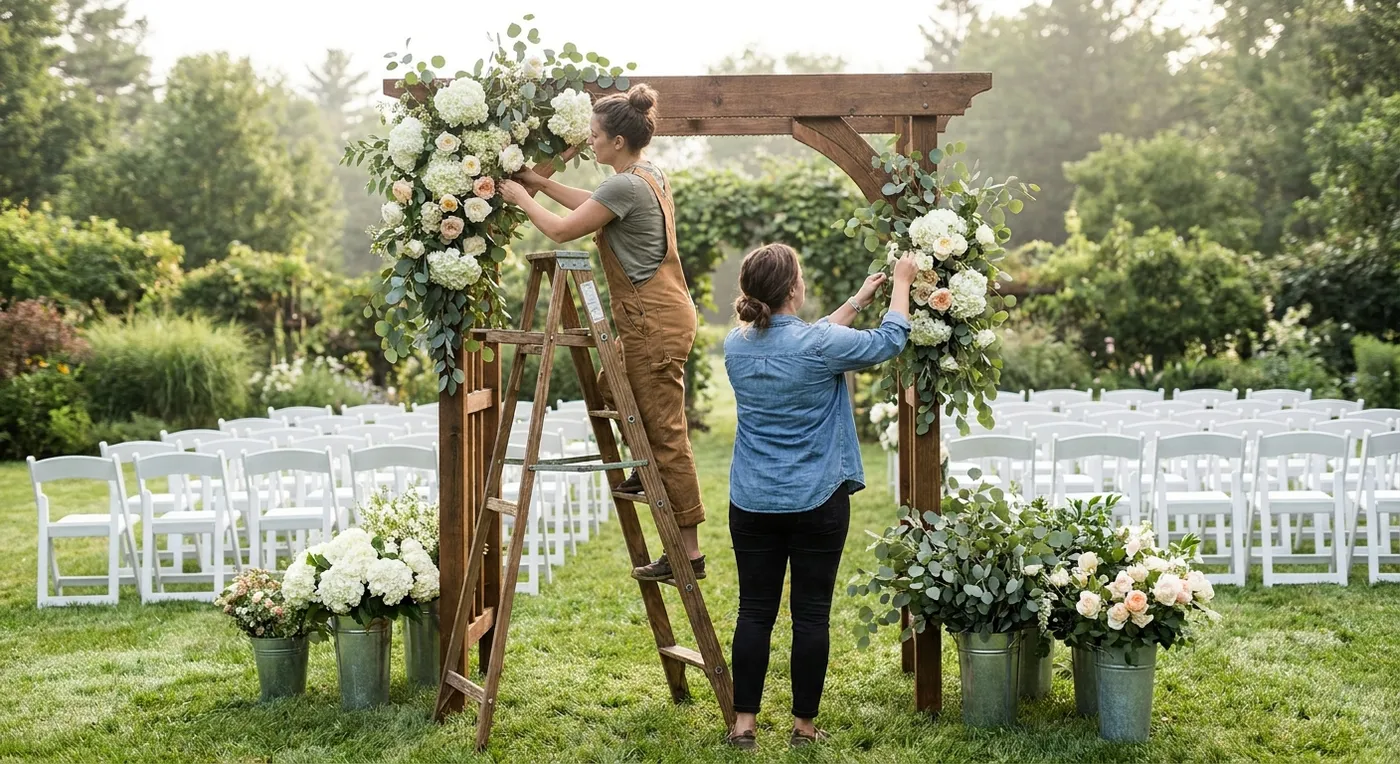
The first thing guests see is your sign at the start of the aisle.
Live preview, 18 x 24 in portrait. Exports at 2700 x 3600 px (150 DPI).
Sample QR, paste your link to replace it
Step 1
Pick a design
Step 2
Add your names and wording
Step 4
Choose the print size
18 x 24 in: Most common. Portrait, full bleed, 2700 x 3600 px.
Step 5
Download and print
Free, no sign-up, no watermark. Saved in this browser so you can come back to it.
What goes on a wedding welcome sign?
A wedding welcome sign carries four things: a greeting, your names, the date and the venue or city. One optional line can go underneath, such as an unplugged request, a hashtag or a QR code for guest photos. The usual size in the US is 18 x 24 inches, set on an easel at the entrance.
Greeting Must have
"Welcome to the wedding of" is the classic. It tells guests at a shared venue they are in the right place.
Your names Must have
The biggest line on the sign, in script or tall capitals. First names only is the norm.
Date Must have
Spelled out (June 14, 2027) for a formal sign, or numerals (06.14.27) for a modern one.
Venue or city Must have
Short: the venue name, or the city for a destination wedding.
One extra line Optional
An unplugged request, a hashtag, a seating note or a short quote. Pick one, not three.
Photo QR Optional
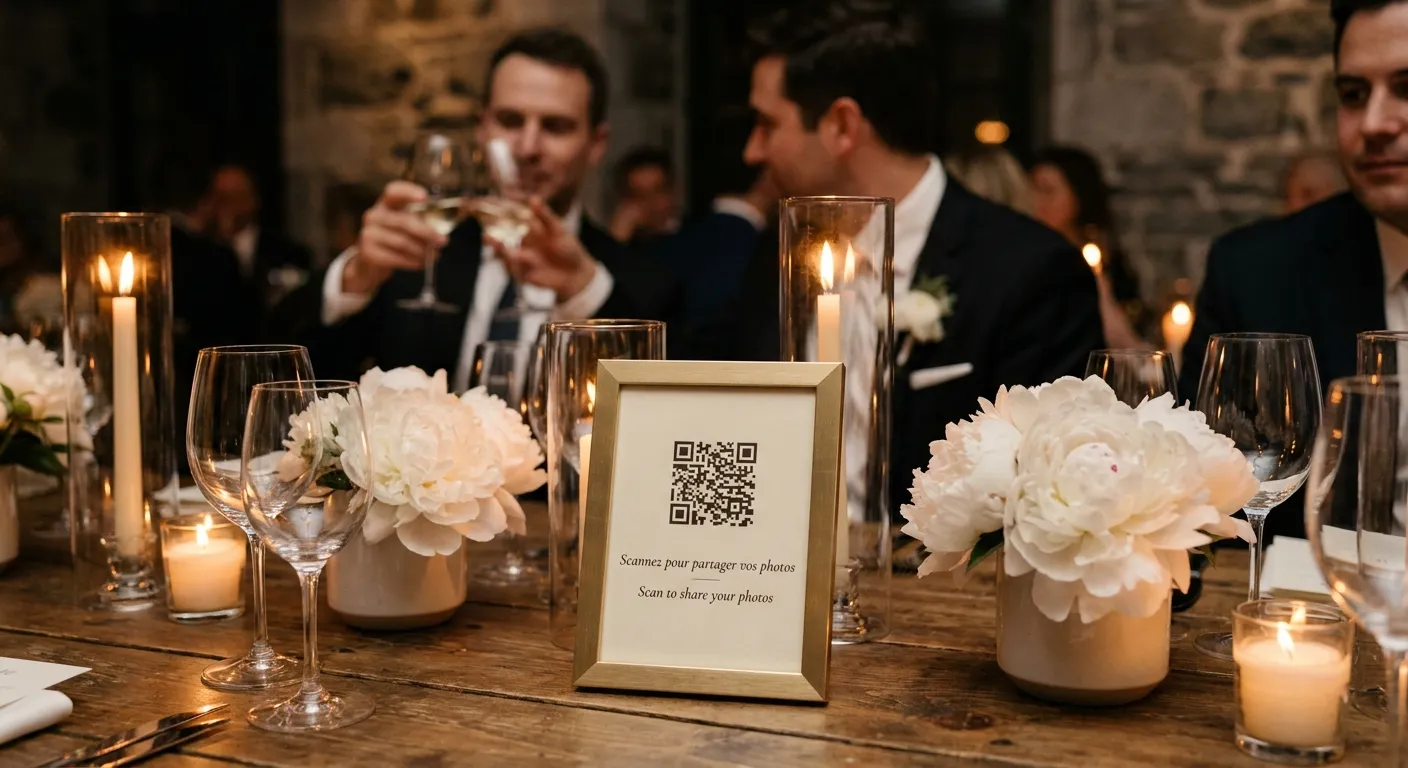
A code that opens your shared photo album, with "Scan to share your photos" under it.
All six parts on one 18 x 24 in sign. The QR here is a labelled sample.
Guests scan the sign.
Photos land in one album.
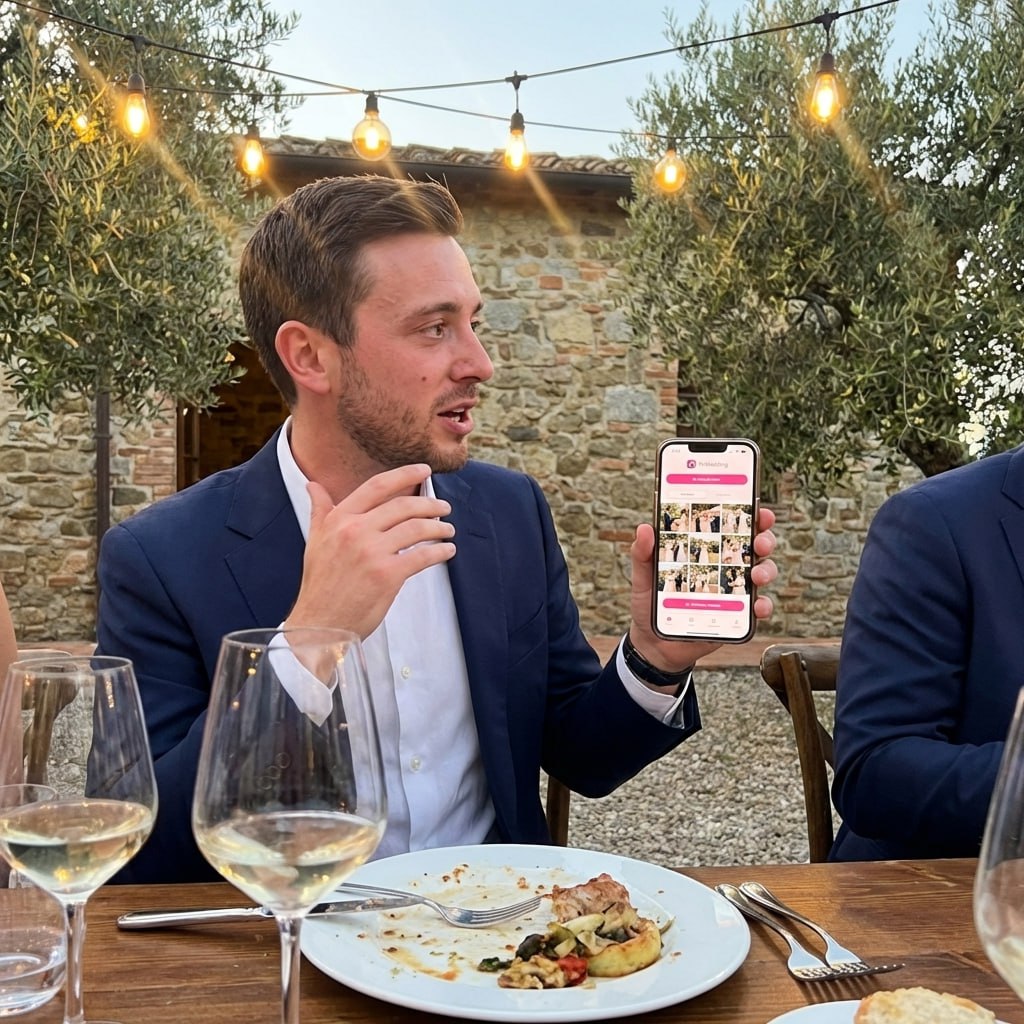
Put the code on the welcome sign and guests add photos and videos from the phone browser, with no app and no account. Names in the mockup are an example.
SHARED GALLERY
Emma & James


Wedding welcome sign wording by style
Fourteen lines in seven styles. Copy one, or press "Use on my sign" to drop it into the maker above. Names and dates are examples, so swap in yours.
Classic
Formal venues, church ceremonies, black tie.
“Welcome to the wedding of Emma & James”
“Together with their families, Emma and James welcome you to their wedding”
Modern
Lofts, city hotels, minimal stationery.
“Welcome. Emma + James. 06.14.27”
“Hello and welcome. Emma & James are getting married”
Funny
Relaxed crowds who know the couple well.
“Eat, drink and be married”
“Welcome to the wedding of Emma & James. Free food, open bar, some feelings”
Bilingual
Two families, two languages, one sign.
“Welcome / Bienvenidos to the wedding of Emma & James”
“Bienvenue / Welcome. Emma & James, June 14, 2027”
Unplugged line
When you want phones away for the vows only.
“Phones away for the vows, please”
“Unplugged ceremony. Snap away at the party”
Want a separate sign for it? Use the unplugged ceremony sign maker.
Hashtag line
Only works for photos guests post publicly.
“Share the love with #EmmaAndJames2027”
“Posting? Tag us #EmmaAndJames2027”
A hashtag only gathers photos guests post publicly. Check that yours is unused with the hashtag generator.
QR line
Gathers every photo, posted or not.
“Scan to share your photos of our day”
“Help us see the day through your eyes. Scan to add your photos”
Welcome sign
Scan me!
Give the QR on your sign a real album
Create the album, paste its link into the sign maker and print. Guests scan and upload from the browser, no app. 20 uploads free, plans from $44 one time.
From Mom
Scan to join the album
No app, no account
UPLOADING
Saving your moment
THE ALBUM
Emma & Jack
June 21, 2026
647 photos · 95 guests
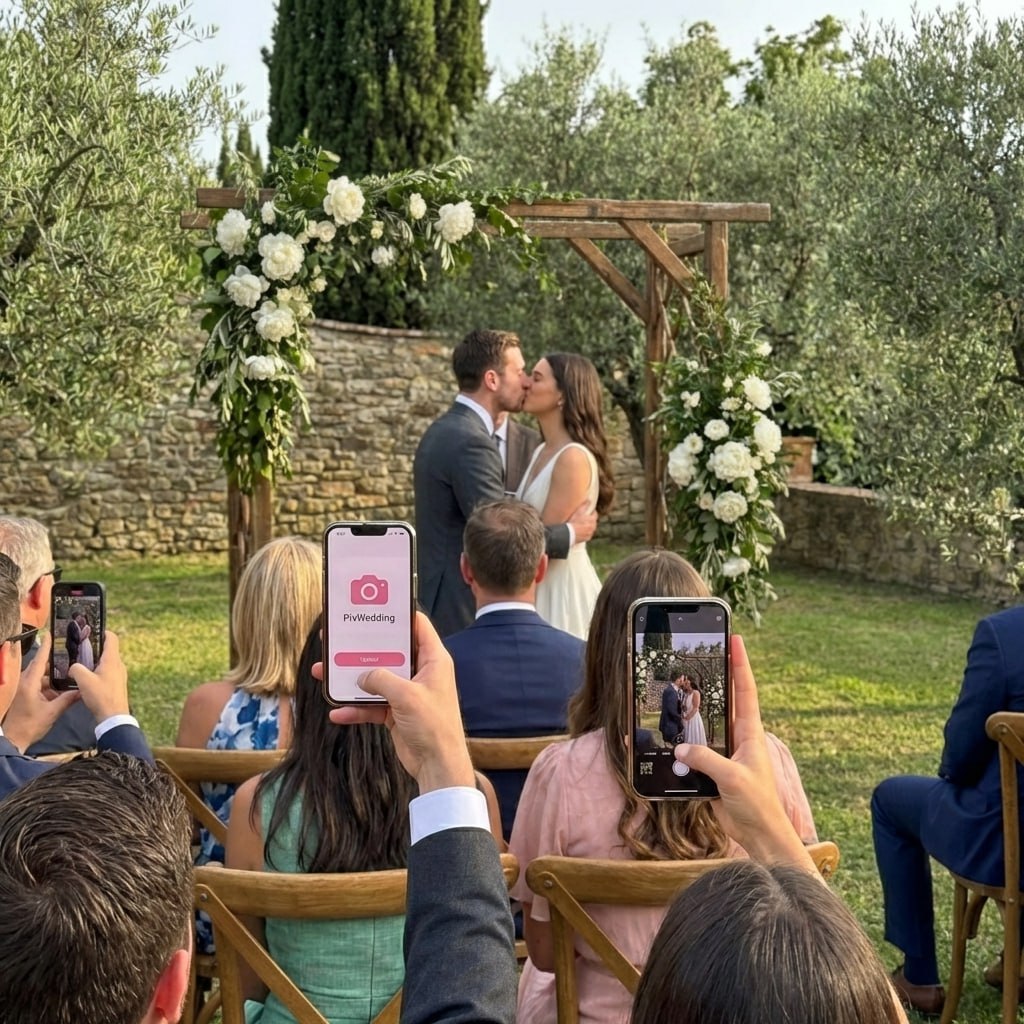
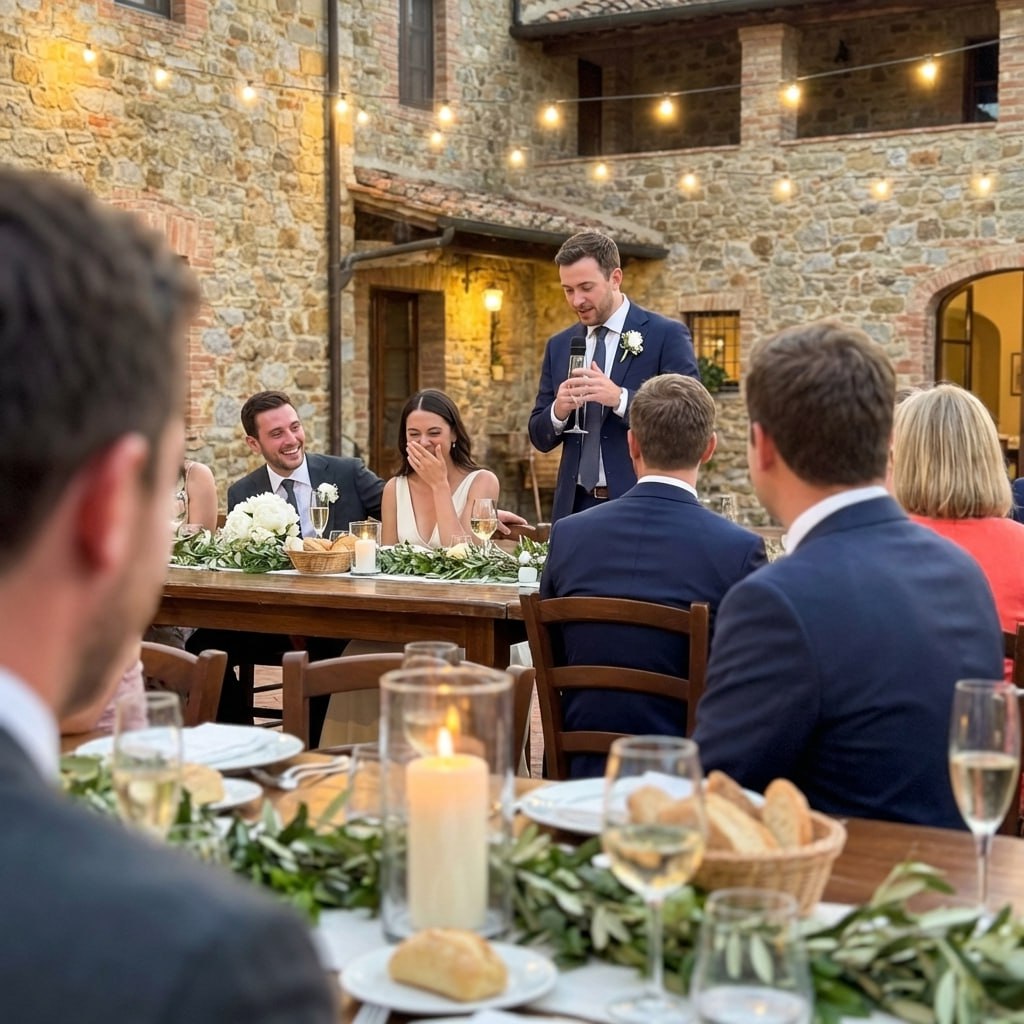
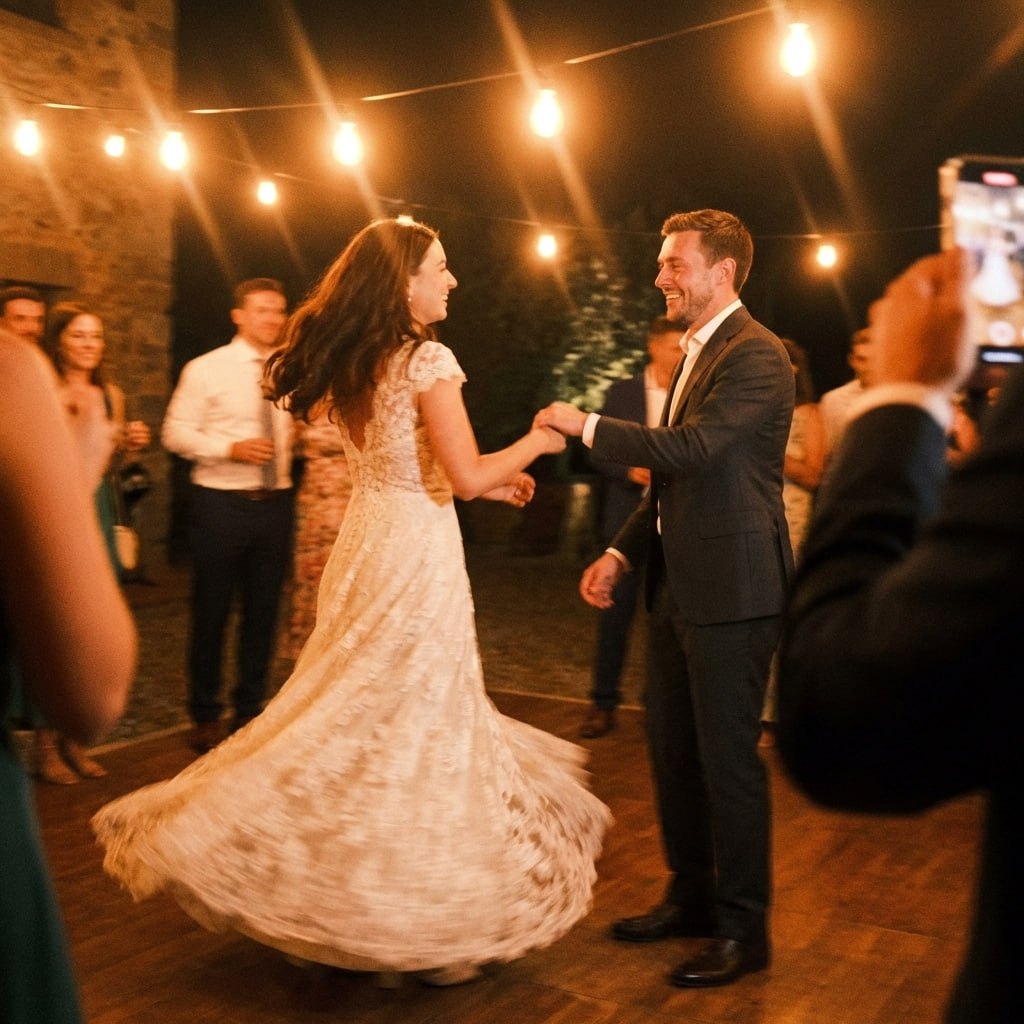

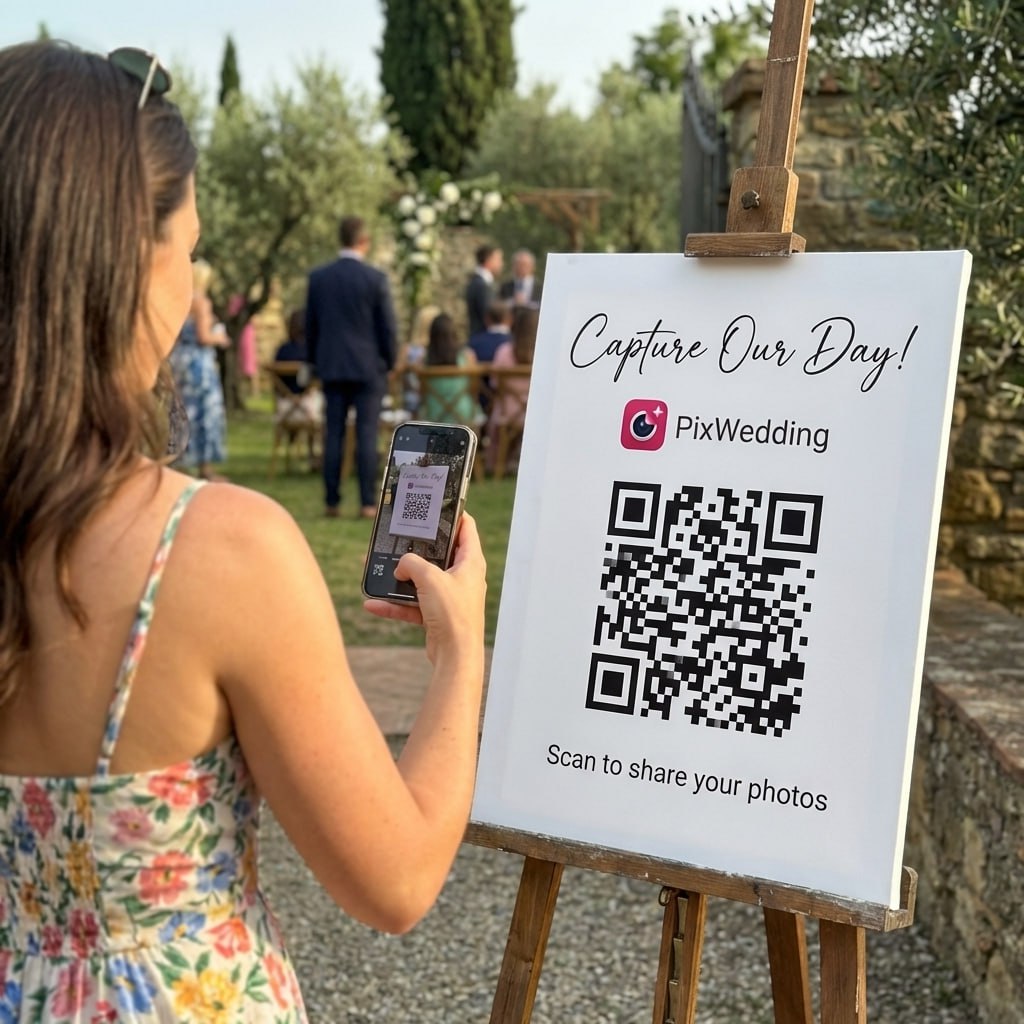
SCAN TO TRY
pix.wedding/
your-wedding
What size should a wedding welcome sign be?
18 x 24 inches is the safe default for a floor easel. Size up for big rooms and outdoor spaces, size down for tables. The drawing below is to scale.
Rose box: 18 x 24 in, the size most standard easels are built for.
| Size | Best spot | Stand | Good to know |
|---|---|---|---|
| 8 x 10 in | Guest book, gift or bar table | Tabletop frame or small stand | Too small to read from a walkway |
| 11 x 14 in | Table sign, small doorway | Frame or tabletop easel | Good for a second sign by the QR album |
| 16 x 20 in | Small indoor venue, short walk-in | Floor easel | Keep the wording short |
| 18 x 24 in | Most ceremony and reception entrances | Standard A-frame and tripod easels | Called the most common size in the USA, Mexico and Canada by iCustomLabel's size guide |
| 24 x 36 in | Gardens, beaches, ballrooms | Measure your easel first | For signs read from a distance (same guide) |
| A1 (594 x 841 mm) | Entrances in countries on A sizes | Floor easel | The guide calls A1 the popular choice there; A2 and A3 for smaller spots |
8 x 10 in
11 x 14 in
16 x 20 in
18 x 24 in
24 x 36 in
A1 (594 x 841 mm)
Welcome sign materials and how to display them
The same design file works on foam board, acrylic and wood. Mirror and real chalk signs are made by hand or with cut vinyl, so use the maker for the layout and a print shop or sign maker for the rest.
Foam board
Lowest costA print mounted on a light board, matte or gloss.
Acrylic
Mid to highLettering on clear or frosted plastic, the modern look.
Mirror
High, or a rental feeVinyl lettering on a mirror, reflects the room.
Wood
Mid to highPrinted, painted or engraved on a board or round.
Chalkboard
Low if you letter itHand lettered, or a printed chalk look.
The easel
Ask the venue or florist firstNot a material, but every floor sign needs one.
Cost tiers above compare the materials with each other, since prices vary by shop and size. The maker's frosted acrylic and mirror designs are printed looks, which suit foam board or a sign shop that prints on acrylic.
How to print a wedding welcome sign, and what it costs
Four ways to get the sign made. The only price we list is one we could check at the source; the rest depend on the shop and the size you pick.
| Route | What you get | Cost | Time | Watch out |
|---|---|---|---|---|
| Print at home | Table sizes (8 x 10 in on letter paper, A4 for A sizes) or a test print | Paper and ink | Same day | Home printers cannot print an 18 x 24 in one piece |
| Print shop | Your PNG or PDF on foam board or poster paper | Staples lists foam board posters from $19.99, the starting price for the whole range, varying by size and finish (Staples, checked November 7, 2026) | Ask the store for its pickup time | Ask for a proof and check the size on it |
| Etsy template | An editable file from a designer, you print it yourself | Set by each seller | Download right away, then print | Check which sizes the file includes |
| Custom sign shop | A finished acrylic, mirror or wood sign | The highest of the four, set per shop | iCustomLabel says its signs ship within 3 to 5 business days, on top of production time (size guide) | Add production and shipping, then a week of slack |
Print at home
Print shop
Etsy template
Custom sign shop
When to order your welcome sign
Pick the wording and size. Measure the easel you will borrow. Make the sign here and save the file.
Order acrylic, mirror or wood from a sign shop, so a mistake still has time for a reprint.
Print foam board at a shop. Proofread names and the date out loud, one letter at a time.
Scan the QR on two phones. Pack the sign flat with the easel, and name the person who carries it.
DIY
Make the file here, print at a shop, mount it in a frame you already own. The cheapest route that still looks finished.
Etsy
Worth it when you want a specific designer look. You still pay for printing, unless you buy a finished sign.
Print shop
Bring the PDF at the exact size. Foam board is the usual pick for a one-day sign.
Sign shop
For acrylic, mirror and wood. Send them your wording and design, and leave time for a proof.
How to make DIY wedding signs without a cutting machine
Rachel Catherine makes her own wedding signs with paint pens and frames, a welcome sign among them. Worth a watch before you choose between DIY and a print shop.
Watch on YouTubeWhere to put your wedding welcome sign
Put it where every guest walks past once, at eye level and out of the way. If it carries your photo QR, that walk-past is the moment most guests first see the code.
Where guests arrive
At the start of the aisle or the ceremony entrance, where everyone walks past it once. Next to the guest book table works too.
Then the reception door
One sign can do both jobs. Ask a planner or groomsman to move it after the ceremony, and put that on the timeline.
Out of the glare
Eye level, out of the walkway, with no sun behind it. Acrylic and mirror signs wash out in direct light.
QR codes where hands are free
The welcome sign starts it. A small QR card at the bar and on each table catches the rest. Make them with the free QR sign designer.
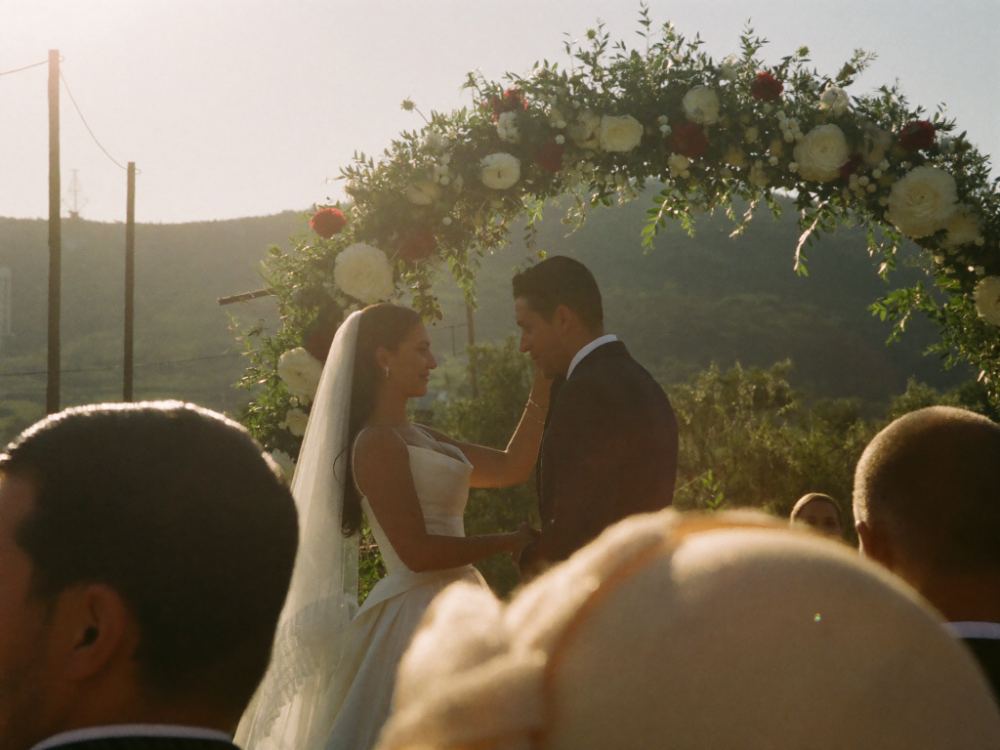
Ceremony entrance: the sign stands where the aisle starts.
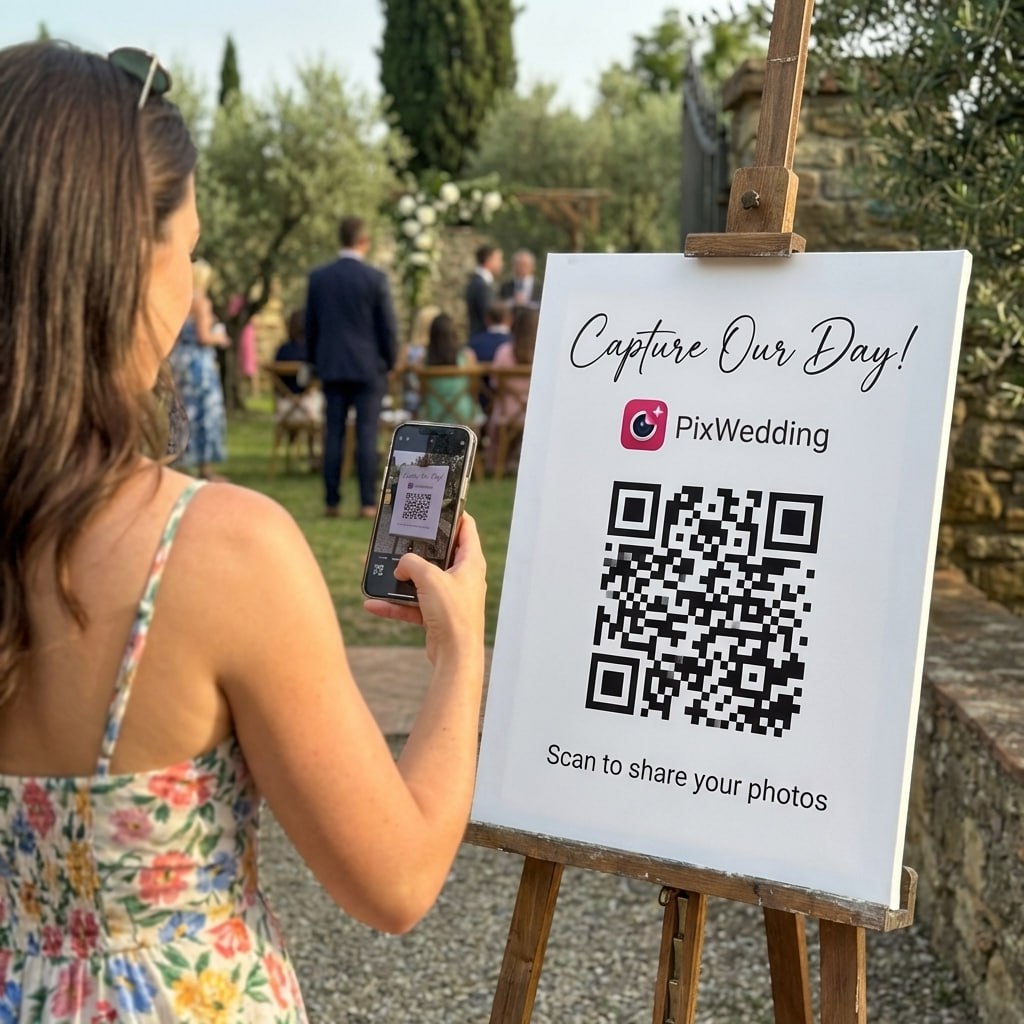
Paste your album link before you print, then test it on two phones. Read how a wedding photo QR code works or set one up on the wedding QR code page.
A welcome sign does two jobs
At a venue with more than one event that day, the sign tells guests they found the right room. Everywhere else it sets the tone: the first thing guests see is your names in your colors, before they find a seat.
It is also the one sign every guest walks past. That makes it the best spot for the one request you want everyone to read, whether that is phones away for the vows or a QR code for their photos.
Getting the file right for the print shop
Download the PDF at the exact size you will print, so the shop does not have to stretch or crop it. The maker draws each size at up to 150 DPI and lowers that on the largest sizes, so the file stays under 16 megapixels and phones can still save it.
Ask for full bleed (edge to edge) and a proof. Check the names, the date and the QR code on the proof, then scan the printed code with two different phones before the wedding day.
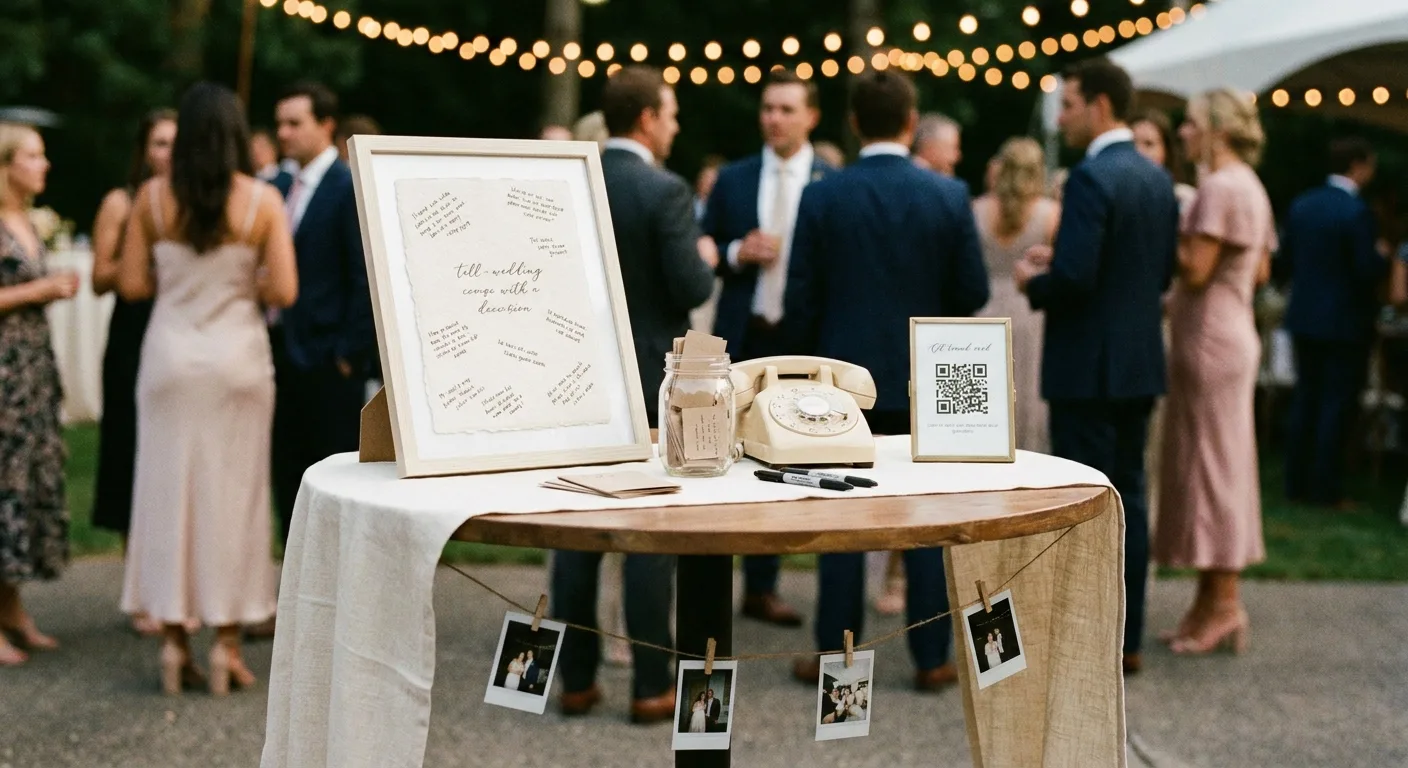
A framed sign and a QR frame on the guest book table, where every guest stops once.
Explore more free wedding tools
Everything you need to make your wedding day stress-free and unforgettable.
Photo Sharing QR
The best way to collect guest photos.
Hashtag Generator
Create unique wedding hashtags.
How to Collect Guest Photos
5 methods ranked by participation rate and ease.
Best Way to Share Wedding Photos
Eight ways to send the photos to guests and family, compared.
Best Way to Get Guest Photos
The single method with the highest participation rate.
How to Make a Shared Wedding Album
Step-by-step setup for every platform.
Alternative to Disposable Cameras
Better, cheaper options than disposable cameras.
Alternative to Wedding Photo Booth
5 cheaper alternatives to a $1,000+ photo booth rental.
Wedding welcome sign questions
Straight answers to the questions people ask most about this topic.
Four things: a greeting such as "Welcome to the wedding of", your names, the date and the venue or city. Add at most one extra line, for example an unplugged request, a hashtag or "Scan to share your photos" above a QR code that opens your photo album.
18 x 24 inches fits most entrances and the standard A-frame and tripod easels. Go up to 24 x 36 inches for gardens, beaches and ballrooms where guests read it from further away, and measure your easel first. In countries that use A sizes, A1 (594 x 841 mm) is the usual pick.
If you want guest photos, yes. Every guest walks past the welcome sign, so a QR code there that opens a shared album is the first prompt they see. Repeat it on the tables and the bar. With Pix Wedding guests upload from the phone browser with no app and no account, and the free tier takes 20 uploads.
Order custom acrylic, mirror or wood signs about four weeks out, so there is time for production, shipping and a reprint. A foam board print from a print shop can wait until about two weeks before. Either way, proofread the names and date on the proof before you approve it.
For table sizes, yes: 8 x 10 inches fits on letter paper. A full 18 x 24 inch sign is bigger than home printers handle, so download the PDF here at the exact size and take it to a print shop for foam board or poster paper.
Yes. Pick a design, add your names and wording, and download a PNG or PDF at your print size, with no sign-up and no watermark. The optional photo album behind the QR code is free for 20 uploads, and one-time plans are $44, $54 or $84.