
Wedding Seating Chart Maker Free: the Best Free Tools Compared
Most free seating chart makers have a catch: a 15-guest cap, an account, or a paywall on the PDF. Here is what each one gives you for free, the table math to set up any of them, and a free maker with no account and no guest cap.
Open the free seating chart toolNo account, no guest cap, works on a phone or laptop
Which free seating chart maker to use
If you want a free wedding seating chart maker with no account and no guest cap, use the free wedding seating plan generator from Pix Wedding: drag or tap guests onto tables, watch seat counts update, then copy or email the plan and publish a QR code guests scan to find their table. WeddingWire's free tool is the pick if your guest list already lives there. SeatPlan.io draws a more detailed room but charges £8 once to save it. Zola is iOS-only and free for just 15 guests.
Facts from each vendor site, checked September 2026
Guests before the $14.99 unlock in the iOS app
Attendees per list on the free diagramming plan
Seating, copy, email and the guest QR lookup
Free seating chart makers, compared
What each maker gives you before you pay, from each vendor's own pages, checked September 2026. Rose chips mark the catch.
The only maker here where seating, sharing and a guest QR lookup are all free with no account. It is a seating board rather than a scaled floor plan.
| Maker | What is free | Guest limit on free | Account needed | Export or share free | Guest seat lookup | Paid upgrade |
|---|---|---|---|---|---|---|
Pix Wedding makerFree pick | Everything: tables of 1 to 30 seats, drag or tap seating, live seat counts | No cap in the planner (a published guest page holds up to 800 guests) | No, runs in the browser | Copy the plan as text, email it to yourself, printable A to Z guest list | Free QR code and name lookup page | None |
| WeddingWire | The whole tool, tied to your WeddingWire guest list | None published | Yes, a WeddingWire account | Print, export or email the chart | Not mentioned on the tool page | None, WeddingWire calls it totally free |
| SeatPlan.io | Full designer with drag and drop | No guest or table cap | No, to design | No saving or PDF on the free plan | QR seat finder on Collaborate, £14 one-time | Pro £8 one-time (90-day save, PDF), Collaborate £14 one-time |
| Zola | Seating chart for up to 15 guests | 15 guests, then $14.99 | Yes, iOS app only | PDF or Excel download | Not mentioned in Zola help | $14.99 Premium unlock |
| Cvent diagramming (ex Prismm) | 3 events, 2 diagrams per event | 150 attendees per list | Yes, free account, no card | Not listed on the pricing page | Not listed on the pricing page | Standard $49 a month or $480 a year |
| Printable template | A fill-in chart to print or type into | Whatever fits the page | No for paper, Google account for Sheets | Print it or share the file | None | Free |
Swipe to compare
Checked September 2026 on WeddingWire's seating tool page, SeatPlan.io's plan comparison, Zola's seating chart page and help center, and Cvent's diagramming pricing. Prices can change, so check before you buy.
Which maker fits which couple
Each tool is good at something. Pick by where your guest list lives and how much of the room you need to draw.
Pix Wedding maker
Couples who want to start now with no account, seat guests on a phone or laptop, and give guests a QR to find their table.
It is a seating board, not a scaled floor plan, and the working chart is not saved between visits, so copy or email it.
WeddingWire
Couples whose guest list and RSVPs already live on WeddingWire, who want a dance floor and DJ booth on the layout.
You need a WeddingWire account before you can seat anyone.
SeatPlan.io
Couples who want a detailed room layout with guests on chairs and do not mind paying once to keep it.
Free designs are not saved and cannot be exported as PDF until you pay £8.
Zola
Couples already on Zola with an iPhone and a very small guest list, or who are fine paying $14.99.
iOS app only, and the free version stops at 15 guests.
Cvent diagramming
Planners and venues who need professional floor plans across several events.
Built for event pros. The free plan stops at 150 attendees per list and 3 events.
Printable template
Small weddings under about 40 guests where the chart rarely changes.
Every late RSVP means erasing and rewriting names by hand.
Five things a free seating chart planner has to get right
Use these to judge any wedding seating chart planner, including ones that are not on this page.
No cap at your guest count
The average US wedding had 117 guests in The Knot's 2026 study. A free tier that stops at 15 or 150 is a trial, not a free maker.
No account to start
You should be able to see if a tool suits you before it asks for an email, an app download or a password.
One move per change
Moving a guest should take one drag or one tap, because the chart will change every time an RSVP comes in.
The chart can leave the tool
Your venue and caterer need a copy. If export sits behind a paywall, you find out at the worst moment.
Guests can find their seat
A QR code or name lookup at the entrance saves a crowd around the printed board. Check whether it costs extra.
How many guests fit at each table
Know the standard capacities before you set up tables in any maker, so the chart matches what the venue can physically set.
One of the most rented wedding sizes. Eight is the full count; six or seven leaves room for chargers and centerpieces.
Fewer tables with more people at each. Takes more floor space than a 60-inch round.
Good for a small family table or a tight reception room.
Three per long side. A guest at each end can make it 8 if the aisle allows.
Four per long side, common for a head table or long family-style rows. End seats can make it 10.
Just the couple. Some couples skip it and join a family table.
| Table | Guests | Notes |
|---|---|---|
| 60-inch round | 6 to 8 | One of the most rented wedding sizes. Eight is the full count; six or seven leaves room for chargers and centerpieces. |
| 72-inch round | 8 to 10 | Fewer tables with more people at each. Takes more floor space than a 60-inch round. |
| 48-inch round | 4 to 6 | Good for a small family table or a tight reception room. |
| 6-foot banquet | 6 | Three per long side. A guest at each end can make it 8 if the aisle allows. |
| 8-foot banquet | 8 | Four per long side, common for a head table or long family-style rows. End seats can make it 10. |
| Sweetheart table | 2 | Just the couple. Some couples skip it and join a family table. |
Capacities follow Ventura Rental's 2026 seating capacity chart; the end-seat counts are our own math. Confirm exact table sizes and chair spacing with your venue.
What 117 guests means for your chart
Three numbers decide whether a free maker holds up at an average-size wedding.
Guests at the average US wedding in The Knot's 2026 Real Weddings Study. At 8 per 60-inch round that is 15 tables; at 10 per 72-inch round it is 12, with 3 seats to spare.
Source: The Knot 2026 Real Weddings StudyGuests you can seat free in Zola's iOS seating chart before the $14.99 unlock. An average list passes that by the second table of eight.
Source: Zola seating chart helpAttendees per list on Cvent's free diagramming plan, which also stops at 3 events. Enough for the average wedding, tight for a big one.
Source: Cvent diagramming pricingThe table count formula
Divide your confirmed headcount by seats per table, round up, then add the head table or sweetheart table. Illustrative example: 117 guests at 60-inch rounds of 8 is 14.6, so you book 15 guest tables plus a sweetheart table. At 7 per table you need 17, which is why the elbow-room choice changes your rental order.
Once the count is set, the tables in your maker should match the rental order exactly. A chart that assumes 16 tables in a room set for 15 is where day-of scrambling starts.
Gather these five things before you open any maker
Every tool on this page is faster when the inputs are ready. The dragging becomes the easy part.
Your final headcount
Wait for the RSVP deadline, so regrets and late yeses are counted before you seat anyone.
The venue table inventory
How many tables of each shape the venue or rental company can supply, and where the dance floor, bar and exits sit.
A group label for every guest
Family, college friends, work, neighbors. This one step makes seating by group quick in any maker.
Meal choices and dietary notes
Your caterer will want them matched to table numbers, so keep them next to each name in your guest list.
Access and comfort needs
Wheelchair users, guests who need a restroom nearby, older relatives who should sit away from the speakers.
Keep the list in the free wedding guest list manager and track replies with the wedding RSVP tracker, then move names into the seating chart once the count stops changing.
Make your chart with the free Pix Wedding maker
Seven steps from a blank screen to a plan your venue can use and a QR code your guests can scan.
- 1
Open the maker in your browser
Go to pix.wedding/wedding-seating-chart. No download, no app, no account. A laptop makes dragging easiest; on a phone you tap a guest, then tap a table.
- 2
Add your tables
Name each table and set 1 to 30 seats as round, rectangle or long, matching the rental order and the table math above. Names can be numbers or themes, like Wildflower or Oak.
- 3
Add your guest names
Type each guest and add them to the unassigned list. The tool has no group field, so add the group to the name, like "Sam (college)", to seat by group faster.
- 4
Seat guests by group
Drag or tap each member of a family or friend group onto the same table. Seat counts update live and a full table stops taking guests, so overflow goes to the next one.
- 5
Review and fix conflicts
Scan for divorced parents with a direct sightline, exes at neighboring tables and solo guests at quiet tables. Move a name to another table, or back to the unassigned list, to fix it.
- 6
Copy or email the plan
Copy the plan to paste a table-by-table text version into an email or doc for your venue. Once a guest is seated, you can also email the plan to yourself. The working chart is not saved between visits, so do this before you close the tab.
- 7
Publish a guest QR lookup
Publish the chart to a private link. You get a QR code for the entrance sign, a printable A to Z list of guests and tables, and a page where a guest types their name and sees their table. The page is not indexed, and updating after an edit keeps the same QR code working.
Put a QR code on the table cards
The cards that tell guests where to sit can also tell them where to send photos.
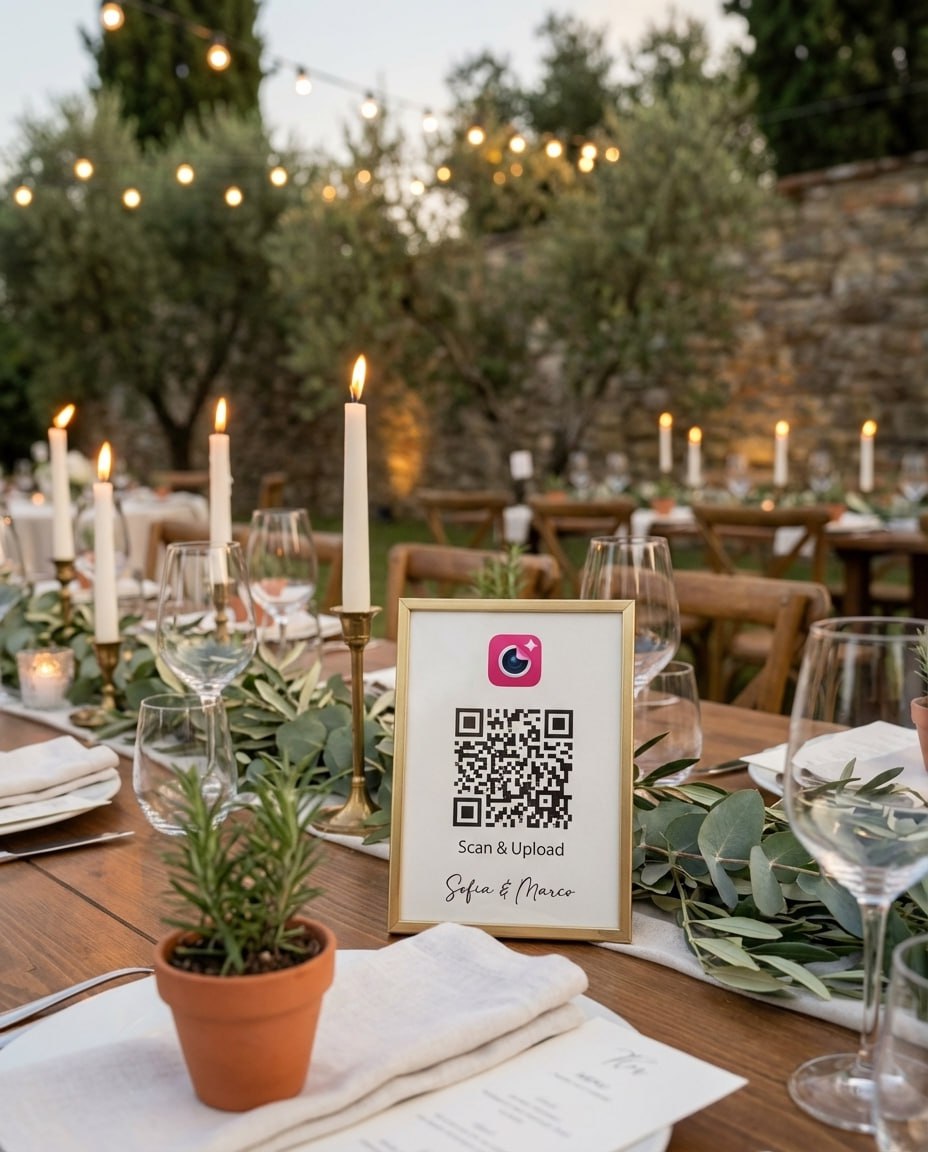
Print the code on the table number card
One QR card per table, next to the number. Starter and up include 24 printable QR designs.
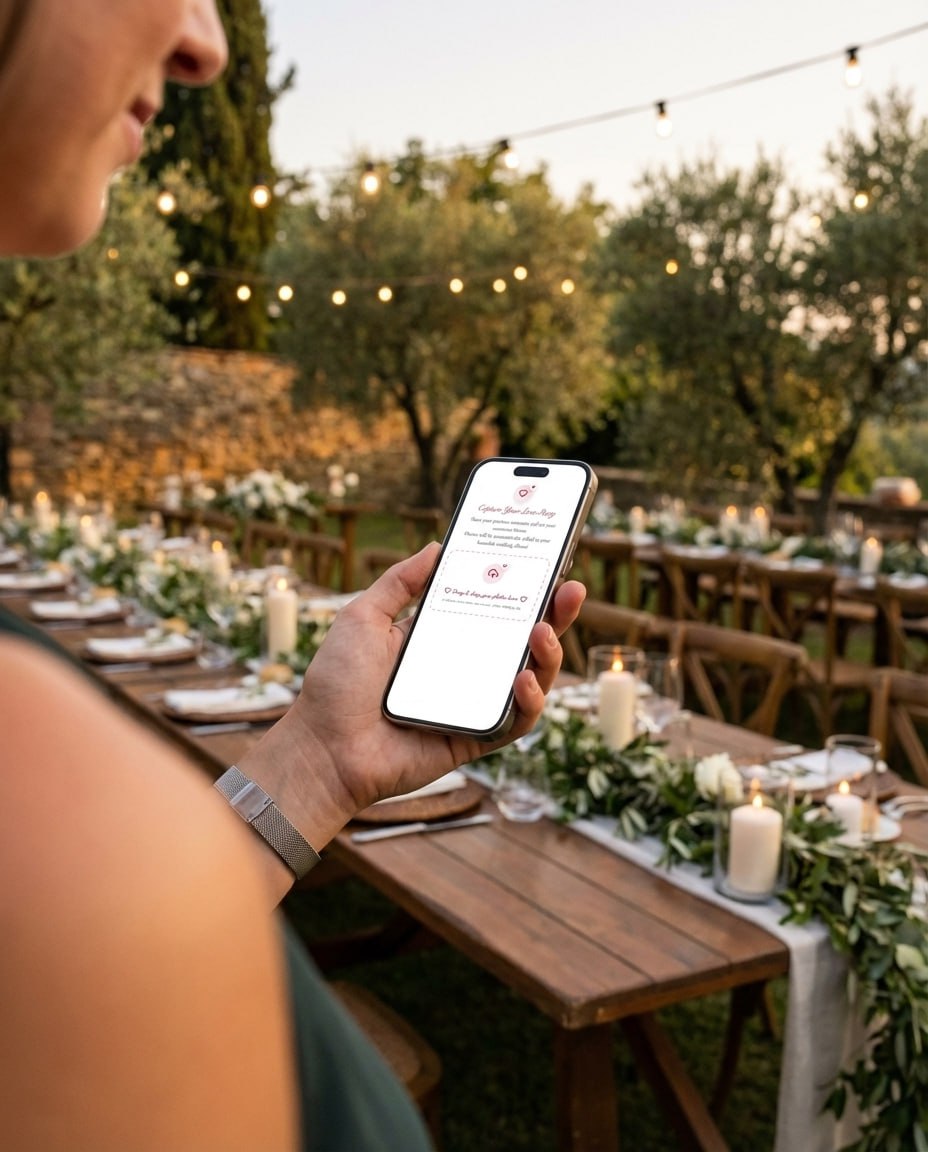
Guests scan from their seat
The phone camera opens an upload page in the browser. No app, no account, iPhone or Android.
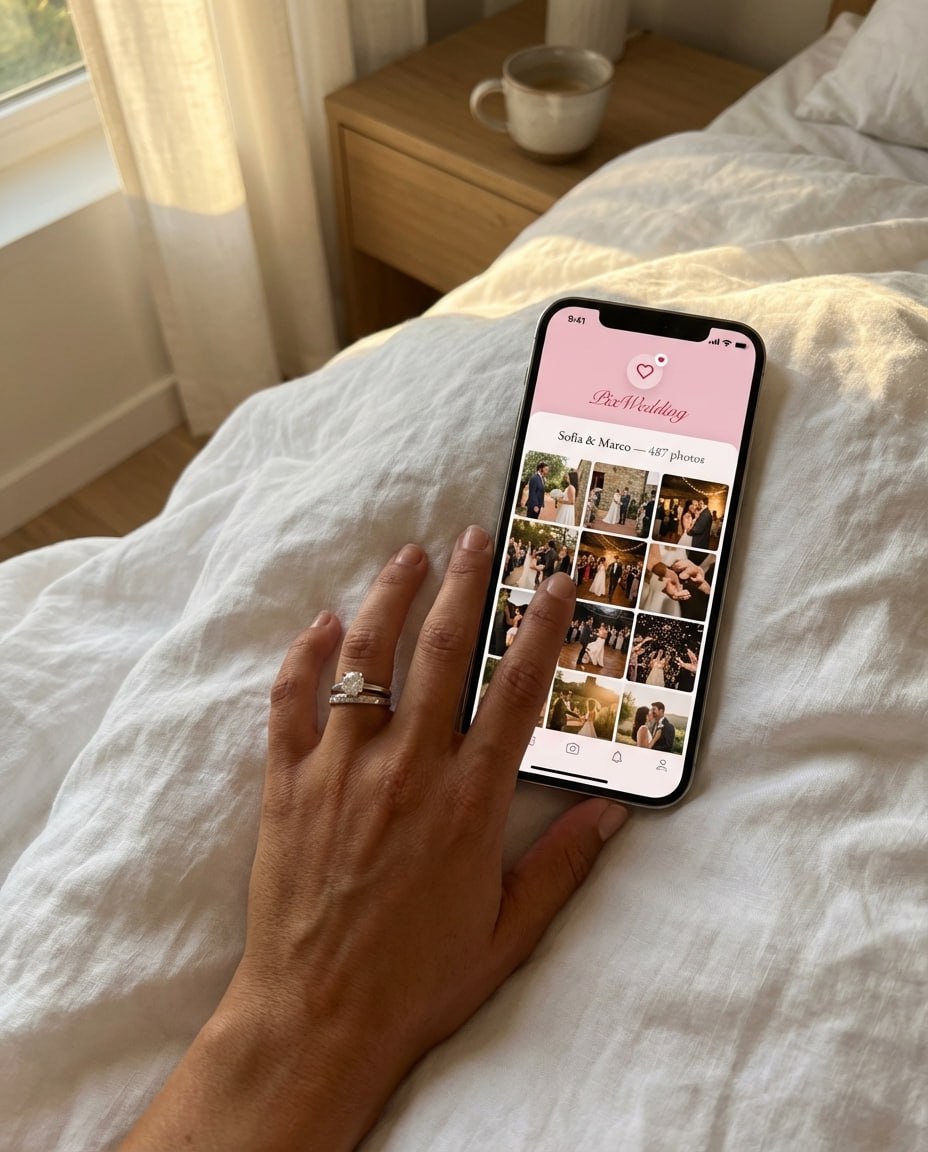
Every table in one album
Photos and videos from all tables land in one private album in original quality.
Same tables.
Every guest photo in one album.
Put a QR card on each table and guests upload their photos and videos from the phone browser into one shared album. No app, no account for guests.
SHARED GALLERY (EXAMPLE)
Our Reception







First dance
You guys!!
Tables planned. Now catch what happens at them
One QR code on every table sends guest photos and videos into a single album. Start with 20 guest uploads free, no card needed.

From Mom
Scan to join the album
No app, no account
UPLOADING
Saving your moment
THE ALBUM
Emma & Jack
June 21, 2026
647 photos · 95 guests








SCAN TO TRY
pix.wedding/
your-wedding
Seating dilemmas and their fixes
Every wedding has at least one seat decided by family dynamics rather than table math. Here are the common ones and how couples handle them.
Our seating chart etiquette guide goes deeper on who sits where.
Common seating chart mistakes
These cost couples the most time, in a digital maker or on a printed template.
Finalizing before RSVPs are in
Locking tables too early means redoing them when regrets and late yeses arrive. Wait for the RSVP deadline and a final headcount.
Ignoring the real table inventory
A layout built without the venue's table count and shapes will not survive the room. Get the floor plan first.
Seating strangers with nothing in common
A table of eight people with no shared family, friends or work goes quiet fast. Group by real overlap.
Forgetting the vendors need a copy
The caterer needs the chart to plate meals and the coordinator needs it to direct guests. Copy or email it, then send it.
No plan for last-minute swaps
Someone will cancel the week of the wedding. In a maker that is one move; on a printed chart it is a rewrite.
Squeezing a table to save a rental
Ten people at a table set for eight makes for a cramped dinner. Add the extra table.
When a printable template beats an online maker
This page covers interactive makers. Our sibling guide, the free wedding seating chart template, covers the fill-in chart you print or type into. Some weddings are better off with the template.
Use an online maker when
- You have 50 or more guests and will move people around
- RSVPs are still coming in and the chart will change
- You want every table and its guests on one screen
- Guests should find their own table with a QR code
Use a printable template when
- Your wedding is small, under about 40 guests, and settled
- You would rather write names by hand than type
- You only need one sheet to hand the venue on the day
- You want a paper chart for a display board
When paying for seating software is worth it
Most couples never need to. These are the first paid tiers of the makers above, checked September 2026, and what they buy you.
Unlocks more than 15 guests in the iOS app seating chart.
Source: Zola seating chart helpSaves your chart for 90 days, adds PDF export and version history.
Source: SeatPlan.io plansAdds up to 2 collaborators, a share link and the guest QR seat finder.
Source: SeatPlan.io plans15 events a year, 3 diagrams per event, 150 attendees per list. 3D rendering sits on Enterprise.
Source: Cvent diagramming pricingFree is enough when
- You are seating one wedding, not running events for a living
- Your venue needs a list of tables and names, not a scaled drawing
- One or two people edit the chart
- You want guests to find their seat without paying for a seat finder
Consider paying when
- You need a floor plan drawn to scale with the dance floor and bar
- Several people, like a planner and a venue, edit at the same time
- You want a PDF of the drawn room layout
- You plan many events a year as a planner or venue
Assigned tables, assigned seats or open seating
Decide the seating style first, because it changes how many names every maker needs.
Everything you need to know about seating charts at your wedding
Emily Summer compares assigned tables, assigned seats and open seating, the call to make before you set a single seat count. Source: Emily Summer on YouTube.
More seating resources
The free tool, the printable version, the etiquette, and the lists that feed your chart.
What we checked for each free seating chart maker
Every figure in the comparison comes from the vendor's own page, checked in September 2026: WeddingWire's seating tool page, SeatPlan.io's plan comparison, Zola's seating chart page and help center, and Cvent's event diagramming pricing page. Where a vendor page did not say something, the table says so instead of guessing.
We looked at what a couple needs to finish a chart: whether the free tier survives an average guest list, whether you need an account before you start, whether the finished chart can leave the tool without paying, and whether guests can look up their own table.
- Free tier guest limit at a real guest count
- Account or app store required to start
- Export, print or email on the free tier
- Guest seat lookup or QR code, and what it costs
- Price of the first paid upgrade
The fastest way to finish a seating chart in one sitting
Seat by group, not by name. Tag every guest with a group in your guest list first (each family side, college friends, work, neighbors), then seat one group at a time. In the Pix Wedding maker there is no group field, so a label in the name, like "Sam (college)", does the same job.
Build the tables to match the rental order before you seat anyone. The seat count on each table in the maker should equal what the venue will set, or the chart falls apart when the room is set up.
Explore more free wedding tools
Everything you need to make your wedding day stress-free and unforgettable.
Guest List Manager
Track RSVPs and dietary needs.
Budget Allocator
Turn your total into a category-by-category plan.
Timeline Builder
Plan your entire wedding day.
Venues by State
Explore venues across all 50 states.
Countdown Timer
Count down the days to your big day.
Wedding Checklist
Month-by-month planning checklist.
Bachelorette Party Games
15+ games with rules, supplies, and timing.
Alternative to Wedding Guest Book
15 creative alternatives guests enjoy.
Free seating chart makers: your questions
What couples ask before they pick a free seating chart maker: the hidden limits, accounts, table sizes and whether guests can find their own seat.
For most couples it is a maker that stays free at your real guest count and needs no account. The Pix Wedding seating chart maker is free with no account: you drag or tap guests onto tables, copy or email the plan, and publish a guest QR lookup without paying. WeddingWire is a good free pick if your guest list already lives there, but it needs an account. SeatPlan.io lets you design free with no account, then charges £8 once to save the chart and export a PDF. Zola is iOS-only and free for 15 guests, then $14.99.
Most have a catch, so check it before you type in 120 names. As of September 2026, Zola is free up to 15 guests in its iOS app and then asks $14.99. SeatPlan.io designs are free, but saving and PDF export start at £8 one-time and the guest QR seat finder at £14. Cvent's free diagramming plan (the former Prismm and AllSeated) covers 3 events, 2 diagrams per event and 150 attendees per list. WeddingWire calls its tool totally free but needs an account. The Pix Wedding maker has no paid tier.
Yes, if its free tier has no guest cap. The Pix Wedding planner has no cap, and a published guest lookup page holds up to 60 tables and 800 guests. SeatPlan.io lists no guest or table cap. Cvent's free plan stops at 150 attendees per list and Zola's free chart stops at 15 guests. For very large weddings, plan online and still print a chart for the venue team on the day.
WeddingWire, Zola and Cvent need an account. SeatPlan.io and Pix Wedding let you start without one. The Pix Wedding maker does not keep your working chart between visits, so copy the plan or email it to yourself before you close the tab. If you publish the guest lookup, that published chart stays live on its private link.
Mostly, yes. Couples search for a seating chart planner, a wedding seating chart planner or a seating chart maker and mean the same kind of tool: you set up tables, add guests and move them until every seat works. The difference is how much of the room it draws. SeatPlan.io and Cvent's diagramming draw a detailed floor plan, while the Pix Wedding planner focuses on who sits at which table. If your venue already has the floor plan, a table-and-guest planner is enough.
Ventura Rental's 2026 seating capacity chart lists a 48-inch round at 4 to 6 guests, a 60-inch round at 6 to 8, a 72-inch round at 8 to 10, a 6-foot banquet table at 6 and an 8-foot banquet table at 8. Chair style, place settings and centerpieces change the comfortable count, so confirm the numbers with your venue or rental company.
For a small wedding under about 40 guests that will not change much, a printable template can be quicker to fill in by hand. For anything larger, or while RSVPs are still moving, an online maker saves time because you drag a name to a new table instead of erasing and rewriting it.
Some makers offer this and most charge for it. SeatPlan.io puts its guest QR seat finder on the £14 Collaborate plan. The Pix Wedding maker includes it free: publish the chart and you get a private link, a QR code for the entrance sign, a printable A to Z list of guests with their tables, and a page where a guest types their name and sees their table.