





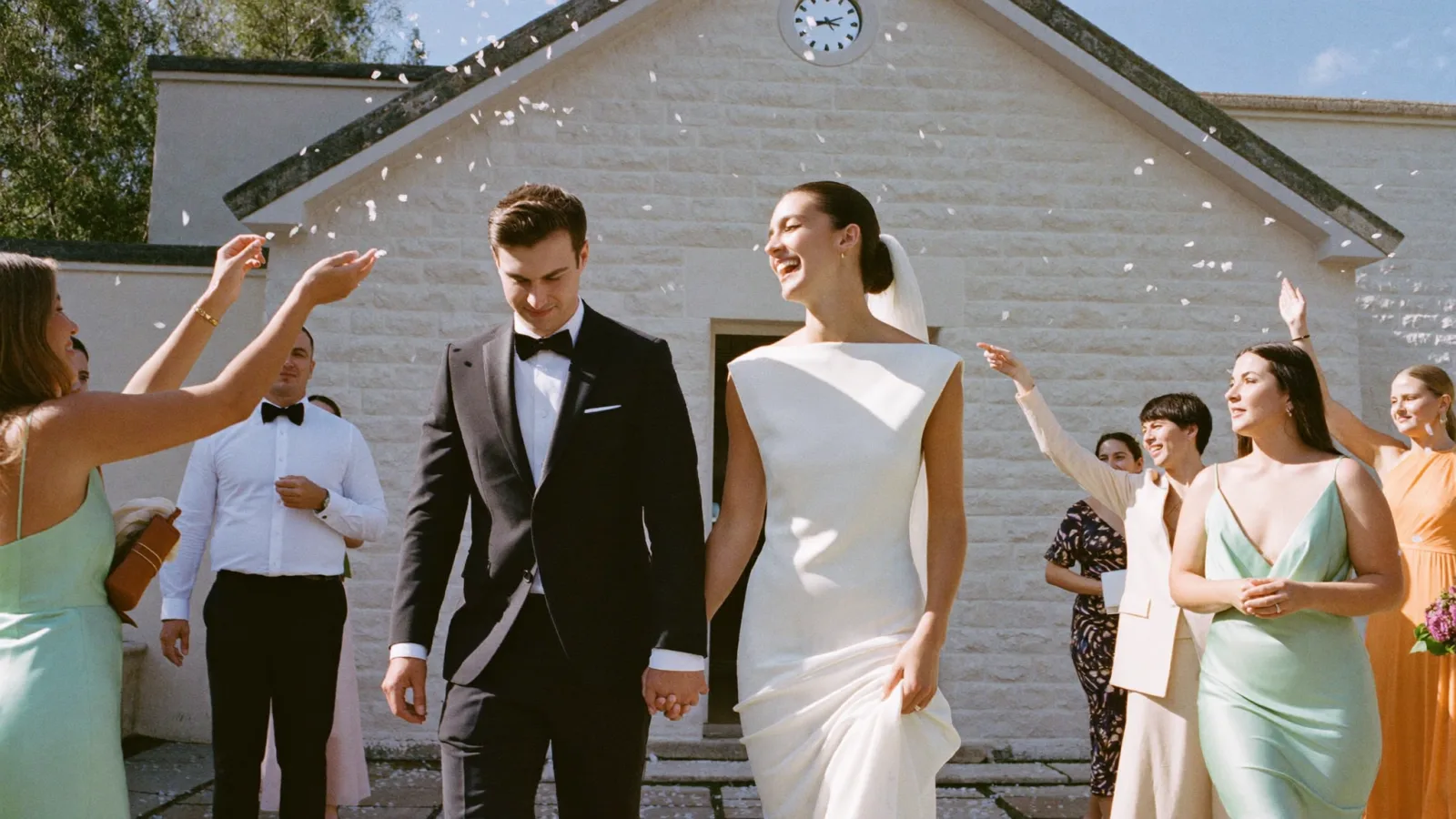
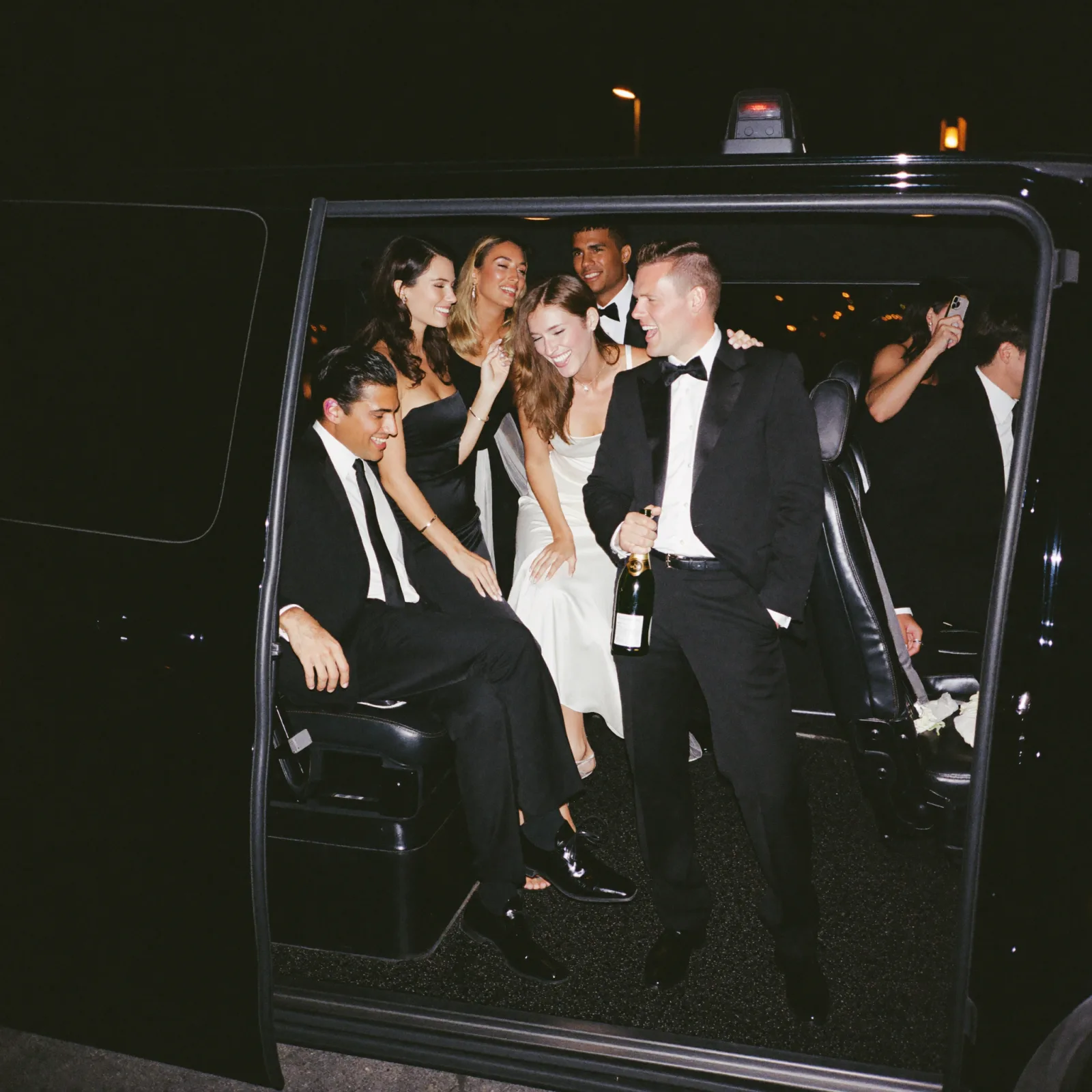
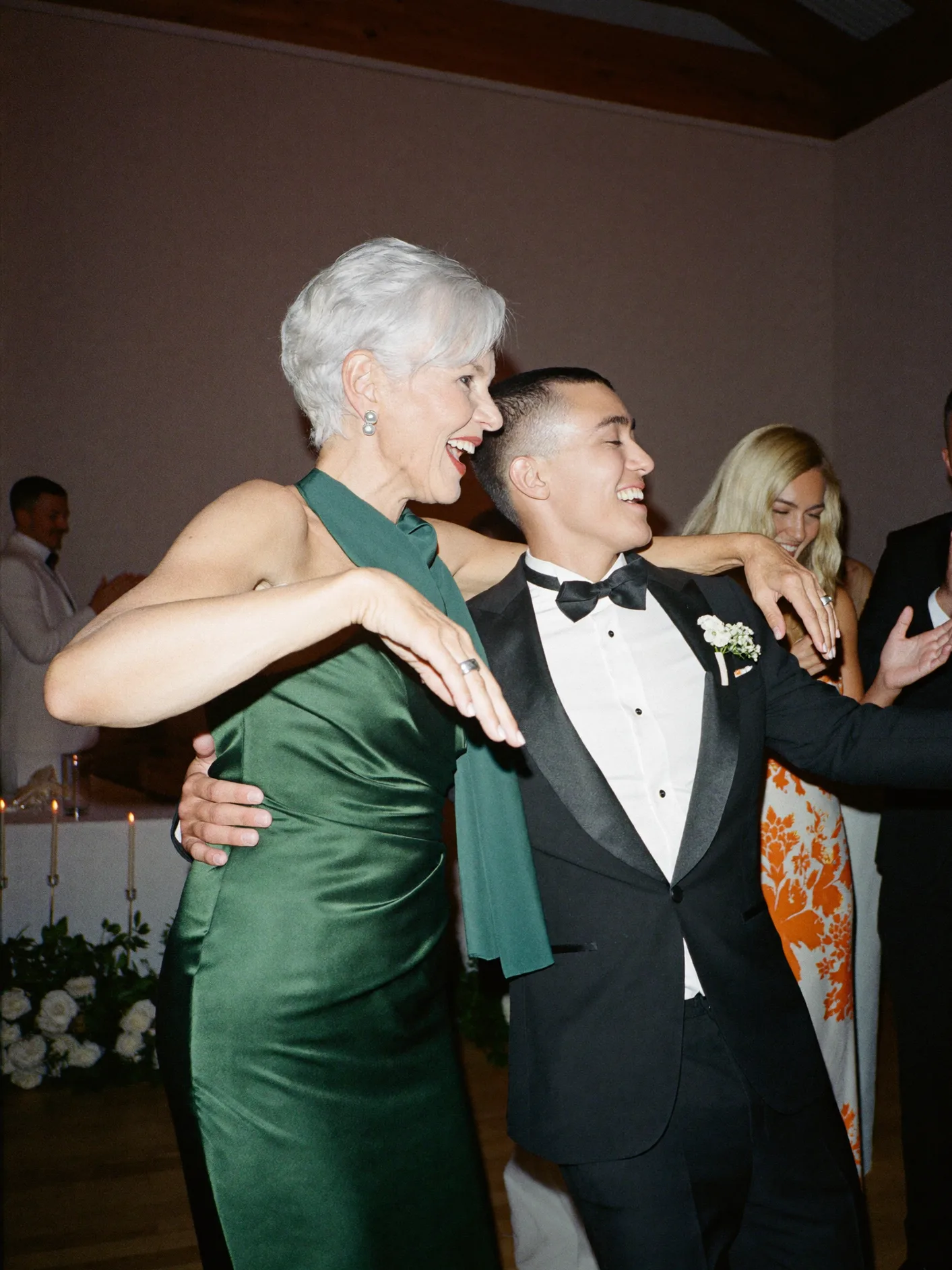
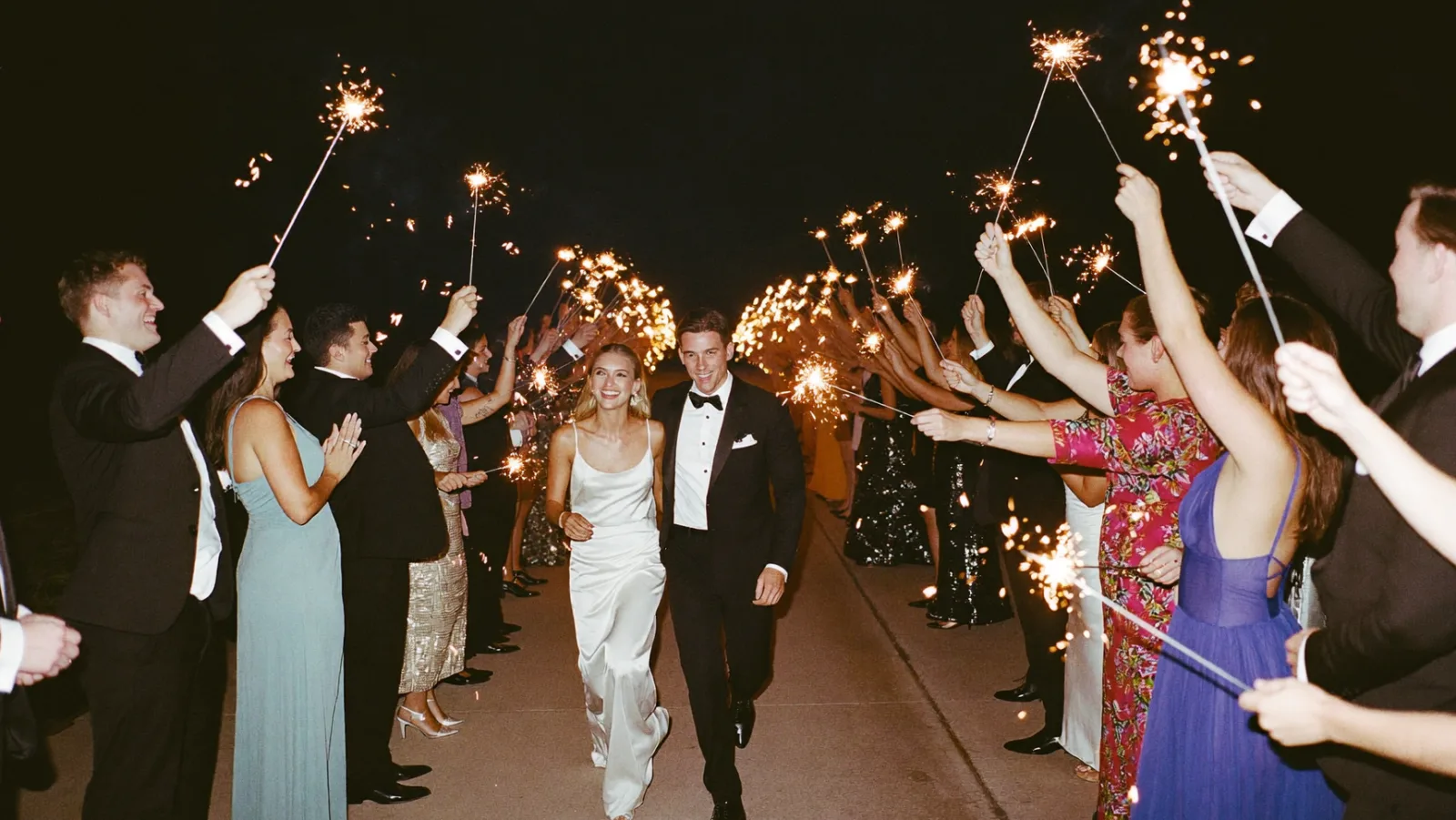





Love the product, love the album. Took one star off because i wish there was a way to remove duplicate photos when multiple people upload the same group shot. Ended up with like 8 versions of the same toast photo. Minor thing in the grand scheme tho
Free photo strip maker
Free online photo booth, right in your browser
Start your webcam, pose for each countdown and get a framed photo strip ready to print or post.
Start your camera, pick a layout and a timer, then strike a pose.


600 x 1800 px, 2 x 6 in at 300 DPI
How the webcam photo booth works, in four steps
Pick a layout and timer
A 4 or 3-shot strip or a 2x2 grid, with 3, 5 or 10 seconds to get in place.
Pose for the countdown
Every shot fires on its own, 3 seconds apart, with a flash.
Style it
Change filter, frame or caption after shooting, or retake one shot.
Save, print or share
Download the PNG or print sheet, or share it.
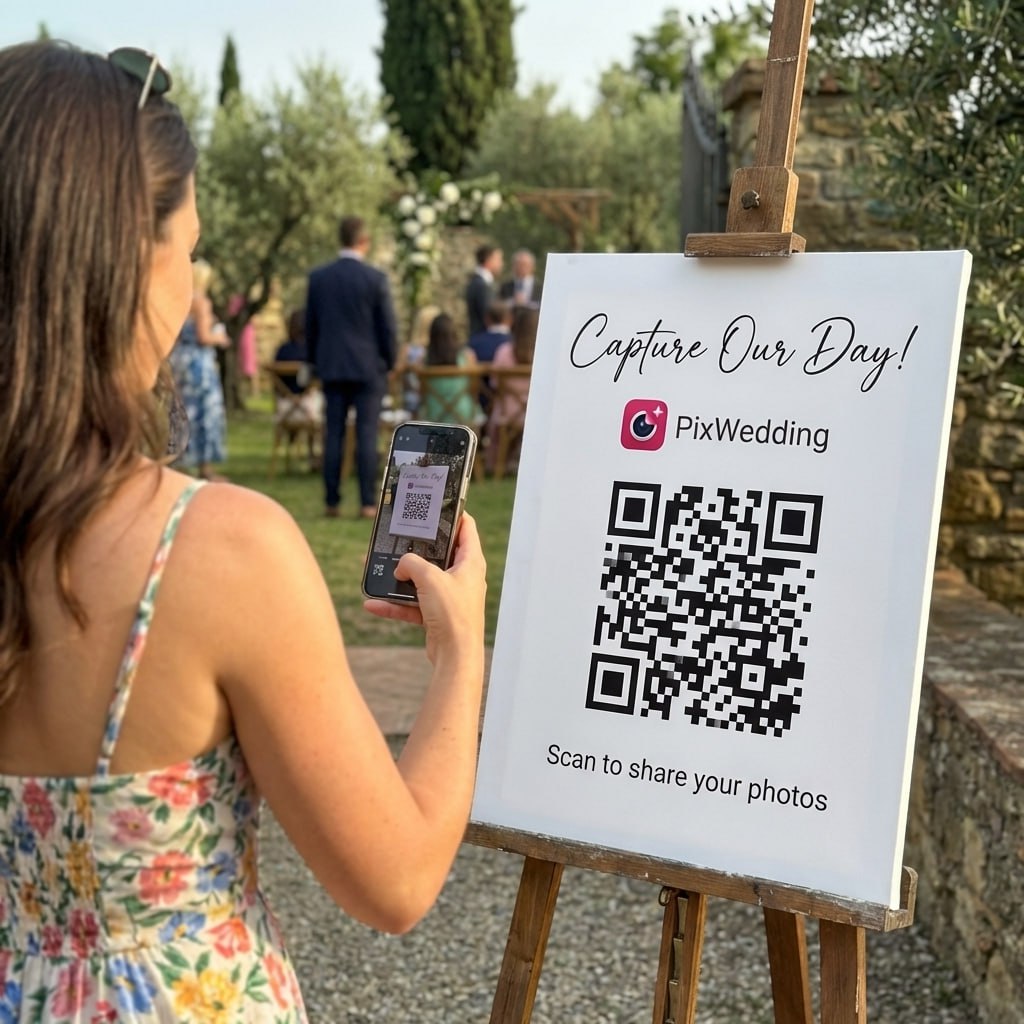
One QR code.
Every guest's phone is the booth.
Watch a guest scan a table card and add photos from the browser into one shared album, no app needed.
WEDDING ALBUM
Emma & James
Example album


One booth, a video call or every phone
One screen, guests take turns
1 camera for the whole roomA laptop on a side table at a birthday or office party. Strips save on that device.
Everyone at home
1 camera per guestOn a video call, drop this page in the chat. Each guest makes a strip at home and posts it back.
Every guest, all night
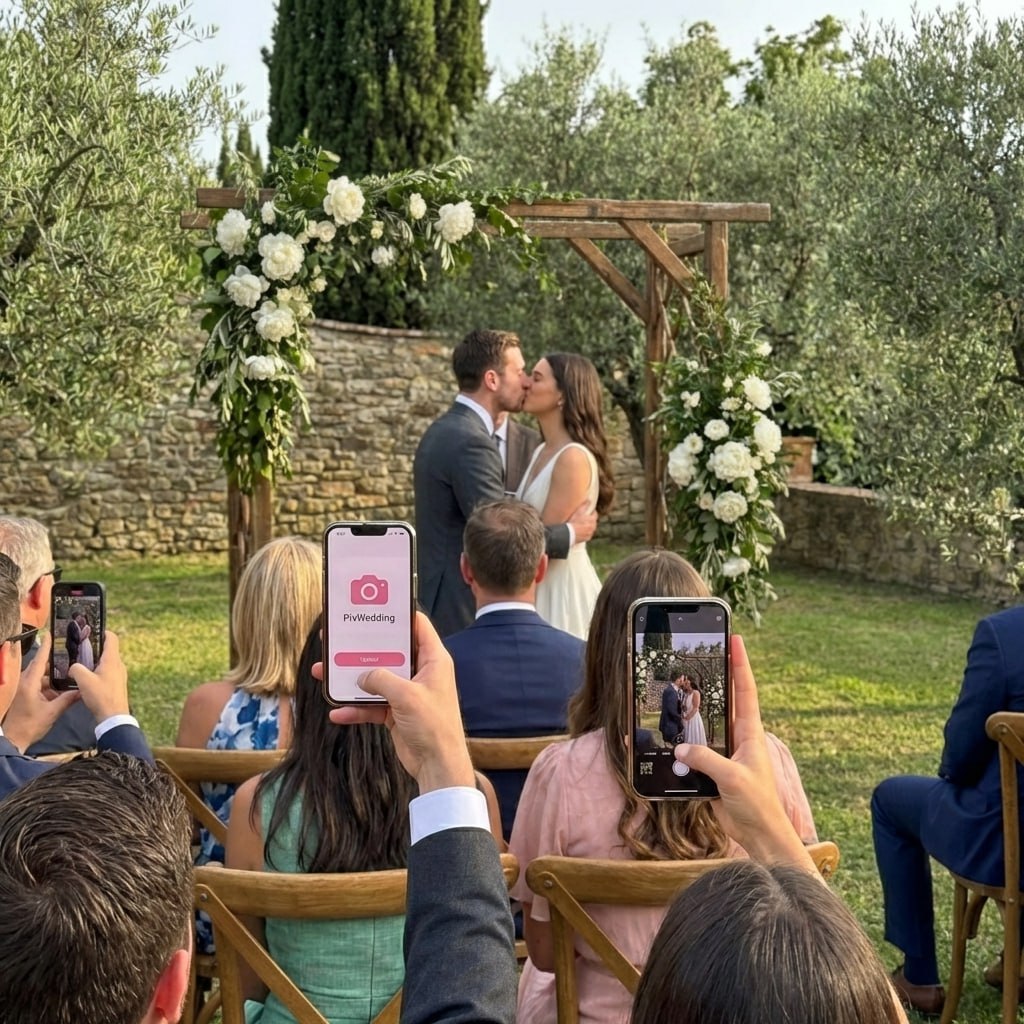
Every guest shootsFor every photo of the night, a QR album beats a booth: guests scan one code and upload from phones. A free Pix Wedding album works that way.
Photo strip sizes that print cleanly
Booth strips are 2 x 6 inches, which is 600 x 1800 pixels at 300 DPI, the size of the strip download. Labs print 4x6 as standard, so the print sheet fits two strips on one 4x6 that you cut down the middle.
The RIGHT Way to Print 2x6 Strips (No More Bad Cuts!)
A booth operator shows how to cut a two-strip 4x6 print so both strips keep their border.
Source: Bill Vidal on YouTube, 8 min
Where your photos go
The camera feed stays inside this tab and the strip saves to your device. No photo goes to a server, and the camera switches off when you leave the page or switch to uploads.
Camera not working? Six quick fixes
| What you see | Why | Fix |
|---|---|---|
| You clicked Block | The browser saved that choice (NotAllowedError) | Camera icon in the address bar, Allow, reload |
| No permission prompt | Camera access needs https and a current browser | Update the browser or upload photos |
| No camera found | No webcam is connected (NotFoundError) | Plug one in or open the page on your phone |
| Black screen after Allow | Another app holds the camera, or a driver glitch (NotReadableError) | Close Zoom, Teams or FaceTime, try again |
| Face looks flipped | The front camera preview mirrors you | Nothing to fix, the strip saves as you saw it |
| Dark or grainy shots | Webcams struggle in dim rooms | Face a window or lamp, try Soft Glow |
Error names from the MDN getUserMedia reference.
Four strips that are fun to look back on
Plan the frames before the countdown. A strip that tells a tiny story beats four identical smiles.

Sunset on the terrace
Everyone uploaded!
Throwing a party? Let every guest be the booth
Make a free album and print one QR code. Guests scan it and add photos from their phones.

Voice note from a guest
Scan to join the album
No app, no account
UPLOADING
Saving your moment
THE ALBUM
Emma & James
Example album
647 photos · 95 guests


SCAN TO TRY
pix.wedding/
emma-and-james
Rated 4.9 by couples who used Pix Wedding
Rainy Vancouver wedding (shocker, eh?). The umbrella photos are honestly the best ones. Our guests captured the moody Pacific Northwest vibes perfectly. The album has a whole vibe to it that our professional photos don't quite match. Both are great but Pix hits different
Used Pix for ours and now my brother is using it for his wedding next month. Downloaded the full ZIP after so we have every photo backed up. Album link still lives in our family group chat, people still look thru it 🫶
Online photo booth questions
Quick answers before you press the button.
Yes, with no sign-up, no app and no limit on strips. A small pix.wedding wordmark and the tool name in the strip footer are the only branding.
Yes, in any current mobile browser, with a flip button for the back camera. You can also build a strip from your camera roll.
Yes. Each guest opens the page on their own device and posts their strip in the chat. The booth never joins the call or streams your camera to anyone.
A digital photo booth is a physical kiosk, often an iPad on a stand, that texts or emails photos instead of printing them. A virtual one runs in your own browser.
No, only still PNG strips with a caption of up to 40 characters and the date.
A laptop or tablet with a camera at eye level and light on faces from the front. Start the camera once, then guests press Take 4 photos.