










For collecting every original
Collect guest photos at your Toronto wedding with one QR code
Guests scan a card on the table and upload from the browser, no app. Below: how many cards a Toronto wedding needs, the city's warm months and sunset times, the venues couples book, and what the other ways of collecting photos cost in Canadian dollars.


New

New


Toronto wedding
Guest photos at a Toronto wedding, in one album

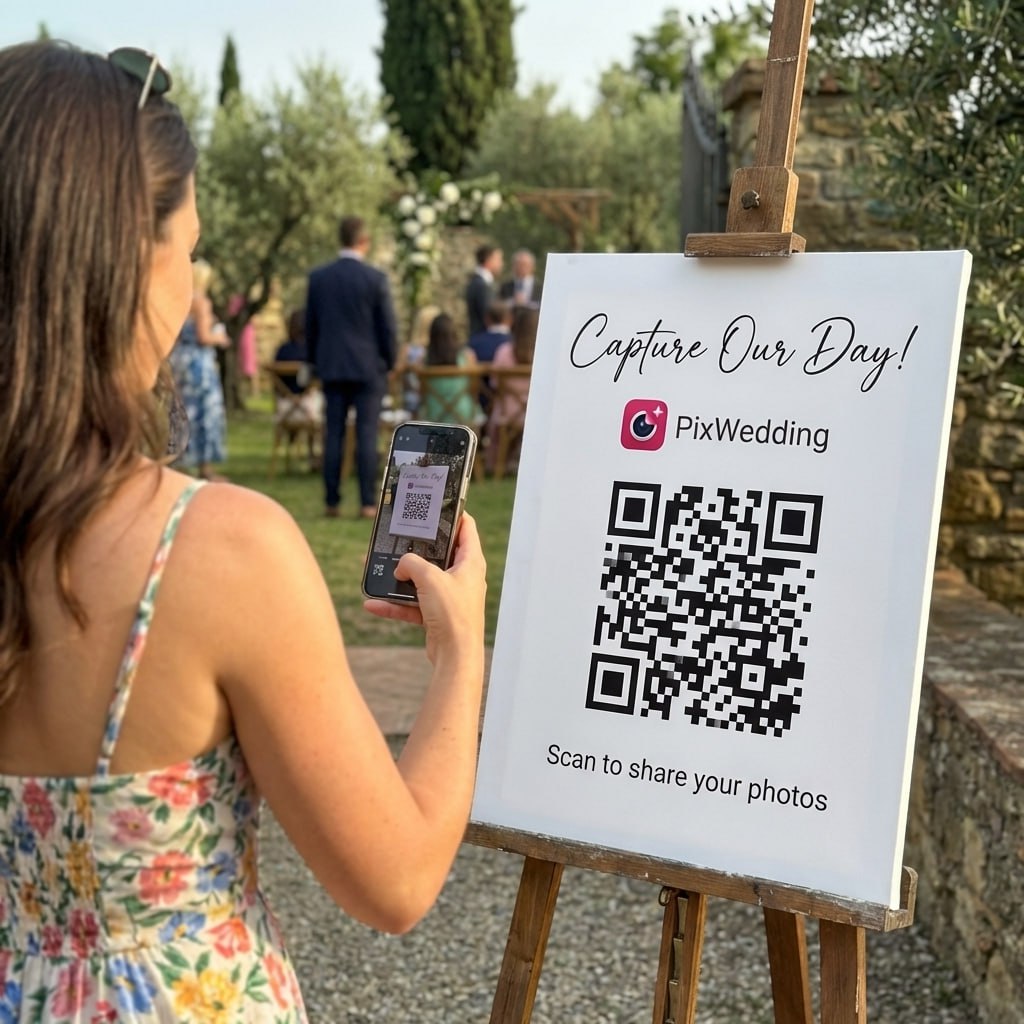
For a Toronto wedding of about 120 guests, print 18 QR cards: one per table of eight, plus the welcome sign, the bar and the coat check. Guests scan and upload photos and videos in the browser, no app or account. The first 20 uploads are free, then C$60 once.
120 guests is an example. Swap in your own number: one card per table of eight, plus three.
Scan. Upload.
Every photo from your Toronto wedding.
A QR code on each table. Guests scan it, upload photos and videos in the browser, and everything lands in one shared album. No app, no account, even for Grandma.
SHARED GALLERY
Priya & Daniel
Example album


How it runs at a Toronto wedding, start to finish
Four moments where the code does its job, timed to Toronto's summer light.
- 1Two weeks before
Print the cards, 18 of them
One per table of eight for 120 guests, plus the welcome sign, the bar and the coat check. Test the code on an iPhone and an Android before you print.
- 2Ceremony and cocktails
Guests shoot, you stay in the moment
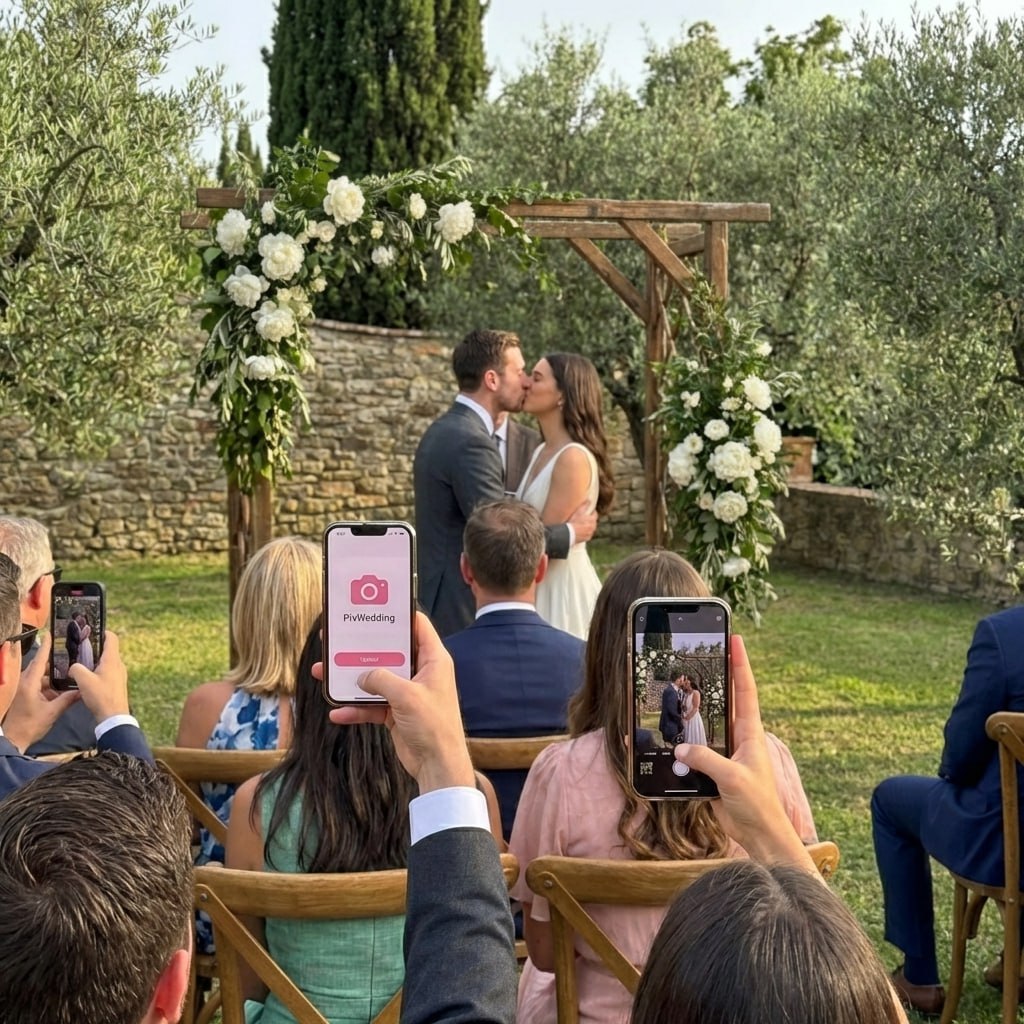
The aisle, the first kiss and the receiving line come from fifty angles at once. Guests who scan early start uploading during cocktails, before dinner is even served.
- 3Around 8:02 p.m. in late June
Golden hour, about an hour before sunset
The sun sets around 9:02 p.m. in Toronto on June 21 and 7:17 p.m. on September 21. Portraits outside, guests on the patio filming, and those shots land in the album too.
- 4The morning after
Uploads keep coming, for months
Starter (C$60) keeps the upload link open for 3 months, so out-of-town guests add their camera roll from the airport or home. Download everything in original quality.


When Toronto is warm enough to party outside
Average daily highs reach 20°C or more in June to September. That is the window for outdoor ceremonies and patio receptions, and the window when guests shoot the most outside.
Downtown rooms in Toronto
Downtown venues usually have strong mobile coverage, but basement rooms and big stone ballrooms can still drop it. Ask the venue for its guest Wi-Fi and print the network name under the code on the welcome sign.
Temperatures: TORONTO (6158350), 1981-2010 climate normals (api.weather.gc.ca). Sunset times are for the city on June 21 and September 21, local daylight time.
Where Toronto couples marry, and what each place allows
The venues couples ask us about most, with what each one publishes about its spaces. Every card links to the venue's own page.
Casa Loma
Ceremonies in the Conservatory, on the Terrace or in the gardens, dinner in the Library, and the Conservatory turns into the dance floor at night.
Venue pageThe Distillery Historic District
Weddings book through Distillery Events across 13 acres of Victorian industrial buildings.
Venue pageEvergreen Brick Works
Koerner Gardens hosts ceremonies except December to March, and the Price Terrace adds room for 250.
Venue pageLiberty Grand
Weddings for 100 to 1,000 guests, with an open-air Courtyard for 400.
Venue pageFairmont Royal York
36 event spaces for up to 1,670 guests; the hotel calls its 1929 Ballroom the most photographed room in Toronto.
Venue page
Shooting portraits in the Distillery District's outdoor lanes needs a photography permit, $295 plus HST for two hours, unless the wedding is booked through Distillery Events. Tripods and stand-alone props are not allowed. (Distillery District permits)
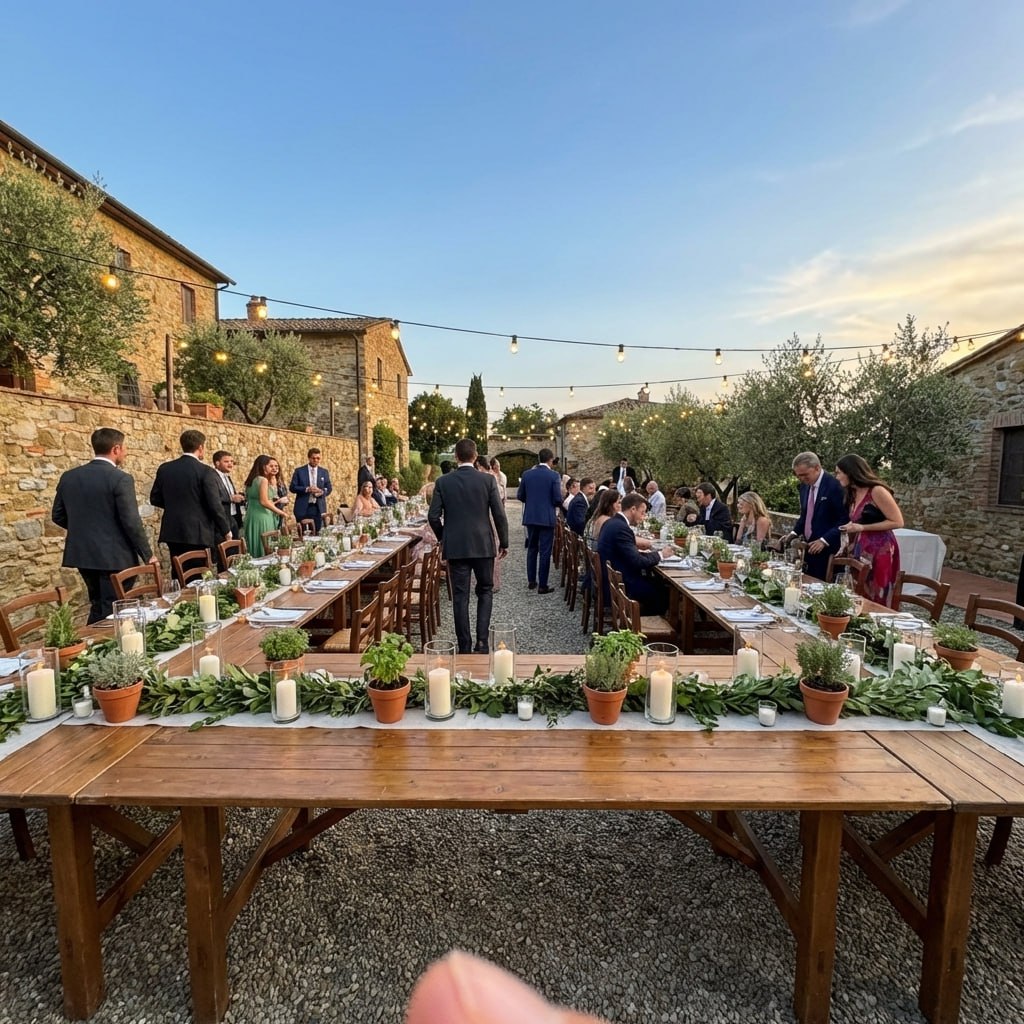
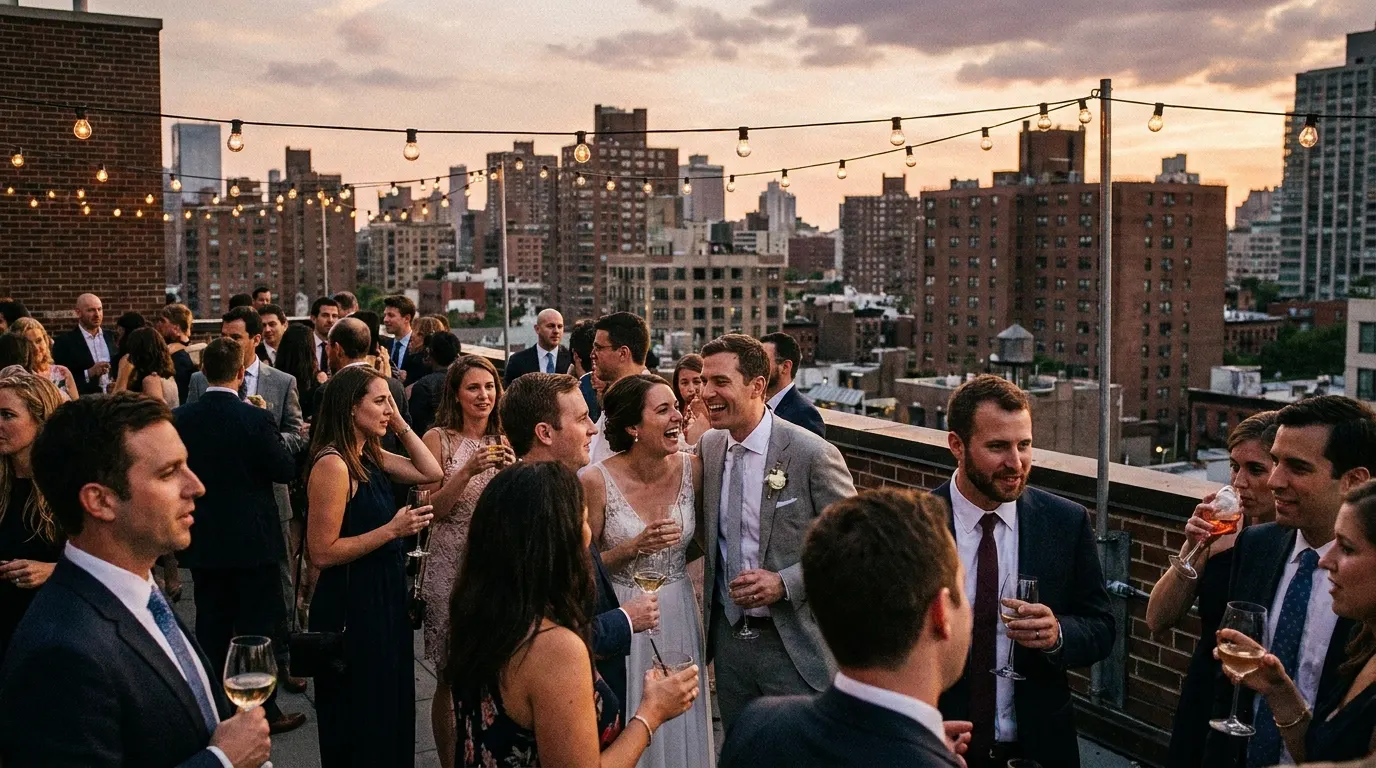
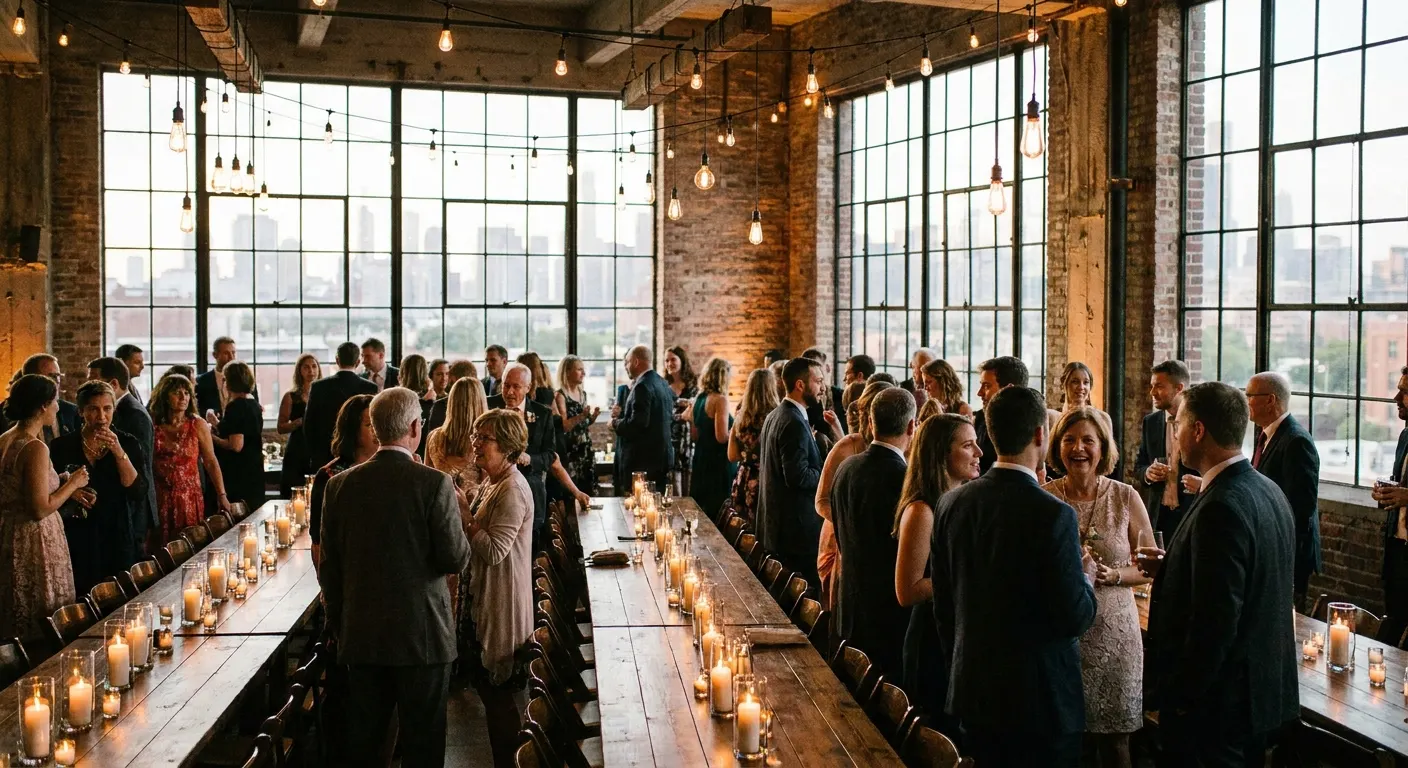
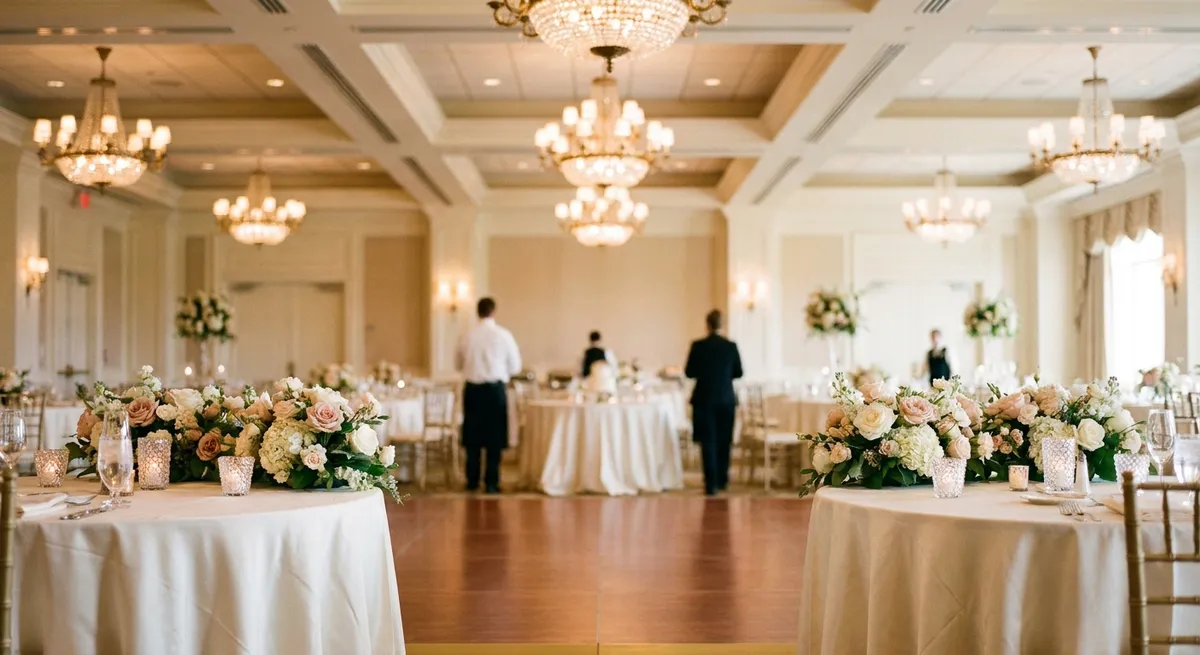
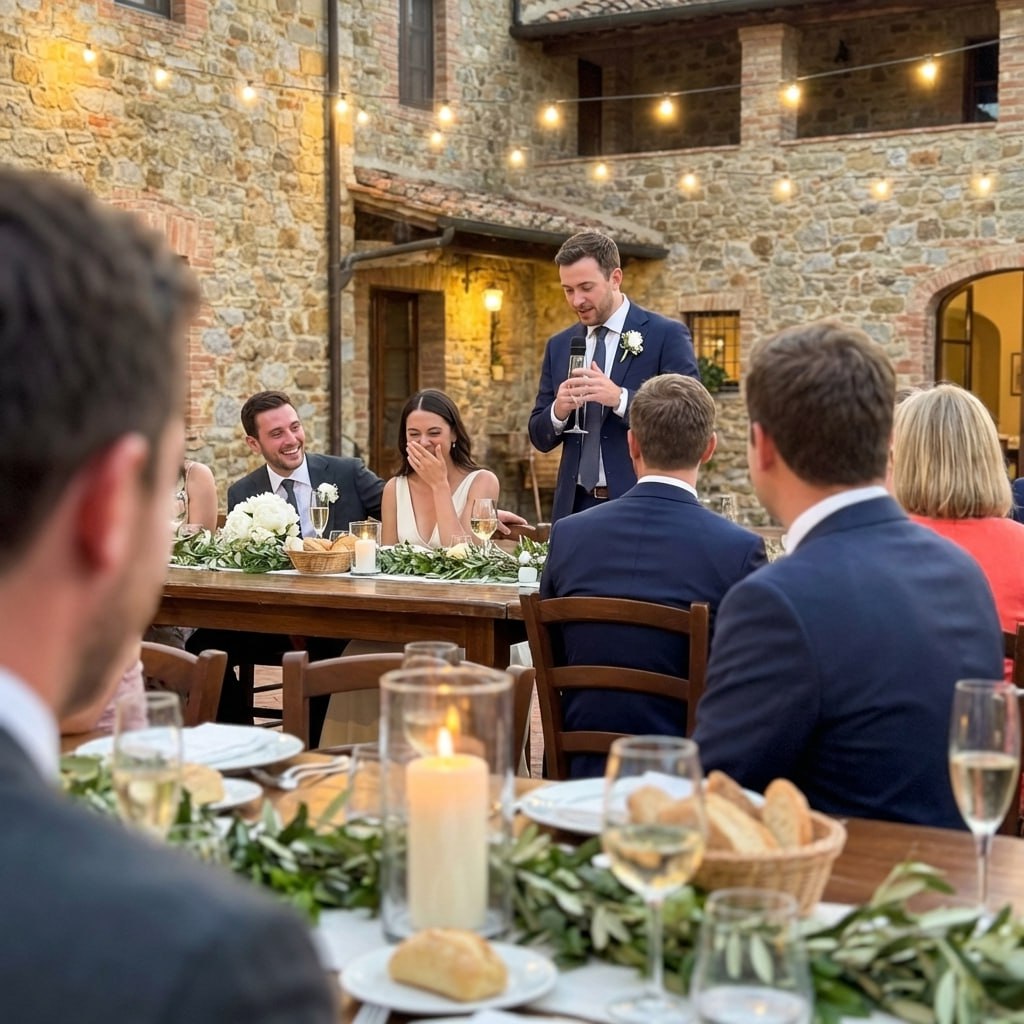
Setting photo is illustrative, not a specific Toronto venue.
Five ways to collect guest photos, in Canadian dollars
What each option costs and what guests have to do at a Toronto wedding of 120.
| Option | Cost | What guests do | What you end up with |
|---|---|---|---|
| Pix Wedding QR albumTop pick | C$60 to C$115once, first 20 uploads free | Scan the table card, pick photos and videos, upload in the browser. No app, no account. | One album in original quality, open for uploads for 3 to 12 months depending on the plan. |
| Google Photos shared album | Freeuses your Google storage | Open the link, sign in with a Google account to add photos. | Works well for guests who already use Google Photos; others stall at the sign-in. |
| iCloud Shared Album | FreeApple devices | iPhone and Mac users can add photos; Android guests can only view through a web link. | Part of the room cannot contribute, and Apple stores shared photos at reduced resolution. |
| Group chat | Free | Post into a WhatsApp or iMessage group as the night goes. | Photos get compressed unless each sender picks HD, and they scroll away between messages. |
| Disposable cameras | 15 camerasone per table, plus developing | Shoot up to 27 frames per camera, then leave it on the table. | Up to 405 film frames, weeks later, and no video. |
Pix Standard (C$74) next to C$40,000, the low end of the Toronto and GTA range range in our Canada wedding cost guide. The 12% photo and video share is that guide's typical split, an estimate.

Toronto wedding
Best night ever
Your Toronto guests already have the camera
Print the code on your table cards and welcome sign. Guests scan it and upload from the browser, and every photo and video from your Toronto wedding lands in one album. The first 20 uploads are free.

From Grandma
Scan to join the album
No app, no account
UPLOADING
Saving your moment
THE ALBUM
Priya & Daniel
June 21, 2026
647 photos · 95 guests


SCAN TO TRY
pix.wedding/
your-wedding
A QR plan for 120 guests, 18 cards
Guests scan what is in front of them. These spots cover a Toronto reception, worked out for 120 guests.
One circle is one table of eight with its own card. Our planning rule of thumb, not a venue layout.
- Welcome sign by the entrance, with the venue Wi-Fi printed under the code
- One card on every table, facing the seats, not the centrepiece
- The bar, where guests wait with their phones already out
- The coat check or the doors to the patio, where everyone passes twice
- Ask your MC or DJ to mention the code once, after dinner
This walkthrough sets up a Google Photos shared album, the free option in the table above. It works for guests who already have a Google account. Everyone else meets a sign-in screen at the table.
Whichever way you go, test the code on two phones before you print 18 cards. Our free QR card designer makes print-ready table cards, and the QR code guide covers sizes and wording.
Video: "How To Make A Shared Album On Google Photos (Quick & Easy)", Answer Lab on YouTube.
Big guest lists, many rooms, at a Toronto wedding

Big guest lists, many rooms
Toronto hotels and halls are built for big numbers: the Royal York alone lists space for 1,670. Large weddings spread across a ceremony room, a cocktail space and a ballroom, and the photos spread with them. One code on every table and at each room's door pulls the whole evening into one album, including the shots from the lane outside you could not see.
Pay once, keep every guest photo
For your Toronto wedding: guests scan a QR code and upload in the browser. The first 20 uploads are free, then one payment in Canadian dollars, no subscription. C$74 adds the live slideshow for the reception screen.
Most couples pick this
One-time payment, no subscription
For big guest lists
One payment. Yours to keep. No subscription. No renewals. No surprise charges.
Secure checkout. Polar, Apple Pay, Google Pay.
Money-back guarantee: if your guests never upload a single photo, you get 100% back. See how it works
Ontario marriage licence, for a Toronto wedding
Not a photo question, but the one thing you cannot skip.
Fees change, so confirm with toronto.ca before you go. ID rules and officiants for every province are in our full guide.
Marriage licence in CanadaFrom the first look to the last dance


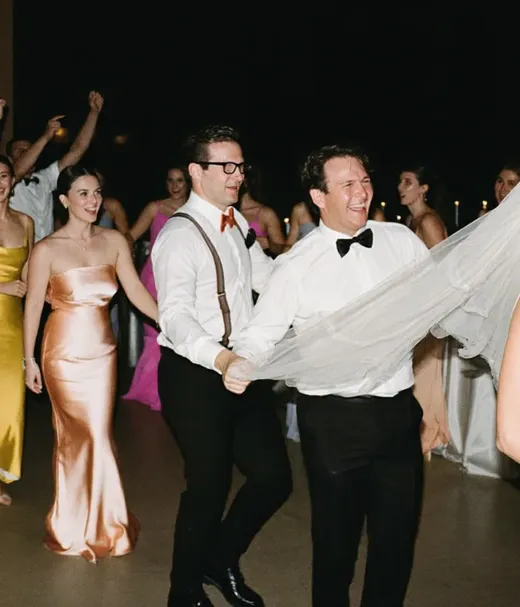
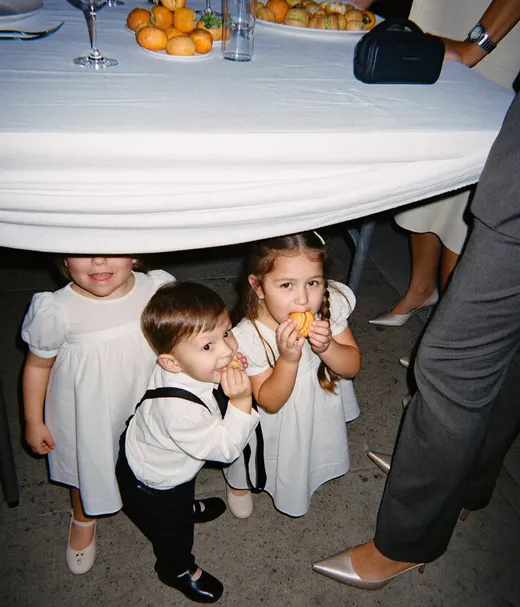
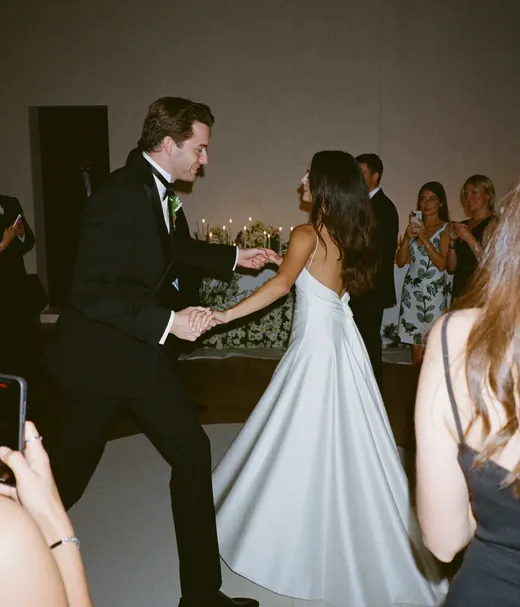
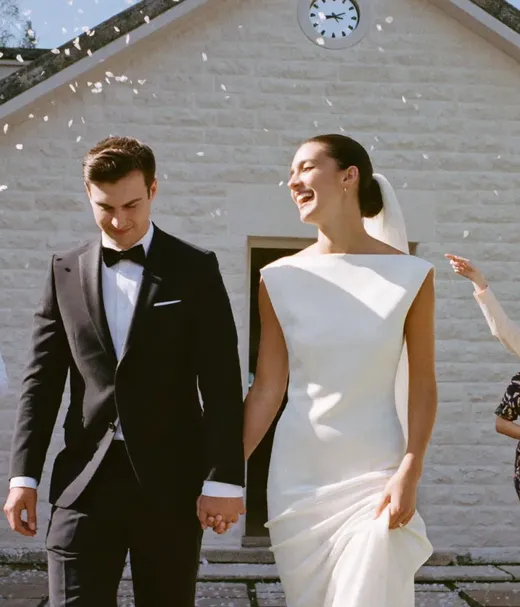
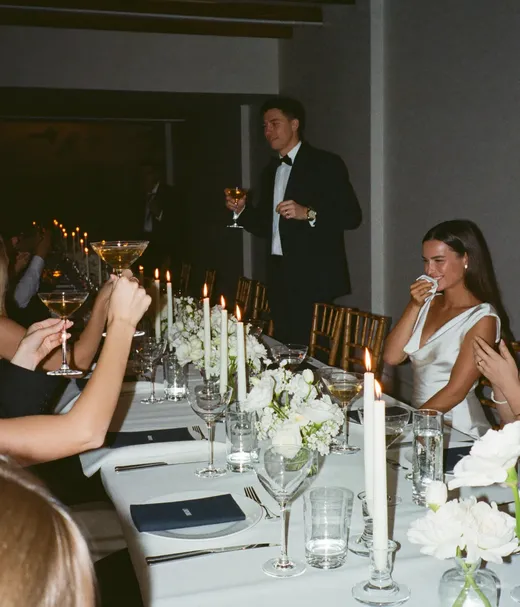
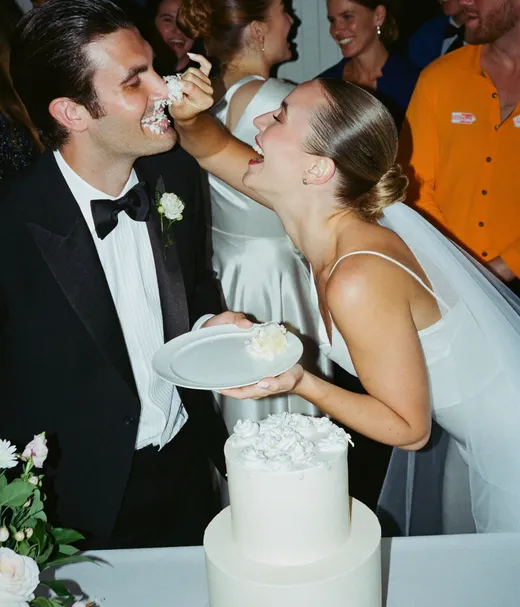
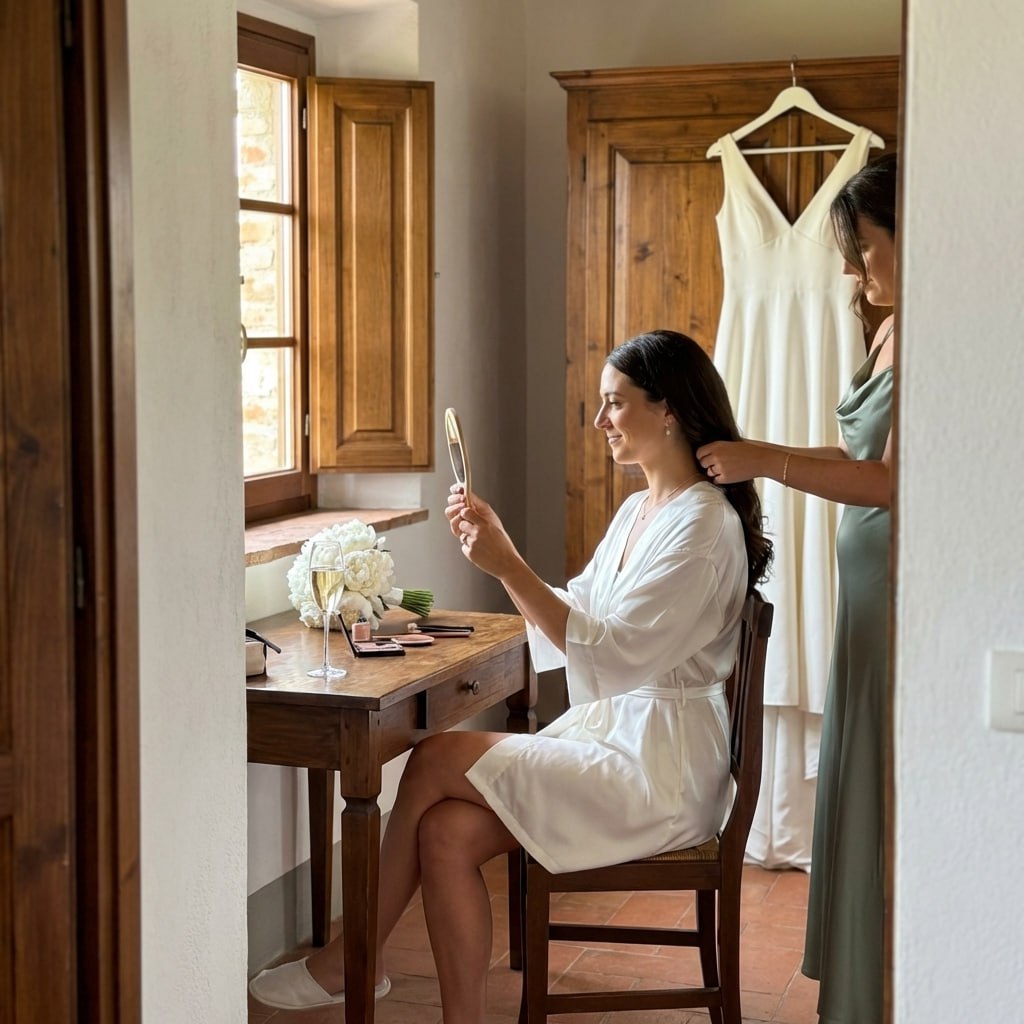
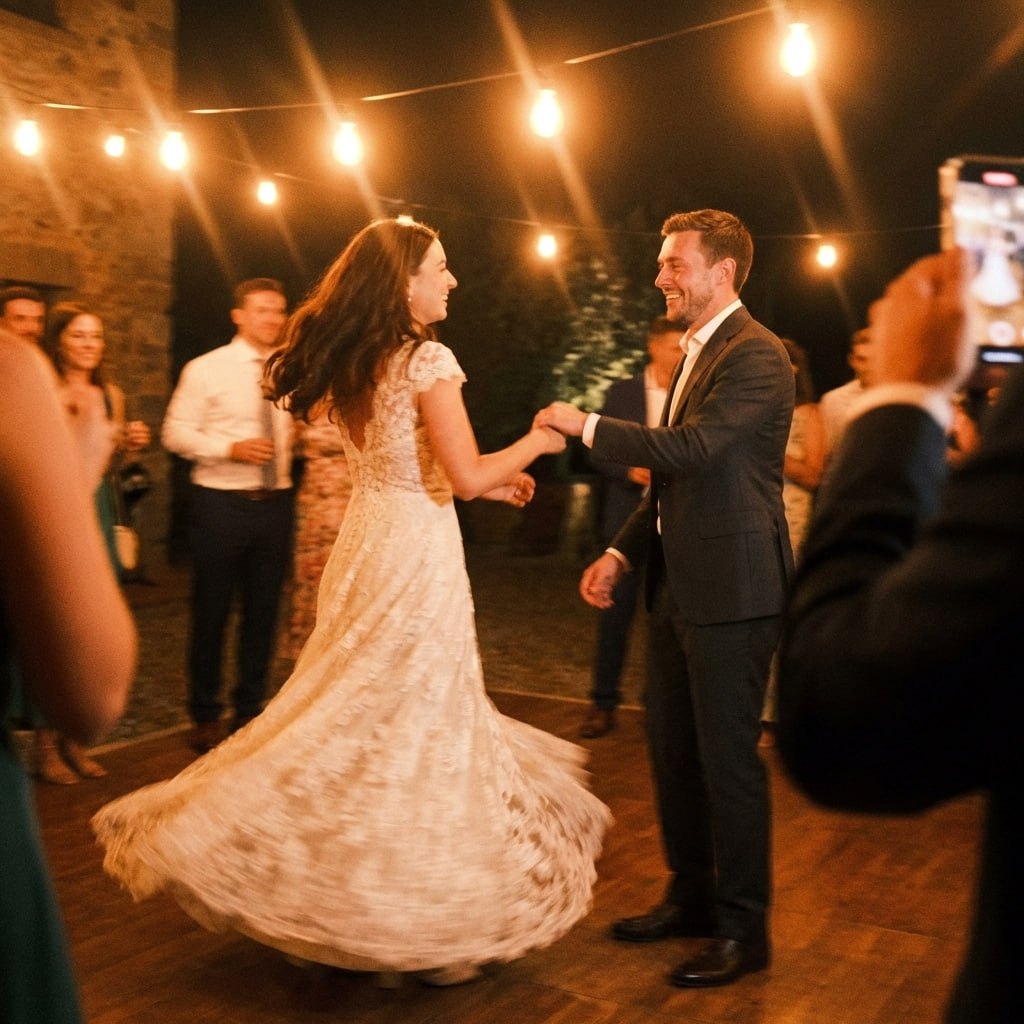
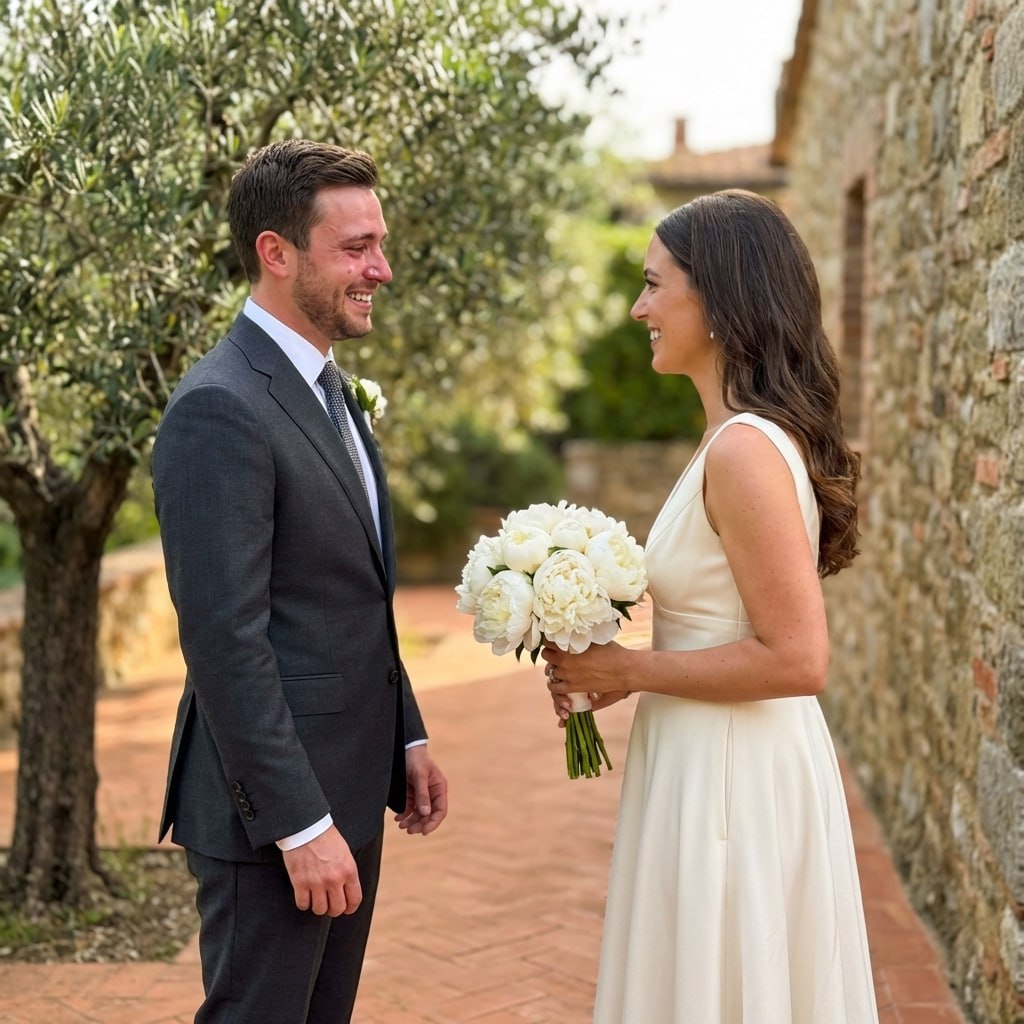
Setting photos are illustrative, not from a specific Toronto venue. Mixed in: real guest photos from Pix albums.
Planning somewhere else in Canada?
The same guide for other Canadian cities, and the comparison of every photo sharing app sold in Canada.
Toronto wedding photo sharing: questions
What couples planning a Toronto wedding ask about QR cards, the light, the venues and the paperwork.
For about 120 guests, 18: one card for each table of eight (15 tables) plus the welcome sign, the bar and the coat check. For your own count, take one per table and add three. Every card can show the same code, since it all goes to one album.
Average daily highs reach 20°C or more in June to September (TORONTO (6158350), 1981-2010 climate normals). The sun sets around 9:02 p.m. on June 21 and 7:17 p.m. on September 21, so plan golden-hour portraits for roughly an hour before that.
No. Guests scan the code with the phone camera, the album opens in the browser, and they pick photos and videos to upload. No app and no account, which matters for older relatives. That works the same at Casa Loma as anywhere else with signal or Wi-Fi. Downtown venues usually have strong mobile coverage, but basement rooms and big stone ballrooms can still drop it. Ask the venue for its guest Wi-Fi and print the network name under the code on the welcome sign.
C$180 at the City of Toronto (no HST). It is valid for 3 months from issue. Book an appointment and apply within 90 days of the wedding. Fees change, so confirm with toronto.ca before you go.
Our Canada cost guide puts the Toronto and GTA range at C$40,000 to C$65,800. Pix is one payment, no subscription: Starter C$60, Standard C$74 with the live slideshow, Pro C$115. The first 20 guest uploads are free, so you can test it before you pay.
Toronto hotels and halls are built for big numbers: the Royal York alone lists space for 1,670. Large weddings spread across a ceremony room, a cocktail space and a ballroom, and the photos spread with them. One code on every table and at each room's door pulls the whole evening into one album, including the shots from the lane outside you could not see.
Explore more free wedding tools
Everything you need to make your wedding day stress-free and unforgettable.
QR Sticker Designer
Design custom print-ready stickers.
Hashtag Generator
Create unique wedding hashtags.
How to Collect Guest Photos
5 methods ranked by participation rate and ease.
Best Way to Share Wedding Photos
Eight ways to send the photos to guests and family, compared.
Best Way to Get Guest Photos
The single method with the highest participation rate.
How to Make a Shared Wedding Album
Step-by-step setup for every platform.
Alternative to Disposable Cameras
Better, cheaper options than disposable cameras.
Alternative to Wedding Photo Booth
5 cheaper alternatives to a $1,000+ photo booth rental.