Starter
$49one-time
For collecting every original
Unlimited photos, videos & guests

Original quality (no compression)
No app for guests, QR + browser upload
6 months storage + ZIP download
 wedding
Tell the planner how long you have, how many guests, your budget, style and setting. It splits the budget into 8 categories in dollars, builds a month-by-month checklist and lists what to book first. Free, no sign-up.
Set the total budget first, then the guest count and the date. With those three fixed, book the venue, then the photographer and caterer, ideally 9 to 12 months out. The planner above does the first pass for you: a dollar budget split, a month-by-month checklist and the priorities for your style.
Every plan has a photographer line. Few plan for the hundreds of photos guests take on their phones. Watch a guest scan the table card QR code and add photos from the browser, no app and no account, straight into the couple's album.
WEDDING ALBUM
Example album
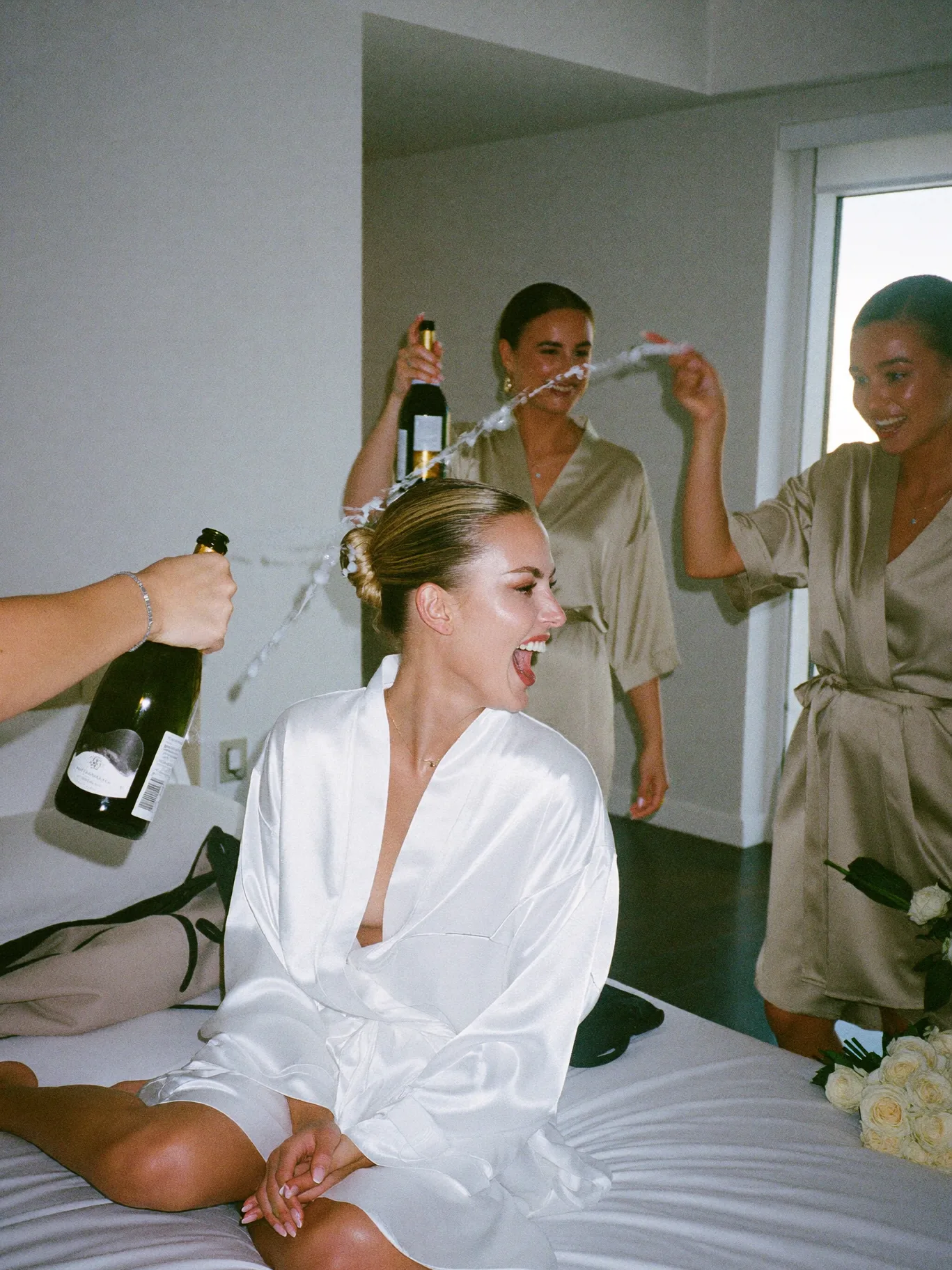
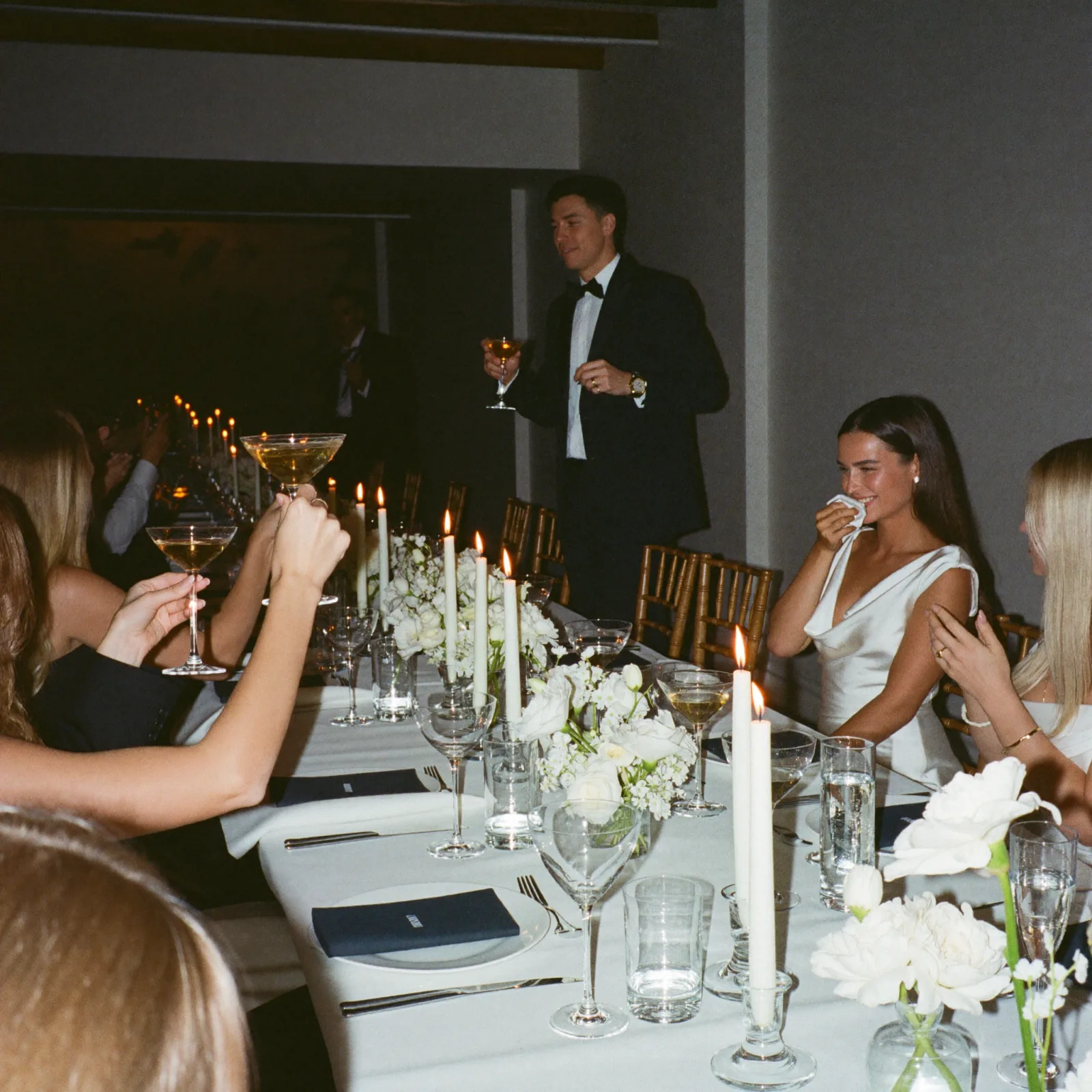
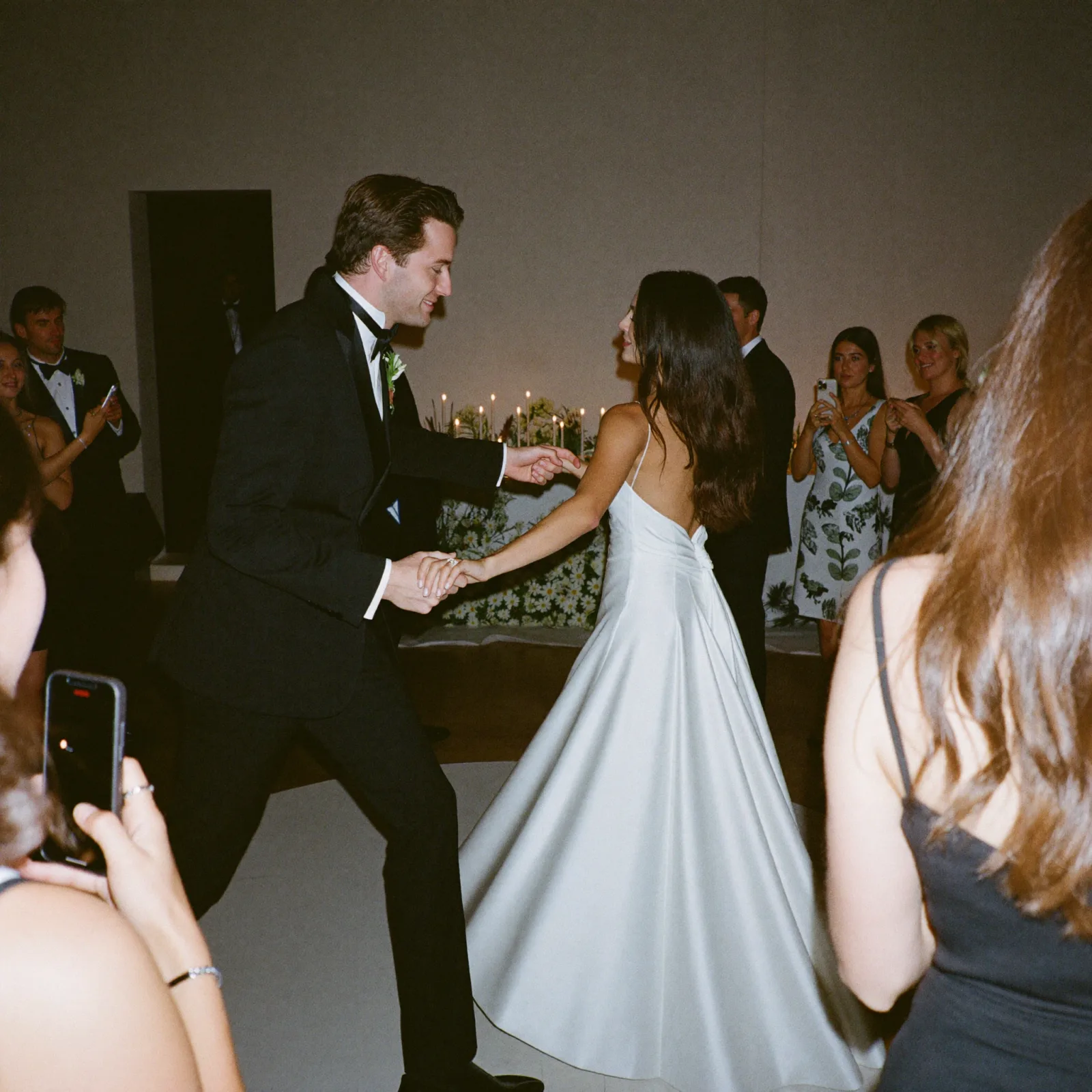
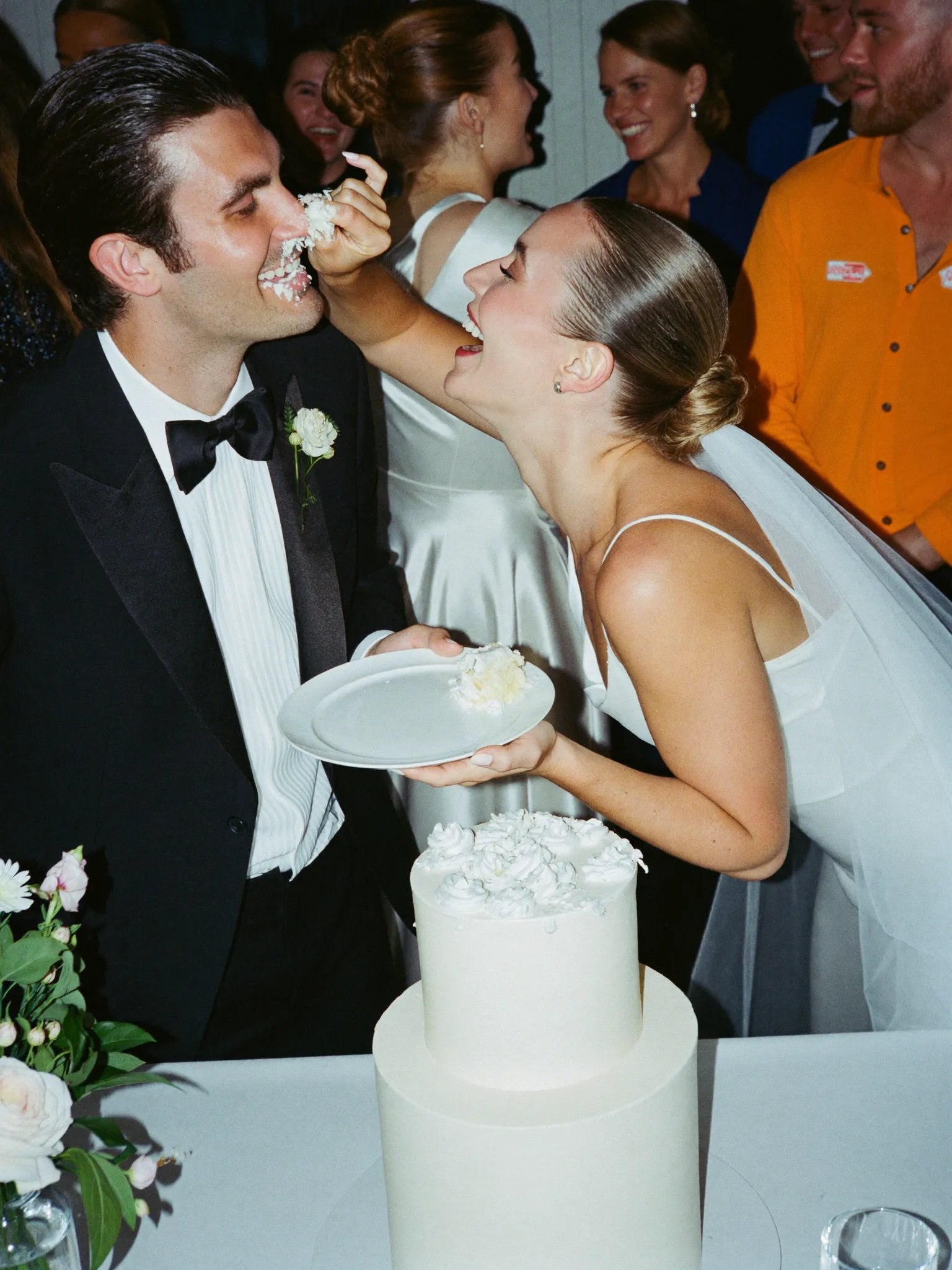
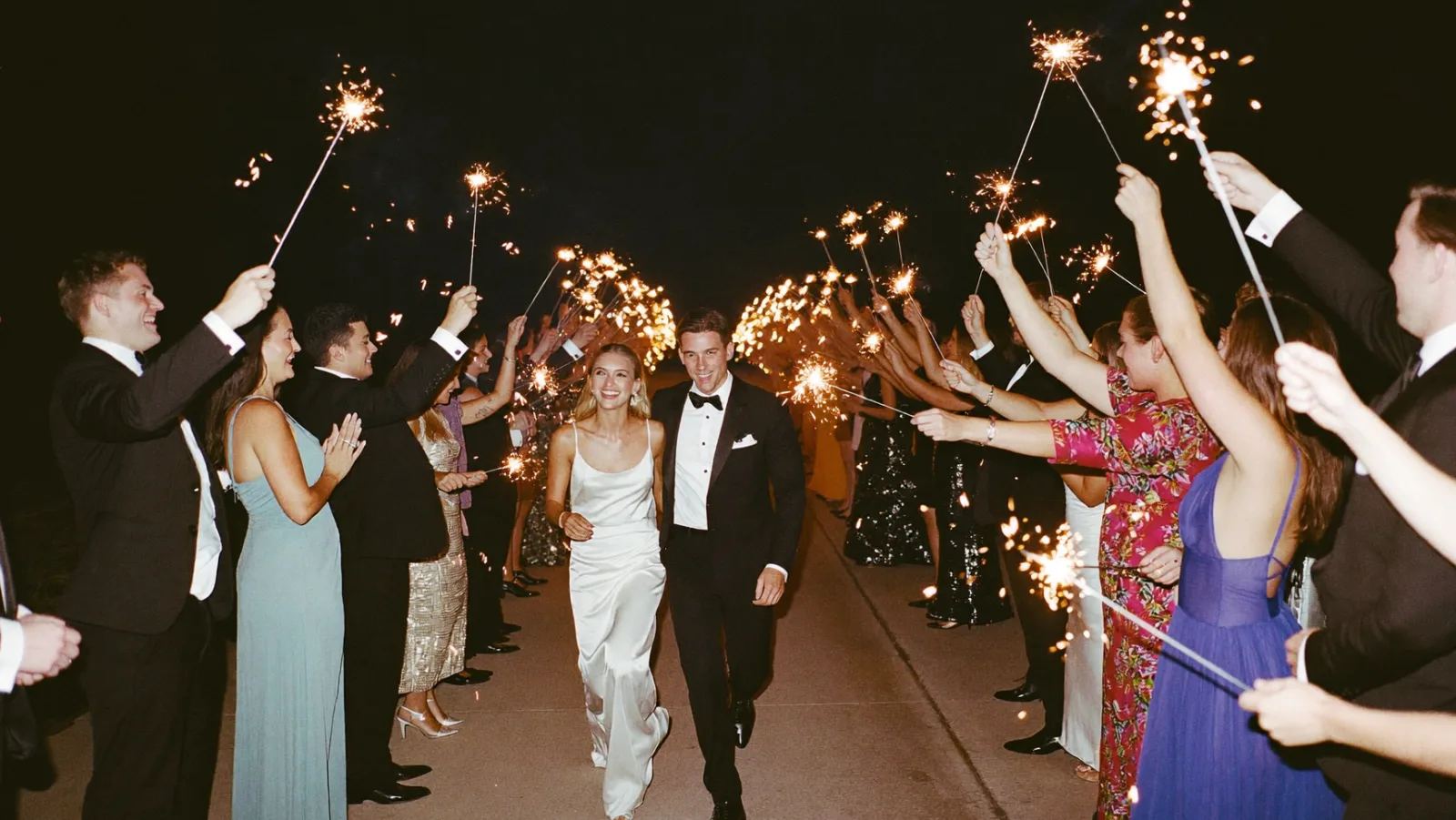
No black box. The planner starts from the split below, nudges it for your style and setting, rescales it to 100% and rounds to whole dollars that add up to your exact budget. The example column is a $30,000 classic wedding at an indoor venue.
| Category | Starting share | On $30,000 | What to know |
|---|---|---|---|
| Venue | 33% | $9,900 | Often the first booking. Ask what is included (tables, chairs, linens) before you price rentals. |
| Catering and bar | 28% | $8,400 | Scales with every guest you add, so it moves the most when the list grows. |
| Photography and video | 10% | $3,000 | The planner raises this share for micro weddings, where the photos carry the day. |
| Attire and beauty | 7% | $2,100 | Includes alterations, hair and makeup trials. |
| Flowers and decor | 7% | $2,100 | Boho weddings get a bigger share for floral installs. |
| Music and entertainment | 6% | $1,800 | Band, DJ or ceremony musicians. |
| Stationery | 3% | $900 | Save-the-dates, invitations, signage. |
| Rentals and misc | 6% | $1,800 | Grows for outdoor, destination and backyard weddings, where you rent what a venue would supply. |
The starting split is our planning baseline, not a survey result. No category drops below 2%, and the catering line divided by your guest count is shown as a per-guest figure so you can compare it with real quotes. Want to set every slider yourself? Use the wedding budget allocator.
Before you type a budget into the planner, it helps to know where the average lands. These figures come from The Knot's 2026 Real Weddings Study, which surveyed 10,474 US couples married in 2025.
Averages hide a wide range. A courthouse wedding and a 200-guest ballroom wedding both count toward the same number. Use the wedding cost calculator to see a state or city estimate, then put that figure into the planner as your budget.
Multiply your guest count by the $292 national average per guest and you get a quick reality check for the budget you type in. This is arithmetic on one average, not a quote, but it shows why the list matters more than almost any other choice.
| Guests | At $292 per guest | What it means |
|---|---|---|
| 40 | $11,680 | Micro wedding range. A private dining room or restaurant buyout often fits. |
| 75 | $21,900 | Small wedding. Many venues have a lower minimum on weekdays or off-season dates. |
| 100 | $29,200 | Round number most couples start from, and the planner's default. |
| 117 | $34,164 | The 2025 US average guest count in The Knot's study. |
| 150 | $43,800 | Catering becomes the biggest swing item. Ask for per-head pricing in writing. |
| 200 | $58,400 | Large wedding. Plan for a bigger venue, more staff and more rentals. |
Per-guest figure from The Knot 2026 Real Weddings Study. Totals are rounded multiplication, checked October 2026. Trim the list with the wedding guest list manager.
With 5 or more months to go, the planner gives you this full timeline. With 2 to 4 months it compresses the same tasks into a few blocks, and with under 2 months it switches to a fast-track list of essentials.
| Before the wedding | Key tasks | Decided by the end |
|---|---|---|
| 9 to 12+ months | Set the total budget and who contributes, draft the headcount, book the venue and lock the date, start researching photographers. | Budget, guest range, date, venue |
| 7 to 9 months | Book photographer, caterer and florist, choose the wedding party, start dress or suit shopping, book the band or DJ. | Core vendors |
| 5 to 6 months | Send save-the-dates, book a hair and makeup trial, order invitations, plan the rehearsal dinner. | Guest communication starts |
| 3 to 4 months | Mail invitations, finalize the menu and do the cake tasting, buy rings, book hotel blocks. | Menu, rings, travel |
| 6 to 8 weeks | Track RSVPs, draft the seating chart, apply for the marriage license (check your state's waiting period), confirm a headcount range. | Final guest list |
| 2 to 3 weeks | Give the caterer and venue the final headcount, confirm the timeline with every vendor, final fitting. | Numbers and timings |
| 1 week | Confirm arrival times with every vendor, pack for the honeymoon, delegate day-of tasks to the wedding party, prep an emergency kit. | Who does what on the day |
| Wedding week | Pick up attire and rings, give the officiant the final vows, set up your QR code photo sharing station, get some sleep. | Nothing new. Only confirmations. |
Booking windows line up with Zola's wedding planning checklist, which puts the venue at about 11 months out and photographers and caterers at 9 to 12 months, checked October 2026. Keep the full list with the wedding planning checklist, and plan the day itself hour by hour with the wedding day timeline builder.

First dance
You guys!!
Set it up while the plan is fresh. One QR code on the tables, guests upload from the phone browser, and you keep every photo and video in one album. Start free with 20 uploads, no card.

From Mom
Scan to join the album
No app, no account
UPLOADING
THE ALBUM
June 21, 2026
647 photos · 95 guests








SCAN TO TRY
pix.wedding/
your-wedding
Prices show in your local currency. Start free with 20 uploads and no card, then pick a plan before the wedding. Pro, with AI selfie search for big guest lists, is on the full pricing.
For collecting every original
For the reception slideshow and guestbook
One-time payment, no subscription
One payment. Yours to keep. No subscription. No renewals. No surprise charges.
Secure checkout. Polar, Apple Pay, Google Pay.
Money-back guarantee: if your guests never upload a single photo, you get 100% back. See how it works
AI is great at structure and drafts and weak on anything local or legal. Wedding writer Kat at Rock n Roll Bride put it simply: use it for inspiration, not gospel.
A wedding planning podcast episode on the smart ways to use ChatGPT for budgets, timelines, vows and emails, and what goes wrong when you do not give it the right context.
Watch on YouTube (19 min)Source, checked October 2026: Rock n Roll Bride, Using AI to Help You Plan Your Wedding (In An Ethical Way), June 2025.
Copy your plan from the results (or the email), paste it into the chatbot you already use with one of these prompts and fill in the brackets. You get answers built on your real numbers instead of a generic list.
Here is my wedding budget split: [paste the Budget Breakdown]. We are getting married in [city] with [guests] guests. Which categories look low for this area? List the questions I should ask vendors to check real prices.
Here is my month-by-month wedding checklist: [paste the timeline]. Our date is [date]. Put every task on a real week, flag anything that is already overdue and tell me which three to do this week.
Write a short, friendly inquiry email to a wedding [photographer/caterer/venue]. Date: [date]. Guests: [number]. Budget for this category: [amount from the plan]. Ask about availability, what the price includes and the deposit.
Our plan comes to [total] but we need to save [amount]. Here is the split: [paste]. Suggest five cuts that guests would not notice, and say which category each one comes from.
Writing words instead of numbers? The AI wedding vow generator and the AI wedding speech generator are built for exactly that.
They solve different problems, and most couples end up using two of them. Account-based AI planning apps have grown fast, from free retailer tools such as David's Bridal's Pearl Planner (launched August 2025 with more than 100 guided tasks) to paid planning bots.
| Option | Cost | Account | What you get | Knows local prices | Best for |
|---|---|---|---|---|---|
| This free planner | Free | No | Budget split in dollars, month-by-month checklist, 6 priorities, same answer every time for the same inputs | No, it does not know local prices | A first plan in a minute |
| General chatbot | Free or paid plans | Usually | Anything you ask, in conversation | Not reliably. Verify every price and rule | Drafting emails, vows and next steps from your plan |
| AI planning app | Free to paid, varies by app | Yes | Task boards, timelines, vendor search, guest tools in one account | Some show vendor listings. Prices still come from vendors | Running the whole engagement in one place |
| Human planner | Paid, quoted per wedding | Contract | Vendor contacts, negotiation, day-of coordination | Yes, from local experience | Busy couples, big guest lists, destination weddings |
Sources, checked October 2026: Retail Dive on David's Bridal Pearl Planner (August 2025); SheerLuxe, 8 AI-Powered Platforms All Brides Need To Know (December 2025). App features and prices change often, so check each one before you sign up. Comparing planning apps? See our best wedding planning apps guide.
Couples fall for a venue and then build the budget around it. Set the total first, then let the venue take its share.
Catering is priced per head, so a list that grows from 100 to 130 changes the whole plan. Draft the list before you sign anything.
The percentages are a starting point. Your city, season and day of the week move real prices a lot.
AI tools can sound sure about prices and rules that are wrong or old. Ask vendors and check official sites.
Fees, tips, delivery and overtime show up late. Keep part of the misc line free for the surprises.
Waiting periods and validity windows differ by state. Look up your county clerk's rules a few months out.
The photographer covers the big moments. Guests capture the rest on their phones, and those shots get lost unless you plan how to collect them.
Share the plan with your partner and whoever is contributing money, so everyone argues about the same numbers.
Put a Pix Wedding QR code on the tables. Guests add photos and videos from the phone browser, no app and no account, and you keep every shot in one album.
Scan to join the album
No app, no account
UPLOADING
THE ALBUM
June 21, 2026
647 photos · 95 guests
Every outside figure on this page links to its source. We checked each one in October 2026.
Three day wedding weekend, welcome dinner Friday, ceremony Saturday, brunch Sunday. We split it into sub-albums per day and the whole thing feels like a documentary now. Best money we spent on the entire wedding and trust me we spent alot
Second line parade through the French Quarter, guests with their phones out the entire time. Pix caught every angle of that walk, videos from the front, middle and back. No way to recreate that any other way
sooo many photos we would never have seen otherwise
What couples ask before they trust a plan: is it free, how the budget is split, whether ChatGPT can do it and how much a wedding costs in 2026.
Yes. The planner on this page is free and needs no account. Enter months to go, guest count, budget, style and setting, and it returns a budget split across 8 categories, a month-by-month checklist and 6 priorities for your style and setting. You can email the plan to yourself.
It runs in the browser on a phone or computer, with nothing to download and no account. Nothing is saved to an account, so email the plan to yourself from the results. If you want an app that tracks tasks for months, our best wedding planning apps guide compares the options.
It starts from a base split (venue 33%, catering and bar 28%, photography and video 10%, attire 7%, flowers 7%, music 6%, stationery 3%, rentals and misc 6%), shifts it for your style and setting, then rescales it to 100% and converts it to dollars that add up to your exact budget.
It can help with drafts, checklists and ordering tasks, but do not trust it for local prices, vendor names or legal rules like marriage license waiting periods. Use a planner like this one for the structure, then check every number with vendors and official sites.
About 12 months is a comfortable runway. Book the venue first, then the photographer and caterer, which Zola suggests booking 9 to 12 months ahead. Shorter engagements work too: with under 5 months the planner switches to a compressed timeline, and under 2 months to a fast-track one.
The Knot's 2026 Real Weddings Study, based on 10,474 US couples married in 2025, puts the average at $34,200, or about $292 per guest with an average of 117 guests. Your total depends heavily on your city, season and guest count.
Yes. Choose Micro/Intimate as the style and the planner moves money from venue and catering into photography and attire. Choose Backyard as the setting and it moves venue money into rentals, since tables, chairs, a tent and lighting replace what a venue would provide.